Introduction
Welcome, Nextrader! Are you looking to sharpen your edge in the fast-paced world of Deriv's DIGIT contracts? Specifically, are you keen to elevate your DIGITEVEN/ODD trading strategy beyond mere guesswork? This tutorial is designed for traders who want to leverage cutting-edge artificial intelligence and advanced analytical tools to make more informed decisions when trading Deriv's Last Digit Even/Odd contracts.
While traditional DIGIT trading often relies on intuition or basic observation, Nextrader’s Digit Trader Bot introduces a sophisticated layer of AI prediction, comprehensive digit history tracking, and intelligent streak detection. By the end of this guide, you'll be equipped to integrate these powerful Nextrader features into your trading routine, transforming how you approach DIGITEVEN/ODD contracts and potentially improving your decision-making process. Get ready to unlock the full potential of Nextrader's advanced deriv bots and binary bots for a smarter trading experience.
This step-by-step guide will walk you through connecting your Deriv account, configuring the Digit Trader Bot, interpreting its AI-powered insights, and setting up automated trading with robust money management strategies. You'll learn how these sophisticated deriv trading tools can give you a significant analytical advantage.
What You Need Before Starting
- A Deriv Account: (Demo or Real) with funds for trading.
- A Nextrader Account: 100% free, no subscriptions, all features unlocked. You can sign up at Sign Up Free — Nextrader.
- Basic Understanding of Deriv DIGIT Contracts: Familiarity with how Last Digit Even/Odd contracts work.
Step 1: Connecting Your Deriv Account to Nextrader
Before you can harness the power of Nextrader's Digit Trader Bot, you need to establish a secure connection to your Deriv account. This ensures seamless execution of your trades based on Nextrader's AI predictions.
Get Live AI Trading Signals
Real-time non-repaint signals from 11 AI strategies — Volatility Indices, Forex, Gold & Crypto. No subscription, no paywall.
- Auto Trader Bot
- Digit Trader Bot
- 11 AI Strategies
- Live Telegram Signals
- Log in to Nextrader: Open your web browser and navigate to Nextrader App. Enter your login credentials to access your Nextrader dashboard.
- Access Account Management: On the Nextrader platform, look for the "Accounts" or "Broker Connections" section, usually found in the sidebar or top navigation. Click on it.
- Add Deriv Account: You will see an option to "Add Deriv Account." Click this, and you'll be prompted to provide your Deriv API token.
- Generate Deriv API Token: If you don't have one, go to your Deriv account, navigate to "Settings" -> "API Tokens," and create a new token with "Read," "Trade," and "Cashier" permissions. Copy this token.
- Paste and Connect: Paste the copied Deriv API token into the designated field on Nextrader and click "Connect." Nextrader uses Deriv WebSocket API integration (App ID 67545) for a secure connection.
- Select Account Type: Once connected, Nextrader will display your Deriv accounts (e.g., Deriv Real, Deriv Demo). Select the specific account you wish to trade with for this session. Remember, Nextrader supports multi-account functionality, allowing you to switch between them effortlessly.
Step 2: Navigating to the Digit Trader Bot and Selecting DIGITEVEN/ODD
With your Deriv account connected, it's time to dive into the core of this tutorial: the Digit Trader Bot. This is where you'll configure your DIGITEVEN/ODD strategy.
- Locate the Digit Trader Bot: From your Nextrader dashboard, look for the "Bots" section, and then select "Digit Trader Bot." This will open the dedicated interface for digit trading.
- Choose Your Market: At the top of the Digit Trader Bot interface, you'll see a dropdown menu for "Market." Select the Volatility Index or other market you wish to trade, such as "Volatility 100 (1s) Index" for fast-paced action, or any other VIX, Forex, Gold, Silver, or Crypto market available on Deriv.
- Select Contract Type: Below the market selection, ensure "DIGIT" is selected as the "Contract Type." This confirms you're focusing on last-digit predictions.
- Specify DIGITEVEN/ODD: Now, under the "Prediction Type" or "Digit Condition" section, choose either "DIGITEVEN" or "DIGITODD." This tells the bot to analyze and trade specifically for even or odd last digits. For example, if you select "DIGITEVEN," the bot will look for opportunities where the last digit of the contract's price is 0, 2, 4, 6, or 8. If you select "DIGITODD," it will target 1, 3, 5, 7, or 9.
- Set Initial Trade Parameters: Before engaging the AI, set your initial "Stake" (e.g., $0.35) and "Duration" (e.g., 5 ticks). These are your base parameters for each trade.
Step 3: Leveraging AI Prediction and Digit History
The true power of Nextrader's Digit Trader Bot for DIGITEVEN/ODD lies in its sophisticated AI last-digit prediction and comprehensive digit history analysis. This step focuses on how to interpret and utilize these insights.
- Observe Real-time Digit History: On the Digit Trader Bot interface, you'll see a "Digit History" chart or table. This tracks the last 50 to 500 digits that have occurred for your selected market. Pay attention to the most recent digits, as these form the basis of the AI's analysis. You'll notice the digits are color-coded for quick identification of even/odd patterns.
- Analyze Streak Detection: The bot actively monitors for "streak detection" – consecutive occurrences of even or odd digits. For instance, if you see a long streak of "ODD" digits (e.g., 7, 9, 1, 3, 5), the AI might suggest that an "EVEN" digit is statistically more likely to appear next, based on the principle of mean reversion. Conversely, if a pattern is strongly trending, the AI might advise to follow the trend.
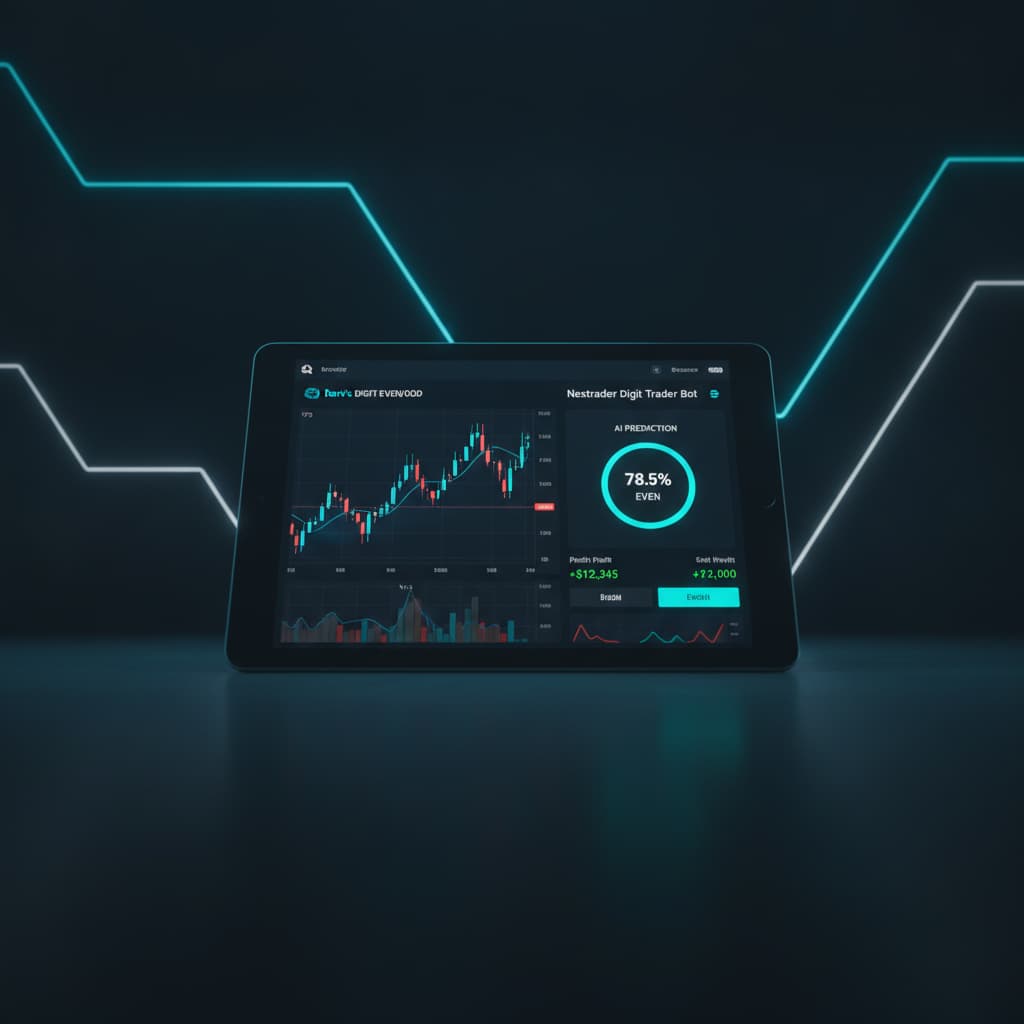
- Interpret AI Last-Digit Prediction: Nextrader's AI continuously processes this history and applies its "95%+ pattern recognition accuracy" algorithms. Look for the bot's "AI Prediction" or "Suggested Action" area. Here, the AI will provide its recommendation: "Predict EVEN" or "Predict ODD," often accompanied by a "Confidence Level" (e.g., 65% confidence). This prediction is based on the AI identifying high-probability patterns from the historical data.
- Confirm Your Prediction Type: Ensure your selected "Prediction Type" (DIGITEVEN or DIGITODD from Step 2) aligns with the AI's current recommendation, or decide if you want to counter-trade based on your own analysis in conjunction with the bot's data. The AI acts as a powerful guide, not a dictator.
Step 4: Understanding Streak Detection and Frequency Charts
Beyond simple AI predictions, Nextrader's Digit Trader Bot provides deeper insights through its streak detection and digit frequency charts, which are crucial for a nuanced DIGITEVEN/ODD strategy.
- Utilize Streak Detection for Entry Points: The "Streak Detection" feature isn't just for showing past streaks; it's a dynamic tool for identifying potential entry points. If the bot highlights an unusually long streak of "ODD" digits, and the AI prediction is now leaning towards "EVEN," this confluence of data can signal a high-probability reversal. Conversely, if the AI identifies a strong, consistent trend of even digits, the streak detection confirms this momentum, potentially indicating to follow the trend. Use this to confirm or challenge the AI's primary prediction.
- Consult the Digit Frequency Chart: The "Digit Frequency Chart" is an invaluable visual aid. It displays how often each digit (0-9) has appeared over the tracked history (50-500 digits).
* Identify Underrepresented Digits: If you're trading DIGITEVEN, and the chart shows that '0', '2', '4', '6', '8' have been less frequent than '1', '3', '5', '7', '9' recently, this could support an "EVEN" prediction, especially if combined with a long "ODD" streak.
* Spot Overrepresented Digits: Conversely, if a particular even digit (e.g., '8') has appeared disproportionately often, the probability of it appearing again soon might decrease, influencing your decision if you're targeting "EVEN."
- Synthesize Information: The key is to combine these analytical tools. Don't just rely on the AI's "Predict EVEN/ODD." Cross-reference it with the visible streaks and the frequency chart. A strong AI prediction, backed by a significant streak in the opposite direction, and supported by the frequency chart showing an imbalance, creates a much more robust trading signal for your DIGITEVEN/ODD trades. This holistic approach significantly enhances your "deriv trading tools" arsenal.
Step 5: Configuring Money Management and Auto Trading
Once you're confident in your analysis and the AI's predictions, Nextrader's Auto Trader Bot allows you to automate your DIGITEVEN/ODD strategy with advanced money management.
- Access Auto Trader Settings: Within the Digit Trader Bot interface, locate the "Auto Trader Bot" section. This is where you'll define how the bot executes your trades.
- Choose Money Management Strategy: Nextrader offers powerful money management options:
* Fixed Stake: The simplest method, where each trade uses the same predetermined stake. Ideal for beginners or conservative strategies.
* Martingale: Increases your stake after a loss to recover previous losses and make a profit. Use with caution, as it requires a substantial balance.
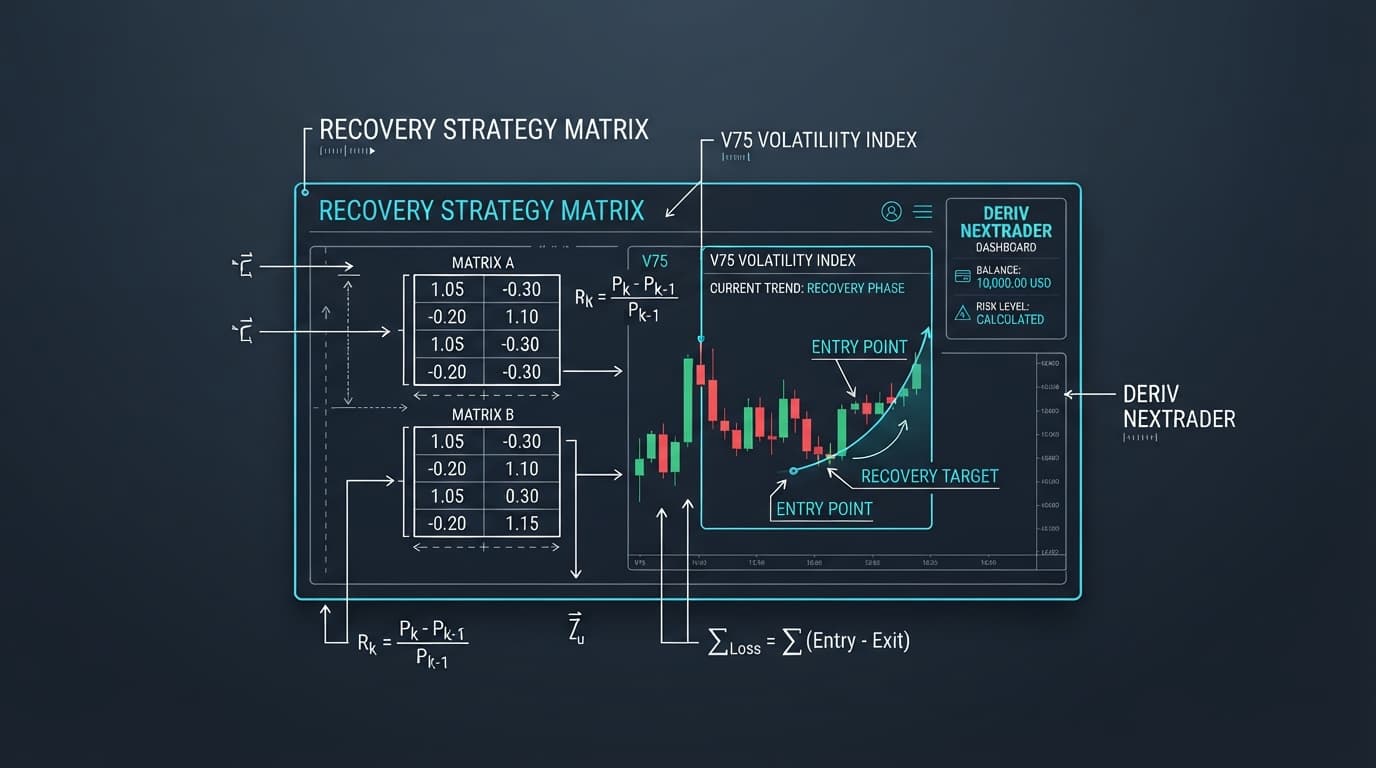
* Mesa Milano: Nextrader's smart loss recovery strategy. This advanced method intelligently adjusts stakes after losses, aiming for recovery without the aggressive exponential growth of traditional Martingale. It’s a sophisticated option for managing risk in DIGIT contracts.
Choose the strategy that aligns with your risk tolerance and account size.
- Set Stake and Duration: Reconfirm your "Initial Stake" (e.g., $0.35) and "Duration" (e.g., 5 ticks). These will be the base for your chosen money management strategy.
- Define Stop Loss and Take Profit (Optional but Recommended): For comprehensive risk management, set a "Stop Loss" (e.g., 50 USD) to limit potential losses and a "Take Profit" (e.g., 20 USD) to secure gains. This is crucial for disciplined trading, even with automated systems.
- Activate Auto Trader: Once all parameters are set and you've decided whether to follow the AI's prediction (e.g., "Predict EVEN") or your own derived strategy, click the "Start Bot" or "Auto Trade" button. The bot will now automatically place DIGITEVEN or DIGITODD trades based on your chosen settings, AI predictions, and money management strategy.
- Monitor Live P&L: While the bot is running, keep an eye on the "Real-time Color-coded Trading Console" and "Live P&L Tracking" on your Nextrader dashboard. This allows you to monitor performance, identify trends, and make adjustments if necessary.
Pro Tips
- Combine AI with Streak/Frequency: Don't rely solely on the AI's primary prediction. Always cross-reference it with the "Streak Detection" and "Digit Frequency Chart." A strong AI signal confirmed by a clear imbalance in the frequency chart or a prolonged streak in the opposite direction creates a higher-conviction trade for DIGITEVEN/ODD.
- Utilize Mesa Milano: For DIGIT contracts, which can be volatile, Nextrader's "Mesa Milano" money management strategy offers a more balanced approach to loss recovery compared to Martingale. Experiment with it on a demo account first.
- Start Small and Demo First: Always begin with a small stake on a demo account to thoroughly understand how the Digit Trader Bot works with your chosen strategy before transitioning to a real account.
- Monitor Confidence Levels: Pay attention to the "Confidence Levels" (30–85%) provided with each signal. Higher confidence levels from the AI can indicate stronger potential setups, especially when trading DIGITEVEN/ODD.
Start Trading Now
Ready to put these powerful Nextrader features into action? Head over to Nextrader App to log in or Sign Up Free — Nextrader to create your free account. For real-time market signals across 30 markets, join our Telegram channel at Telegram.
Trading involves risk. Past performance does not guarantee future results.