Introduction
Welcome to this in-depth tutorial, designed to empower Deriv traders with the ability to harness the advanced capabilities of the Nextrader ecosystem. In this guide, we'll walk you through the precise steps to generate and effectively act on "Cloud Walker (Ichimoku)" signals specifically tailored for Deriv forex pairs using the Nextrader App. Whether you're a seasoned trader looking to enhance your strategy with cutting-edge AI trading signals or a newcomer eager to explore automated trading, this tutorial will equip you with the knowledge to leverage one of Nextrader's most powerful analytical tools. By the end of this guide, you will be able to confidently identify high-potential Cloud Walker signals, understand their implications, and execute trades on your Deriv account, either manually or through Nextrader's sophisticated deriv bots.
This tutorial focuses on providing actionable steps, ensuring you gain practical experience in integrating Nextrader's free AI trading signals into your daily trading routine. We will cover everything from selecting your preferred forex market to interpreting signal confidence and even setting up automated execution, transforming the way you approach Deriv forex trading.
What You Need Before Starting
- Deriv Account: A live or demo trading account with Deriv (deriv.com) to execute trades.
- Nextrader App Account: A free account on Nextrader App.
- Basic Internet Connection: To access both platforms.
- Optional: A foundational understanding of forex trading and the Ichimoku Kinko Hyo indicator (the basis of Cloud Walker) can be beneficial, but Nextrader's clear signals make it accessible even without deep prior knowledge.
Step 1: Accessing the Nextrader App and Selecting Your Forex Market
Your journey begins at the heart of the Nextrader ecosystem: the Nextrader App. Open your web browser or launch the Android app (com.vm.nextrader) and navigate to Nextrader App. If you're a new user, quickly sign up for your free account – remember, all Nextrader tools are 100% free, with no subscriptions or paywalls. Existing users can simply log in.
Once inside the Nextrader App dashboard, you'll be greeted by an intuitive interface designed for efficiency. The Nextrader platform supports a wide array of markets, including Deriv synthetic indices (V10/V25/V50/V75/V100 + 1Hz), gold, silver, crypto, and, crucially for this tutorial, forex. Your first task is to specify the market you wish to analyze. Look for a dropdown or selection area, typically labeled "Market" or "Asset." From the available options, select a Deriv forex pair that you're interested in trading. Popular choices include EUR/USD, GBP/JPY, AUD/USD, or any other major or minor forex pair offered by Deriv. Choosing your market correctly is fundamental, as Nextrader will then generate signals specifically for that asset. This initial setup ensures that the subsequent Cloud Walker analysis is focused precisely on your chosen forex pair, preparing you to receive targeted ai trading signals.
Get Live AI Trading Signals
Real-time non-repaint signals from 11 AI strategies — Volatility Indices, Forex, Gold & Crypto. No subscription, no paywall.
- Auto Trader Bot
- Digit Trader Bot
- 11 AI Strategies
- Live Telegram Signals
Step 2: Configuring for Cloud Walker (Ichimoku) Signals
With your desired Deriv forex pair selected, the next crucial step is to tell Nextrader which AI strategy you want to employ for signal generation. Nextrader boasts 11 named AI strategies, each leveraging different indicators and market philosophies. For this tutorial, we will focus on the "Cloud Walker (Ichimoku)" strategy.
Navigate to the section where AI strategies are listed, usually a dropdown menu or a set of clickable strategy names. Locate and select "Cloud Walker (Ichimoku)." This action instructs Nextrader's powerful algorithms to analyze the market data for your chosen forex pair through the lens of the Ichimoku Kinko Hyo indicator. Cloud Walker is renowned for its ability to identify trend direction, support/resistance levels, and potential reversal points, making it a robust choice for forex trading.
Immediately after selecting Cloud Walker, you'll also need to choose your preferred timeframe. Nextrader offers four distinct timeframes for signal generation: 5min, 10min, 30min, and 1 hour. The choice of timeframe is critical as it dictates the frequency and nature of the signals. For scalping strategies on forex, the 5min or 10min timeframes might be suitable, while swing traders often prefer the 30min or 1 hour timeframes for more sustained trends. Remember that Nextrader's signals are real-time and non-repaint, firing only on CLOSED candles, ensuring reliability and preventing false signals that vanish after they appear. This feature is a cornerstone of Nextrader's commitment to providing trustworthy deriv trading tools.
Step 3: Interpreting Cloud Walker Signals and Confidence Levels
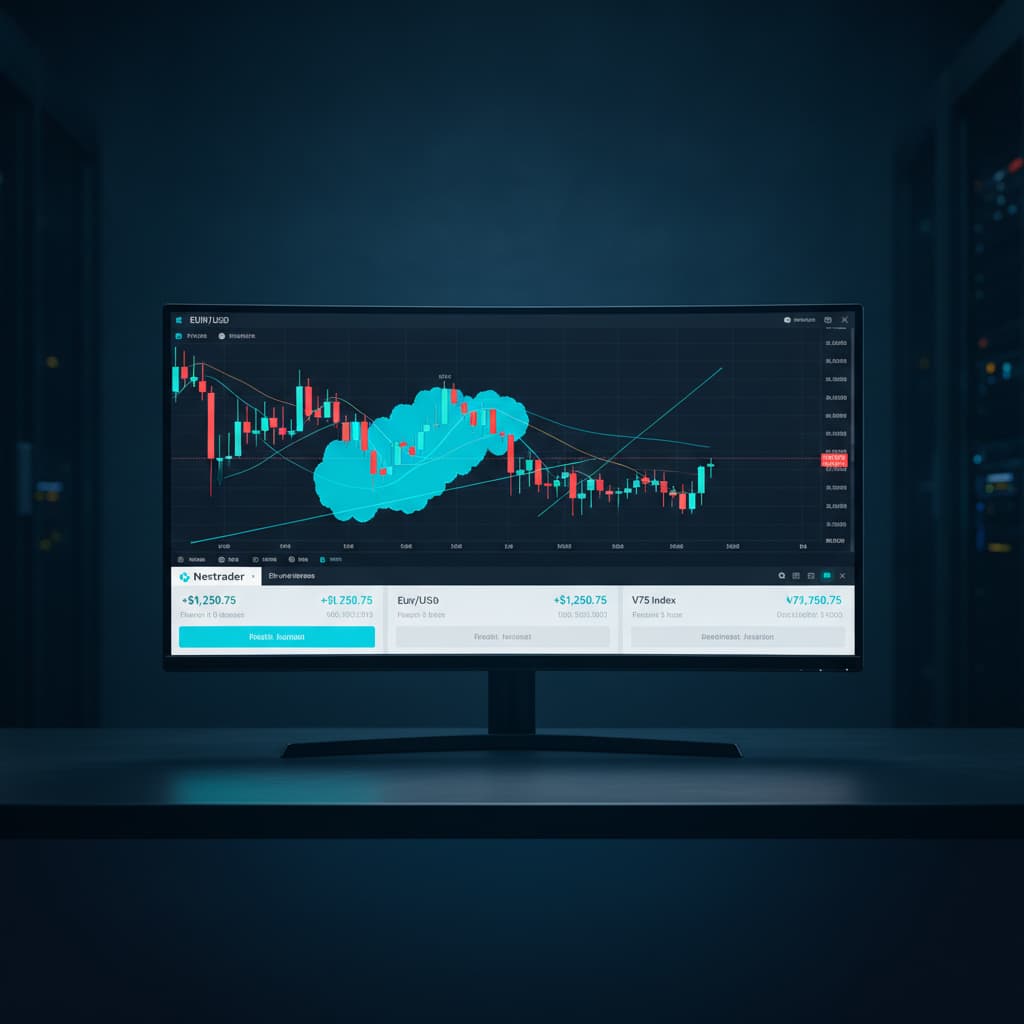
Once you've set your forex pair, chosen "Cloud Walker (Ichimoku)," and selected a timeframe, Nextrader's AI will begin processing and displaying signals in real-time within your console. This is where the magic of ai trading signals becomes tangible. Each signal generated will provide critical information necessary for decision-making.
Carefully observe the console for new signal alerts. A typical Cloud Walker signal from Nextrader will include:
- BUY/SELL Direction: Clearly indicating whether the AI suggests a long or short position.
- Entry Price: The recommended price point to enter the trade.
- Stop Loss (SL): A crucial risk management level where you should exit the trade to limit potential losses.
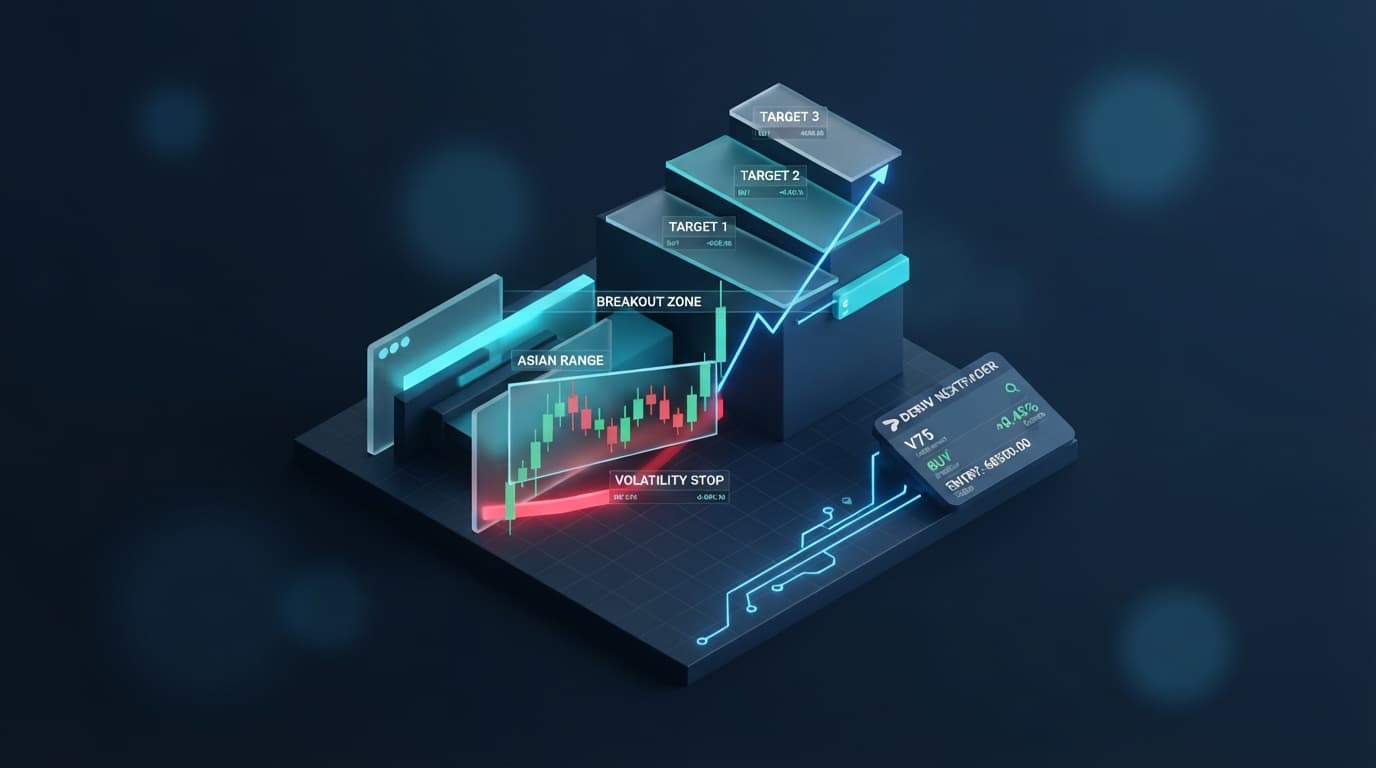
- Take Profit 1 (TP1) and Take Profit 2 (TP2): Recommended price targets to secure profits. TP1 is often a short-term target, while TP2 aims for a larger move.
Beyond these core trade parameters, pay close attention to the confidence percentage, which will range from 30-85%. This confidence level is a proprietary measure indicating the strength and reliability of the signal, based on how many of the minimum 3-4 underlying indicators agree with the Cloud Walker strategy's assessment. A higher confidence percentage (e.g., 70% or 80%) suggests a more robust signal, potentially offering a higher probability of success. While Cloud Walker (Ichimoku) inherently provides insights into trend, momentum, and support/resistance through its Kumo (cloud), Tenkan-sen, Kijun-sen, and Chikou Span lines, Nextrader's AI streamlines this complex analysis into clear, actionable signals with quantifiable confidence, making it accessible even for those not intimately familiar with Ichimoku's intricacies. Always prioritize signals with higher confidence levels, especially when starting out or managing larger stakes.
Step 4: Executing Trades on Deriv Based on Signals
With a clear, high-confidence Cloud Walker signal in hand, the next step is to execute your trade on your Deriv account. This can be done manually or, as we'll discuss in the next step, through Nextrader's powerful automation features.
If you are trading manually:
- Switch to your Deriv Trading Platform: Open your Deriv.com trading interface (e.g., Deriv MT5, Deriv X, or the SmartTrader/DTrader platform).
- Locate the Chosen Forex Pair: Find the exact forex pair that Nextrader generated the signal for (e.g., EUR/USD).
- Place Your Order:
* If Nextrader indicates a BUY signal, prepare to enter a 'Rise' or 'Higher' contract, or a standard 'Buy' order on Deriv's CFD platform.
* If Nextrader indicates a SELL signal, prepare to enter a 'Fall' or 'Lower' contract, or a standard 'Sell' order.
- Input Parameters:
* Entry Price: Aim to enter as close to Nextrader's recommended Entry Price as possible. For fast-moving forex markets, this might require quick execution.
* Stop Loss (SL): Crucially, set your Stop Loss at the exact price recommended by Nextrader. This protects your capital by automatically closing the trade if the market moves against you beyond an acceptable limit.
* Take Profit (TP1/TP2): Set your Take Profit levels. You can choose to set one TP (e.g., TP1 for a quicker profit) or aim for TP2 for a larger move, potentially trailing your stop loss as the trade progresses. Many traders will close a portion of their position at TP1 and let the remainder run to TP2 with a moved-up stop loss.
- Determine Stake/Lot Size: Always apply sound money management principles. Decide on an appropriate stake or lot size that aligns with your risk tolerance, independent of the signal.
Executing trades precisely according to Nextrader's signals, especially the Stop Loss, is paramount for effective risk management. Nextrader's Deriv WebSocket API integration and BinaryBot XML support are what enable these precise signals and pave the way for seamless automation.
Step 5: Leveraging Auto Trader Bot for Cloud Walker Signals
For those who prefer a hands-off approach or want to capitalize on multiple signals across different markets simultaneously, Nextrader's Auto Trader Bot is an invaluable tool. This feature allows you to automate the execution of Cloud Walker signals directly on your Deriv account, transforming Nextrader from a signal generator into a full-fledged automated trading platform.
- Access the Auto Trader Bot: Within the Nextrader App, navigate to the "Auto Trader Bot" section.
- Connect Your Deriv Account: Ensure your Deriv account is securely connected. Nextrader supports multi-account functionality, allowing you to manage several Deriv accounts from one place.
- Select Contract Type: For forex trading with Cloud Walker signals, you will typically use "Rise/Fall" or "Higher/Lower" contract types available on Deriv, depending on the specific market conditions and your interpretation of the signal's potential.
- Choose Money Management: This is a critical step for automated trading. Nextrader offers sophisticated money management options:
* Fixed Stake: Trades with a consistent, predetermined amount, ideal for consistent risk exposure.
* Martingale: Increases stake after a loss to recover previous losses, but requires careful risk assessment.
* Mesa Milano: Nextrader's smart loss recovery system, designed to intelligently manage stake sizes after losses, offering a more adaptive approach than traditional Martingale.
Select the strategy that best fits your risk profile and trading goals.
- Configure for Cloud Walker: Set the Auto Trader Bot to specifically act on signals generated by the "Cloud Walker (Ichimoku)" strategy for your chosen forex pair and timeframe. You can often set minimum confidence levels for the bot to consider a signal valid for execution.
- Start the Bot: Once configured, activate the Auto Trader Bot. It will now automatically monitor Nextrader's Cloud Walker signals and execute trades on your connected Deriv account according to your specified parameters.
- Monitor Performance: Keep an eye on the live P&L (Profit & Loss) display and the color-coded console within the Nextrader App. This provides real-time feedback on your deriv bots' performance and allows you to intervene if necessary.
Leveraging the Auto Trader Bot transforms how you interact with ai trading signals, allowing for continuous market monitoring and execution without constant manual oversight. This is a prime example of how Nextrader provides comprehensive deriv trading tools, including powerful binary bots, to enhance your trading efficiency.
Pro Tips
- Combine with Confidence: Always prioritize Cloud Walker signals with higher confidence percentages (e.g., 70% or above) for stronger conviction. While all signals are generated based on strict criteria, higher confidence often correlates with clearer market conditions and potentially better outcomes.
- Strategic Money Management: Experiment with Nextrader's Mesa Milano smart loss recovery system within the Auto Trader Bot. Its intelligent approach to stake adjustment after losses can be more robust than simple Martingale, offering a sophisticated layer of risk control for your deriv bots.
- Explore Timeframe Synergy (Manual Trading): While Nextrader provides signals for a single chosen timeframe, for manual trading, consider checking the overall trend on a higher timeframe (e.g., 1 hour) and then using Nextrader's 5min or 10min Cloud Walker signals for precise entry and exit points within that trend.
- Engage with the Community: Join the vibrant Nextrader Telegram community at Telegram. Share your experiences with Cloud Walker signals, ask questions, and learn from other traders using Nextrader's free deriv trading tools. Collective intelligence can significantly enhance your individual trading journey.
Start Now
Ready to elevate your Deriv forex trading with advanced AI signals and automation?
Get started for free at Nextrader App
Sign up today: Sign Up Free — Nextrader
Join our Telegram community: Telegram
Trading involves risk. Past performance does not guarantee future results.