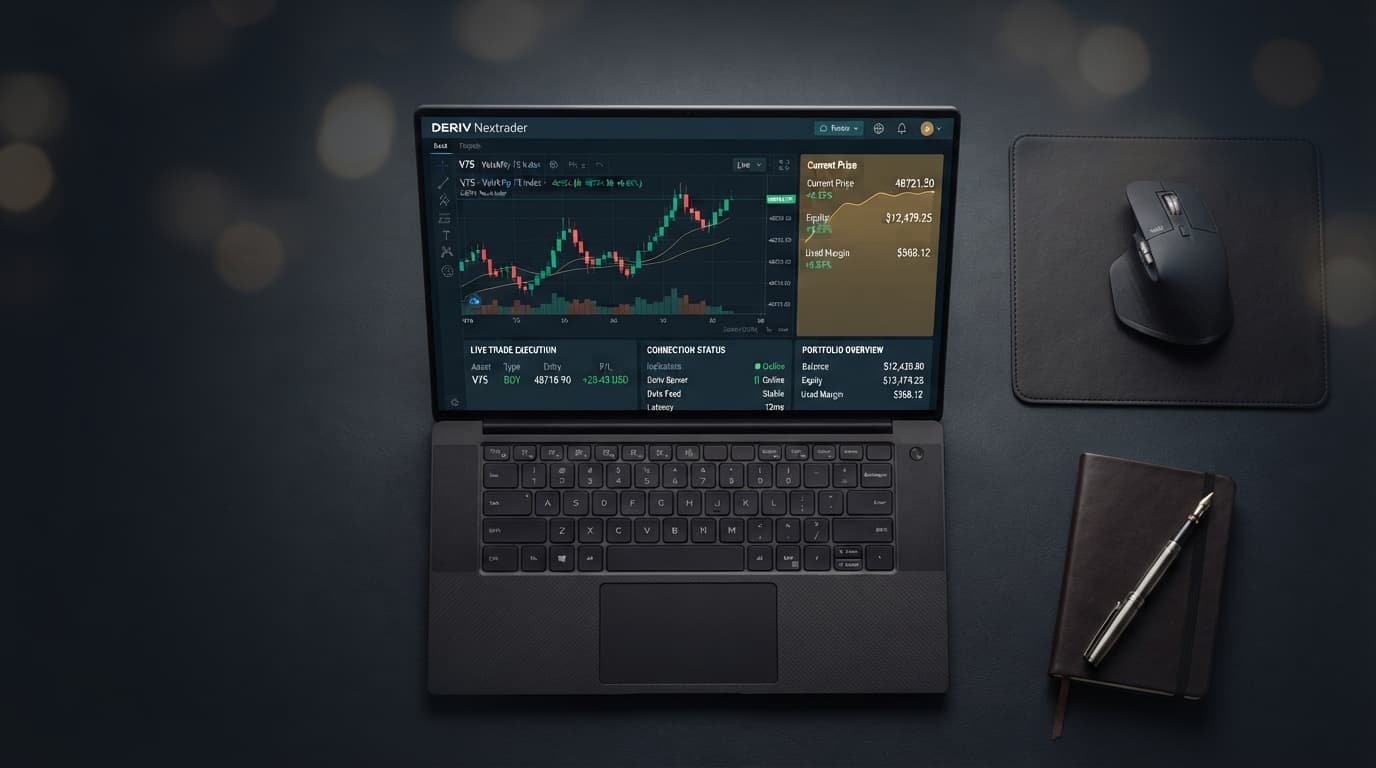
Setting up the Rise Rocket free deriv bot on Volatility 100 (1s) should take less than two minutes on NexTrader Bot. Yet traders frequently run into execution halts, contract rejection banners, or delayed entries that turn a high-probability tick impulse into an immediate loss.
Speed is everything when trading 1-second synthetic indices. When you load an automated deriv trading bot expecting rapid-fire execution, any mismatch between your API permission tokens, contract block parameters, and target market settings breaks the strategy.
Correcting these setup hiccups requires tuning the underlying block logic and WebSocket connectivity parameters inside the platform. Once aligned, your setup handles real-time momentum swings across synthetic volatility markets without manual intervention or order drops.
What This Fixes
This guide addresses operational issues encountered when executing the Rise Rocket strategy on the Volatility 100 (1s) Index using NexTrader Bot. Specifically, this walkthrough fixes:
Load a Free Deriv Bot in One Click
Browse 747+ ready-to-run Deriv bots — Rise/Fall, Over/Under, Even/Odd, Match/Differ. No coding, free forever.
- 747+ Free Bots
- One-Click Load
- Rise/Fall & Digits
- Demo or Real
- Red API execution banners thrown during live trade triggers (such as
Contract purchase failedorAuthorization missing). - The bot loading default 2-second Volatility 100 parameters instead of high-frequency 1-second (1Hz) tick streams.
- Unexpected stake escalation where loss-recovery multipliers trigger on normal single-tick micro-retracements.
- Delayed contract purchases where Rise Rocket executes one or two ticks behind the price impulse, purchasing at swing highs rather than the momentum origin.
Quick Setup Check
Before diagnosing specific block settings, ensure your environment meets these core prerequisites:
- Deriv API Token Active: Generated with both
ReadandTradescopes selected (Admin scope is unnecessary and should be avoided for security). - Correct Workspace URL: Connected to NexTrader Bot with your active token displayed in the connection status panel.
- Bot Engine Loaded: Rise Rocket selected from the Free Bots collection in the Bot Hub menu.
- Account Context: Set to your Deriv Demo balance during configuration testing before switching to real-money execution.
- Network Connection: Direct WebSocket connection established with zero background VPN routing to avoid API throttle limits.
Fix 1: Resolving API Token Scope and Authorization Rejections
Symptom
Clicking the green "Run Bot" button displays a pop-up error stating Insufficient Scope or immediately halts execution after reading account balances without opening a position.
Why It Happens
Deriv API tokens default to "Read-only" permissions when created without checking operational boxes. When NexTrader Bot attempts to pass the contract purchase block for Rise Rocket over the WebSocket stream, Deriv rejects the payload due to missing transactional privileges. Additionally, expired or revoked API keys produce identical execution failures.
Exactly What to Change
- Log in to your Deriv trading portal and navigate to the API Token management settings.
- Delete any existing non-functional token labeled for bot automation to prevent confusion.
- Create a new token, enter the name
Nextrader-Bot, and explicitly check the boxes for Read and Trade. - Copy the generated alphanumeric token string immediately.
- Return to NexTrader Bot, open the connection drawer at the top right, clear the existing field, paste the new token, and click Connect. Confirm that your live or virtual balance displays correctly on the dashboard header before starting the trade runner.
Fix 2: Aligning Asset Selection to Volatility 100 (1s)
Symptom
Rise Rocket trades successfully, but contract durations default to 5 ticks, or the underlying price movement updates every 2 seconds rather than every single second, missing short-burst momentum runs.
Why It Happens
The default XML configuration for many pre-built binary bots points toward the legacy Volatility 100 Index. The 1-second variant (Volatility 100 (1s) Index) runs on a separate synthetic data stream requiring an explicit asset identifier in the initial strategy block. If the bot block (~48 blocks total) retains standard market presets, timing calculations become misaligned.
Exactly What to Change
- In the central visual workspace of NexTrader Bot, locate Block 1: Trade Parameters (the main container at the top left).
- Look for the dropdown menu labeled Market and confirm it is set to Synthetic Indices.
- Locate the Asset dropdown menu within the same block structure. Change this setting from Volatility 100 Index specifically to Volatility 100 (1s) Index.
- Check the Contract Type block immediately below it. Ensure it is configured for Rise/Fall with target contract set to Rise.
- Set the Duration block value to 1 and ensure the adjacent duration type dropdown is strictly configured to Ticks rather than seconds or minutes.
Fix 3: Adjusting Stake and Martingale Risk Blocks for 1-Tick Speed
Symptom
The bot encounters a single losing tick during an overall uptrend, immediately doubles or triples the next contract stake, and rapidly hits your account stop loss within 5 to 10 seconds.
Why It Happens
Standard deriv bot templates often ship with aggressive loss-recovery multipliers designed for 5-tick or 1-minute trades where trends have room to settle. On 1-second ticks, minor noise causes consecutive single-tick losses. Applying steep loss-multiplier logic on 1-tick durations turns brief market noise into severe balance drawdown.
Exactly What to Change
- Scroll down to Block 2: Variable Initialization (or the strategy variables list) inside the workspace.
- Locate the parameter variable named
Initial Stakeand set it to a conservative base size (e.g.,0.35or1.00depending on your account capital). - Find the variable named
Martingale MultiplierorLoss Multiplier. Reduce this parameter from default high values (such as 2.0 or 2.1) down to 1.2 or 1.5, or set it to 1.0 to test flat-stake execution first. - Update the
Target Profitvariable to an achievable threshold (e.g., 5% of total balance per session) and setStop Lossstrictly to prevent uncontrolled continuous runs during choppy tick consolidation phases.
Fix 4: Fixing Trigger Logic and Tick Lag Delays
Symptom
Rise Rocket triggers a purchase after a strong upward surge has already finished, entering the market on a down-tick or peak reversal rather than catching the upward surge.
Why It Happens
The trigger block inside the strategy is evaluating too many historic ticks or waiting for standard indicators (like Moving Averages or RSI) calculated over slow timeframes. Because Volatility 100 (1s) ticks update every second, lag in indicator processing creates execution delays. Rise Rocket requires direct consecutive tick velocity checks rather than lagged calculations.
Exactly What to Change
- Locate Block 3: Purchase Conditions within the workspace layout.
- Ensure the condition evaluating entry reads direct price ticks rather than candle closes. The logic should check if
Last Tick > Previous Tick. - If the bot contains a tick counter parameter, set
Consecutive Ticksto 2 or 3. This forces the free deriv bot to wait for two consecutive upward green ticks before firing thePurchase: Risecommand on tick three. - Verify that no sleeping routines or artificial delay blocks exist inside the trade evaluation loop. Remove any block labeled
Wait X Secondsto ensure orders pass directly over the WebSocket as soon as conditions register.
Keeping It Stable
Maintaining consistent performance with high-speed automated trading requires basic operational maintenance:
- Run Speed Calibration: Use 1-Tick mode for standard trend-following, but switch to 1-Tick Turbo settings only when your local network ping to Deriv servers is below 100ms.
- Session Restarts: Stop and refresh the bot workspace every 30 to 45 minutes to clear browser memory allocations and maintain crisp execution speeds.
- Market Noise Protection: Pause execution during period transitions or extreme choppy ranges where price alternates direction every second.
- Clear Balance Benchmarks: Always set hard stop-loss limits in your initial variables block before starting a live trading run.
Start Now
You now have a fully tuned Rise Rocket configuration optimized for the high-frequency demands of Volatility 100 (1s) tick trading.
To launch your setup, open NexTrader Bot Engine to access 747+ ready-to-run automation tools across Rise/Fall, Over/Under, and Even/Odd contract types. If you need to create your free platform credentials, set up your account via Nextrader Sign Up. For real-time setup discussions, community bot templates, and direct technical updates, join the official trader network at Telegram.
Trading involves risk. Past performance does not guarantee future results.