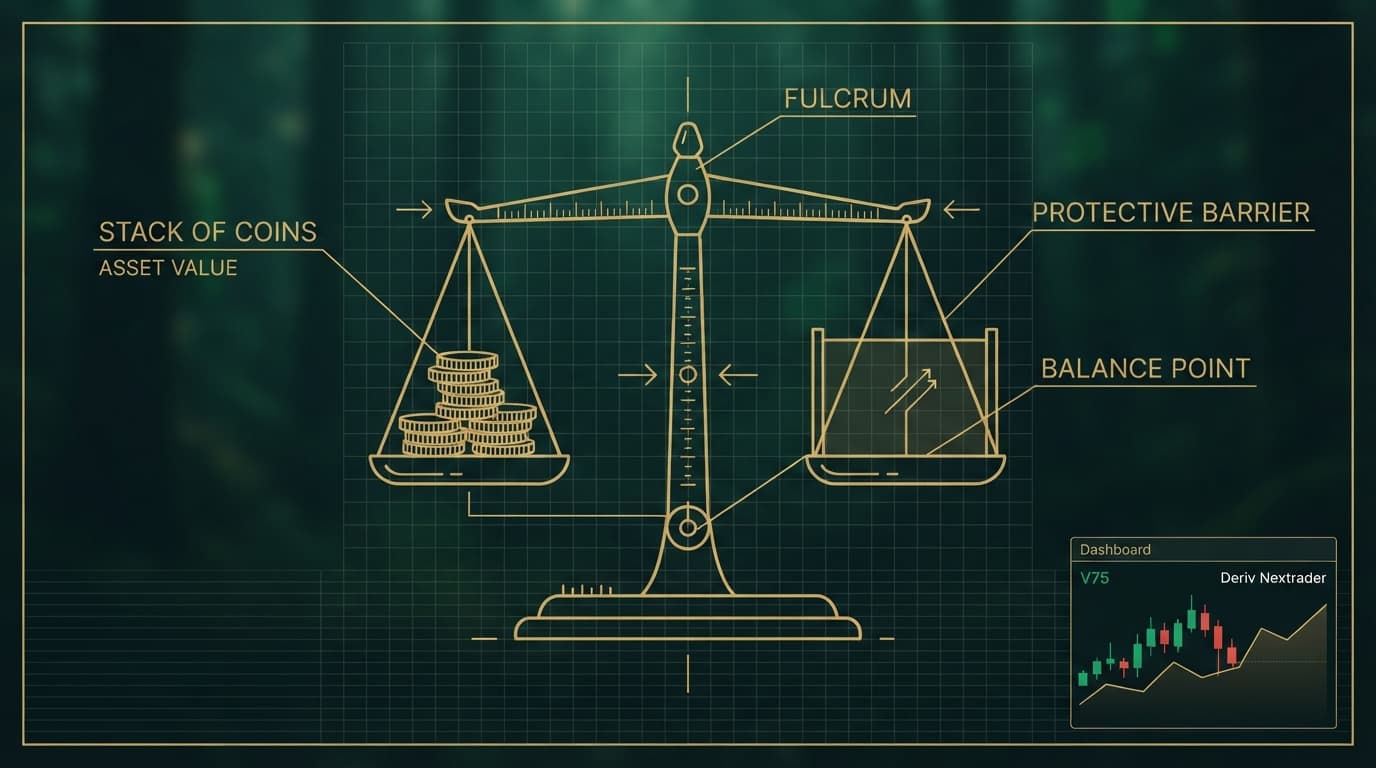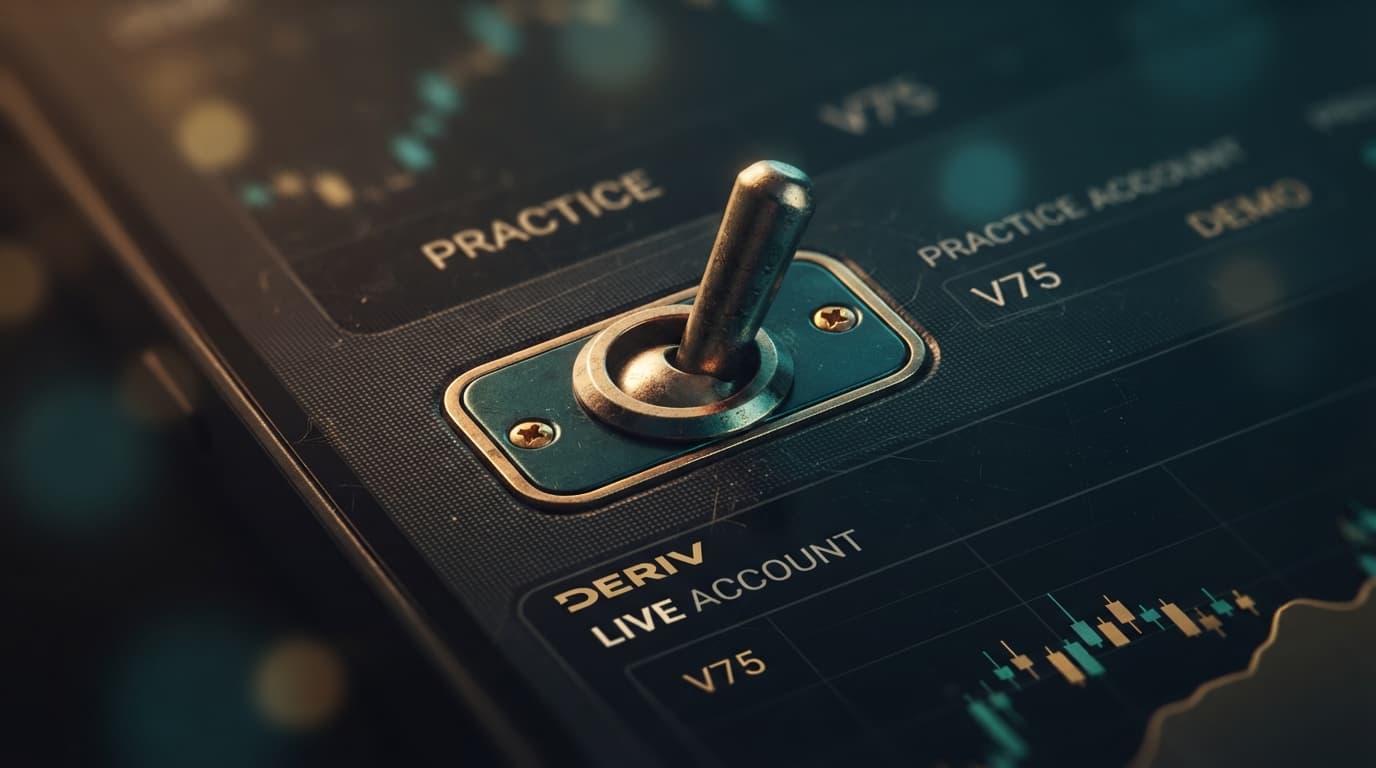
To switch a Deriv bot from demo to real trading safely on NexTrader Bot, you must connect a live Deriv API token and adjust your block parameters before executing trades. A strategy running smoothly across paper trading sessions on synthetic indices can drain real capital if stake sizing, martingale multipliers, or stop-loss limits remain on default settings.
NexTrader Bot provides 747+ ready-to-run Deriv bots across Rise/Fall, Over/Under, Even/Odd, and Match/Differ contract types. Deploying high-speed 1-Tick Turbo bots like Rise Rocket or structural indicator strategies on Volatility 75 (1s) Index to real execution requires strict verification of API scope, block-level risk rules, and execution latency.
- 1 Generate a Deriv API token with Read and Trade permissions
- 2 Connect live account token to the NexTrader Bot dashboard
- 3 Recalibrate initial stake, martingale, and stop-loss inside the visual blocks
- 4 Execute a single-trade micro-test on 1-Tick speed to verify feed latency
1. Pre-Flight API Configuration: How to Switch Deriv Bot from Demo to Real
Configuring automated algorithms on NexTrader Bot requires connecting your live account through Deriv's official WebSocket API. When generating an API token inside your broker account settings, select only Read (to stream live balances, ticks, and open position updates) and Trade (to request contract proposals and execute purchases) permissions. Leave Admin and Payments unchecked to ensure administrative controls and withdrawal capabilities remain locked.
Once generated, paste your live key into NexTrader Bot. The platform immediately links your live USD balance, active run counters, and contract options alongside demo testing controls.
Load a Free Deriv Bot in One Click
Browse 747+ ready-to-run Deriv bots — Rise/Fall, Over/Under, Even/Odd, Match/Differ. No coding, free forever.
- 747+ Free Bots
- One-Click Load
- Rise/Fall & Digits
- Demo or Real
#### Comparing NexTrader Bot to Standard Deriv Bot Workflows
On standard Deriv Bot (DBot), traders assemble strategies using visual blocks or XML files, toggling between demo practice and live balance modes directly through the header balance selector dropdown.
NexTrader Bot simplifies live bot management even further. Instead of managing individual XML uploads or navigating platform menus, NexTrader Bot stores your loaded strategy blocks in the browser UI while allowing you to switch between demo testing and live deployment using your API token. Your entire selection from the 747+ ready-to-run Deriv bots library—including Free Bots and Premium Bots tiers—stays loaded and ready for immediate parameter adjustments.
2. Stake Recalibration and Block-Based Logic Adjustment
When deploying a free deriv bot or custom binary bots on live capital, paper trading parameters must be recalibrated immediately. Demo balances of $10,000 often lead traders to set inflated base stakes or aggressive Martingale recovery multipliers that exhaust real trading accounts during consecutive losses.
Every bot on NexTrader Bot utilizes visual block architecture handling variable initialization, market analysis, contract requests, and post-purchase logic. Before clicking Run on real funds, expand Block 1 (Initialization) to audit your primary risk variables.
#### Resetting Financial Parameters in Block Logic
- Initial Stake: Reset your entry stake to the minimum contract requirement for your target market (e.g., $0.35 or $1.00 on Volatility indices). Never transfer a $10.00 demo base stake to a live $200 account.
- Martingale Multiplier: On demo runs, traders often run 2.0x or 2.1x recovery multipliers. On live accounts, lower this multiplier to 1.2x–1.5x, or disable Martingale entirely in favor of fixed-stake sizing until live execution speed is established.
- Target Profit: Define realistic, percentage-based profit targets relative to your real account equity (e.g., 2% to 5% per session) rather than leaving aggressive demo targets active.
- Hardcoded Stop-Loss Guardrails: Ensure the Stop-Loss variable inside the block structure is strictly enforced. If your maximum loss threshold is hit (e.g., 10% of real equity), the post-purchase conditional block must execute a forced loop break to halt execution immediately.
#### Contract-Specific Safety Tweaks across Synthetic Indices
Different contract types on synthetic indices (V10, V25, V50, V75, V100, and 1Hz variants) respond uniquely to live market conditions:
- Rise/Fall & Even/Odd: Fast-executing 1-Tick and 1-Tick Turbo bots such as Rise Rocket, Fall Falcon, Odd Bolt, and Even Comet process ticks at high speeds. On real funds, lower your base stake to minimal tick thresholds to absorb micro-spikes and short-term variance on 1Hz indices.
- Over/Under & Match/Differ: Bots such as Over 2 Blaze or Under 8 Flash rely on barrier offsets. Verify that your digit barrier logic (e.g., Over 2 / Under 8) aligns with your risk tolerance and account balance before initiating live execution.
3. Executing Micro-Tests and Verifying Live Execution
Before leaving a deriv trading bot to run unmonitored across live markets, execute a disciplined sanity test to verify token responsiveness and platform communications.
#### Executing a Single-Trade Micro-Test
Select a high-speed bot like Rise Rocket or Even Comet from your loaded library on NexTrader Bot. Adjust the base stake to $0.35, set your target profit to $0.35, and hit Run.
Observe the trade lifecycle in real time:
- Verify that the contract purchase request fires instantly upon signal generation.
- Confirm that the trade ID, entry spot, and purchase price returned in the NexTrader Bot execution log match your broker balance update.
- Check that the contract closes cleanly without timeout errors or rate-limit warnings from the API connection.
If the single-trade test executes cleanly, your API connection, token permissions, and block parameters are aligned correctly for live market execution.
#### Monitoring Execution on the Real-Time Dashboard
During active trading sessions, rely on the integrated dashboard at NexTrader Bot to keep operational control over your automated systems:
- Run/Stop Controls: Use the primary control toggle to pause or stop contract generation instantly if market conditions shift or high-impact volatility occurs.
- Live Metrics: Monitor your live trade counters, win-loss ratios, consecutive loss counters, and cumulative session net profit in real time.
Trading involves risk. Past performance does not guarantee future results.