
Mastering 1 Percent Risk Rule Trading Across Deriv Synthetics and CFDs
Account blowouts on Deriv rarely happen because a strategy lacks high win rates. They happen because position sizing is arbitrary. Applying 1 percent risk rule trading provides a strict mathematical boundary: capping your total monetary loss on any single market entry at exactly 1% of your total account equity. If your account balance is $1,000, your absolute risk limit is $10 per position—regardless of market noise, sudden spikes, or execution speed.
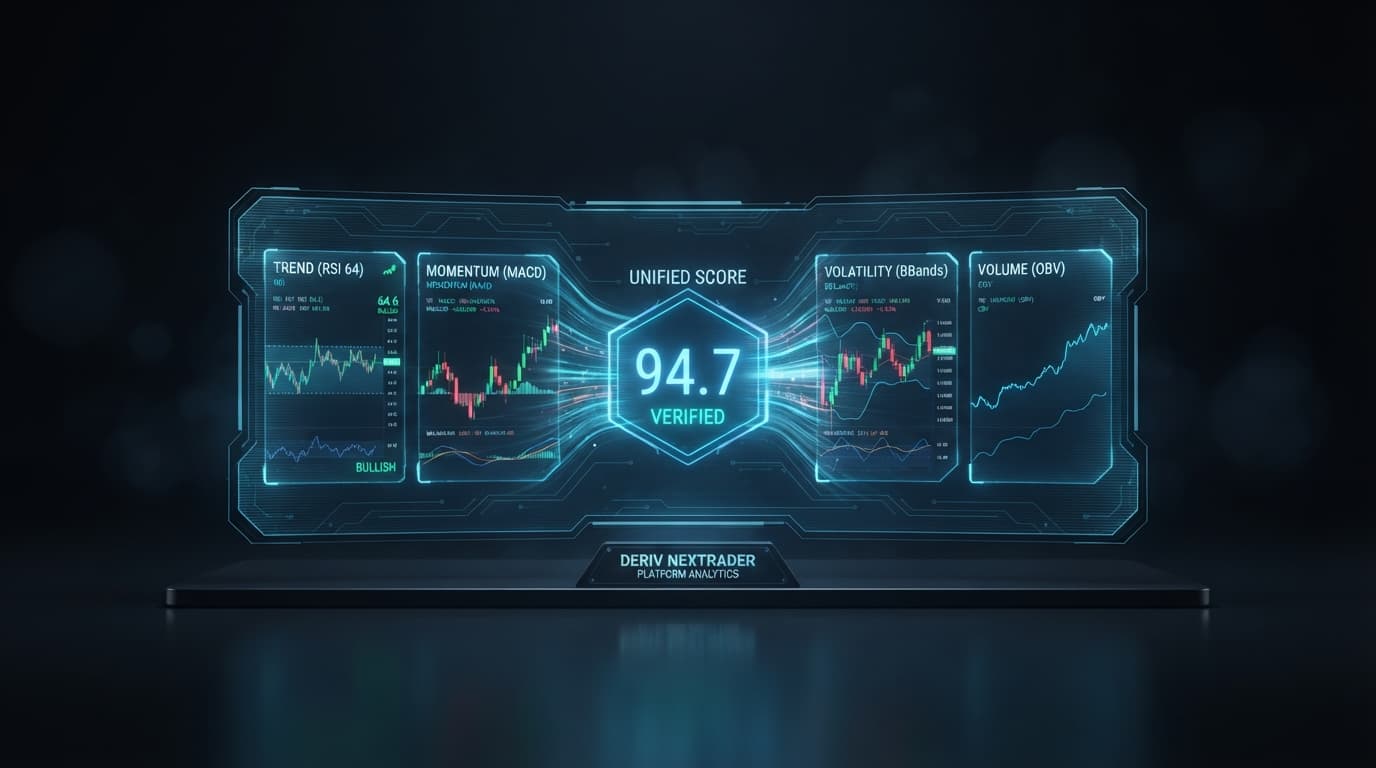
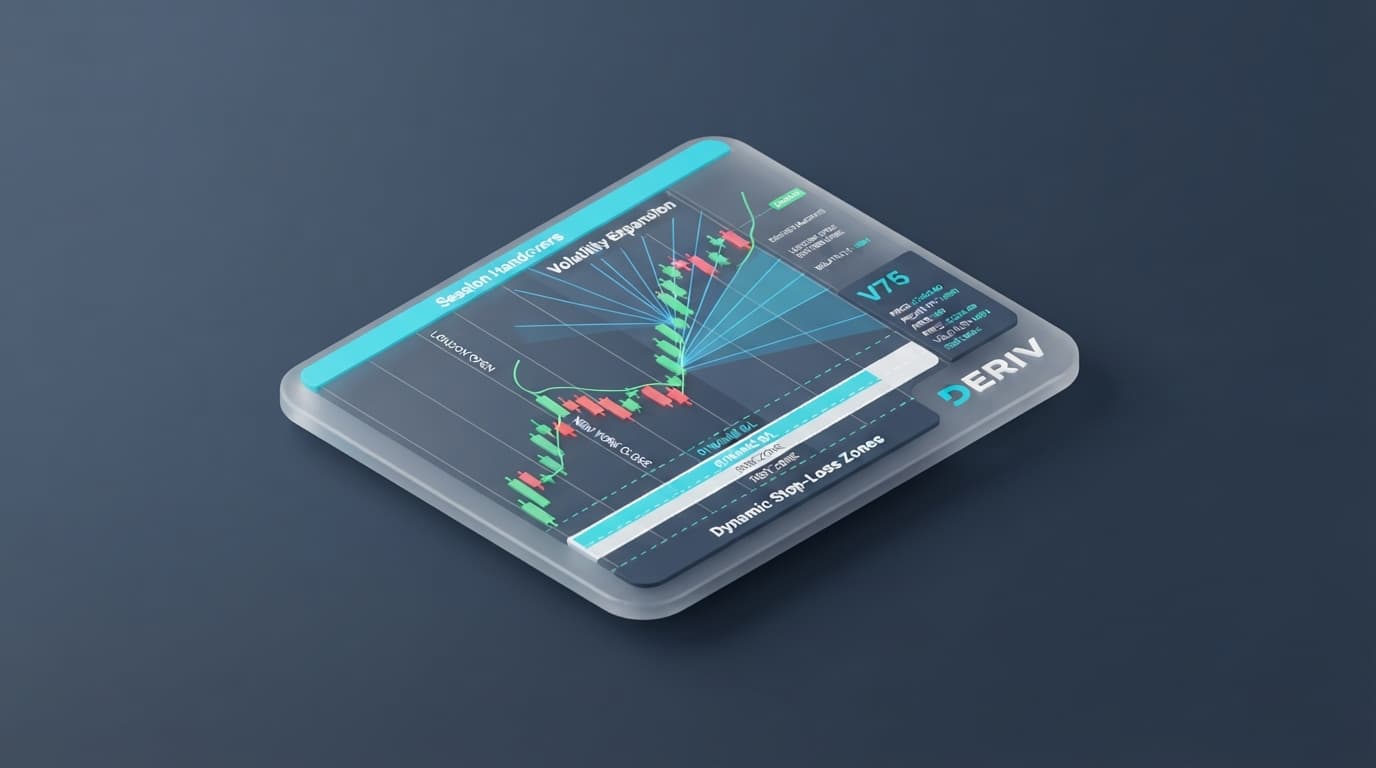
Executing this rule seamlessly across different instruments requires adjusting your calculations based on contract design. A high-leverage Multipliers trade on Volatility 75 (V75) behaves completely differently from a CFD position on Gold or an automated tick sequence. Relying on modern deriv trading tools like the Nextrader App and verified NexTrader Signals allows you to standardise your risk across every market variable.
What This Fixes
- Drawdown Spikes on Multipliers: Eliminates sudden capital loss caused by confusing trade stake with actual monetary risk when using high multipliers like x100.
- Inconsistent CFD Risk Sizing: Prevents unequal dollar losses across Gold, AUD/JPY, and Bitcoin caused by miscalculating varying pip definitions and ATR volatility stops.
- Runaway Auto Trader Losses: Stops automated tick scripts and Accumulator contracts from draining account balances during extended adverse market streaks.
- Unbalanced Risk-to-Reward Ratios: Prevents traders from executing entries where the distance to the Stop Loss far exceeds the distance to the Take Profit target.
Quick Setup Check
Before calculating trade parameters, establish your baseline operational environment:
- Confirm total account equity (for example, a $1,000 baseline makes the 1% threshold exactly $10).
- Open the Nextrader App with your account connected via the Deriv WebSocket API.
- Bookmark the public NexTrader Signals Dashboard (
telegram-signals.nextrader.live/) for CFD lot size calculations. - Monitor live market conditions on the app's Market Overview panel (refreshing every 10 seconds to flag "Trending" synthetic indices).
Fix 1: Hard-Capping Deriv Multipliers with Quick Trade Stop Losses
A major failure point on synthetic indices (such as V10, V25, V50, V75, V100, or 1Hz indices) involves confusing contract stake with maximum risk limit. On an x100 multiplier trade, leverage scales position sensitivity significantly. Opening a trade with a $20 stake at x100 creates $2,000 in market exposure. Relying solely on standard contract termination means your downside is capped at your full stake ($20)—which constitutes a 2% loss on a $1,000 account, breaching your 1% mandate.
Get Live AI Trading Signals
Real-time non-repaint signals from 11 AI strategies — Volatility Indices, Forex, Gold & Crypto. No subscription, no paywall.
- Auto Trader Bot
- Digit Trader Bot
- 11 AI Strategies
- Live Telegram Signals
1% Risk Rule for Multipliers:
Account Equity: $1,000
Max Allowable Loss (1%): $10.00

Quick Trade Parameter Setup:
Stake: $10.00 (or higher with buffer)
Multiplier: x100
Stop Loss Parameter Field: $10.00
To enforce the 1% threshold inside the Nextrader App, open the Quick Trade panel on the chart. Rather than relying on contract payout exhaustion, manually enter $10.00 directly into the explicit Stop Loss (SL) parameter field.
When you select ai trading signals (such as Trend Hunter or Smart Fusion), clicking the signal card opens a confirmation window with pre-filled Stop Loss and Take Profit values based on current market parameters. Adjust the Stop Loss field to read exactly $10.00 before hitting UP or DOWN. Entering this explicit numeric Stop Loss forces the execution engine to close the position the moment loss hits $10, guaranteeing your risk ceiling holds regardless of stake size or market speed.
Fix 2: Sizing CFD Lots for Forex, Gold, and Crypto via ATR Volatility
CFD trading through the NexTrader Telegram signal channel (t.me/nextrader_signals) uses price-level execution rather than stake-based contracts. Because different asset classes feature vastly different contract sizes and point valuations, fixed lot sizing must never be used.
Pip values vary significantly across instruments:
- Gold (XAUUSD): $0.10 price movement = 1 pip. Stop Loss is set dynamically using 2.5 × ATR on 1-hour charts.
- AUD/JPY: 0.01 price movement = 1 pip. Stop Loss is set dynamically using 1.5 × ATR on 1-hour charts.
- BTC/USD: $1.00 price movement = 1 pip. Stop Loss is set dynamically using 1.5 × ATR on 1-hour charts.
Each signal issued in the channel splits the position into three equal targets (TP1, TP2, TP3). When TP1 is hit, the Stop Loss automatically moves to entry (break-even). When TP2 is hit, the Stop Loss moves to TP1. If an order remains open after 48 hours, it is closed at market value. Gold and AUD/JPY trades operate strictly Monday through Friday and close by Friday 20:00 UTC, while BTC/USD trades run 7 days a week.
To enforce the 1 percent risk rule trading standard across these varied structures:
- Note the entry price and ATR Stop Loss level on the channel signal card.
- Open the public NexTrader Signals Dashboard (
telegram-signals.nextrader.live/). - Enter your current account equity into the integrated lot size calculator.
- The dashboard calculates the precise lot size relative to the standard 0.1 lot metric, ensuring your total dollar risk across all three split targets combined stays exactly at 1%.
Losses are tracked transparently on the dashboard, and lot sizes are never increased after a loss to chase drawdown. Every trade maintains identical mathematically controlled risk.
Fix 3: Capping Automated Tick Trading in Auto Trader
Running deriv bots or automated tick trading routines on synthetic indices without explicit capital controls exposes your balance to sudden drawdown during adverse market runs. The Auto Trader on Nextrader App features native execution safeguards designed to prevent runaway losses across both Rise/Fall tick contracts and Accumulator modes (with growth rates between 1% and 5%).
Stake compounding models increase risk exposure during negative streaks:
- Fixed: Stake remains identical on every tick contract.
- Martingale: Stake doubles automatically after a loss, accelerating drawdown during extended loss sequences.
- Mesa-Milano: Stake adapts dynamically relative to win/loss streaks and current balance.
To apply a strict 1% account risk cap inside the Auto Trader without manual intervention:
- Open the Auto Trader module on Nextrader App and select Rise/Fall or Accumulator mode.
- Set your
Base Staketo a conservative baseline (e.g., $1.00). - Locate the
Loss Limitfield in the parameters section. - Enter your calculated 1% numerical risk limit ($10.00 for a $1,000 account).
- Enable the Auto Trade toggle.
The Auto Trader console logs every individual tick execution in real time. The moment cumulative session losses hit your $10.00 Loss Limit, the engine immediately terminates automated execution. When trading Accumulators, enable the optional Auto-Sell feature to exit contracts automatically as price approaches range boundaries before sudden ticks breach your session limit.
Fix 4: Filtering Trades via AI Signal Confluence and Pre-filled R:R
Risk management requires strict alignment with risk-to-reward (R:R) expectations. Risking 1% ($10) on a trade entry where the prospective reward is less than $10 creates negative mathematical expectancy, eroding capital over time regardless of discipline.
The Nextrader App evaluates risk parameters directly through its AI signal confirmation workflow. When scanning the Signals page, each card displays calculated direction, strength, timeframe, and confluence percentages derived from non-repainting closed candles.
To align your 1% risk allocation with positive expectancy setups:
- Select signals marked STRONG or multi-indicator strategies like
Smart SignalsorSmart Fusion. - Click the signal card to launch the trade confirmation overlay inside the Quick Trade panel.
- Review the pre-filled Stop Loss and Take Profit values calculated by the signal engine.
- Verify that the distance to Take Profit delivers at least a 1:1.5 or 1:2 Risk-to-Reward ratio relative to your $10 Stop Loss parameter.
Verifying a minimum 1:2 R:R means a 1% risk ($10) targets a 2% gain ($20). Enforcing this filter ensures your capped 1% losses are consistently offset by larger winning trades.
Keeping It Stable
Maintaining risk discipline requires adjusting your Nextrader parameter inputs as your account balance moves:
- Update Stop Loss and Loss Limit Inputs as Equity Changes: If your account balance grows to $1,200, recalculate your 1% risk ceiling to $12.00. Enter $12.00 into the Quick Trade Stop Loss field and update the Auto Trader
Loss Limitparameter to $12.00. If balance drops to $800, contract both fields to $8.00. - Recalculate CFD Positions on the Telegram Dashboard: Before executing trades from
t.me/nextrader_signals, plug your updated equity intotelegram-signals.nextrader.live/. The calculator adjusts exact lot sizing so total combined target exposure never exceeds your updated 1% dollar limit. - Check the Market Overview Before Automated Runs: Review the Market Overview panel on Nextrader App (updating live prices every 10 seconds). Avoid initiating tight automated tick strategies on synthetic indices flagged as "Trending" unless your Auto Trader
Loss Limitcap is active. - Keep Signal Workflows Distinct: Execute app-based deriv trading signals through the Quick Trade panel using stake, multiplier, and pre-filled SL/TP fields. Calculate Telegram CFD signals strictly using lot sizing via the web dashboard. Never input Telegram lot values into the app's stake parameters.
Start Now
Launch the Nextrader App to connect your account via the Deriv WebSocket API and configure your risk parameters:
- Launch Nextrader App: Nextrader App
- Create your free account: Sign Up Free — Nextrader
- Join the Telegram community: Telegram
Trading involves risk. Past performance does not guarantee future results.