Introduction
Welcome to the Nextrader ecosystem! If you're a Deriv trader looking to explore the power of automated trading without any coding knowledge or subscription fees, you've come to the right place. This tutorial is specifically designed for beginners and seasoned traders alike who want to take their first step into automated trading on Deriv's synthetic indices.
In this detailed guide, we will walk you through the process of how to load and run your very first free 1-tick Deriv bot directly from NexTrader Bot's extensive library. By the end of this tutorial, you will confidently be able to navigate the NexTrader Bot platform, select a free deriv bot, set it up, and witness it execute trades automatically on your Deriv demo account. This hands-on experience will demystify automated trading and show you just how accessible it is with Nextrader's tools.
The NexTrader Bot platform offers a vast collection of over 747 ready-to-run deriv bots, catering to various strategies and contract types, all built on a block-based system that requires no prior coding experience. Our focus today is on the super-fast 1-Tick bots, which react instantly to market movements, making them popular for quick-paced trading sessions. We'll ensure you understand every click, every setting, and every step to get your chosen deriv trading bot up and running smoothly.
What You Need Before Starting
Before diving into the exciting world of automated trading with NexTrader Bot, ensure you have the following ready:
Load a Free Deriv Bot in One Click
Browse 747+ ready-to-run Deriv bots — Rise/Fall, Over/Under, Even/Odd, Match/Differ. No coding, free forever.
- 747+ Free Bots
- One-Click Load
- Rise/Fall & Digits
- Demo or Real
- A Deriv.com Account: You'll need an active Deriv account, preferably a demo account for your initial tests. This is where your binary bots will execute trades.
- A NexTrader Bot Account: Register for a free account at NexTrader Bot. Remember, all Nextrader tools are 100% free with no subscriptions or paywalls.
- Deriv API Token: An API token from your Deriv account is crucial for NexTrader Bot to connect securely and execute trades on your behalf. You can generate this under "Settings" > "API Tokens" on your Deriv account. Ensure you grant "Read" and "Trade" permissions.
- Basic Understanding of Deriv Synthetic Indices: Familiarity with indices like V10, V25, V50, V75, V100, and 1Hz will help you choose the right market for your deriv bot.
Step 1: Connecting Your Deriv Account to NexTrader Bot
The first crucial step is to establish a secure connection between your Deriv account and the NexTrader Bot platform. This allows the bot to read your balance, execute trades, and update your trading history in real-time.
- Navigate to NexTrader Bot: Open your web browser and go to NexTrader Bot. If you haven't already, sign up for a free account or log in with your existing credentials. The process is quick and straightforward.
- Locate the Deriv API Token Section: Once logged in, you'll immediately see a clear section on the dashboard or a prominent input field prompting you to "Connect with a Deriv API token." This is your gateway to automation.
- Generate Your Deriv API Token: If you haven't done so yet, open a new tab and log into your Deriv.com account. Go to "Settings" (usually accessible via your profile icon) and then select "API Tokens." Click on "Create a new token."
* Token Name: Give it a descriptive name like "NexTrader Bot."
Permissions: This is vital. Ensure you check both "Read" and "Trade" permissions. "Read" allows NexTrader Bot to fetch your account details and balance, while "Trade" enables it to place and manage orders on your behalf. Do not* check "Admin" or "Withdraw" for security reasons.
* Click "Create." Your API token (a long string of characters) will be displayed. Copy this token to your clipboard.
- Paste and Connect: Switch back to the NexTrader Bot tab. Paste the copied Deriv API token into the designated input field. Then, click the "Connect" button.
- Verify Connection: Upon successful connection, your live demo balance (or real balance, if you connected a real account – though demo is highly recommended for starting out) will be displayed on the NexTrader Bot dashboard. This confirms that the platform is now securely linked to your Deriv account, ready for your deriv bot to spring into action.
Step 2: Discovering and Filtering for Your First Free 1-Tick Deriv Bot
With your Deriv account connected, it's time to explore the vast library of binary bots available in the NexTrader Bot Hub and find your perfect starting point: a free 1-tick bot.
- Enter the Bot Hub: On the NexTrader Bot dashboard, locate and click on the "Bot Hub" navigation link. This will take you to the comprehensive library boasting over 747 ready-to-run Deriv bots. You'll see an array of bots, some marked "Free Bots" and others as "Premium Bots."
- Filter by Tier: "Free Bots": To find your first free deriv bot, look for the filtering options, typically on the left sidebar or at the top of the bot list. Click on the "Free Bots" tier filter. This will narrow down the selection to only the bots that are available to all users without any cost.
- Filter by Speed: "1-Tick": Next, we want to ensure we're looking at the fastest executing bots. Locate the "Speed" filter and select "1-Tick." This will refine your search further, showing only bots designed to react to every single price tick on Deriv's synthetic indices. You might also see "1-Tick Turbo" bots, which are even faster variations, but for now, "1-Tick" is perfect.
- Filter by Contract Type (Optional but Recommended): To further refine your choice, consider filtering by "Contract Type." Common types include:
* Rise/Fall: Predict if the price will rise or fall after a certain number of ticks.
* Over/Under: Predict if the last digit of the tick will be over or under a specific number.
* Even/Odd: Predict if the last digit of the tick will be even or odd.
* Match/Differ: Predict if the last digit of the tick will match or differ from a specific number.
For your first bot, "Rise/Fall" or "Even/Odd" are often good starting points due to their intuitive nature.
- Select Your Bot: Browse the filtered list. You'll see named bots like "Rise Rocket," "Fall Falcon," "Even Comet," "Over 2 Blaze," "Under 8 Flash," or "Odd Bolt." Each bot will display its contract type, speed, usage counters, and potentially "Trending," "Hot," or "Most-used" badges. Choose a free 1-tick deriv bot that catches your eye, perhaps one with a "Most-used" badge indicating its popularity among other traders.
Step 3: Understanding and Configuring Your Chosen Free Deriv Bot
Once you've identified a promising free deriv bot from the Bot Hub, the next step is to examine its characteristics and make any necessary adjustments before loading it.
- Click on the Bot's Card: Click on the card of the specific deriv bot you selected in Step 2. This will usually open a detailed view or a preview of the bot's configuration. You'll see its name, contract type (e.g., Rise/Fall), and confirmation of its 1-Tick speed.
- Appreciate the No-Coding Aspect: Take a moment to observe that these are "Block-based bots (~48 blocks each), no coding" required. This means all the complex logic is pre-built into visual blocks, making it incredibly easy to use without understanding programming languages. You're effectively loading a pre-engineered trading strategy.
- Identify Key Settings for a 1-Tick Bot: For a simple 1-Tick bot, the primary adjustable settings usually revolve around risk management and trade size. Look for fields such as:
* Initial Stake: This is the amount your deriv trading bot will wager on each trade. For your very first run on a demo account, always start with a very small amount, like $0.35 or $0.50. This minimizes hypothetical losses while you learn.
* Target Profit: This is the total profit amount you wish the bot to achieve before it automatically stops trading. It's a good practice to set a realistic target.
* Stop Loss: This is the maximum amount of loss you are willing to incur before the bot automatically stops. This is a critical risk management feature.
* Martingale Multiplier (if present): Some bots might include a martingale strategy, where the stake increases after a loss. If this option is present, understand its implications for your balance. For your first run, you might want to choose a bot without this or keep the multiplier at its default/lowest setting.
- Review and Adjust Settings: Carefully review the default settings. Adjust the "Initial Stake," "Target Profit," and "Stop Loss" to values that are comfortable for your demo balance and risk tolerance. Remember, the goal here is learning, not immediate profit on a demo account. For a 1-Tick bot, these basic settings are usually sufficient for a productive learning experience.
Step 4: Loading Your Binary Bot and Final Preparations
With your chosen deriv bot's settings reviewed and adjusted, the next step is to load it into the active trading interface and make final checks before hitting the 'Run' button.
- Locate the "Load" Button: After reviewing the bot's details and adjusting settings (if applicable), you'll typically find a prominent "Load" button associated with that specific free deriv bot. Click this button.
- Observe the Loaded Interface: Upon clicking "Load," the NexTrader Bot platform will transition. You will now see the bot's block-based logic displayed in the main workspace. This visual representation confirms that your chosen binary bot has been successfully loaded and is ready for execution. You don't need to interact with these blocks unless you intend to customize the bot's logic (which is a more advanced topic for later).
- Verify Your Account Type: Before proceeding, double-check that your NexTrader Bot interface is clearly indicating that you are connected to a "Deriv demo account." This is a crucial safety measure for your initial tests. If it shows a real account, stop, disconnect, and reconnect with your demo account's API token or ensure you select the demo account option if available.
- Confirm Settings in the Live Interface: Even though you adjusted settings in the previous step, quickly confirm that your "Initial Stake," "Target Profit," and "Stop Loss" values are correctly reflected in the active bot interface. Sometimes these might be presented as input fields directly above or below the bot's blocks. Make any last-minute tweaks if needed.
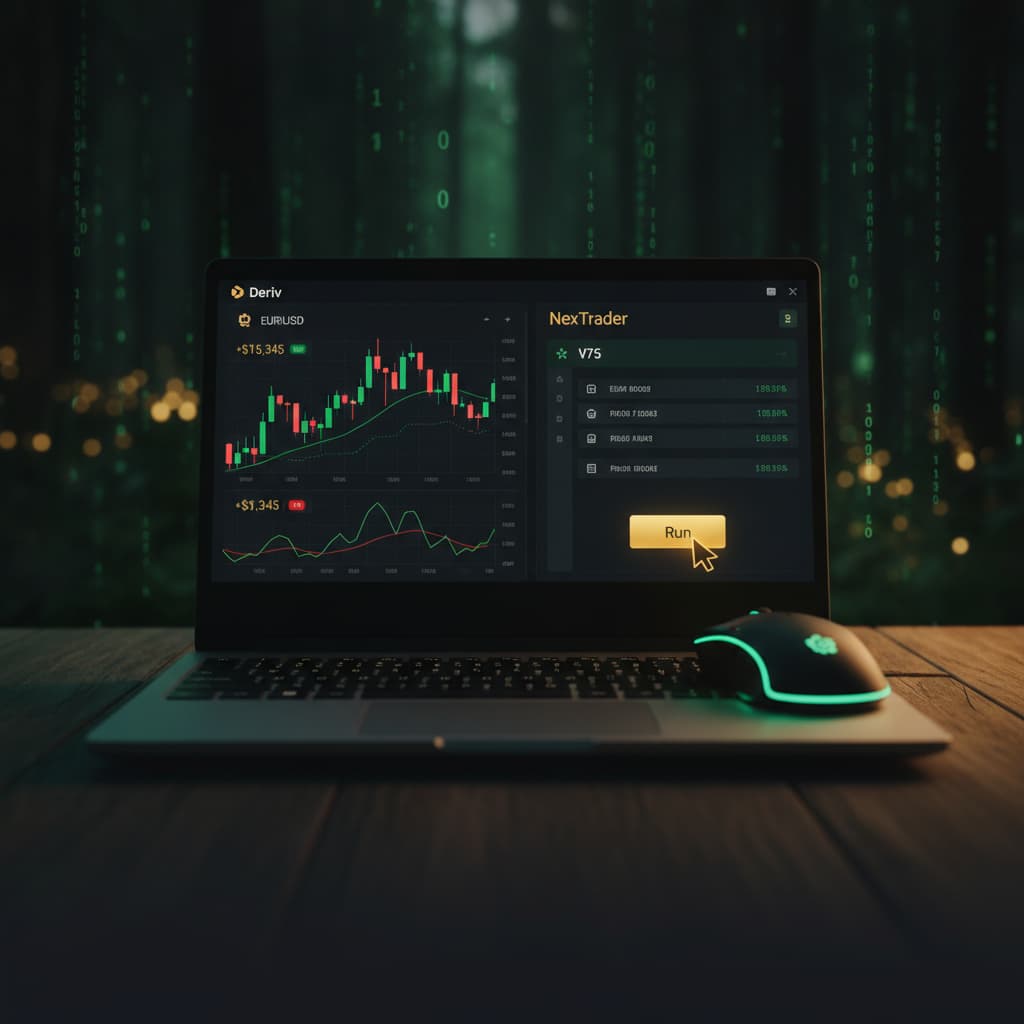
- Familiarize with Run/Stop Controls: Take note of the "Run" and "Stop" buttons, which will now be active. These are your primary controls for starting and halting your deriv trading bot. The "Run" button will initiate the automated trading process, while "Stop" will immediately pause it.
Step 5: Running Your First Deriv Bot and Monitoring Performance
The moment of truth! With your deriv bot loaded and all settings confirmed, it's time to unleash it on the Deriv demo market and observe its performance.
- Initiate Trading: Click the prominent "Run" button. You'll immediately notice activity on the screen. The bot will begin to analyze the 1-tick data from Deriv's synthetic indices and place trades according to its pre-programmed logic.
- Monitor the Dashboard: As the bot runs, keep a close eye on the NexTrader Bot dashboard. You'll see real-time updates:
* Live Demo Balance: Watch how your demo balance fluctuates with each trade.
* Trade History/Log: A log will typically appear, showing each trade placed by the bot, including the contract type, entry price, exit price, and the profit or loss for that specific trade. This is invaluable for understanding the bot's behavior.
* Profit/Loss Counter: A running tally of your current session's profit or loss will be displayed.
- Observe 1-Tick Speed: Pay attention to how quickly the trades are executed. Since this is a "1-Tick" bot, you'll see trades opening and closing rapidly, often within seconds, based on the immediate price action of the chosen synthetic index. This rapid execution is characteristic of 1-tick strategies.
- Understand Bot Behavior: Let the bot run for a short period. Observe if it's consistently making small profits, incurring small losses, or following a pattern. This helps you understand the strategy without risking real capital. Remember that even the best deriv trading bot will have losing streaks.
- Stop the Bot: Once you've observed enough, or if your "Target Profit" or "Stop Loss" has been hit (the bot will stop automatically in these cases), manually click the "Stop" button. This will immediately halt all trading activity by your deriv bot. Review the overall session's performance on your demo account. Congratulations, you've successfully loaded and run your first free deriv bot!
Pro Tips
- Utilize Demo Accounts Extensively: Always, always test any deriv bot on a Deriv demo account first. This allows you to understand its logic, risk profile, and performance characteristics without risking real capital. Treat your demo account like a real one for the most accurate learning experience.
- Start Small and Understand Risk: Even with Free Deriv Bots, when you eventually move to a real account, start with the smallest possible stake. Automated trading involves risk, and understanding how a bot performs in live market conditions with minimal exposure is key to responsible trading.
- Explore Different Bot Types: The NexTrader Bot Hub offers an incredible variety of bots beyond 1-Tick Rise/Fall. Experiment with "Over/Under," "Even/Odd," "Match/Differ" bots, and even "1-Tick Turbo" speeds. Each contract type and speed offers a unique approach to the market, and you might find one that aligns better with your trading style or market conditions.
- Join the Telegram Community: Become part of the thriving Nextrader Telegram community at Telegram. It's an excellent resource for support, asking questions, sharing insights, and learning from experienced traders using binary bots. You can get tips, discuss strategies, and stay updated on new features and deriv trading bot releases.
Start Now
Ready to automate your trading journey? Head over to NexTrader Bot to connect your Deriv account and start exploring the vast library of free deriv bots. If you need to sign up for a Nextrader account, visit Sign Up Free — Nextrader. For community support and insights, join our Telegram group at Telegram.
Trading involves risk. Past performance does not guarantee future results.