Introduction
Welcome to the NexTrader Bot ecosystem, your gateway to powerful, automated Deriv trading! This comprehensive tutorial is designed for Deriv traders of all experience levels, from beginners looking to dip their toes into automated trading to seasoned veterans seeking to leverage the efficiency of a deriv bot. In this guide, we'll walk you through the essential steps of securely connecting your Deriv API token to NexTrader Bot and then demonstrating how to effortlessly run free bots. By the end of this tutorial, you'll be equipped to seamlessly integrate your Deriv account, explore the vast Bot Hub, and unleash the power of automated strategies on Deriv synthetic indices, forex, gold, silver, and crypto markets, all completely free.
What You Need Before Starting
Before we dive into the exciting world of automated trading with NexTrader Bot, ensure you have the following ready:
- A Deriv Account: You'll need an active Deriv.com account, either a demo account for risk-free practice or a real account if you're ready to trade with live funds.
- A NexTrader Bot Account: Sign up for your free account at NexTrader Bot. It's quick, easy, and unlocks access to hundreds of powerful deriv trading bots.
- A Stable Internet Connection: Reliable connectivity is crucial for uninterrupted automated trading.
Step 1: Generate Your Deriv API Token
To allow NexTrader Bot to trade on your behalf, you need to provide it with a secure Deriv API token. This token acts as a unique key, granting specific permissions without ever exposing your Deriv password.
To generate your token:
Load a Free Deriv Bot in One Click
Browse 747+ ready-to-run Deriv bots — Rise/Fall, Over/Under, Even/Odd, Match/Differ. No coding, free forever.
- 747+ Free Bots
- One-Click Load
- Rise/Fall & Digits
- Demo or Real
- Log in to your Deriv account: Go to Deriv.com and log in using your credentials.
- Navigate to API Token Management: Once logged in, click on your profile picture or account name in the top right corner. From the dropdown menu, select "Settings" (or "Security & Limits," depending on your Deriv interface version). Within the settings, look for "API Token" or "API & Webhooks" and click on it.
- Create a New Token: You'll see an option to "Create a new token." Click this button.
- Assign Permissions: This is a crucial step. For NexTrader Bot to function correctly, it needs specific permissions. You must select the following:
* Read: Allows the bot to view your account balance and transaction history.
* Trade: This is essential! It allows the bot to place trades on your behalf. Without this, the bot cannot execute strategies.
* Cashier (Optional, but Recommended for full functionality): This allows the bot to view your deposit/withdrawal history, which can be useful for comprehensive tracking.
Do NOT* select "Admin" unless you fully understand the implications, as it grants full control.
- Name Your Token: Give your token a memorable name, such as "NexTrader Bot Token," to easily identify its purpose later.
- Copy the Token: After creating the token, a long string of characters will be displayed. This is your API token. Click the "Copy" button next to it or carefully select and copy the entire string. Keep this token secure, just like a password.
Step 2: Sign Up or Log In to NexTrader Bot
With your Deriv API token in hand, the next step is to access the NexTrader Bot platform.
- Visit the NexTrader Bot Website: Open your web browser and go to NexTrader Bot.
- Sign Up for a Free Account: If you're a new user, click on the "Sign Up" button. You'll be prompted to enter your email address and create a secure password. Follow the on-screen instructions to complete your registration. You might receive an email verification link; be sure to click it to activate your account.
- Log In to Your Account: If you already have a NexTrader Bot account, simply click the "Log In" button and enter your registered email and password.
- Welcome to Your Dashboard: Upon successful login, you'll be directed to your NexTrader Bot dashboard. This is your central hub for managing bots, monitoring performance, and connecting your Deriv account.
Step 3: Connect Your Deriv API Token to NexTrader Bot
Now it's time to link your Deriv account to NexTrader Bot using the API token you generated. This is a one-time setup that securely establishes communication between the platforms.
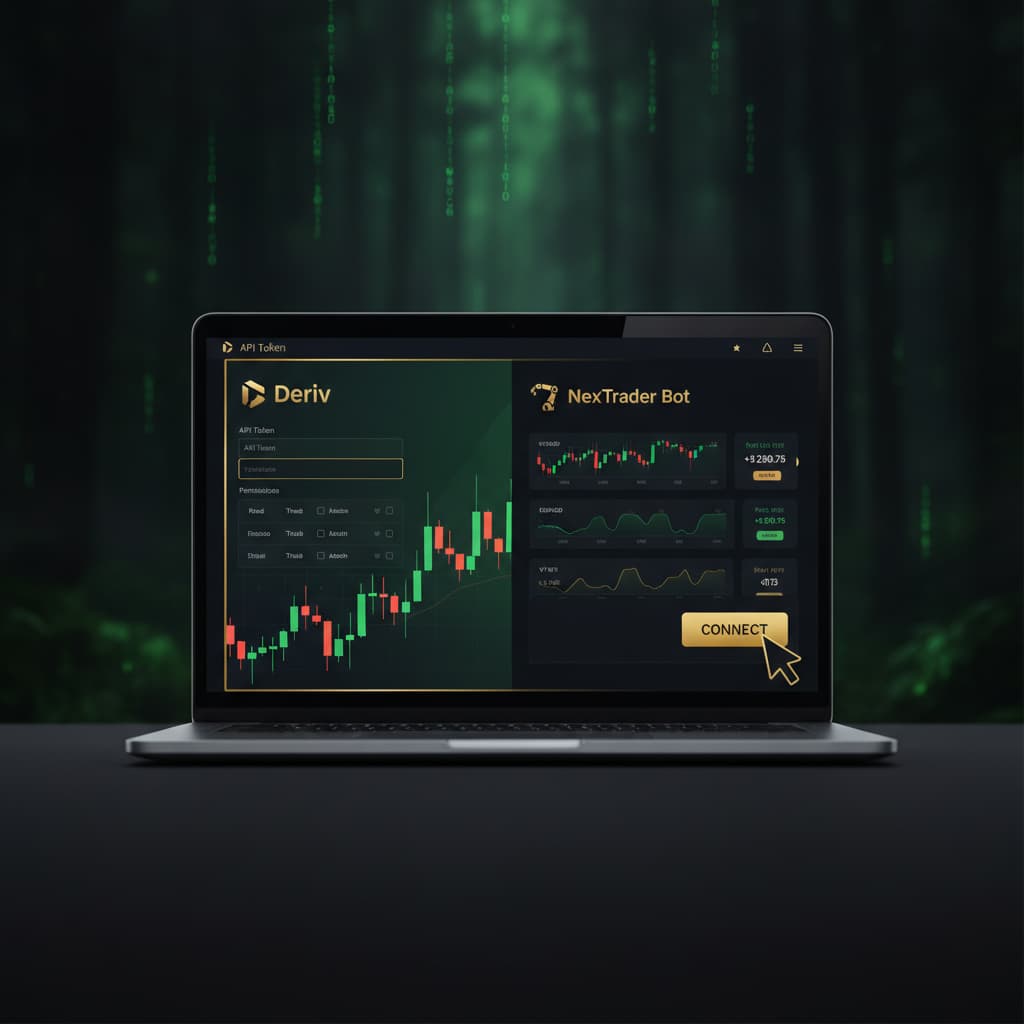
- Locate the API Token Input: On your NexTrader Bot dashboard, you'll find a prominent section or input field designated for "Deriv API Token" or "Connect Deriv Account." It's usually near the top or in a dedicated "Settings" area.
- Paste Your API Token: Carefully paste the Deriv API token you copied in Step 1 into the provided input field. Double-check that there are no extra spaces before or after the token.
- Select Account Type: NexTrader Bot allows you to connect to both Deriv demo and real accounts. Below the API token input, you'll typically see a selector labeled "Account Type" or similar. Choose "Demo" if your API token was generated from a Deriv demo account, or "Real" if it's from a live trading account. Always start with a demo account for testing, especially when using a new deriv bot.
- Initiate Connection: Click the "Connect" or "Save" button to establish the link.
- Verify Connection: If the connection is successful, your Deriv account balance (either demo or real, depending on your selection) will instantly appear on your NexTrader Bot dashboard. This confirms that NexTrader Bot can now securely access your Deriv account and is ready to run your chosen binary bots. If you encounter an error, double-check your API token for accuracy and ensure you granted the "Trade" permission in Deriv.
Step 4: Explore and Select a Free Deriv Bot
With your Deriv account connected, you're ready to dive into the NexTrader Bot Hub and discover the perfect free deriv bot for your trading strategy.
- Navigate to the Bot Hub: On your NexTrader Bot dashboard, locate and click on the "Bot Hub" link or tab. This will take you to the extensive library of ready-to-run deriv bots.
- Filter for Free Bots: The Bot Hub features both "Free Bots" and "Premium Bots." To access the bots available without any cost, look for a filter option or a dedicated section for "Free Bots" and select it. This will narrow down the selection to over 747+ bots accessible to you immediately.
- Browse by Contract Type: NexTrader Bot organizes bots by contract type, making it easy to find strategies tailored to specific market movements. Explore categories such as:
* Rise/Fall: Bots designed to predict if the asset price will rise or fall.
* Over/Under: Bots that bet on whether the last digit of the tick will be over or under a specified number.
* Even/Odd: Strategies focusing on whether the last digit of the tick will be even or odd.
* Match/Differ: Bots predicting if the last digit will match or differ from a specified digit.
You'll also find "Tick, Indicator and Candle based bots" offering diverse approaches.
- Identify Popular Bots: Look for bots adorned with "Trending," "Hot," or "Most-used" badges. These indicators highlight bots that are currently popular among the NexTrader community, often suggesting effective or widely adopted strategies. You'll see specific bot names like "Rise Rocket," "Fall Falcon," "Even Comet," "Over 2 Blaze," "Under 8 Flash," and "Odd Bolt," each indicating their specific strategy and speed (1-Tick or 1-Tick Turbo). Pay attention to the usage counters to see how frequently each bot is being run.
Step 5: Load and Run Your Chosen Free Deriv Bot
Once you've selected a free deriv bot that piques your interest, running it is a seamless, one-click process.
- Select Your Bot: From the Bot Hub, simply click on the name or card of the free deriv bot you wish to run. For example, if you've chosen "Rise Rocket," click on its entry.
- One-Click Load: NexTrader Bot's block-based architecture means there's no coding required. The selected bot, typically comprising around 48 blocks, will load instantly into your trading interface in ONE click. You'll see its configuration ready to go.
- Review Settings (Optional): While many free bots are configured for immediate use, you might have the option to review or slightly adjust basic settings like initial stake or target profit (though extensive customization is more common with premium or custom bots). For your first run, it's often best to stick with the default settings.
- Confirm Deriv Account: Before running, quickly double-check that the NexTrader Bot dashboard is connected to your desired Deriv account (demo for testing, or real for live trading).
- Initiate Trading: Locate the prominent "Run" control button on the bot's interface. Click it to start the automated trading process.
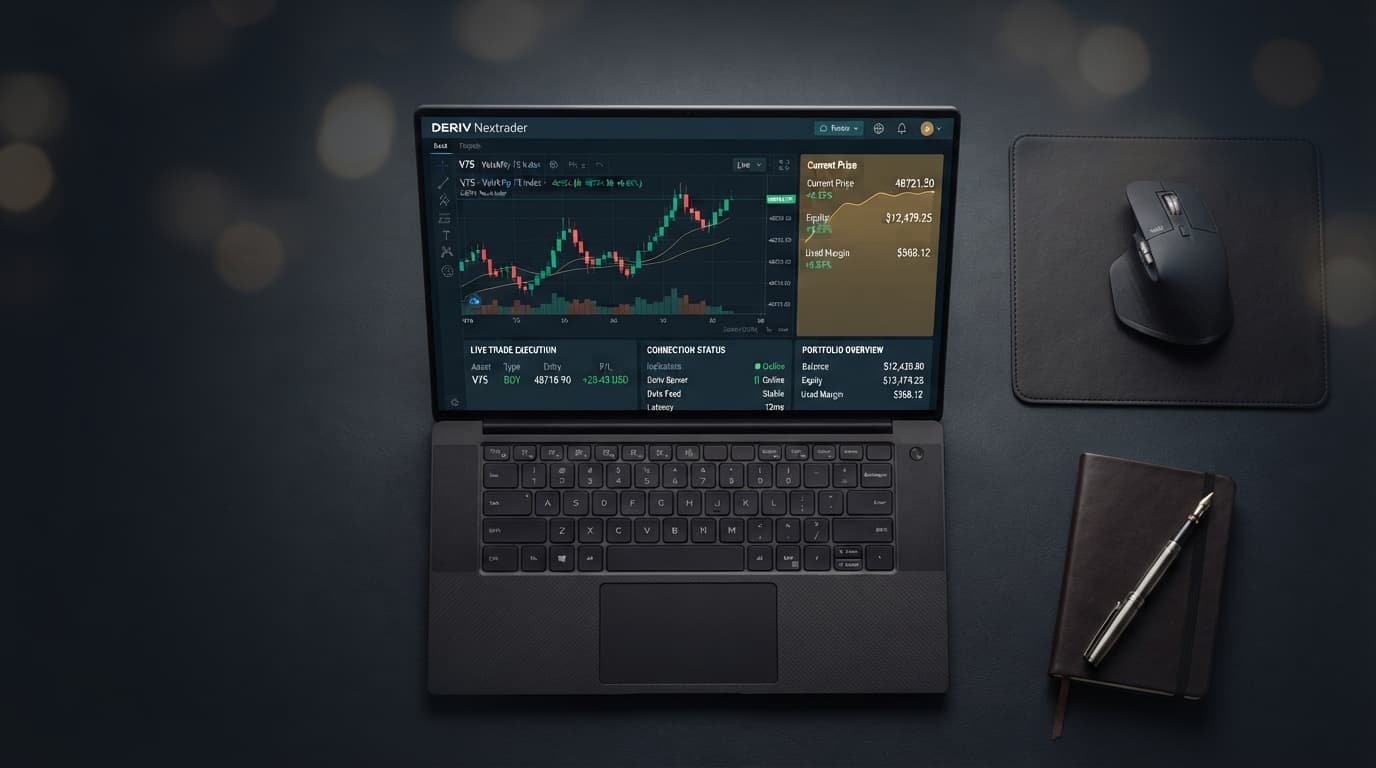
- Monitor Performance: As the bot runs, the NexTrader Bot dashboard will come alive with real-time updates. You'll see trades being placed, contract outcomes, and your live P&L (profit and loss) updating dynamically. This provides full transparency on how your deriv trading bot is performing.
- Stop Trading: Should you wish to pause or stop the bot at any time, simply click the "Stop" control button. This will immediately cease new trades from being placed.
Pro Tips
- Always Start with Demo: Before deploying any free deriv bot on a real Deriv account, always test it thoroughly on a Deriv demo account. This allows you to understand its behavior, risk profile, and potential profitability without risking actual capital.
- Monitor Actively: Even though you're using an automated deriv bot, it's crucial to actively monitor its performance, especially during your initial runs. Keep an eye on the NexTrader Bot dashboard, and be ready to use the "Stop" control if the market conditions change drastically or the bot isn't performing as expected.
- Explore Bot Hub Badges: The "Trending," "Hot," and "Most-used" badges in the Bot Hub are excellent indicators of popular and potentially effective binary bots. Use these to discover new strategies or bots that are currently performing well for other NexTrader users.
- Understand Contract Speeds: Pay attention to bot speeds like "1-Tick" and "1-Tick Turbo." These indicate how quickly the bot makes decisions and executes trades, which can impact performance on different market conditions.
Start Now
Ready to elevate your Deriv trading experience with powerful, free automation? Connect your Deriv API token and explore hundreds of ready-to-run deriv bots today!
Visit the NexTrader Bot Hub: NexTrader Bot
Sign up for a free account: Sign Up Free — Nextrader
Join our Telegram community: Telegram
Trading involves risk. Past performance does not guarantee future results.