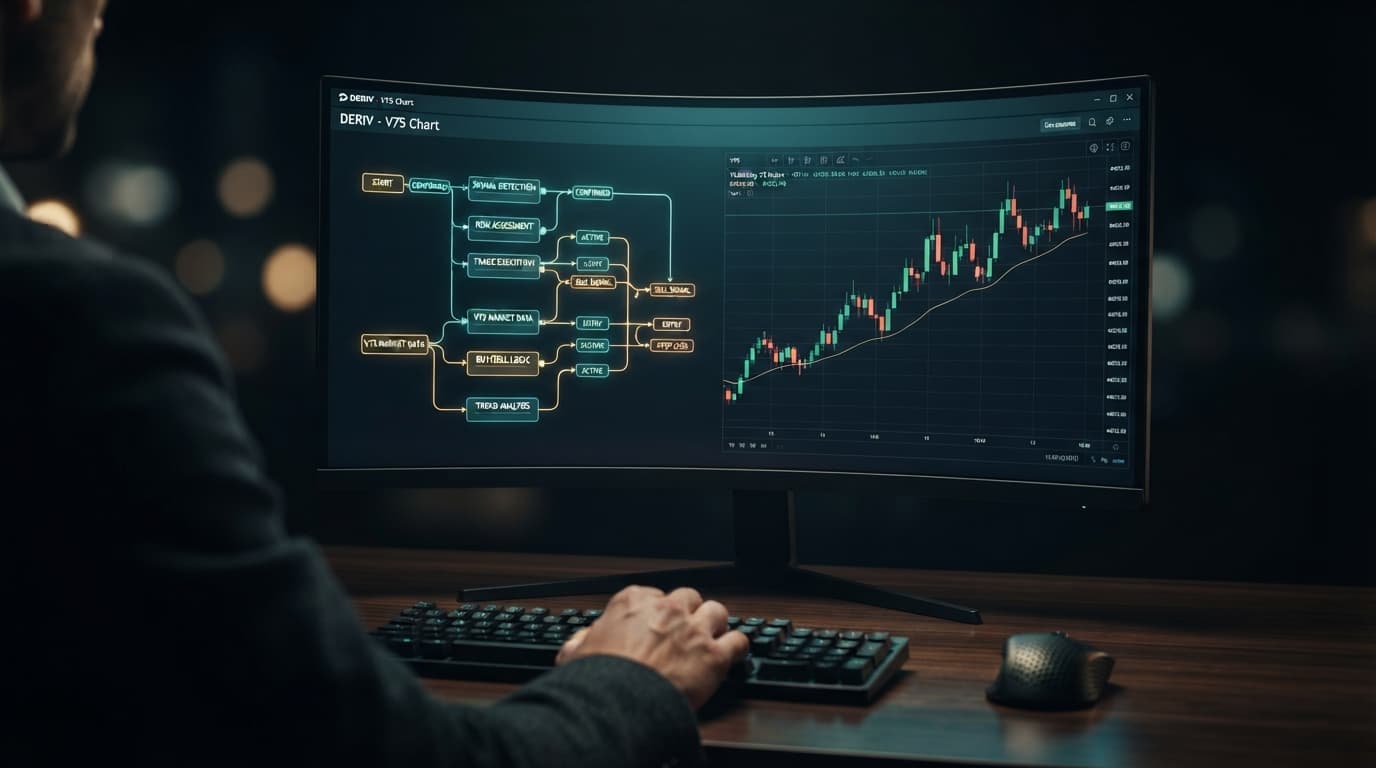
Running an automated strategy on Deriv synthetic indices requires either assembling logic blocks manually inside Deriv's DBot platform or connecting a pre-built engine via the Deriv WebSocket API. While traditional binary bots require downloading custom XML files, configuring block parameters, and uploading them into a demo or real account session, NexTrader Bot runs pre-built automated strategies in a single click.
By connecting an API token created with Read and Trade permissions, you can launch 747+ ready-to-run strategies—including 1-Tick and 1-Tick Turbo models—directly on Volatility 10 (V10), Volatility 75 (V75), and 1Hz indices without manual XML file handling.
What You Need
Before connecting an automated deriv bot, gather the following technical prerequisites:
- An active Deriv real or demo account balance.
- A Deriv API token generated under Account Settings with Read and Trade permissions.
- A web browser logged into NexTrader Bot at NexTrader Bot.
Step 1: Generate Your Deriv API Token and Authenticate
To execute trades through NexTrader Bot, generate an API token inside your Deriv account to authorize order routing.
Load a Free Deriv Bot in One Click
Browse 747+ ready-to-run Deriv bots — Rise/Fall, Over/Under, Even/Odd, Match/Differ. No coding, free forever.
- 747+ Free Bots
- One-Click Load
- Rise/Fall & Digits
- Demo or Real
- Log into your Deriv account, open Account Settings, and select API Token.
- Type a token label (such as "NexTrader"), check both the Read and Trade scope boxes, and click Create.
- Copy the alphanumeric token string to your clipboard.
- Open NexTrader Bot at NexTrader Bot and locate the API Token connection bar at the top of the dashboard.
- Paste the token into the field and click Connect.
Once authenticated via the Deriv WebSocket connection, your live demo or real account balance populates on the NexTrader Bot header display. This token grants trade execution authority to your browser session without exposing login credentials or withdrawal access.
Step 2: Select Your Synthetic Index Market
Select your market from the Market Filter Dropdown inside the Bot Hub at NexTrader Bot:
- Standard Volatility Indices: Volatility 10 (V10), Volatility 25 (V25), Volatility 50 (V50), Volatility 75 (V75), and Volatility 100 (V100), which update price ticks every two seconds.
- 1Hz (1-Second) Series: Volatility 10 (1s), Volatility 25 (1s), Volatility 50 (1s), Volatility 75 (1s), and Volatility 100 (1s) indices, which stream a price tick every single second.
Lower volatility indices (V10 or V25) feature smoother price progression suited for candle-based and indicator logic. Higher volatility markets like V75 or V100 display wider tick distributions for rapid digit and tick algorithms.
Step 3: Choose Your Strategy by Contract Type and Performance Badges
Filter the 747+ ready-to-run bots in the NexTrader Bot Hub (NexTrader Bot) across free deriv bot strategies and Premium Bots tiers by contract category:
- Rise/Fall: Executes trades based on whether the exit price finishes above or below the entry spot.
- Over/Under: Trades whether the final digit of the exit spot ends above or below a specified target digit.
- Even/Odd: Evaluates whether the last digit of the exit tick is an even or odd number.
- Match/Differ: Speculates on exact digit matches or non-matching digit endings.
- Specialized Logic: Deploys algorithms based on technical indicators, candle formations, or continuous tick direction.
To select active bots, check the metadata badges displayed on each strategy card:
- Trending / Hot: Highlights bots with frequent deployment across active trading sessions.
- Most-used: Identifies high-volume automated configurations tested across multiple market cycles.
For ultra-fast execution, select 1-Tick and 1-Tick Turbo configurations engineered for single-tick resolution. Named platform bots include Rise Rocket and Fall Falcon for directional moves, Even Comet and Odd Bolt for digit parity, and Over 2 Blaze or Under 8 Flash for fast digit threshold filters.
Step 4: Configure Stake Multipliers and Session Risk Controls
Define your operational risk limits in the Bot Configuration Panel on the NexTrader Bot dashboard before launching a strategy:
[Initial Stake: $1.00]   [Stake Multiplier: 2.1x]
[Session Target Profit: $10.00] [Session Stop-Loss: $15.00]- Initial Stake ($): The base dollar amount allocated to the first contract purchase (e.g., $1.00).
- Stake Multiplier: The calculation factor applied after a losing trade. A standard Martingale recovery sequence uses a 2.0x or 2.1x multiplier to recover losses on the next contract. Conservative setups like D'Alembert or linear scaling use lower factors, such as 1.1x to 1.5x.
- Session Stop-Loss ($ limit): The maximum aggregate loss threshold. If total session losses reach this negative figure (e.g., -$15.00), NexTrader Bot halts all trade execution immediately.
- Target Profit ($ limit): The cumulative profit cap. When net earnings hit this figure (e.g., +$10.00), the engine stops execution to lock in gains.
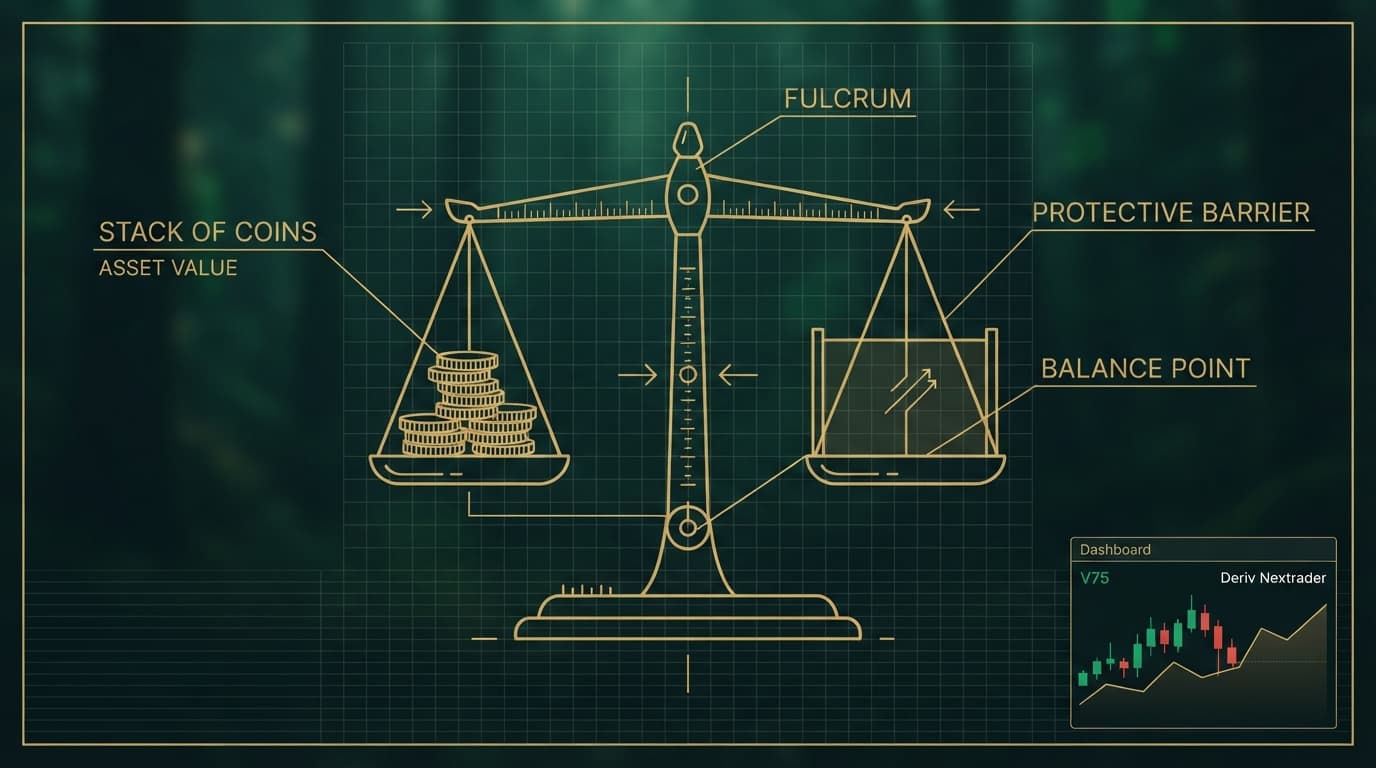
Configuring these inputs ensures your bot operates within strict risk limits on your Deriv account balance.
Step 5: Launch and Monitor Real-Time Execution
With your market chosen, strategy loaded, and risk parameters defined, click the green Run Bot button on the control panel.
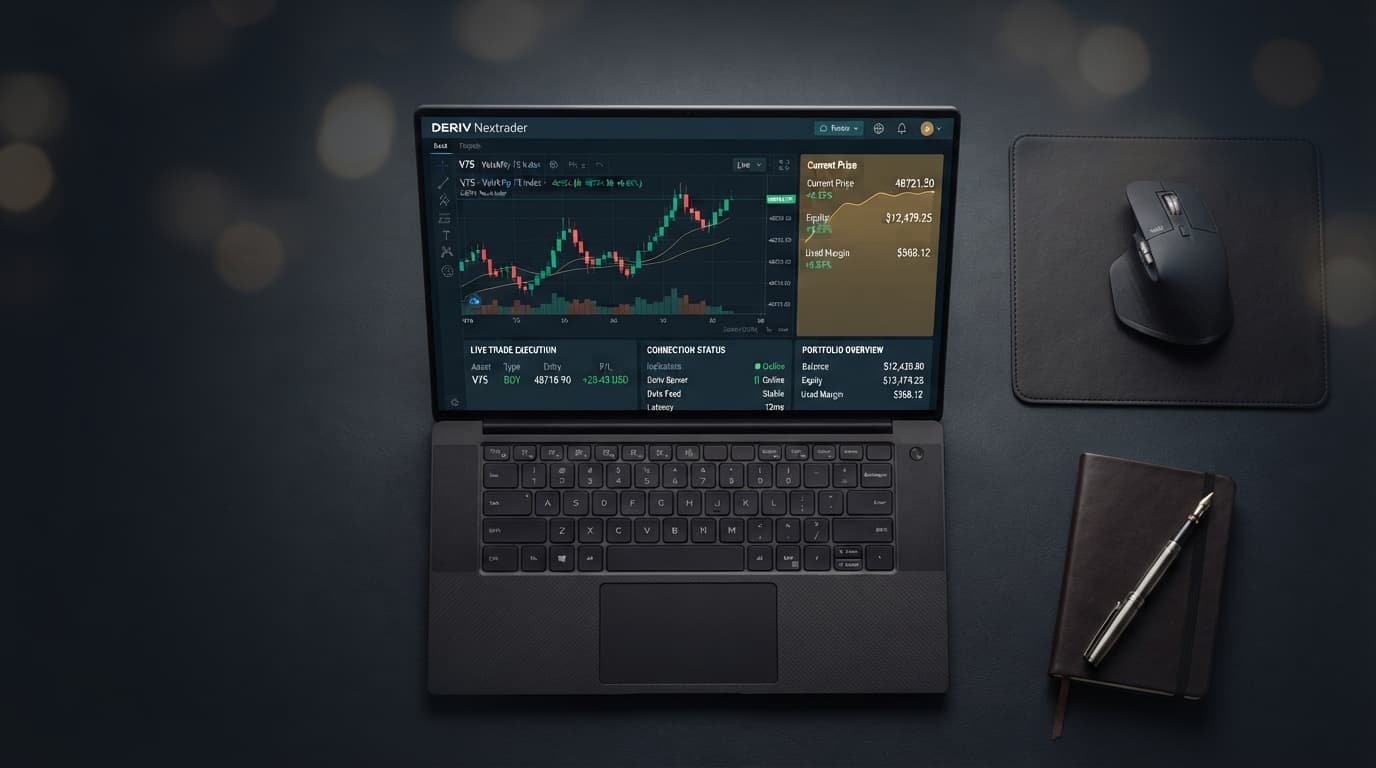
The engine connects directly to the Deriv WebSocket stream, processing price ticks against the bot's underlying logic blocks in real time. The Live Execution Stats Table tracks every transaction instantly:
- Contract ID & Purchase Time: Confirms transaction recording on Deriv servers.
- Entry Spot vs. Exit Spot: Shows exact entry prices, exit price resolution, and final digit values.
- Win/Loss Counter & P/L: Displays trade wins, losses, total session runtime, and cumulative net profit or loss.
To halt execution manually at any point, click the red Stop Bot button. The engine finishes evaluating any open contract and halts new order requests.
If Something Goes Wrong
Fix 1: API Token Authorization Error
- Symptom: Dashboard reads "Invalid Token" or fails to display your account balance.
- Resolution: Return to Deriv Account Settings > API Token. Delete the existing token and generate a new one. Ensure you explicitly mark the checkboxes for both Read and Trade. Paste the fresh token into NexTrader Bot and click Connect.
Fix 2: Bot Fails to Execute Trades
- Symptom: The bot shows an active "Running" status, but no trades appear in the live log.
- Resolution: First, check if your account balance is higher than your preset Initial Stake value. Second, verify that the selected market (e.g., V75 or V100 1Hz) is active. If your initial stake exceeds your available equity, Deriv's API server will reject trade placement orders.
Fix 3: Session Execution Halts Automatically
- Symptom: The execution engine stops abruptly after a trade completes.
- Resolution: Inspect your net session profit/loss figure in the statistics panel. Automatic session halts occur when your net performance reaches either your Session Stop-Loss limit or your Target Profit threshold. To start a new trading run, adjust your numeric targets in the configuration dashboard and click Run Bot again.
Ready to automate your trading workflow? Launch 747+ ready-to-run synthetic index strategies, test setups on a free demo account, and manage your risk with real-time API tools on NexTrader Bot. For additional account tools and automated features, register at NexTrader App and join thousands of active synthetic index traders in our official Telegram.
Trading involves risk. Past performance does not guarantee future results.