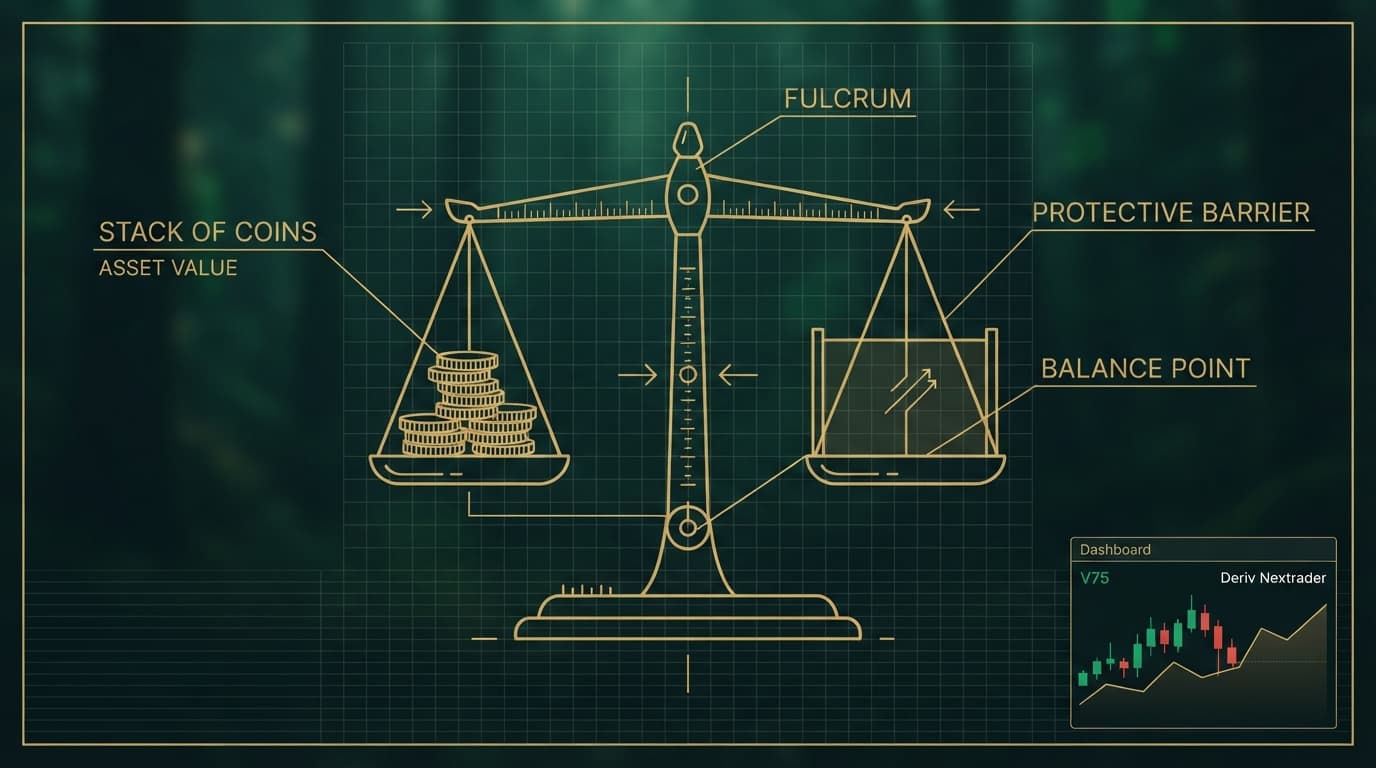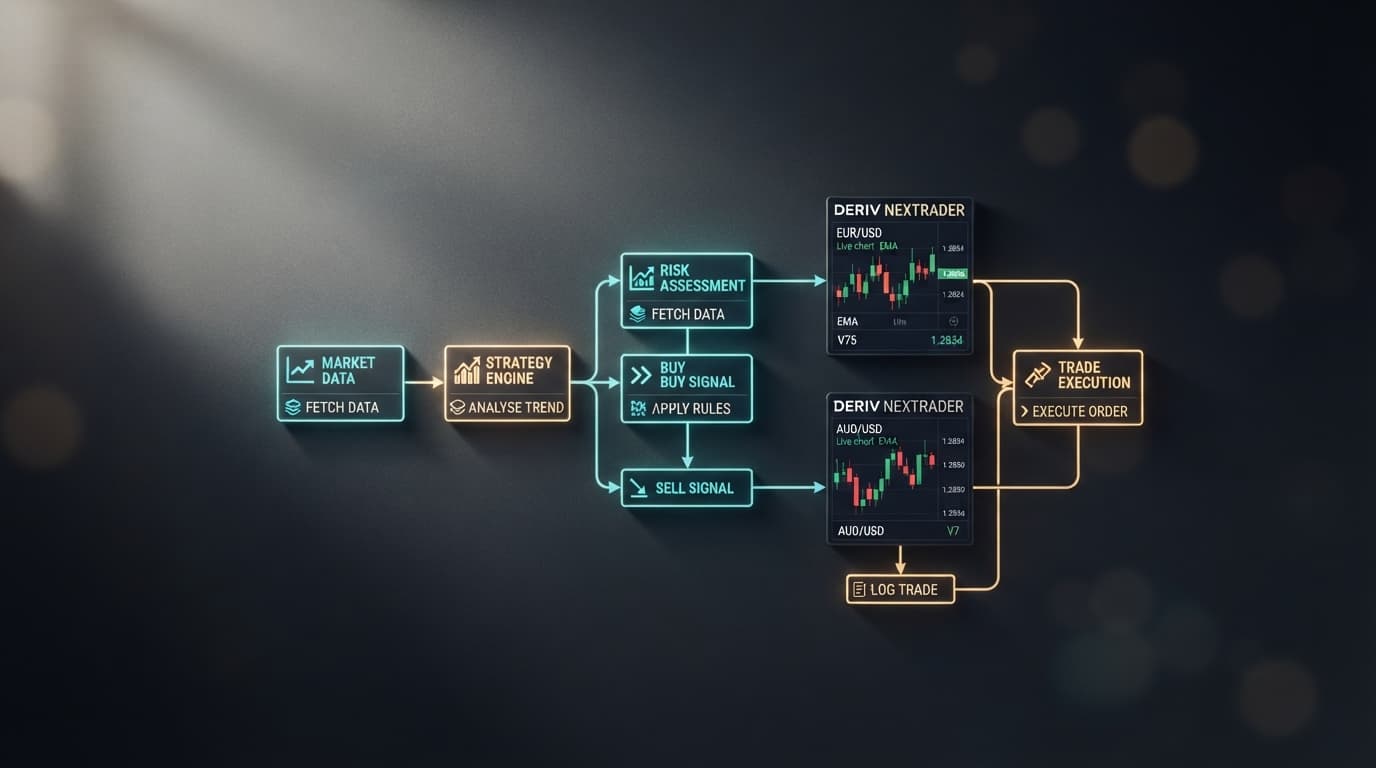
Building high-frequency automated strategies on synthetic indices requires inspecting trade execution logic before risking capital. Most traders searching for deriv bot templates want structured, transparent code blocks that can handle fast-moving synthetic index ticks across Volatility 10, V75, and V100 1s charts. Instead of spending hours stringing together individual logic blocks from scratch inside Deriv's native DBot builder or manually importing unverified XML files, auditing pre-built templates lets you evaluate risk parameters and trigger conditions instantly.
In this technical guide, we will break down the block-template architecture used in modern automated trading on synthetic markets. We will audit core trade rules across Rise/Fall, Over/Under, and Match/Differ contract types, inspect execution speeds like 1-Tick Turbo, and verify stake management recovery loops using the free tools available at NexTrader Bot.
Analyzing how individual blocks process tick data inside a free deriv bot gives you full visibility over trade conditions and drawdown parameters before going live.
What You Need Before Starting
Before inspecting or deploying any automated template, ensure you have the following prerequisites ready:
Load a Free Deriv Bot in One Click
Browse 747+ ready-to-run Deriv bots — Rise/Fall, Over/Under, Even/Odd, Match/Differ. No coding, free forever.
- 747+ Free Bots
- One-Click Load
- Rise/Fall & Digits
- Demo or Real
- An active account with the Deriv broker to generate market connection keys and provide synthetic index liquidity.
- A free account on the NexTrader Bot platform at NexTrader Bot.
- A Deriv API token generated with "Read" and "Trade" permissions enabled.
- 1 Connect Deriv API token to NexTrader Bot
- 2 Select template from Bot Hub by contract type
- 3 Audit ~48-block risk settings and stake logic
- 4 Run on Deriv Demo balance to verify execution
Step 1: Navigate the Bot Hub for Ready-to-Use Deriv Bot Templates
The NexTrader Bot Hub provides access to over 747 pre-configured strategies grouped specifically by market mechanics. When selecting a deriv trading bot, filtering the hub by contract type—such as Rise/Fall, Over/Under, Even/Odd, or Match/Differ—allows you to target strategies aligned with your current market analysis.
Every template listed in the hub displays execution speed tags like 1-Tick or 1-Tick Turbo, alongside real-time community usage counters. Platform badges such as Trending, Hot, and Most-used help identify templates that are actively running across demo and live accounts.
For instance, named templates like Rise Rocket and Fall Falcon are optimized for directional impulse scalping on Volatility 10 and V75 indices. In contrast, strategies like Over 2 Blaze, Under 8 Flash, Even Comet, and Odd Bolt focus on tick digit distributions. Choosing any template loads its standard ~48-block logic structure straight into your dashboard workspace in one click without requiring manual file downloads.
Step 2: Connect Your Deriv API Token and Load the Strategy
Standard DBot workflows require traders to locate .xml files on a local drive, open an import menu, resolve block dependency errors, and connect account credentials manually. NexTrader Bot streamlines this setup through Deriv's native WebSocket API integration.
To connect your account and load a template:
- Log into your account on the Deriv broker platform.
- Go to Account Settings > Security and Limits > API Token.
- Create a token with "Read" and "Trade" permissions enabled.
- Copy the key and paste it into NexTrader Bot.
Once authenticated, your live and demo account balances instantly sync with the NexTrader interface. Selecting any template from the Bot Hub injects its block parameters into the execution engine with one click. This eliminates local file uploads while keeping your security credentials safely managed on Deriv's servers.
Step 3: Audit Core Logic and Risk Variables (~48-Block Architecture)
Every template in our library follows a modular ~48-block structure divided into operational zones. Before launching any deriv bot, inspect these three core block groups inside your dashboard parameters:
Block 1: Trade Initialization Parameters
Block 1 defines account protection limits. You should check:
Initial Stake: Ensure this matches your per-trade risk allowance (e.g., $0.35 minimum up to $1.00+ based on balance size).Target Profit: Defines the precise profit target at which the bot will automatically stop trading (e.g., $10.00).Stop Loss: Sets the maximum drawdown allowance before the script terminates (e.g., $50.00).
Block 2: Purchase Conditions & Triggers
Block 2 contains the market entry rules. Audit the contract evaluation parameters, such as consecutive tick direction triggers, indicator thresholds, or trailing barrier offsets. Confirm that the trade duration is aligned with your strategy, whether set to a single tick or multi-tick interval.
Block 4: After-Purchase Management & Stake Reset
Block 4 dictates how trade outcomes affect the next order size:
Martingale Multiplier: Confirms the exact recovery factor applied after a losing trade (typically 2.1x for Rise/Fall trades to cover contract fees and recover capital).Stake Reset on Win: Verifies that winning trades force the system back to the originalInitial Stakevalue rather than compounding unpredictably.Max Consecutive Loss Stop: Ensures the execution engine halts if a trade streak hits a predefined loss ceiling.
Step 4: Inspect Contract-Specific Rules (Rise/Fall vs. Over/Under vs. Match/Differ)
Different contract types rely on unique block logic to identify entry edges. Auditing these specific rules ensures you are not taking unexpected exposure on synthetic indices.
Rise/Fall Templates
Rise/Fall strategies (such as Rise Rocket or Fall Falcon) calculate directional momentum over short durations (1 to 5 ticks). Check the offset barriers and entry filters. For example, a template might evaluate whether 3 consecutive ticks on Volatility 100 (1s) printed higher close values before triggering a Rise contract.
Over/Under Templates
Over/Under strategies (such as Over 2 Blaze or Under 8 Flash) trade on tick digit stats. An "Over 2" setup triggers contracts predicting the last tick digit will land on 3 through 9, covering 7 out of 10 possible digit outcomes (0 to 9). Audit the barrier parameters inside Block 2 to make sure prediction numbers match your risk profile, and verify that payout ratios align with your recovery math.
Match/Differ Templates
Match/Differ strategies focus on high-coverage digit outcomes. A Differ trade wins if the last digit does not match the predicted digit, winning on 9 out of 10 possible digit instances. However, because payouts per trade are lower (~10%), Block 4 must contain strict consecutive loss cutoffs. Make sure the logic prevents aggressive compounding multiplier loops that could drain capital during unexpected digit repeats.
Executing these contract types directly on NexTrader Bot eliminates manual file management and syntax errors while maintaining precise risk rules.
Step 5: Test Execution Speeds (1-Tick vs. 1-Tick Turbo) on Demo Before Deployment
Synthetic indices operate continuously on algorithmic pricing engines, making order dispatch speed critical.
- Standard 1-Tick Triggers: Process price data on every regular incoming market tick, making them suitable for standard trend-following algorithms.
- 1-Tick Turbo Speed: Bypasses browser rendering delay, routing trade entry requests over WebSockets directly to the execution pipeline. This reduces latency on rapid micro-scalping templates like Rise Rocket running on Volatility 75 (1s).
- 1 Switch balance toggle to Deriv Demo Account
- 2 Click Run to execute strategy in real-time
- 3 Monitor dashboard win rate, execution times, and balance curve
- 4 Verify Block 4 returns stake to initial base after a win
- 5 Switch to Real Account balance and redeploy
Before committing live capital:
- Switch your balance toggle on NexTrader Bot to your Deriv Demo account.
- Click the Run button to engage the strategy.
- Observe the real-time dashboard analytics, tracking win-rate percentages, individual contract execution speed, and the live balance curve.
- Verify that losing trades trigger the exact multiplier set in Block 4, and that winning trades return immediately to your base stake.
- Once trade performance matches your target parameters, pause the bot, switch to your real balance, and redeploy.
Pro Tips for Optimizing Your Bot Setup
- Calibrate Duration to Market Volatility: Match tick durations in Block 2 to asset speed—use 1-tick entries for fast 1s indices like Volatility 100 (1s) and 3 to 5 tick durations on standard Volatility 75 to let price moves settle.
- Always Audit Block 4 Resets: Confirm the
Stake Reset on Winvariable is set to true so the bot immediately returns to your base stake after a recovery trade, preventing unintended stake escalation. - Cap Martingale Multipliers for Low-Payout Contracts: On high-coverage contracts like Differ trades, adjust the Block 4 loss multiplier and max consecutive loss limit to protect account balance against multi-trade drawdowns.
Start Automating Your Deriv Strategies Today
Inspecting the ~48-block architecture of pre-built strategies gives you complete transparency over trade triggers, contract durations, and loss-recovery multipliers before risking real balance. Standardizing your risk parameters across Rise/Fall, Over/Under, and Match/Differ contracts ensures every automated trade aligns with your defined drawdown limits.
Explore over 747+ ready-to-run bots across Rise/Fall, Over/Under, Even/Odd, and Match/Differ contract types in the Bot Hub at NexTrader Bot. Connect your Deriv API token, select a named template like Rise Rocket or Over 2 Blaze, audit your block settings, and test execution on a demo balance.
To set up your account or join our Telegram community, visit Sign Up Free — Nextrader and Telegram.
Trading involves risk. Past performance does not guarantee future results.