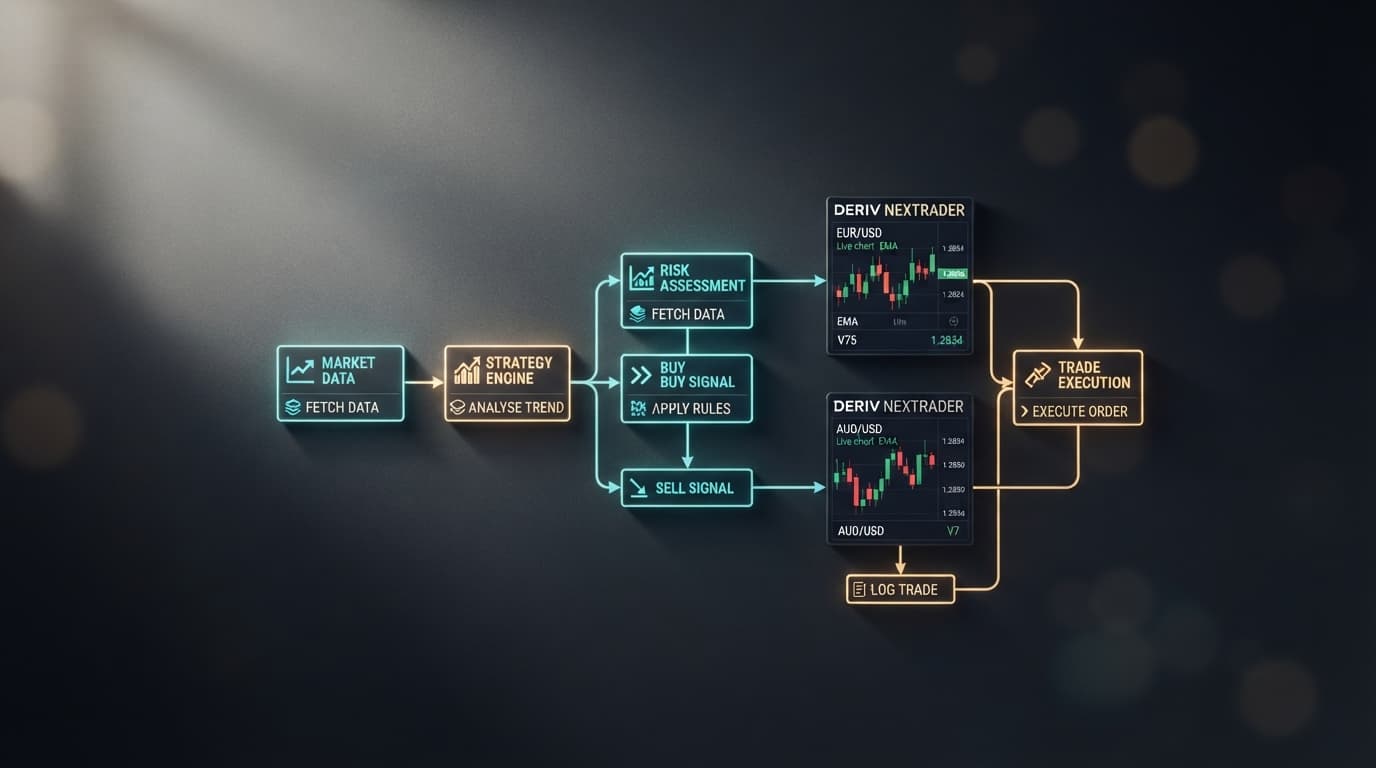
Connecting automated trading strategies to active community insights gives synthetic index traders a massive advantage. While many search for a deriv bot telegram setup to streamline automated execution and strategy sharing, setting up complex webhooks or custom code is unnecessary. At NexTrader Bot, you can run 747+ pre-built trading bots directly on Deriv markets while tapping into the official Telegram community (Telegram) for strategy updates and discussion.
By connecting your Deriv API token to NexTrader Bot, you execute block-based strategies on high-speed synthetic indices like Volatility 75 (V75) and Volatility 10 (1Hz) without writing code or importing fragile XML files. Live trade execution logs update directly on your web dashboard, giving you instant operational visibility on both desktop and mobile devices.
- 1 Generate a Deriv API Token with Read and Trade permissions
- 2 Paste your token into NexTrader Bot to sync balance
- 3 Select a 1-Tick bot like Rise Rocket or Even Comet from the Bot Hub
- 4 Adjust stake, stop-loss, and take-profit parameters inside strategy blocks
- 5 Run execution and track performance on the dashboard while sharing setups at Telegram
The 60-Second Version
- Open your Deriv account security settings and generate an API token with 'Read' and 'Trade' permissions.
- Log into NexTrader Bot and paste your token to instantly sync your real or demo account balance.
- Open the Bot Hub and select a ready-to-run 1-Tick speed strategy from the 747+ bot catalog (such as Rise Rocket or Even Comet).
- Configure your financial parameters inside the pre-built ~48-block interface, establishing target profit, maximum stop-loss, and initial stake.
- Click "Run" to initialize automated execution over the Deriv WebSocket API, tracking execution logs on your dashboard while connecting with the community at Telegram.
Deploying Your Free Deriv Bot Strategy
Standard automation on Deriv often requires traders to open the default Deriv Bot (DBot) workspace, locate a raw XML file on their hard drive, drag it onto a canvas, and manually inspect dozens of detached block clusters. While DBot provides a functional drag-and-drop block interface for running local strategies on demo accounts, importing broken third-party XML files frequently leads to execution syntax errors.
The NexTrader ecosystem streamlines this entire pipeline. Instead of managing loose code snippets, you load standardized, tested strategies with a single click using secure API authentication.
Load a Free Deriv Bot in One Click
Browse 747+ ready-to-run Deriv bots — Rise/Fall, Over/Under, Even/Odd, Match/Differ. No coding, free forever.
- 747+ Free Bots
- One-Click Load
- Rise/Fall & Digits
- Demo or Real
Step 1: Connect your Deriv API Token to NexTrader Bot
Start by securing your API connection directly from your broker dashboard. Navigate to your Deriv account security settings, select API Token, and create a new token label (e.g., "NexTrader Automation"). Check the boxes for Read (to display live equity) and Trade (to allow the system to purchase contracts). You do not need to enable 'Admin' or 'Payments' permissions, keeping your capital fully secure.
Copy the generated alphanumeric string and head to NexTrader Bot. Paste the key into the API token field at the top of the interface. The dashboard immediately establishes a direct WebSocket connection with Deriv servers, reading your balance instantly.
Unlike manual DBot XML setups, this connection stays persistent across sessions, allowing you to toggle between Demo and Real environments instantly without reloading your strategy files.
Step 2: Select a Deriv Trading Bot from the Bot Hub
Click on the Bot Hub menu to browse the library of 747+ pre-built strategies across Free Bots and Premium Bots tiers. The catalog categorizes every deriv bot by contract structure:
- Rise/Fall: Ideal for directional momentum trading on Volatility 75 (V75) and Volatility 100 Index.
- Over/Under: Built for statistical probability strategies on digit ticks, featuring popular configurations like Under 8 Flash.
- Even/Odd: Designed for rapid tick patterns, featuring high-speed algorithms like Even Comet and Odd Bolt.
- Match/Differ: High-payout probability engines focused on exact digit exclusion.
Select a specialized high-speed algorithm like Rise Rocket for standard Rise/Fall trends or Even Comet for 1-Tick Turbo contract speeds. Clicking "Load" opens the strategy directly into your block workspace. Every strategy in the library features an optimized structure containing roughly 48 organized blocks, eliminating the clutter of legacy XML bot platforms.
Step 3: Configure risk parameters and execution blocks
With the strategy loaded into the workspace, you can inspect and modify core execution parameters without writing code. Locate the primary input blocks on the canvas to set your risk boundaries:
- Initial Stake: Enter your baseline trade size (e.g.,
$1.00). - Target Profit: Define your automated session exit ceiling (e.g.,
$10.00). Once cumulative wins reach this value, execution stops automatically. - Stop Loss: Hard-code your maximum acceptable session drawdown (e.g.,
$15.00). - Tick Duration: Choose between standard 1-5 tick durations or 1-Tick Turbo execution for instant settlement.
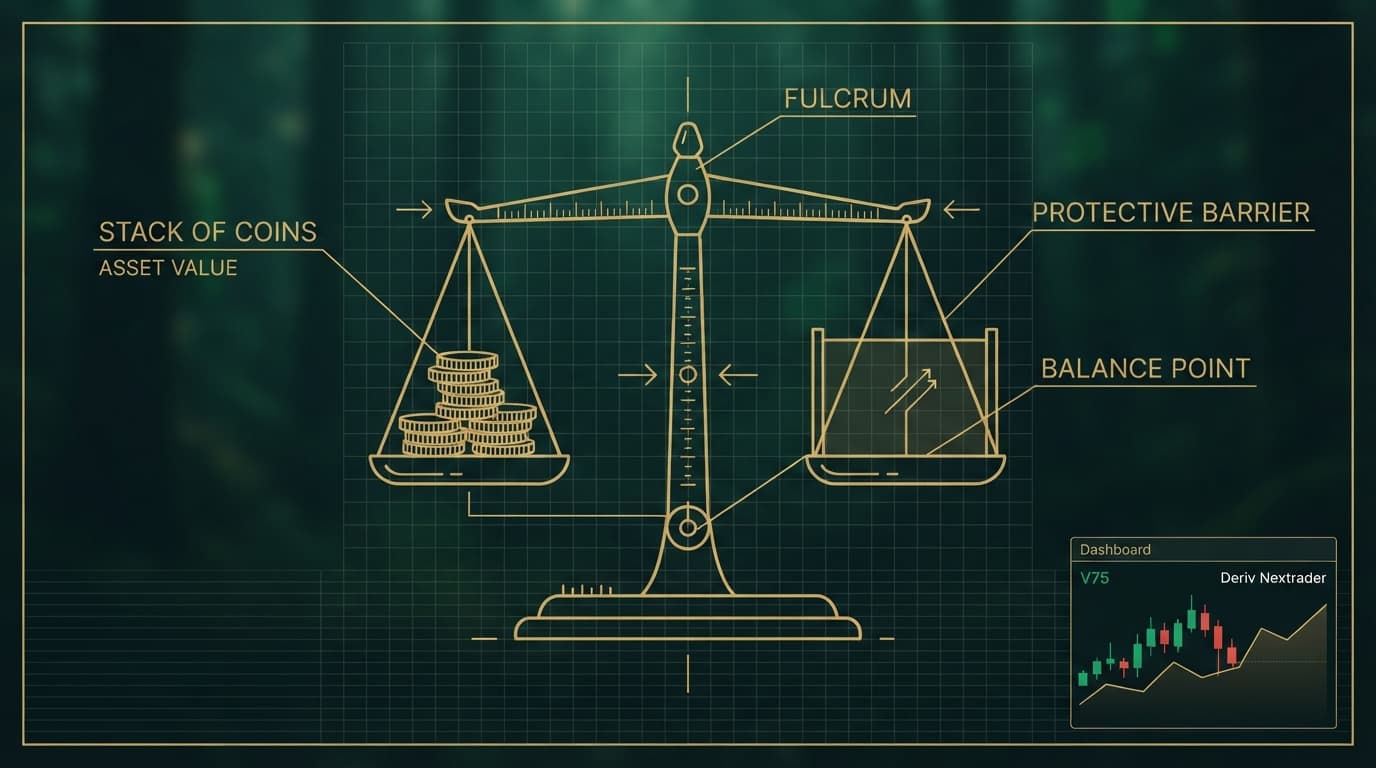
Reviewing these blocks before launching ensures your risk rules, profit targets, and stop-loss boundaries are enforced automatically during execution, keeping your strategy disciplined during adverse market conditions.
Step 4: Track Real-Time Execution Logs on Your Dashboard
Press the prominent green Run button on the interface. The platform immediately sends execution calls through the WebSocket API directly to Deriv liquidity servers. The live execution table on NexTrader Bot begins recording every contract entry price, barrier setting, run duration, and payout.
Because the web dashboard runs smoothly on mobile browsers, you can monitor execution logs from your phone and hit the manual "Stop" button at any moment if market conditions change. For strategy ideas, performance benchmarks, and community discussions, join fellow traders in the official Telegram group at Telegram.
What Can Go Wrong
Even fully automated workflows encounter real-world execution friction. Below are the three most common technical failure points and how to resolve them immediately:
1. API Token Authorization Error
- Symptom: The platform displays "Authorization Failed" or refuses to purchase contracts when you click Run.
- Cause: The generated API token was created without enabling the required 'Trade' permission checkbox on Deriv.
- Fix: Log back into your broker security panel, delete the broken token, and generate a new one with both Read and Trade scopes checked. Paste the new token into NexTrader Bot.
2. Execution Lag on Slow Mobile Networks
- Symptom: Rapid algorithms like Odd Bolt or Under 8 Flash experience contract placement delays, causing missed ticks or bad entry pricing.
- Cause: High latency on cellular data networks interrupting WebSocket frame delivery.
- Fix: Switch from 1-Tick Turbo mode to standard 2-Tick or 3-Tick contract durations when trading on mobile data, or connect to a stable Wi-Fi network before running high-frequency algorithms.
3. Over-trading During Volatility Spikes
- Symptom: Consecutive loss chains rapidly exhaust session margin on high-volatility indices like V75.
- Cause: Martingale multiplier settings escalating stake sizes faster than natural tick mean-reversion occurs.
- Fix: Open the block parameters in your canvas prior to execution, lower your stake multiplier (e.g., adjust from
2.0xdown to1.2x), and enforce a strict hard Stop-Loss limit inside the block settings.
Start Now
Ready to run automated strategies on synthetic indices without managing loose XML files? Launch your bot in three simple steps:
- Connect your account at NexTrader Bot with your Deriv API token.
- Select a pre-built strategy from the Bot Hub and set your risk parameters.
- Join the Telegram community at Telegram to exchange configurations and strategies with other traders.
Trading involves risk. Past performance does not guarantee future results.