Mastering Deriv Bot Purchase Conditions to Eliminate Invalid Proposal Errors
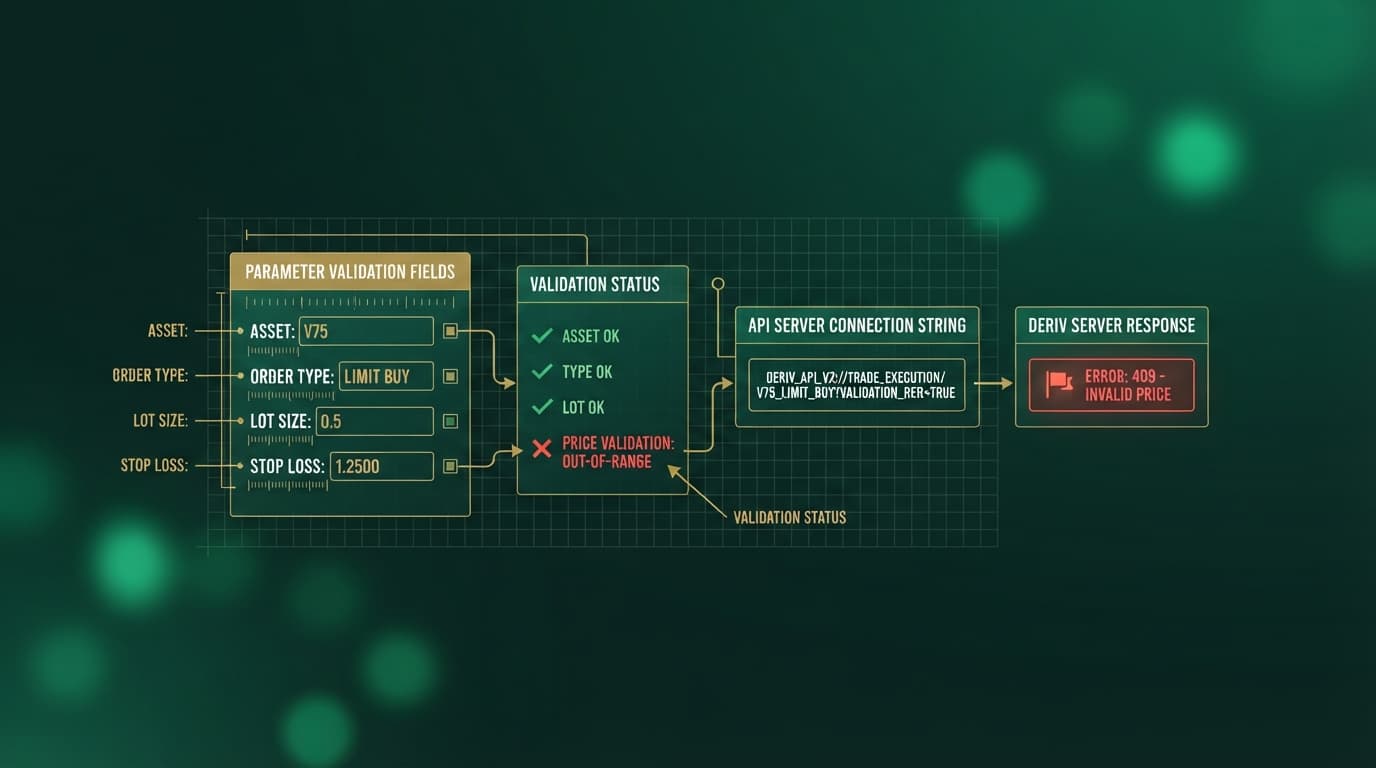
Deriv bot purchase conditions define the exact payload parameters—such as contract duration, asset selection, and prediction boundaries—that a trading script sends to the broker API over a WebSocket connection. When a purchase block evaluates to True, the execution engine compiles these contract variables into a live trade proposal request. If any single field violates broker specifications, the server rejects the execution attempt and returns an error such as "Invalid Proposal: Contract parameters do not match market rules".
In standard DBot environments, assembling strategy blocks by hand leaves ample room for execution glitches. Importing third-party binary bots or editing custom XML scripts often introduces subtle mismatches between market rules and payload variables. A custom deriv bot strategy might attempt to evaluate logic faster than the contract engine can process, leading to discarded proposals right at crucial market turns.
The root cause of rejected contract proposals rarely stems from broken market feeds; instead, it is almost always caused by un-latched conditional loops, illegal prediction integers, or mismatched tick limits inside the purchase block structure. You can resolve these technical errors by standardizing block parameters or bypassing manual block debugging entirely by running pre-optimized logic on NexTrader Bot (NexTrader Bot).
What This Fixes
This guide addresses the specific execution failure where automated runs freeze and return error codes such as "Invalid Proposal: Contract parameters do not match market rules" or "Purchase rejected".
Load a Free Deriv Bot in One Click
Browse 747+ ready-to-run Deriv bots — Rise/Fall, Over/Under, Even/Odd, Match/Differ. No coding, free forever.
- 747+ Free Bots
- One-Click Load
- Rise/Fall & Digits
- Demo or Real
These errors occur primarily on fast-moving synthetic contracts—including Volatility 75 Index (V75) and Volatility 100 (1s) Index (V100 1Hz)—when high tick velocity causes purchase condition logic to submit invalid arguments to the broker API. Following the steps below restores seamless, uninterrupted trade execution across all synthetic indices.
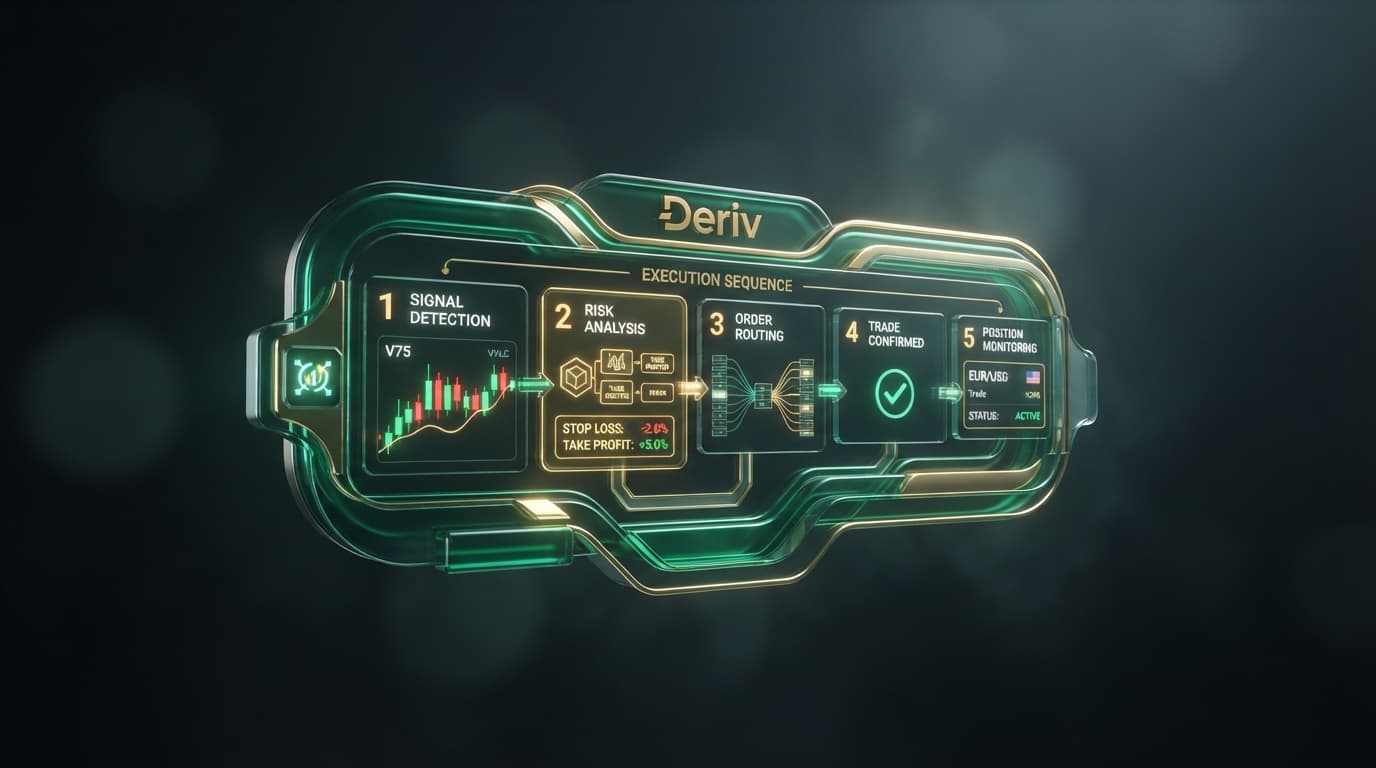
- 1 Connect account using Deriv API Token in NexTrader Bot
- 2 Select supported synthetic index market feed
- 3 Validate strategy parameter boundaries and contract rules
- 4 Run optimized bot on targeted synthetic index
Quick Setup Check
Before altering any block parameters inside your XML architecture, verify these core technical parameters:
- API Authentication: Confirm your account connects via a valid Deriv API Token inside NexTrader Bot (NexTrader Bot).
- Market Selection: Lock your target asset strictly to supported synthetic indices (V10, V25, V50, V75, or V100 1Hz) that generate continuous tick feeds.
- Payload Verification: Ensure contract duration variables resolve to positive integers and match broker tick thresholds.
- Block Logic Integrity: Confirm nested conditional loops inside the purchase block maintain explicit state flags to prevent duplicate execution triggers.
Fix 1: Aligning Contract Type Blocks with Digit Prediction Boundaries
Symptom
The bot throws an "Invalid digit prediction" error or immediate proposal rejection when attempting to purchase Over/Under or Match/Differ contracts.
Why It Happens
Digit contracts enforce absolute numerical limits based on statistical probability. If a purchase condition block generates an out-of-bounds digit prediction—such as requesting an Over 9 contract or an Under 0 contract—the API rejects the proposal request instantly because no such contract exists.
Exactly What to Change
- Open your XML strategy block and locate the contract definition parameters.
- For Digit Over strategies, lock the prediction parameter strictly to integer values between
0and8. (Predicting Over 8 leaves only digit9to win; predicting Over 9 is statistically impossible). - For Digit Under strategies, lock the prediction parameter strictly to integer values between
1and9. (Predicting Under 1 leaves only digit0to win; predicting Under 0 is statistically impossible). - If you prefer to bypass manual parameter boundaries, deploy a free bot directly on NexTrader Bot (NexTrader Bot). Pre-configured digit strategies like Over 2 Blaze and Under 8 Flash carry built-in boundary checks to prevent prediction payload rejections caused by invalid parameters.
Fix 2: Resolving Tick Duration Boundaries on 1-Tick and Turbo Contracts
Symptom
Execution fails the exact millisecond a purchase condition evaluates to True, specifically on ultra-fast synthetics like Volatility 100 (1s) Index (V100 1Hz).
Why It Happens
Deriv contract parameters require duration values to sit strictly within broker-defined minimum and maximum thresholds. If an XML block specifies a duration of 0 ticks, or passes a fractional tick value during XML import, the WebSocket connection drops the purchase proposal.
Exactly What to Change
- Navigate to the contract specification block inside your bot logic.
- Set the contract duration to an explicit integer between
1and10, with the duration unit set strictly to Ticks. - Verify that dynamic variables passing duration values into the purchase block cannot resolve to
0or negative values during execution loops. - For high-frequency execution without manual block tweaking, load 1-Tick Turbo speed bots—such as Rise Rocket or Fall Falcon—directly inside NexTrader Bot (NexTrader Bot). These bots are engineered to execute sub-second trades with hard-coded 1-Tick execution parameters.
Fix 3: Resolving API Race Conditions in NexTrader Bot
Symptom
The bot initiates a valid trade, but immediately throws an invalid proposal error on a second, simultaneous purchase attempt while the first contract is still active.
Why It Happens
When market ticks arrive rapidly, an un-latched Purchase Condition block can evaluate to True across multiple consecutive tick events before the engine updates its internal state. The engine sends duplicate purchase proposals over the WebSocket stream, causing the broker to reject the secondary request as an invalid payload state.
- 1 Un-latched Execution: Tick 1 triggers Purchase Request 1 (Success) -> Tick 2 triggers Purchase Request 2 (Rejected: Invalid Proposal)
- 2 Latched Execution: Tick 1 sets flag to TRUE & sends Purchase Request 1 -> Tick 2 skips purchase while flag is TRUE -> Settlement resets flag to FALSE
Exactly What to Change
- Create a new Boolean variable named
is_trade_activein your block workspace. - At bot initialization, set
is_trade_activetoFalse. - Wrap your primary purchase execution block inside a conditional check:
if (is_trade_active == False). - Immediately inside the execution branch (right before the
Purchasecall), setis_trade_activetoTrue. - Open the
After Purchaseblock and insert a command to resetis_trade_activeback toFalseonce contract settlement completes.
Fix 4: Synchronizing Asset Market Selection with Supported Contract Arrays
Symptom
The console logs an explicit error: "Contract type not supported for selected asset" when a purchase condition attempts to trigger.
Why It Happens
Certain contract types are mathematically tied to specific underlying market feeds. For example, digit-based contracts (Even/Odd, Over/Under, Match/Differ) rely on the last digit of asset price quotes, which are strictly generated by continuous synthetic indices. Attempting to execute digit purchase conditions on standard forex pairs or metals will crash the purchase engine.
Exactly What to Change
- Check the root market definition block of your strategy file.
- Confirm that digit-based contract types (Even/Odd, Over/Under, Match/Differ) are assigned strictly to continuous synthetic indices: Volatility 10 Index (V10), V25, V50, V75, or V100 1Hz.
- Ensure traditional directional assets (such as Forex, Gold, or Silver) use only supported Rise/Fall contract definitions.
- Import your XML files directly into NexTrader Bot (NexTrader Bot). The Bot Hub platform automatically parses imported block structures and validates asset-contract pair compatibility upon loading.
Keeping Purchase Logic Stable
Maintaining execution stability across automated runs requires configuring purchase conditions to handle high tick frequency without triggering broker payload rejections:
- State Latching: Always implement a state flag variable (
is_trade_active) inside your purchase logic block so secondary ticks cannot fire duplicate proposal requests while a contract is active. - Streamlined Condition Trees: Keep purchase condition logic focused on direct indicator outputs or tick thresholds rather than deep, nested evaluation trees that add sub-second latency before proposal dispatch.
- Explicit Variable Defaults: Hard-code fallback bounds for duration and digit prediction variables so dynamic outputs never resolve to
0, negative values, or out-of-range integers.
Eliminating Purchase Condition Errors with NexTrader Bot
You do not need to spend hours manually debugging XML block trees or fixing parameter mismatches in complex strategy files.
- Navigate directly to NexTrader Bot at
bot.nextrader.live. - Authenticate using your Deriv API Token to establish a direct WebSocket connection.
- Access ready-to-run bots in the Bot Hub across Free Bots and Premium Bots tiers—including pre-configured strategies like Even Comet, Odd Bolt, Rise Rocket, and Fall Falcon that have validated purchase condition logic built in.
- Upload your existing XML strategy files to load and execute pre-validated strategies in one click.
Traders whose Deriv account was opened through NexTrader can visit the NexTrader Welcome Pack to check eligibility for bonus XML bots, Bot Hub Premium access, and VIP Signal Channel access upon Deriv authentication.
Access the complete library of free and premium automation tools at NexTrader Bot. Connect with other traders and get market updates through the Telegram and the free signals channel.
Trading involves risk. Past performance does not guarantee future results.