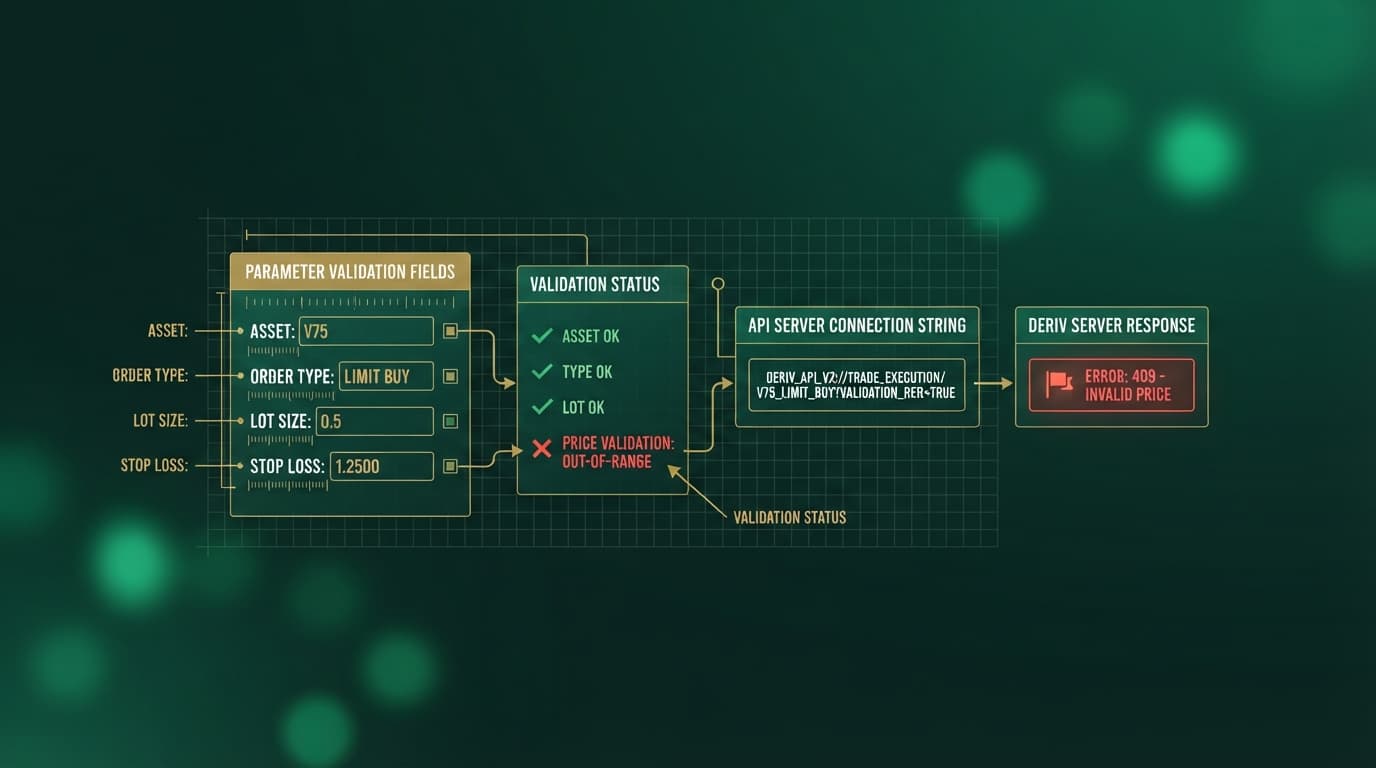
Standard retail bot execution frequently fails due to prolonged drawdown exposure and execution lag. Implementing a high-probability deriv bot quick strategy requires shifting away from infinite-loop automation toward disciplined 5-trade micro-burst sessions. By locking contract durations to 1 to 3 ticks on high-volatility synthetic indices and automating profit and loss reset triggers, traders isolate momentum windows while capping structural risk. Using a dedicated free deriv bot platform streamlines this process by replacing manual setup with pre-built execution logic.
Traditional workspace builds inside Deriv Bot (DBot) require traders to manually load external XML files, drag execution blocks, and configure variable loops. While DBot provides a flexible block environment for building custom logic, configuring complex workflows manually creates operational friction and opens the door to parameter errors during fast tick shifts.
Connecting directly to Free Deriv Bots at NexTrader Bot using an API token bypasses manual XML handling entirely. This gives you instant access to pre-tested deriv bot algorithms designed for immediate deployment on both demo and real account balances.
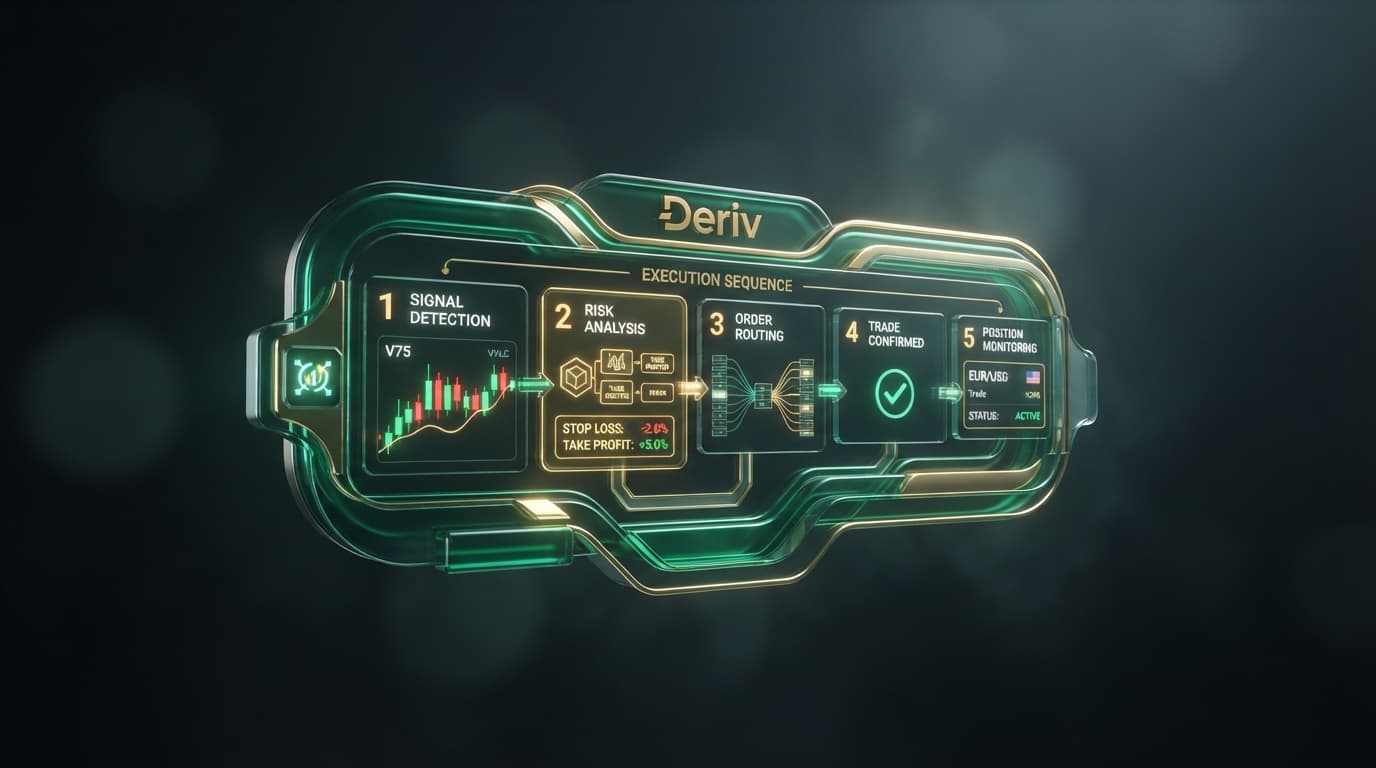
- 1 Authenticate Deriv Account via API Token
- 2 Select High-Frequency Asset & Turbo Bot Logic
- 3 Define 5-Trade Burst Cap & Reset-on-Win Parameters
- 4 Execute Test Sequence on Live Demo Balance
The Checklist
- Step 1: Connect your Deriv account to Free Deriv Bots using an API token
- Step 2: Select a high-speed synthetic index tick chart (V75 or V100 1Hz)
- Step 3: Load a ready-to-run 1-Tick Turbo bot from the Bot Hub catalog
- Step 4: Configure the 5-trade micro-burst limit and contract duration (1–3 ticks)
- Step 5: Set up automated win/loss stake reset triggers and profit targets
- Step 6: Test execution on a live demo balance, then launch with Run/Stop controls
Working Through It
Step 1: Connect your Deriv account to Free Deriv Bots using an API token
Execution speed begins at the connection layer. To set up your workspace, navigate to Free Deriv Bots at NexTrader Bot. Open your Deriv account settings, generate an API token with read and trade permissions, and paste it into the authentication portal.
Load a Free Deriv Bot in One Click
Browse 747+ ready-to-run Deriv bots — Rise/Fall, Over/Under, Even/Odd, Match/Differ. No coding, free forever.
- 747+ Free Bots
- One-Click Load
- Rise/Fall & Digits
- Demo or Real
This establishes a secure WebSocket connection directly between your account and the execution engine, populating your live demo balance and dashboard controls instantly.
When managing standard DBot workflows, traders spend critical time organizing local XML files, validating block dependencies, and verifying variable structures inside the workspace interface. Authenticating via NexTrader Bot eliminates local file management completely. Your token acts as a direct bridge to cloud-hosted bot configurations, allowing you to switch between demo testing and active balances without rebuilding logic blocks.
Step 2: Select a high-speed synthetic index tick chart (V75 or V100 1Hz)
For a rapid-execution strategy, focus on high-speed volatility assets that deliver clean, rapid price updates:
- Volatility 75 (1s) Index (V75 1Hz): Generates one price tick every single second, offering maximum density for micro-tick entry triggers.
- Volatility 100 (1s) Index (V100 1Hz): Delivers fast directional expansions with high tick frequency.
- Standard Volatility 75 & Volatility 100 Indices: Provide smooth tick progression for multi-tick (2 to 3 tick) duration strategies.
Match your target strategy with assets that generate clean tick trajectories. Low-volatility markets like the Volatility 10 Index exhibit sluggish price updates, increasing the risk of flat line entries. Selecting 1Hz variants ensures that contract durations complete within seconds of order placement.
Step 3: Load a ready-to-run 1-Tick Turbo bot from the Bot Hub catalog
With your account connected, open the Bot Hub inside NexTrader Bot. The catalog contains 747+ ready-to-run bots categorized by market mechanics and contract parameters, including Rise/Fall, Over/Under, Even/Odd, and Match/Differ. Filter your search using the speed badges—specifically looking for 1-Tick Turbo, Trending, or Hot flags.
Select a specialized bot optimized for rapid tick evaluation:
- Rise Rocket or Fall Falcon: Engineered for immediate directional micro-bursts on Rise/Fall contracts.
- Even Comet or Odd Bolt: Designed to sample digit output variance across rapid tick sequences.
- Over 2 Blaze or Under 8 Flash: Tailored for high-probability barrier placements on digit contracts.
Clicking your chosen bot loads its pre-configured block logic into your active workspace dashboard in one click. There is no block building, variable mapping, or script editing required.
Step 4: Configure the 5-trade micro-burst limit and contract duration (1–3 ticks)
Continuous algorithmic execution exposes accounts to inevitable market regime shifts. A core pillar of this framework is enforcing a strict 5-trade micro-burst ceiling per trading session.
Within the dashboard execution controls:
- Set the contract duration strictly to 1, 2, or 3 ticks. A 1-tick duration provides ultra-fast turnarounds, while 3 ticks allow short-term momentum to clear natural noise.
- Set the maximum execution trade counter to 5 trades.
Once the bot executes 5 contracts, the integrated session control triggers an immediate stop. Capping execution at 5 trades prevents the bot from over-trading during sudden ranging phases, preserving profits captured during high-probability momentum windows.
Step 5: Set up automated win/loss stake reset triggers and profit targets
Risk management must be encoded into the control layer before hitting execute. Configure your stake scaling parameters and session boundaries using these precise operational rules:
- Base Stake: Set an initial entry stake proportional to your balance (e.g., $1.00).
- Reset-on-Win Trigger: Enable the automatic reset feature. Following any winning trade, the system instantly forces the subsequent stake back to the baseline $1.00 level, preventing profit giveback.
- Reset-on-Loss Rules: Define your recovery multiplier rules. If using a 2.0x Martingale progression after a loss ($2.00 stake following a $1.00 loss), cap consecutive recovery steps to a maximum of 2 steps to protect account capital.
- Session Profit Target: Set a realistic profit target based on payout expectations. On Rise/Fall or digit contracts paying ~95%, winning 4 out of 5 trades at a $1.00 base stake generates ~$3.80 gross profit minus $1.00 on the single loss, yielding a net return of ~$2.80. Defining a session profit target of $2.50 to $3.50 aligns directly with a successful 5-trade run.
- Session Maximum Loss: Define a hard stop threshold of $5.00 for the 5-trade sequence.
Automating these parameters ensures that human emotion cannot override your risk limits mid-burst.
Step 6: Test execution on a live demo balance, then launch with Run/Stop controls
Before committing real funds, verify your strategy parameters using your live demo balance inside the NexTrader Bot dashboard.
Click Run to launch the sequence. Observe the dashboard monitors as the bot initiates trades:
- Confirm that order entry occurs without UI latency on tick generation.
- Verify that the 5-trade counter increments correctly with each contract closure.
- Check that the automatic Reset-on-Win parameter correctly resets the stake to $1.00 after a successful tick exit.
- Ensure the automated session stop halts execution the moment your profit target ($3.50) or loss limit ($5.00) is hit.
If price action shows abnormal spike behavior, use the manual Stop button on the dashboard to kill active execution instantly. Once performance metrics align on demo, toggle your workspace to real account execution using your saved settings.
Why the Free Deriv Bots Engine Outperforms Manual DBot XML Workflows
Executing high-speed strategies requires tools built for low-latency market access without manual setup delays.
Using specialized deriv trading bot tools gives traders direct control over tick-level entry parameters without technical overhead.
Common Mistakes
1. Running continuous trades instead of micro-burst limits
- Mistake: Leaving a 1-tick contract bot running continuously without session limits. This exposes the trading account to long-term mathematical drag and severe drawdown during choppy price consolidation.
- Correction: Always cap session execution strictly at 5 trades inside NexTrader Bot. Once the 5-trade burst completes, evaluate market volatility before launching a new cycle.
2. Manually editing XML blocks inside DBot workspaces
- Mistake: Spending hours dragging logic blocks and manual variables inside traditional DBot workspace canvas areas, which often leads to broken loops, delayed entries, and missed tick contracts.
- Correction: Bypassing manual block assembly entirely. Load pre-tested execution logic in one click using named strategies like Rise Rocket, Even Comet, or Odd Bolt directly within NexTrader Bot.
3. Ignoring tick-speed matching for synthetic indices
- Mistake: Deploying ultra-fast 1-Tick Turbo configurations on slow index charts with low tick density, such as Volatility 10 Index.
- Correction: Pair 1-Tick and 1-Tick Turbo bots exclusively with high-frequency assets like Volatility 75 (1s) Index or Volatility 100 (1s) Index to ensure entries match real-time momentum.
Start Now
Deploying a precise deriv bot quick strategy requires zero coding, no manual XML file editing, and no complex block construction. Connecting your API token to Free Deriv Bots provides 5-trade micro-burst execution backed by clean UI controls.
- Navigate to Free Deriv Bots at NexTrader Bot.
- Input your Deriv API token to link your live demo balance.
- Open the Bot Hub and select a ready-to-run 1-Tick Turbo bot like Rise Rocket, Fall Falcon, or Under 8 Flash.
- Set your 5-trade burst cap, baseline stake, and automated win/loss reset triggers.
- Launch your first micro-burst session on your demo balance today!
Traders whose Deriv account was opened through NexTrader can claim the free NexTrader welcome pack at gifts.nextrader.live, which includes 100+ premium XML bots, 3 months of Bot Hub Premium, and 3 months of VIP signal channel access. You can also join our Telegram community at Telegram or access free signals at t.me/nextrader_signals.
Trading involves risk. Past performance does not guarantee future results.