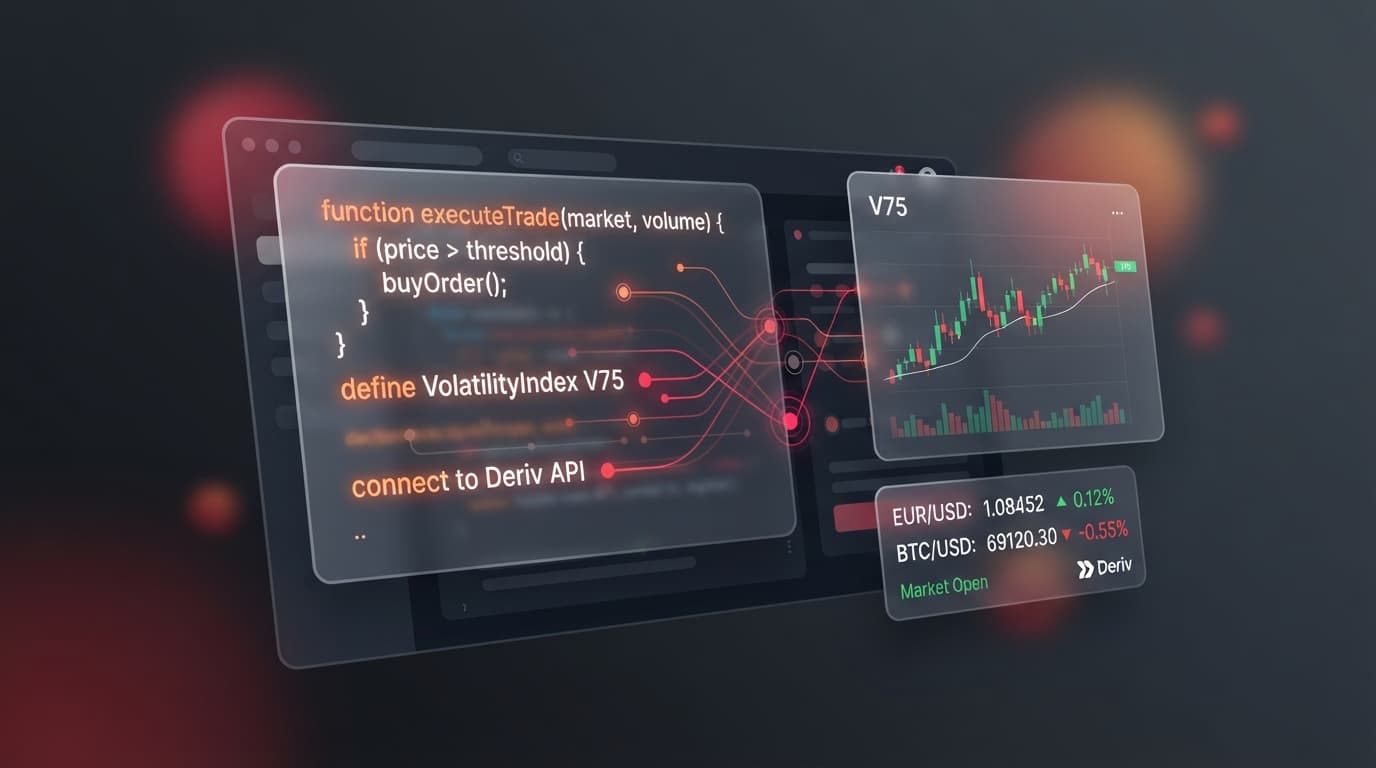
Navigating the official Deriv Partner portal at partners.deriv.com gives affiliate marketers, signal providers, and content creators full control over their referral traffic. This deriv partner dashboard guide explains how to navigate the main portal, generate customized tracking links, monitor trading volume across synthetic indices like Volatility 75 (V75) and V100 1Hz, and configure commission payout settings.
Building sustainable affiliate income requires structured tracking and continuous audience segmentation. Traders using automated algorithms or rapid scalping strategies on synthetic indices require different acquisition pathways than long-term forex, commodity, or crypto traders.
Through the deriv partner program, partners can monitor clients across available compensation plans, including Revenue Share up to 45% and volume-based CFD structures. Mastering these portal tools ensures every registration and trade logs correctly under your account.
1. Generating Custom Tracking Links in the Deriv Partner Portal
Creating tagged links inside partners.deriv.com isolates specific traffic sources and provides clear attribution data. Generic links obscure performance differences between Telegram signal channels, YouTube tutorials, and educational websites.
Earn up to 45% as a Deriv Partner
Refer clients and earn up to 45% lifetime commission — revenue share + turnover payouts, paid daily. Free to join.
- Up to 45% Lifetime
- Paid Daily
- 20% Sub-Partner
- 190+ Countries
To set up a custom tracking link, log into the dashboard and navigate to Marketing Tools > Get Links. Select your target landing page from the dropdown menu, such as the main signup page or dedicated trading platform pages. Next, enter a unique identifier in the Campaign ID field (for example, telegram_v75_signals or youtube_review).
When promoting high-frequency synthetic markets—including Volatility 10 (V10), V25, V50, V75, V100, and 1Hz variants—isolated campaign tagging is essential. Synthetic indices trade 24/7 with continuous liquidity, allowing active scalpers to generate high trade counts within short windows. Assigning dedicated campaign tags to these audiences ensures accurate attribution in your reporting panel.
Partners looking to expand their network can also generate sub-affiliate links under Marketing Tools > Sub-Affiliate Links. Sharing this link allows you to onboard secondary creators and trading mentors into your network, adding a sub-partner override to your primary deriv partner commission earnings.
2. Analyzing FinStat Reports to Track Client Activity and Revenue
Once your custom links are active, checking performance reports inside the portal helps identify high-performing client groups. The reporting suite at partners.deriv.com provides tracking for impressions, registrations, active traders, total volume, and platform revenue.
Access these metrics by clicking Reports in the top navigation bar and selecting FinStat. The FinStat interface allows you to set custom date ranges, filter by specific Campaign IDs, and inspect country-level traffic distributions.
Auditing client trading metrics helps separate high-frequency volume accounts from long-term position accounts:
- Volume Tracking: Filter reports by total traded volume to track accounts executing frequent trades on V75 and V100 1Hz synthetic indices.
- Net Revenue Analysis: Review the Net Revenue column to monitor client profitability and verify percentage calculations under the 45% RevShare structure.
- Active Client Retention: Monitor active trading days and deposit frequency across Volatility 10 and Volatility 25 cohorts to evaluate long-term client retention.
Reviewing these dashboard metrics informs your future marketing strategy. If FinStat shows that your Telegram channel yields high-frequency trading volume, you can allocate more resources toward scalping content. If website reviews bring in long-term traders with steady margin deposits, those audiences support predictable long-term deriv affiliate program revenue.
3. Configuring Payout Methods and Managing Commission Withdrawals
Managing payout settings and commission withdrawals inside the Deriv portal ensures prompt access to accumulated referral earnings. Commission balances update regularly as referred clients execute trades across CFDs, forex, gold, silver, cryptocurrencies, and synthetic indices.
To set up or modify your payment destination, navigate to Finances > Payment Instructions. Select your preferred withdrawal method from the available options, including bank wire transfers, cryptocurrency wallets (such as Bitcoin or USDT), e-wallets, and payment agents.
Verifying payment information in advance prevents processing delays when initiating payouts. Minimum withdrawal thresholds and processing timeframes depend on the selected payment method, but setting up automated preferences keeps fund transfers running smoothly.
Maintaining an organized payout process gives creators liquidity to reinvest into content production, community tools, and campaign expansion.
Ready to optimize your referral tracking? Log into your partner account at Deriv Partners to update your campaign links and inspect your latest FinStat performance reports.
Trading involves risk. Past performance does not guarantee future results.