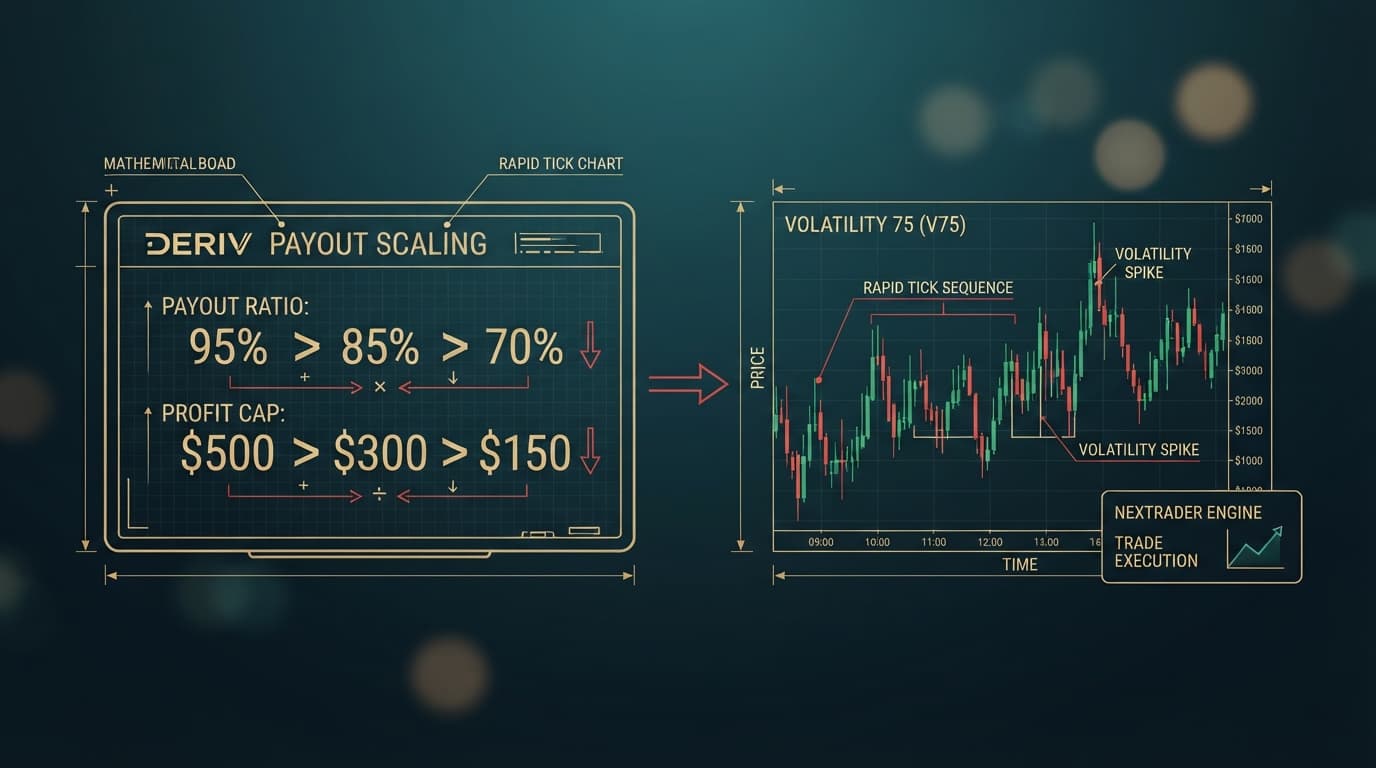
Default risk controls on synthetic indices often result in severe profit givebacks during sudden market turns. If your automated script relies on basic balance checks, a profitable run can evaporate within a few ticks. Implementing robust deriv bot stop loss settings is the single most effective way to protect accumulated gains and isolate your capital from market swings.
Traditional loss limits evaluate equity against your initial starting balance. If you start with $100.00 and hit a winning streak that grows your account to $180.00, a standard $20.00 fixed stop loss remains anchored at $80.00. Should the market reverse sharply, your deriv trading bot will surrender $80.00 of hard-earned profit before the execution engine finally triggers a session halt.
To eliminate this structural vulnerability, you must deploy a dynamic peak-balance trailing drawdown control. Available natively within the NexTrader Bot ecosystem (NexTrader Bot), this block architecture continuously ratchets your trailing profit floor upward as your account balance reaches new high-water marks. Every 1-Tick contract executed by scripts like Rise Rocket recalculates your protection threshold, ensuring you lock in realized returns without manual intervention.
- 1 Initialize Highest_Balance variable to Current_Balance ($100.00)
- 2 Execute 1-Tick Rise Rocket contract on Volatility 75 (1s)
- 3 Evaluate trade outcome and query live Deriv WebSocket API balance
- 4 Update Highest_Balance if Current_Balance exceeds previous high-water mark
- 5 Recalculate Stop_Floor equal to Highest_Balance multiplied by 0.85
- 6 Trigger Run/Stop Control to STOP if Current_Balance drops below Stop_Floor or Hard Floor ($80.00)
Advanced Deriv Bot Stop Loss Settings: What This Fixes
When running high-speed scripts like Rise Rocket on Volatility 75 (1s), price ticks move continuously. The primary failure mode of standard bot templates is the inability to secure unrealized profits built during extended winning runs.
Load a Free Deriv Bot in One Click
Browse 747+ ready-to-run Deriv bots — Rise/Fall, Over/Under, Even/Odd, Match/Differ. No coding, free forever.
- 747+ Free Bots
- One-Click Load
- Rise/Fall & Digits
- Demo or Real
Consider a practical session scenario:
- Starting Capital:
$100.00 - Target Strategy: Rise Rocket running 1-Tick Rise/Fall contracts on Volatility 75 (1s)
- Static Stop Loss:
$20.00max loss (Halt threshold at$80.00)
The bot enters a strong run, winning eight consecutive ticks and building account balance from $100.00 to $180.00. Under static stop loss parameters, your session termination threshold remains locked at $80.00. If Volatility 75 (1s) enters a tight distribution zone or sharp structural reversal, the bot can experience a series of losing ticks that drag balance down from $180.00 to $79.90 before hitting the stop loss.
You lose the $80.00 profit accumulated during the streak plus $20.10 of original initial capital.
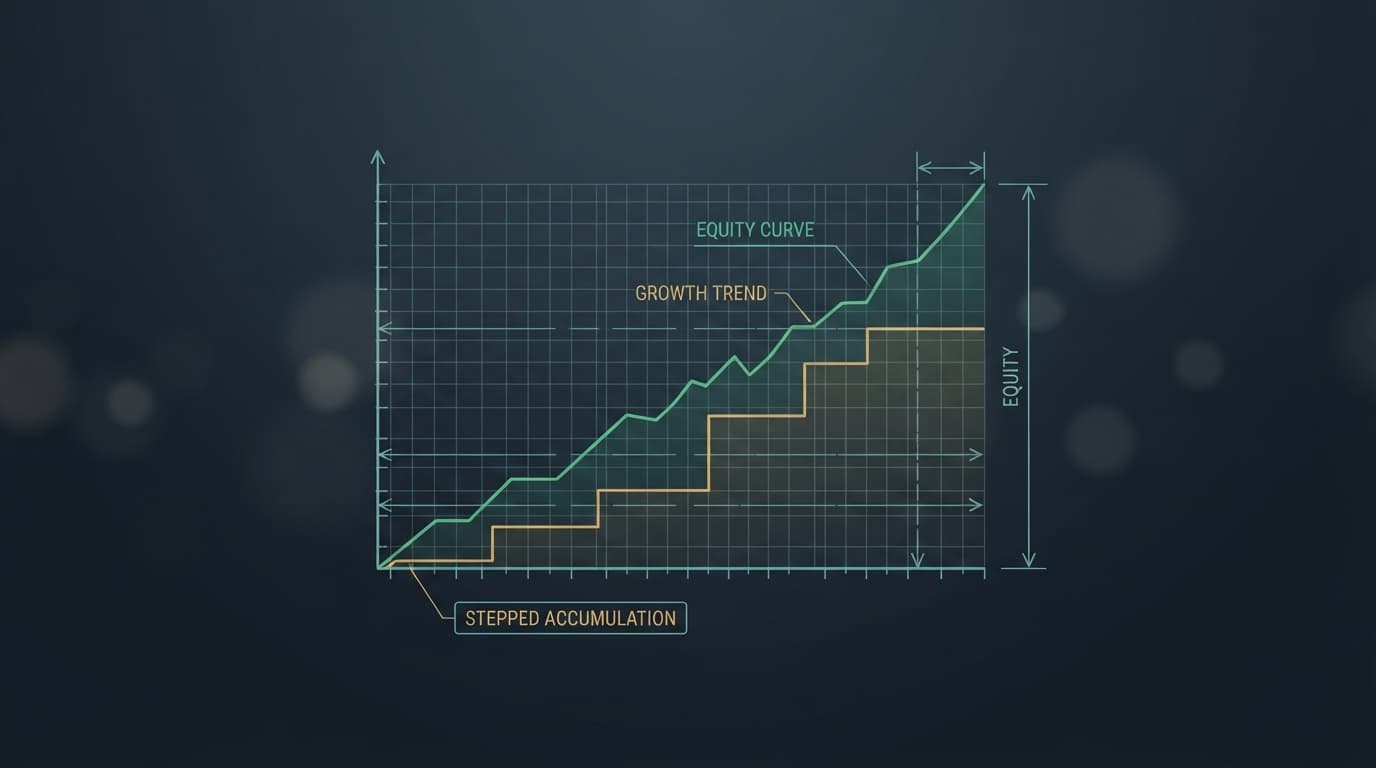
By replacing rigid equity parameters with a dynamic peak-balance trailing stop loss, your trailing floor ratchets up with your account equity. When your balance reaches $180.00, a 15% dynamic trailing offset instantly shifts your protection floor to $153.00 ($180.00 * 0.85). If market conditions degrade, the bot terminates execution at $153.00, locking in $53.00 of clean profit while preserving your initial $100.00 trading stake.
Quick Setup Check for Your NexTrader Bot
Before modifying logic blocks inside NexTrader Bot (NexTrader Bot), verify these strategy baselines in your workspace:
- Bot Selection: Rise Rocket loaded from the free Bot Hub library (Rise/Fall category, 1-Tick execution speed).
- Market Asset: Volatility 75 (1s) Index (
V75 (1s)) assigned in the market setup block. - Workspace State: Active ~48 block layout ready on the canvas editor for logic injections.
Fix 1: Initialize Peak-Balance Tracking Logic
Default contract automation checks balance linearly using raw platform balances, comparing current equity against initial capital without storing session highs. To track session peaks, you must introduce a persistent state variable that updates whenever balance reaches a new high-water mark.
Why Default Setups Fail
Standard block logic in traditional binary bots evaluates session results after every trade by comparing Current_Balance directly against Initial_Balance - Fixed_Stop. Because Initial_Balance remains a static numerical constant (e.g., $100.00), the bot remains blind to intermediate profit expansion.
Step-by-Step Block Configuration
- Open the Variables manager in the NexTrader Bot workspace canvas.
- Create a new variable named
Highest_Balance. - Locate the Bot Initialization Block (Block Group 1 - Sub-market and Setup parameters).
- Set
Highest_Balance = Current_Balanceinside the initialization sequence before any contract purchase loop executes. - Navigate to Block Group 4 - After Purchase / Post-Trade Analysis.
- Place a conditional block immediately following trade outcome evaluation:
* If Current_Balance > Highest_Balance Then
* Set Highest_Balance = Current_Balance
This ensures that upon starting with $100.00, Highest_Balance begins at $100.00. When consecutive winning 1-Tick contracts drive equity to $112.50, $130.00, and $180.00, Highest_Balance updates dynamically at each step.
Fix 2: Calculate the Ratcheting Trailing Floor
Once peak balance tracking is active, you must establish the dynamic mathematical formula that converts peak equity into an active trailing profit floor.
Setting the Dynamic Trailing Offset
For high-speed synthetic markets like Volatility 75 (1s), setting a dynamic trailing offset of 15% (0.15 decimal multiplier) provides sufficient buffer for minor tick noise while locking in structural profits.
Mathematical Logic Integration
Inside Block Group 4 (After Purchase), directly after the Highest_Balance update conditional block, insert a mathematical formula block to calculate your active protection floor:
- Create a workspace variable named
Stop_Floor. - Insert a math assignment block:
Set Stop_Floor = Highest_Balance * (1 - 0.15). - Alternatively expressed:
Set Stop_Floor = Highest_Balance * 0.85.
Execution Behavior Across Account Milestones
- At Start: Account is
$100.00.Highest_Balance=$100.00.Stop_Flooris calculated at$85.00. - After Win Sequence: Account reaches
$140.00.Highest_Balance=$140.00.Stop_Floorratchets up to$119.00($140.00 * 0.85). - Peak Balance: Account reaches
$180.00.Highest_Balance=$180.00.Stop_Floorratchets up to$153.00($180.00 * 0.85).
If the bot encounters consecutive losing ticks at $180.00, Highest_Balance remains locked at $180.00. Stop_Floor remains anchored at $153.00, creating a persistent $153.00 account floor.
Fix 3: Connect 1-Tick Immediate Execution Stop Controls
Calculating Stop_Floor is useless if the post-trade logic fails to halt execution before sending the next purchase payload over the Deriv WebSocket API. On 1-Tick execution speeds, delays in execution control result in slipped entries.
Preventing Order Loop Overruns
Standard bot blocks evaluate post-trade logic after queuing the next trade instruction. You must insert a strict pre-trade evaluation check directly before the purchase trigger block.
Block Layout Sequence
- Navigate to Block Group 2 - Purchase Conditions / Trade Definition.
- Wrap the primary purchasing command (
Purchase Rise) inside a strict execution check block. - Configure the logical conditional block as follows:
* If Current_Balance <= Stop_Floor Then
* Call Dashboard Control: STOP BOT
* Display Notification: "Dynamic Trailing Stop Triggered. Floor Retained."
* Else
* Execute Purchase: Rise
By placing this condition directly inside the trade execution block, the bot checks your live account balance via WebSocket streaming before submitting a contract request. If Current_Balance drops to $152.50 (breaching the $153.00 floor), execution halts instantly, disabling the Run control on the NexTrader Bot dashboard.
Fix 4: Set a Hard Emergency Base Balance Stop
Dynamic trailing percentage stops depend on upward account balance movement to build a protective equity cushion. If a bot encounters an immediate string of losing ticks right after launch, a 15% trailing offset on $100.00 would set initial risk at $15.00. If you want to enforce a maximum hard absolute loss cap of $20.00 regardless of dynamic calculations, you must install a dual-condition safety valve.
Structural Logic for Dual Protection
Combine dynamic trailing evaluation with a hard emergency balance floor using a logical OR statement inside the pre-trade evaluation block.
- Declare a variable named
Hard_Stop_Floor. - In Block Group 1 (Initialization), set
Hard_Stop_Floor = Initial_Balance - 20.00(e.g.,$100.00 - $20.00 = $80.00). - Update the conditional check in Block Group 2 (Purchase Conditions):
* If (Current_Balance <= Stop_Floor) OR (Current_Balance <= Hard_Stop_Floor) Then
* Call Dashboard Control: STOP BOT
Safety Matrix
- Scenario A (Immediate Drawdown): Account drops from
$100.00to$84.00. DynamicStop_Floor($85.00) triggers first, halting execution at$84.00(retaining$84.00of capital). - Scenario B (Late Reversal After Growth): Account scales from
$100.00to$220.00. DynamicStop_Floorratchets to$187.00($220.00 * 0.85). Hard floor remains at$80.00. Dynamic stop triggers at$187.00, securing$87.00in net profit.
This dual protection setup ensures your strategy remains protected against early drawdowns while fully capturing upside dynamic ratchets.
Keeping Your NexTrader Bot Stable
Automated strategies running on high-frequency synthetics like Volatility 75 (1s) demand tight execution control. Follow these operational standards to maintain system stability across trading sessions:
- Asset Volatility Alignment: A
15%trailing offset is calibrated specifically for fast-moving indices like Volatility 75 (1s). When switching to lower-volatility synthetics such as Volatility 10 Index or Volatility 25 Index, recalibrate the trailing offset multiplier to8%–10%(0.08–0.10) to avoid stopping out on normal volatility noise. - Block Memory Management: When reconfiguring trading parameters mid-session, reload Rise Rocket directly from the Bot Hub to reset persistent block variables before launching a new session.
Start Now
Protect your trading capital and lock in automated profits today:
- Visit NexTrader Bot Platform.
- Connect your account using your Deriv API token.
- Open the Bot Hub, navigate to the Free Bots tier, and load the Rise Rocket free deriv bot (Rise/Fall contract type, 1-Tick execution speed).
- Select Volatility 75 (1s) Index from the asset menu.
- Open the block workspace, configure your
Highest_Balancetracking variable, set your15%dynamic trailing offset floor, and test the setup risk-free on a demo balance.
To access free trading tools, sign up for your free account at NexTrader App Signup and join our active community of algorithmic traders on Telegram at Telegram.