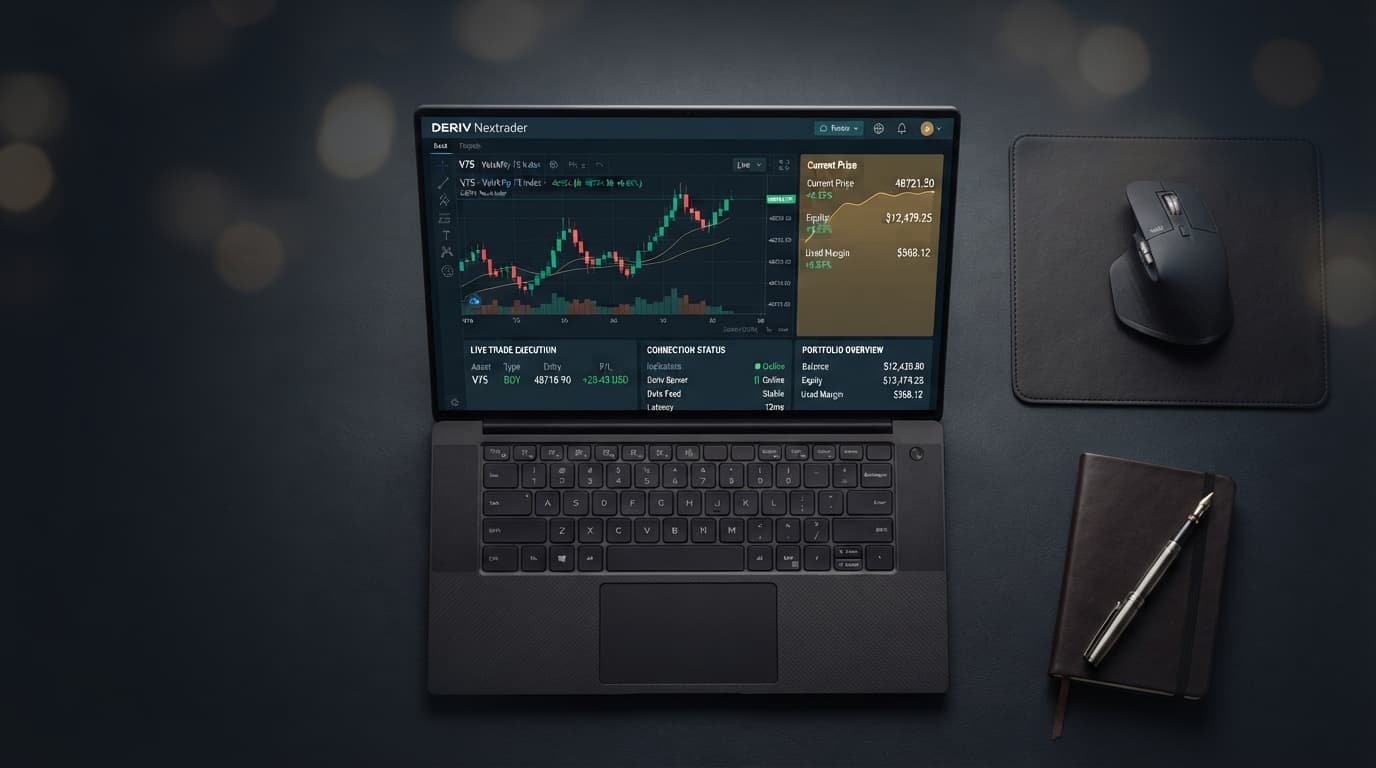
How to Create a Deriv Bot: 4-Block Automated Strategy Guide
By the end of this guide, you will have a fully functioning, 4-block automated Deriv trading bot running live tick analyses and risk-managed execution on Volatility Synthetic Indices.
Mastering how to create a deriv bot comes down to structuring core visual logic blocks that dictate market entry, contract sizing, and post-trade risk management. Constructing strategies from scratch on raw block canvasses often leads to broken logical loops or execution delays. You can construct, test, and execute custom algorithms significantly faster using Free Deriv Bots at NexTrader Bot.
Every high-performing deriv trading bot relies on four interconnected logical modules: initialization variables, entry triggers, contract rules, and post-trade risk loops. These four modules control how the execution engine responds to tick-level price updates across Volatility 10 Index, Volatility 75 Index, Volatility 100 (1s) Index, forex, and commodities.
Rather than building dozens of raw connections from a blank canvas, Free Deriv Bots at NexTrader Bot offers fully functional block architectures pre-configured for instant deployment. Traders can select pre-built 1-Tick Turbo algorithms, adjust the underlying formulas, or upload custom strategy files via standard XML without setup friction.
Load a Free Deriv Bot in One Click
Browse 747+ ready-to-run Deriv bots — Rise/Fall, Over/Under, Even/Odd, Match/Differ. No coding, free forever.
- 747+ Free Bots
- One-Click Load
- Rise/Fall & Digits
- Demo or Real
- 1 Connect Deriv account via API token on NexTrader
- 2 Configure 4 logical architecture blocks in workspace
- 3 Select synthetic market and 1-Tick contract rules
- 4 Run automated execution on Demo account balance
What You Need
Before configuring your bot architecture, ensure you have the required prerequisites ready:
- Deriv account read and trade API token.
- Access to Free Deriv Bots at NexTrader Bot.
- Strategy rules for Rise/Fall, Over/Under, Even/Odd, or Match/Differ contracts (or an existing XML strategy file).
Step 1: Connect Your Deriv Account via API Token on NexTrader
Connecting your account requires an API token generated from your broker settings with read and trade permissions enabled.
- Open the primary workspace dashboard at NexTrader Bot.
- Click Connect API Token in the Account Settings panel on the top control bar.
- Paste your Deriv API token.
- Select Demo Account mode to test your logic before allocating capital.
- Confirm that your live virtual balance updates automatically in the NexTrader status bar.
Step 2: Configure Block 1 – Strategy Initialization & Risk Variables
The initialization block acts as the memory bank of your automated system. It runs exactly once when you press the run button, establishing constant parameters and dynamic memory variables that survive between trades.
Navigate to the Bot Builder workspace on NexTrader Bot or select the Root Block / Variable Definition area inside your chosen template layout. You must define four concrete numerical constants:
Base Stake:$1.00(The initial trade size assigned toCurrent Stakeat startup).Target Profit:$10.00(The total cumulative profit threshold required to trigger a session stop).Stop Loss:$20.00(The maximum tolerable cumulative drawdown before the system halts trading).Multiplier:2.0(The mathematical coefficient applied to the stake following a losing trade).
- 1 Initialization Block
- 2 Set Base Stake = $1.00
- 3 Set Current Stake = Base Stake
- 4 Set Target Profit = $10.00
- 5 Set Stop Loss = $20.00
- 6 Set Multiplier = 2.0
Defining these variables cleanly inside Block 1 prevents hardcoding trade values directly into execution triggers, making your free deriv bot flexible and easy to tune across different market conditions.
Step 3: Configure Block 2 – Tick-Level Market Analysis & Entry Rules
Block 2 evaluates incoming price ticks in real time. Synthetic indices like Volatility 75 Index produce tick data every second, requiring your entry condition to evaluate mathematical parameters instantly before issuing a purchase command.
Access the Purchase Conditions panel (Block 2) and configure your trigger logic using the Logic Block / Tick Stream Evaluation controls:
- Digit Analysis Strategy: Configure the logic block to isolate the last digit of the current tick price stream. Set the execution trigger to open an Under contract if the last digit evaluates to greater than 5 across two consecutive ticks.
- Directional Trend Strategy: Configure the logic block to track tick delta (
Tick[0] - Tick[-1]). Set the execution trigger to purchase a Rise contract if three consecutive positive tick differentials occur.
Evaluating tick parameters directly inside Block 2 sends order triggers only when your exact quantitative rules are met.
Step 4: Configure Block 3 – Contract Parameters & Market Selection
Once Block 2 triggers a buy signal, Block 3 packages the contract parameters and submits the execution payload directly through the WebSocket connection.
Open the Contract Specification panel (Block 3) and adjust your parameters using the Market & Contract Dropdowns:
- Market: Select
Volatility 75 Indexor high-frequencyVolatility 100 (1s) Index. (You can also choose Volatility 10, 25, or 50 + 1Hz index series). - Trade Type: Choose
Rise/FallorOver/Under(other available types includeEven/OddandMatch/Differ). - Contract Duration: Set precisely to
1 Tickfor maximum execution speed. - Prediction / Barrier: Set to
Under 8(orOver 2depending on your active strategy). - Stake Amount: Attach the dynamic variable
Current Stakeestablished in Block 1.
- 1 Contract Parameters Block
- 2 Market: Volatility 75 Index
- 3 Type: Over/Under (Prediction: Under 8)
- 4 Duration: 1 Tick
- 5 Amount: Current Stake Variable
Using standard 1-Tick execution speeds ensures that contract outcomes resolve rapidly, allowing your risk loop in Block 4 to process results without structural lag.
Step 5: Configure Block 4 – Post-Trade Restart Loop & Risk Multiplier
The final block handles contract outcome processing, mathematical accounting, and safety shutdowns. Without a robust post-trade loop, your bot could run endlessly into account equity depletion.
Open the After Purchase / Restart Loop panel (Block 4) and insert Result Condition Blocks to evaluate trade outcomes:
Win Logic path
- Add contract win payout to
Total P/L. - Reset
Current Stake=Base Stake($1.00). - Check conditional rule: If
Total P/L>=Target Profit($10.00), display victory summary and halt bot execution.
Loss Logic path
- Subtract contract loss from
Total P/L. - Recalculate stake size:
Current Stake=Current Stake*Multiplier(2.0x). - Check conditional rule: If
Total P/L<=-Stop Loss(-$20.00), execute Emergency Stop and halt bot execution. - If
Total P/Lremains within safety parameters, pass control back to Block 2 for the next trade setup.
- 1 Post-Trade Loop
- 2 IF Contract Wins:
- 3 Reset Current Stake = $1.00
- 4 IF Total P/L >= $10.00 -> STOP BOT (Target Reached)
- 5 IF Contract Loses:
- 6 Current Stake = Current Stake * 2.0
- 7 IF Total P/L <= -$20.00 -> STOP BOT (Stop Loss Hit)
Applying an exponential stake multiplier increases account wipeout risk during consecutive loss streaks. Establishing an explicit Stop Loss check inside Block 4 enforces a hard system halt to preserve remaining account equity.
Step 6: Test on Demo Balance and Execute Live via NexTrader Bot Hub
With all four blocks configured, testing your setup on virtual funds validates whether your entry rules and loss multipliers function as intended.
- Navigate to the primary execution dashboard at NexTrader Bot.
- Access the Bot Hub to inspect your custom block assembly or load a pre-built template from our library of ready-to-run bots.
- Verify that your
Base Stake($1.00),Target Profit($10.00), andStop Loss($20.00) are correctly assigned in the control panel. - Click Run Bot to initiate live execution.
- Observe contract submissions, win/loss counters, and live P/L updates on the dashboard in real time.
- Click Stop Bot at any point to break the execution loop immediately.
Testing your setup across 50 to 100 demo trades confirms that your stop-loss logic triggers as expected before you allocate real capital.
If Something Goes Wrong
When building or running automated strategies, minor logical or connectivity errors can occur. Here is how to fix the three most common technical issues:
Fix 1: API Authorization Failure / Token Disconnect
If the bot fails to open contracts upon pressing Run, your session token may have expired or lacks trade permissions. Navigate to the account settings panel on NexTrader Bot, revoke the existing connection token, generate a fresh token with read and trade permissions from your Deriv broker profile, and reconnect.
Fix 2: Infinite Martingale Loop / Stake Limit Error
If trade execution halts abruptly mid-sequence, your stake multiplier may have exceeded maximum order limits. Review Block 1 and Block 4 parameters. Ensure your Stop Loss threshold ($20.00) is lower than your total available balance and that a 2.0x multiplier sequence cannot breach your broker account's maximum allowed contract ceiling before hitting your stop loss.
Fix 3: Invalid Block Parameter Error on Load
If importing custom strategies via external XML files throws a formatting or broken schema error, navigate to the Bot Hub at NexTrader Bot. Use the built-in XML Import tool to clean up non-standard tags, or replace damaged custom blocks with standard pre-validated templates from the Free Bots collection.
Deploy Your Custom Deriv Bot on NexTrader
Structuring your strategy around four core logical blocks—Initialization, Entry Trigger, Contract Specs, and Risk Restart—gives you total control over execution across synthetic indices.
Launch your strategy on Free Deriv Bots at NexTrader Bot to access pre-built 1-Tick and 1-Tick Turbo algorithms, XML importing tools, and live execution dashboards completely free. To create your account and access market analytics tools, sign up at Sign Up Free — Nextrader. Join our active trader community on Telegram at Telegram for updated strategy blueprints, XML files, and peer trading discussions.
Trading involves risk. Past performance does not guarantee future results.