Introduction
Welcome to this in-depth tutorial on leveraging Nextrader's powerful Accumulator mode with the Auto Trader Bot. Designed for Deriv traders seeking to amplify their potential returns, this guide will walk you through the precise steps to configure and deploy a strategy aimed at exponential account growth. Whether you're new to automated trading or looking to optimize your existing setup, by the end of this tutorial, you'll understand how to harness Nextrader's advanced ai trading signals and automation features to pursue significant gains on Deriv synthetic indices, forex, gold, silver, or crypto markets.
This tutorial is crafted for Deriv traders who want to utilize cutting-edge deriv trading tools to automate their strategies. You will learn how to combine Nextrader's real-time, non-repaint signals with its unique Accumulator mode, turning small initial stakes into potentially much larger sums through compounding. We'll focus on practical, step-by-step instructions, ensuring you can confidently set up your Auto Trader Bot for success.
The goal is to empower you to set up a robust automated trading system that leverages Nextrader's diverse ai trading signals and smart money management options to work towards your growth targets, all within a 100% free ecosystem that helps you navigate the complexities of binary bots and deriv bots.
What You Need Before Starting
- A Deriv Account: Funded and ready for trading synthetic indices, forex, or other assets supported by Deriv.
- A Nextrader Account: Free and accessible via Nextrader App.
- Basic Understanding of Trading: Familiarity with concepts like entry, stop loss, take profit, and risk management is beneficial.
- The Nextrader Android App (Optional but Recommended): For convenient mobile access and management (com.vm.nextrader).
Step 1: Accessing the Nextrader App and Auto Trader Bot
Your journey to exponential growth begins by logging into the Nextrader App. Open your web browser and navigate to Nextrader App. If you haven't already, sign up for your free account. Once logged in, you'll be presented with the Nextrader dashboard, which serves as your command center for all deriv trading tools.
Get Live AI Trading Signals
Real-time non-repaint signals from 11 AI strategies — Volatility Indices, Forex, Gold & Crypto. No subscription, no paywall.
- Auto Trader Bot
- Digit Trader Bot
- 11 AI Strategies
- Live Telegram Signals
On the left-hand navigation panel, you'll find various tools. For this tutorial, our primary focus is the Auto Trader Bot. Click on "Auto Trader Bot" to access its dedicated interface. This is where you'll configure your automated trading strategy, drawing upon Nextrader's powerful ai trading signals to execute trades based on predefined criteria. Before proceeding, ensure your Deriv account is properly linked within Nextrader – you can manage this under the "Accounts" section if needed. The Auto Trader Bot supports both Rise/Fall and Higher/Lower contract types, making it versatile for various market conditions.
Step 2: Configuring Your AI Trading Signals
With the Auto Trader Bot interface open, the next crucial step is to define the ai trading signals that will drive your automation. Nextrader provides real-time, non-repaint signals that fire only on CLOSED candles, ensuring reliability.
First, select your Market. You can choose from Deriv synthetic indices (V10, V25, V50, V75, V100, 1Hz), forex pairs, gold, silver, or crypto. For instance, selecting "Volatility 75 Index" is a popular choice for its liquidity.
Next, choose your Timeframe. The app offers 5min, 10min, 30min, and 1 hour timeframes. A longer timeframe generally provides more stable signals, while shorter ones can offer more frequent trading opportunities.
Then, select one of the 11 named AI strategies. These include:
- Trend Hunter (EMA): For trend-following.
- Reversal Radar (RSI): For identifying potential reversals.
- Momentum Wave (MACD): For gauging market momentum.
- Volatility Pulse (Bollinger): For trading volatility breakouts or contractions.
- Swift Scalper (Stochastic RSI): Ideal for quick, short-term trades.
- Trend Rider (SuperTrend): Another robust trend-following strategy.
- Cloud Walker (Ichimoku): For comprehensive trend and support/resistance analysis.
- Price Magnet (VWAP): For volume-weighted average price strategies.
- Breakout Beast (ATR): For identifying and trading breakouts.
- Smart Fusion (multi-indicator): A blended strategy.
- Smart Signals (4+ indicators): Leveraging multiple indicators for high-confidence signals.
Each strategy comes with a confidence level (30-85%) and provides Entry, Stop Loss, TP1, and TP2 targets. Select a strategy that aligns with your risk appetite and market understanding. For Accumulator mode, a strategy with a higher confidence level is often preferred to maximize winning streaks. Remember, these are non-repaint signals, meaning once a signal is fired on a closed candle, it will not change, providing a stable basis for your deriv bots.
Step 3: Activating Accumulator Mode and Setting Growth Target
This is the core of our tutorial: activating and configuring Nextrader's Accumulator mode for exponential growth. Once your AI trading signals are set up, scroll down within the Auto Trader Bot interface to find the "Accumulator Mode" option.
Toggle Accumulator Mode to "ON". When activated, Accumulator mode transforms your profit-taking strategy. Instead of taking a fixed profit, it automatically compounds your winnings. This means that if a trade is profitable, the profit from that trade is added to your stake for the next trade, effectively snowballing your capital. This is a powerful feature for accelerating growth and is a key differentiator among deriv trading tools.
Next, you'll set your Growth Target. This allows you to define how many times you want your initial stake to multiply. You can choose a target from 1x to 5x (e.g., 2x, 3x, 4x, 5x). If you start with a $1 stake and set a 3x growth target, the bot will continue compounding until your initial $1 has grown to $3. Once the target is reached, the bot can either stop or reset, depending on your further configuration. This controlled compounding helps manage risk while aiming for substantial growth. Carefully consider your target based on market conditions and your risk tolerance. A lower target might be reached more frequently, while a higher one offers greater potential reward but also requires more consecutive wins.
Step 4: Implementing Smart Money Management
Effective money management is critical, especially when aiming for exponential growth with Accumulator mode. Nextrader's Auto Trader Bot offers several sophisticated options to protect your capital and recover losses. Below the Accumulator Mode settings, you'll find the Money Management section.
Here, you can choose from three powerful options:
- Fixed Stake: This is the simplest method. Your stake remains constant for each trade. While Accumulator mode will still compound profits, the initial stake for each new cycle (after a loss or reaching a growth target) will revert to your fixed amount. This is generally recommended for beginners or those testing new strategies, as it limits risk per trade.
- Martingale: This strategy involves increasing your stake after a loss, aiming to recover previous losses and make a profit with the next winning trade. When combined with Accumulator mode, Martingale can be very aggressive. If a trade loses, the Martingale multiplier will apply to the next stake. If that trade wins, Accumulator mode then takes over to compound that profit. Use Martingale with caution, as it can lead to rapid capital depletion if you hit a long losing streak.
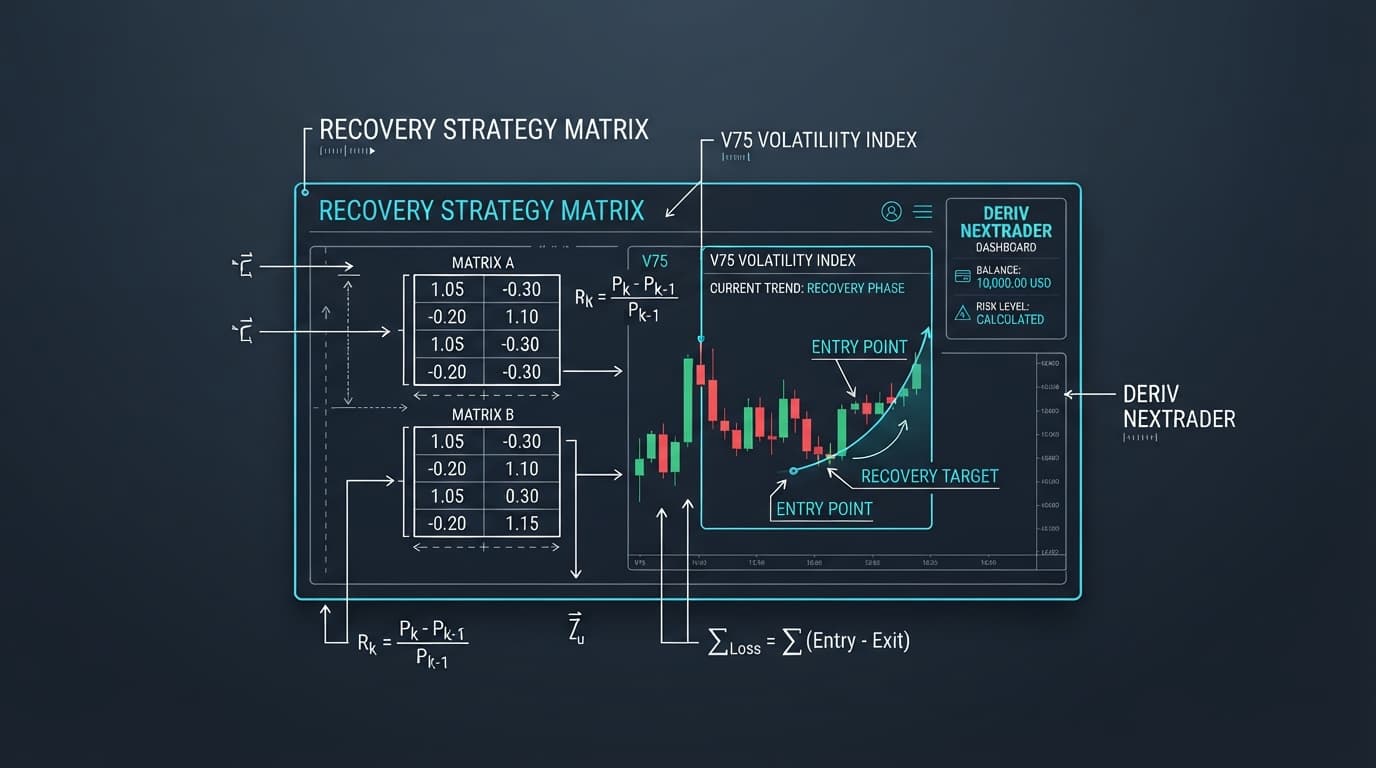
- Mesa Milano (Smart Loss Recovery): This is Nextrader's intelligent loss recovery system. Mesa Milano is a more adaptive approach than Martingale. It strategically adjusts your stake after a loss, aiming for smart recovery without the aggressive exponential increase of Martingale. This makes it a more balanced option for managing risk while still pursuing recovery. When integrated with Accumulator mode, Mesa Milano will attempt to recover losses from a losing trade, and upon a win, Accumulator mode will then compound the recovered profit.
Carefully select the money management strategy that aligns with your risk profile and the ai trading signals you've chosen. For beginners, Fixed Stake is a safer starting point. For those comfortable with higher risk and aiming for faster recovery, Mesa Milano offers a smarter alternative to raw Martingale. Remember to set your initial Stake amount, which will be the starting point for your Accumulator cycles and money management calculations.
Step 5: Monitoring Performance and Adjusting Strategy
Once your Auto Trader Bot is configured with Accumulator mode and your chosen money management strategy, it's time to start trading and monitor its performance. Click the "Start" button to initiate the bot. Nextrader provides robust tools for real-time tracking and analysis.
The live P&L (Profit & Loss) display will show your current trading results, updating with each executed trade. This gives you an immediate overview of your bot's effectiveness. Below the P&L, you'll find a color-coded console. This console provides a detailed log of all bot activities: trade entries, exits, profits, losses, and any system messages. Green entries typically indicate profitable trades, while red indicates losses, allowing for quick visual assessment of performance trends.
Nextrader also supports multi-account support. If you have multiple Deriv accounts, you can link them and switch between them within the Nextrader app. This is invaluable for running different strategies simultaneously or testing variations of your Accumulator setup without affecting your primary trading account. For example, you could run a 2x Accumulator on one account with Trend Hunter, and a 3x Accumulator on another with Reversal Radar.
Regularly review your bot's performance. If you notice a prolonged losing streak or if your growth target isn't being met efficiently, consider pausing the bot and making adjustments. This could involve:
- Changing the AI Strategy: Perhaps a different strategy (e.g., from Trend Hunter to Volatility Pulse) is better suited for current market conditions.
- Adjusting the Timeframe: A longer timeframe might offer more reliable signals in volatile markets.
- Modifying the Growth Target: A lower target might be more achievable in certain phases.
- Tweaking Money Management: Moving from Martingale to Mesa Milano, or even to Fixed Stake, to manage risk more conservatively.
The ability to monitor and adapt is crucial for long-term success with deriv bots.
Pro Tips
- Start Small and Test: Before deploying significant capital, start with a minimal stake and a lower Accumulator growth target (e.g., 2x). This allows you to observe how your chosen AI strategy and money management work together in real market conditions without undue risk.
- Diversify AI Strategies: Don't limit yourself to just one AI strategy. Nextrader offers 11 distinct strategies like Trend Hunter, Reversal Radar, and Smart Signals. Experiment with different combinations across various markets and timeframes, especially using the multi-account support feature, to find what performs best.
- Leverage Digit Trader Bot Insights: While this tutorial focuses on Auto Trader, remember Nextrader also offers a Digit Trader Bot with AI last-digit prediction. Even if not directly used for Accumulator, reviewing the 50-500 digit history, streak, and frequency analysis can provide broader market insights that might influence your choice of asset or timeframe for the Auto Trader Bot.
- Understand Confidence Levels: Pay attention to the confidence levels (30-85%) provided with each AI signal. While higher confidence doesn't guarantee a win, it indicates that more indicators (at least 3-4) agree on the signal, potentially offering a stronger setup for your Accumulator mode to thrive.
Start Now
Ready to experience the power of Nextrader's Accumulator mode and Auto Trader Bot? Begin your journey towards exponential growth today.
Access the Nextrader App: Nextrader App
Sign up for your free account: Sign Up Free — Nextrader
Join our Telegram community: Telegram
Trading involves risk. Past performance does not guarantee future results.