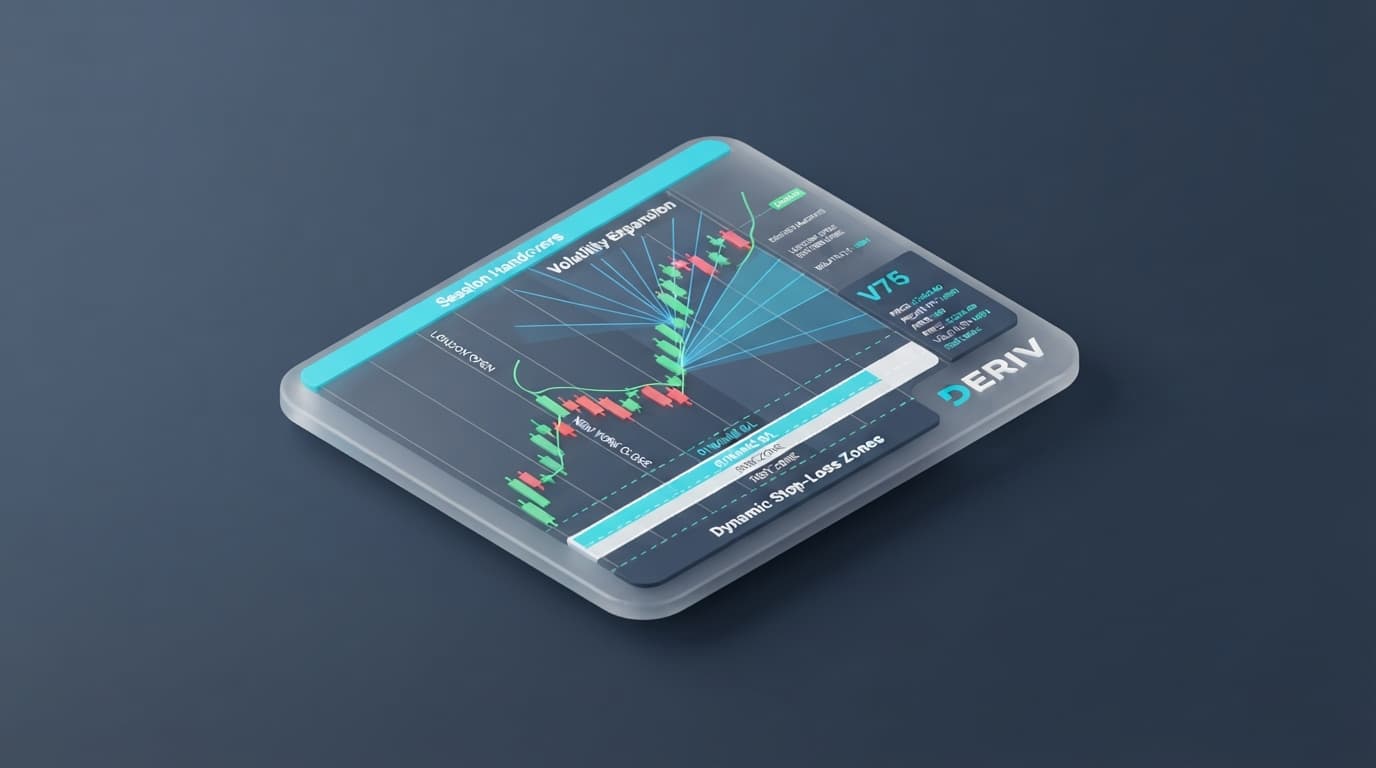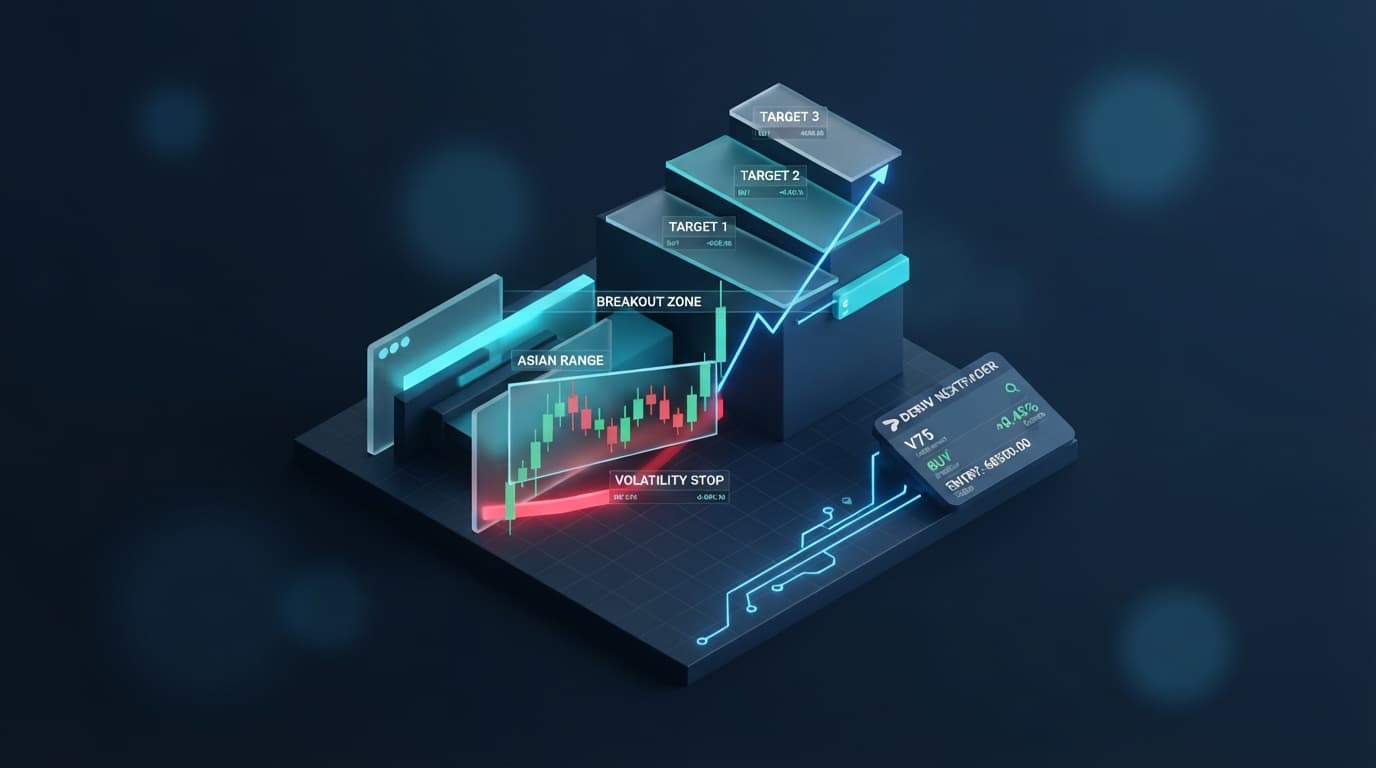
Step-by-step guide to setting up Nextrader's Auto Trader Bot with Accumulator mode for exponential growth on Deriv.
Introduction
Welcome, Nextrader! This comprehensive tutorial will guide you through the exciting process of setting up Nextrader's powerful Auto Trader Bot, specifically leveraging its innovative Accumulator mode, to pursue exponential growth on your Deriv trading account. Whether you're new to automated trading or looking to optimize your existing strategies, this guide is designed to empower you with the knowledge to harness Nextrader's cutting-edge AI trading signals and sophisticated money management tools. By the end of this tutorial, you will have a fully configured automated trading system, ready to execute trades based on advanced AI strategies with a compounding effect, all completely free within the Nextrader ecosystem.
This tutorial is perfect for Deriv traders interested in automating their trading decisions across synthetic indices, forex, gold, silver, and crypto without subscriptions or paywalls. You'll learn how to combine real-time non-repaint signals with smart money management for a potentially transformative trading experience.
What You Need Before Starting
- A verified Deriv.com trading account (demo or real).
- A free Nextrader.live account.
- A basic understanding of Deriv trading concepts (Rise/Fall, Higher/Lower contracts).
- An internet connection and a device to access Nextrader App.
Step 1: Accessing the Nextrader App and Connecting Your Deriv Account
Your journey to automated trading begins by accessing the Nextrader App. Open your web browser and navigate to Nextrader App. If you already have an account, simply log in. If not, click on the "Sign Up" option to create your free Nextrader account – it's quick and easy, unlocking a world of free deriv trading tools.
Once logged in, you'll be presented with the Nextrader dashboard. Locate the navigation menu, typically on the left side, and find the "Auto Trader Bot" section. Click on this to enter the bot's dedicated interface.
Get Live AI Trading Signals
Real-time non-repaint signals from 11 AI strategies — Volatility Indices, Forex, Gold & Crypto. No subscription, no paywall.
- Auto Trader Bot
- Digit Trader Bot
- 11 AI Strategies
- Live Telegram Signals
The first crucial step within the Auto Trader Bot interface is to connect your Deriv trading account. Nextrader integrates seamlessly with Deriv via their WebSocket API. You'll usually see an option to "Connect Deriv Account." You can connect either by providing your Deriv API token (recommended for enhanced security, as it doesn't require sharing your Deriv password) or by logging in directly through Deriv's secure portal. Ensure you select the correct account type – Demo or Real – depending on whether you want to test your strategy or trade with live funds. Always start with a demo account to familiarize yourself with the settings and observe performance before transitioning to a real account. This connection is fundamental for the bot to execute trades on your behalf, turning Nextrader's ai trading signals into actionable trades.
Step 2: Selecting Your Trading Strategy and Market
With your Deriv account connected, it's time to define what and how your Auto Trader Bot will trade. Nextrader offers a rich selection of markets and sophisticated AI strategies.
First, choose your desired trading market from the available options. Nextrader is built for Deriv synthetic indices (like V10, V25, V50, V75, V100, and 1Hz), forex pairs, gold, silver, and crypto. For beginners, synthetic indices like Volatility 75 (V75) are often a popular choice due to their 24/7 availability and consistent volatility.
Next, select an AI strategy. Nextrader boasts 11 named AI strategies, each designed with unique market conditions in mind. You'll find options like:
- Trend Hunter (EMA): Ideal for riding established trends.
- Reversal Radar (RSI): Focuses on identifying potential market reversals.
- Momentum Wave (MACD): Targets strong momentum shifts.
- Volatility Pulse (Bollinger): Capitalizes on expansions and contractions in market volatility.
- Smart Signals: A powerful multi-indicator strategy (4+ indicators) that provides real-time non-repaint signals, firing only on CLOSED candles, ensuring signal reliability.
Choose a strategy that aligns with your trading style and market analysis. Each strategy generates signals with varying confidence levels (30-85%) and provides clear Entry, Stop Loss (SL), Take Profit 1 (TP1), and Take Profit 2 (TP2) levels. You'll also need to select a timeframe for the signals: 5min, 10min, 30min, or 1 hour. A shorter timeframe like 5min might be suitable for scalping, while 1-hour signals are better for swing trading. Take your time to explore the different strategies and their descriptions to find the best fit for your objectives. These sophisticated ai trading signals are the backbone of your automated trading.
Step 3: Configuring the Auto Trader Bot for Accumulator Mode
Now we get to the core of achieving exponential growth: configuring the Auto Trader Bot with Accumulator mode. This feature allows for compounding returns, where profits from successful trades are reinvested to increase subsequent stake sizes, amplifying potential gains.
Within the Auto Trader Bot settings, you'll need to specify the contract type. For most AI strategies, you'll typically select "Rise/Fall" or "Higher/Lower" as the primary contract type, depending on the market and your strategy's predictions.
Crucially, locate and enable the "Accumulator mode" option. When activated, Accumulator mode transforms your bot's behavior, allowing it to grow your stake from 1x up to 5x (or more, depending on your settings and capital). This means if your initial stake is $1 and you have a successful trade, the profit from that trade will be added to your initial stake for the next trade, effectively compounding your investment. This is a powerful feature for those looking to accelerate their account growth.
Next, set your initial stake. This is the starting amount the bot will use for its first trade. Even with Accumulator mode, it's vital to start with a conservative stake that aligns with your risk tolerance. Remember, while Accumulator mode offers high growth potential, it also magnifies risk, making proper risk management paramount. The Nextrader ecosystem provides powerful deriv bots and binary bots, and understanding their settings is key to success.
Step 4: Setting Up Money Management (Mesa Milano & Other Options)
Effective money management is the bedrock of sustainable trading, especially when using powerful features like Accumulator mode. Nextrader's Auto Trader Bot offers advanced money management options to protect your capital and optimize recovery.
While "Fixed Stake" (constant trade size) and "Martingale" (doubling stake after a loss) are available, for use with Accumulator mode, the "Mesa Milano" strategy is highly recommended for its smart loss recovery capabilities. Mesa Milano is designed to intelligently adjust trade sizes after losses to recover previous drawdowns more efficiently without the aggressive compounding of Martingale. It aims for smart loss recovery, allowing your account to bounce back strategically.
When selecting Mesa Milano, you'll likely have parameters to set, such as a multiplier for step increases or the maximum number of recovery steps. Carefully consider these settings to ensure they align with your risk appetite and account size. A common mistake is to set these too aggressively, which can lead to rapid account depletion.
Beyond per-trade money management, it's essential to set overall session limits for your bot. Locate the "Stop Loss" and "Take Profit" settings.
- Stop Loss (overall session loss limit): This is the maximum amount of loss you are willing to incur during a single bot session. Once this limit is reached, the bot will automatically stop trading, protecting your capital from further drawdown.
- Take Profit (overall session profit target): This is your desired profit target for the session. When the bot reaches this profit level, it will automatically stop trading, helping you lock in gains and avoid giving back profits to the market.
These global limits are crucial safety nets, especially when using Accumulator mode, which can amplify both gains and losses. Setting realistic and disciplined Stop Loss and Take Profit levels is a hallmark of responsible trading with deriv trading tools.
Step 5: Reviewing Settings and Starting Your Automated Trading Session
You're almost ready to launch your automated trading journey! Before you hit the "Start Bot" button, take a moment to meticulously review all your chosen settings. This final check is vital to ensure everything is configured exactly as you intend.
Go through each parameter one last time:
- Market: Is it the correct synthetic index, forex pair, or crypto?
- AI Strategy: Have you selected the desired strategy (e.g., Trend Hunter, Smart Signals) and timeframe (5min, 10min, 30min, or 1 hour)?
- Contract Type: Is it set to Rise/Fall or Higher/Lower?
- Accumulator Mode: Is it enabled, and is your initial stake set appropriately?
- Money Management: Is Mesa Milano selected with sensible parameters, or have you chosen Fixed Stake?
- Global Limits: Are your overall session Stop Loss and Take Profit targets set correctly to protect your capital and lock in profits?
Once you are confident in all your settings, click the "Start Bot" button. The bot will immediately begin monitoring the market for signals generated by your chosen AI strategy. You'll see real-time updates in the color-coded console, displaying live P&L, trade executions, and other critical information. Nextrader also supports multi-account functionality, allowing you to manage several Deriv accounts simultaneously from one interface, if applicable.
It's important to monitor the bot's performance, especially in its initial runs on a demo account. Observe how it executes trades, how Accumulator mode adjusts stakes, and how Mesa Milano handles drawdowns. You can pause or stop the bot at any time if you need to adjust settings or if market conditions change. Remember, while automation is powerful, active monitoring and adaptation are key to long-term success with any deriv bot.
Pro Tips
- Start with a Demo Account: Always begin testing your Auto Trader Bot with Accumulator mode on a Deriv demo account. This allows you to understand its behavior, refine your settings, and build confidence without risking real capital.
- Monitor Performance & Adapt: Even though it's automated, regularly check the bot's live P&L and console output. Markets are dynamic; what works today might need adjustment tomorrow. Don't set and forget, especially when using powerful features like Accumulator mode.
- Experiment with AI Strategies & Timeframes: Nextrader offers 11 distinct AI strategies. Don't be afraid to experiment with different combinations of strategies and timeframes (5min, 10min, 30min, 1 hour) to find what works best for specific markets or your trading goals.
- Understand Confidence Levels: Pay attention to the confidence levels (30-85%) provided with each signal, as well as the Entry/Stop Loss/TP1/TP2. These indicators offer valuable insights into the strength and potential outcome of a trade.
- Join the Community: Leverage the Nextrader Telegram community at Telegram. It's a fantastic resource for sharing insights, asking questions, and getting support from fellow traders and the Nextrader team.
Start Now
Ready to elevate your Deriv trading with Nextrader's free AI trading signals and powerful deriv bots? Get started today and experience the future of automated trading!
Visit: Nextrader App
Sign up for free: Sign Up Free — Nextrader
Join our Telegram community: Telegram
Trading involves risk. Past performance does not guarantee future results.