Introduction
Welcome, Deriv traders, to this comprehensive tutorial on maximizing your trading potential with Nextrader's cutting-edge AI trading signals! In this guide, we'll walk you through the precise steps to identify, interpret, and act upon Nextrader's sophisticated AI-generated signals, complete with integrated Entry, Stop Loss (SL), and Take Profit (TP) levels. Whether you're a seasoned trader looking for an edge or a newcomer eager to leverage advanced deriv trading tools, this tutorial is designed to empower you.
By the end of this guide, you will confidently navigate the Nextrader App, understand the nuances of its various AI strategies, and learn how to seamlessly integrate these powerful insights into your Deriv trading decisions, enhancing your strategy for synthetic indices, forex, gold, silver, and crypto markets. You'll discover how Nextrader’s 100% free tools can transform your approach to the market, offering real-time, non-repaint signals to help you make more informed trades.
What You Need Before Starting
Before diving into the world of AI-driven trading signals, ensure you have the following ready:
- A Deriv Account: Both real and demo accounts are suitable for practicing and executing trades.
- A Nextrader Account: Access the free Nextrader App at Nextrader App.
- Basic Trading Knowledge: Familiarity with concepts like Entry Price, Stop Loss, and Take Profit is beneficial.
- Internet Connection: A stable connection is crucial for real-time signal updates.
Step 1: Accessing the Nextrader App and Selecting Your Market
Your journey begins at the heart of the Nextrader ecosystem: the Nextrader App. This powerful platform is your gateway to free AI trading signals and automation, all without any subscriptions or paywalls.
Get Live AI Trading Signals
Real-time non-repaint signals from 11 AI strategies — Volatility Indices, Forex, Gold & Crypto. No subscription, no paywall.
- Auto Trader Bot
- Digit Trader Bot
- 11 AI Strategies
- Live Telegram Signals
First, open your web browser and navigate to Nextrader App. If you're a new user, you'll need to complete a quick and free signup process. Existing users can simply log in with their credentials. Once logged in, you'll be presented with the Nextrader dashboard, a hub for various deriv trading tools.
The first crucial step is to select the market you wish to analyze and trade. Nextrader supports a wide array of Deriv markets, including popular synthetic indices like V10, V25, V50, V75, V100, and the ultra-fast 1Hz indices. Beyond synthetics, you can also access signals for forex pairs, gold, silver, and various cryptocurrencies. Look for a market selection interface, typically a dropdown menu or a list of assets, and choose your preferred trading instrument. For instance, if you're interested in the Volatility 75 Index, select "V75". This action will load the relevant data and prepare the system to generate signals specific to that market. Remember, all these tools are completely free, built to empower Deriv traders with advanced insights.
Step 2: Understanding AI Signal Generation and Timeframes
Once your market is selected, the Nextrader App begins its work, processing vast amounts of data through its advanced algorithms to generate high-quality AI trading signals. It's vital to understand the nature of these signals to utilize them effectively. Nextrader prides itself on delivering real-time non-repaint signals. This means that once a signal fires, it is confirmed and will not disappear or change its parameters retrospectively, providing a reliable basis for your trading decisions. These signals are rigorously generated only on CLOSED candles, ensuring that all indicator conditions have been met and confirmed, with a minimum of 3-4 indicators agreeing before a signal is issued. This multi-indicator confirmation process significantly enhances the signal's accuracy and reliability.
Next, you'll need to choose your preferred timeframe for analysis. Nextrader offers four distinct timeframes: 5-minute, 10-minute, 30-minute, and 1-hour. Each timeframe provides a different perspective on market movements, with shorter timeframes typically used for scalping strategies and longer ones for swing or position trading. Select the timeframe that aligns with your trading style and strategy. For example, if you're a day trader, the 5-minute or 10-minute timeframe might be most relevant. Observe the signals that appear for your chosen market and timeframe. Each signal will be accompanied by a confidence level, typically ranging from 30% to 85%, indicating the AI's probabilistic assessment of the signal's potential success. Higher confidence levels generally suggest stronger potential setups. By understanding how these signals are generated and filtered, you're better equipped to integrate them into your trading plan.
Step 3: Interpreting AI Strategies and Signal Details (Entry, SL, TP)
This step is where the detailed power of Nextrader's AI truly shines. The platform doesn't just give you a "buy" or "sell" command; it provides nuanced insights based on a suite of 11 named AI strategies, each designed to identify specific market conditions. These strategies include:
- Trend Hunter (EMA): Focuses on identifying and riding established trends using Exponential Moving Averages.
- Reversal Radar (RSI): Pinpoints potential market reversals using the Relative Strength Index.
- Momentum Wave (MACD): Tracks changes in momentum and trend strength with the Moving Average Convergence Divergence.
- Volatility Pulse (Bollinger): Utilizes Bollinger Bands to gauge market volatility and potential breakout or reversal points.
- Swift Scalper (Stochastic RSI): Optimized for short-term trades, identifying quick entry and exit points.
- Trend Rider (SuperTrend): Follows trends with the dynamic SuperTrend indicator.
- Cloud Walker (Ichimoku): Employs the Ichimoku Cloud for comprehensive trend, support, and resistance analysis.
- Price Magnet (VWAP): Uses the Volume Weighted Average Price to identify fair value and potential price magnet effects.
- Breakout Beast (ATR): Detects potential market breakouts using Average True Range.
- Smart Fusion (multi-indicator): A sophisticated strategy combining multiple indicators for robust analysis.
- Smart Signals (4+ indicators): Our highest confidence signals, generated when four or more indicators agree on a trade direction.
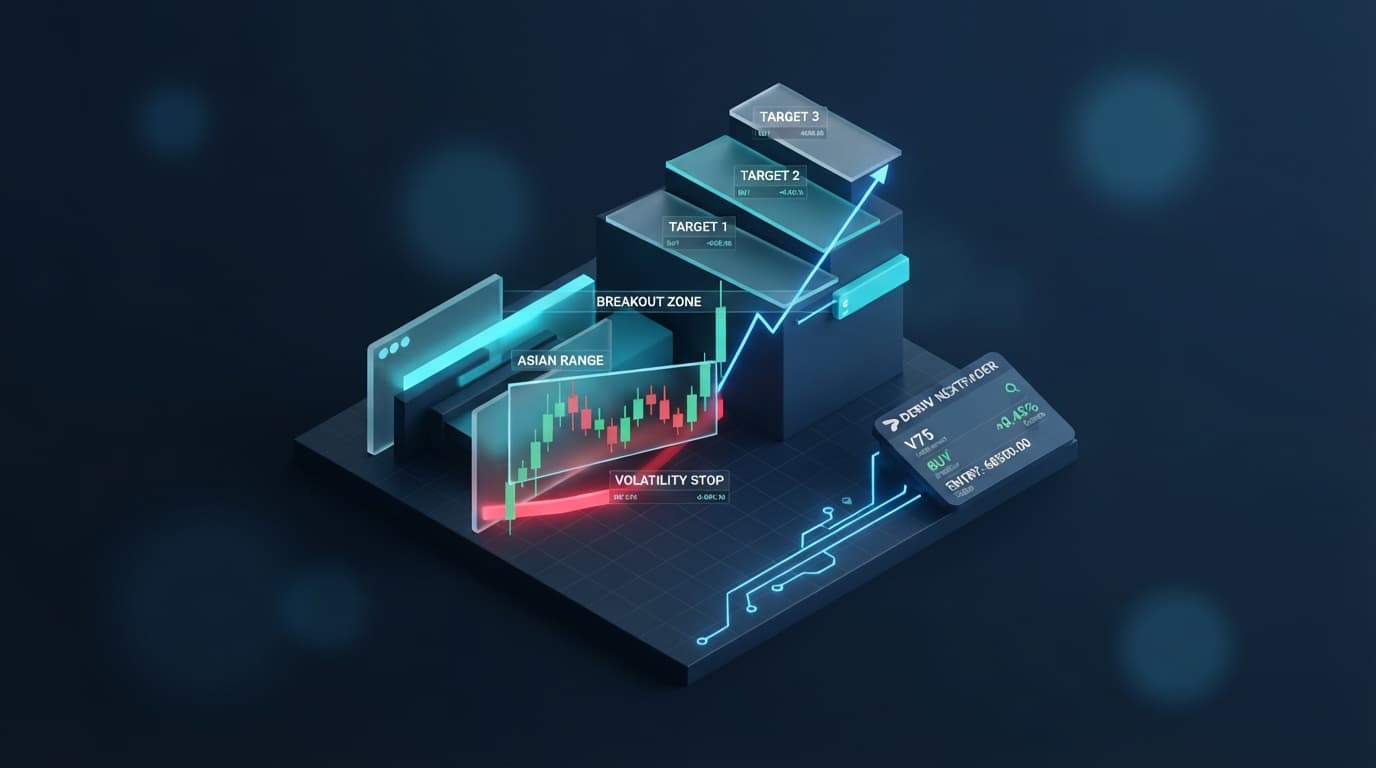
When a signal is generated by one of these strategies, it provides critical information: a precise Entry price, a recommended Stop Loss (SL) level, and two potential Take Profit levels (TP1 and TP2). The Entry price is the optimal point to open your trade. The Stop Loss is a crucial risk management tool, designed to limit your potential losses if the market moves against your prediction. TP1 and TP2 offer strategic targets for securing profits, allowing you to scale out of positions or aim for higher rewards. The beauty of Nextrader's AI is that these levels are intelligently calculated and provided for you, removing much of the guesswork. Always remember the non-repaint nature of these signals; once these levels are displayed, they are firm, giving you a stable reference point for execution.
Step 4: Manual Execution on Deriv or Utilizing Nextrader's Auto Trader Bot
With a clear AI signal in hand, complete with Entry, SL, and TP levels, you have two primary methods to utilize this information for your Deriv trading: manual execution or automated trading with Nextrader's powerful bots.
For manual execution, you'll take the provided Entry, Stop Loss, and Take Profit values directly from the Nextrader App and input them into your Deriv trading platform. Navigate to your Deriv account, select the corresponding market and contract type (e.g., Rise/Fall, Higher/Lower), and then carefully set your entry point, stop loss, and take profit orders according to the Nextrader signal. This method gives you complete control over each trade, allowing you to confirm market conditions and personal bias before entering. Ensure you understand how to place pending orders or market orders with predefined SL/TP on your Deriv interface. This is a fundamental way to leverage Nextrader's ai trading signals as part of your active trading strategy.
Alternatively, for those seeking automation, Nextrader offers the Auto Trader Bot, a robust solution for hands-free trading. While the AI signals provide specific Entry, SL, and TP for discretionary trading, the Auto Trader Bot offers an automated approach to trading Rise/Fall and Higher/Lower contracts based on its own internal logic and sophisticated money management strategies. This powerful feature allows you to set up predefined trading rules and let the bot execute trades on your behalf. The Auto Trader Bot integrates advanced money management options, including Fixed Stake for consistent risk, Martingale for progressive staking after losses, and the innovative Mesa Milano for smart loss recovery. It also supports multi-account support, allowing you to manage trades across several Deriv accounts simultaneously. The bot's live P&L (Profit & Loss) tracking and color-coded console provide real-time feedback on its performance, making it a valuable addition to your deriv bots arsenal for automated trading strategies.
Step 5: Exploring Digit Trader Bot and Advanced Features
Beyond the core AI trading signals and the Auto Trader Bot, Nextrader offers even more specialized deriv trading tools to diversify your strategies, particularly for those interested in Deriv's unique digit contracts. The Digit Trader Bot is a prime example, providing AI-powered last-digit prediction for Deriv's DIGIT contracts.
This specialized binary bots tool can predict outcomes for DIGIT EVEN/ODD, DIGIT OVER/UNDER, DIGIT MATCH, and DIGIT DIFF contracts. The Digit Trader Bot doesn't just guess; it leverages advanced analytics, offering 50-500 digit history and performing detailed streak & frequency analysis to identify patterns and predict future digit outcomes. This can be a game-changer for traders who focus on these high-frequency, short-term contract types, providing an analytical edge based on historical data.
Furthermore, Nextrader enhances your trading experience with other powerful features. The Accumulator mode (1x-5x growth) allows you to compound profits rapidly, potentially growing your capital by multiples within a trading session, though it comes with increased risk. The platform's multi-account support extends across all its features, enabling you to seamlessly switch between or manage multiple Deriv accounts from a single Nextrader interface. For traders on the go, the convenience of the Android app (com.vm.nextrader) means you can access Nextrader's free AI trading signals and manage your bots directly from your mobile device, ensuring you never miss an opportunity. These comprehensive features solidify Nextrader's position as a leading provider of free deriv trading tools, designed to cater to a wide range of trading preferences and strategies.
Pro Tips
- Combine AI Signals with Personal Analysis: While Nextrader's Smart Signals (4+ indicators) offer high confidence, always cross-reference them with your own technical analysis or market understanding. Use different timeframes to confirm trends.
- Practice Money Management: Before deploying real capital, thoroughly test the Auto Trader Bot's money management strategies (Fixed Stake, Martingale, Mesa Milano) on a Deriv demo account. Understand their implications for your risk profile.
- Leverage the Telegram Community: Join the Nextrader Telegram community at Telegram. It's a vibrant hub for sharing insights, asking questions, and learning from other traders utilizing Nextrader's deriv bots and signals.
- Explore Digit Trading: Don't overlook the specialized Digit Trader Bot. If you enjoy fast-paced trading, its AI-powered predictions based on streak and frequency analysis can open up unique opportunities on Deriv's digit contracts.
Start Now
Ready to elevate your Deriv trading with powerful AI signals and automation? Access the Nextrader App today and begin exploring a world of free, intelligent trading tools.
Trading involves risk. Past performance does not guarantee future results.