Introduction
Welcome to this comprehensive tutorial designed to empower Deriv traders with the knowledge to effectively utilize Nextrader's cutting-edge AI trading signals. In this guide, we'll dive deep into how to interpret the crucial "confidence" metric associated with each signal and, more importantly, how to accurately apply the recommended Entry, Stop Loss (SL), and Take Profit (TP) levels to your Deriv trades.
Whether you're a newcomer looking to leverage advanced "ai trading signals" or an experienced trader seeking to enhance your strategy with sophisticated "deriv trading tools," this tutorial is for you. By the end, you'll have a clear, step-by-step understanding of how to translate Nextrader's powerful AI insights into actionable trading decisions, helping you manage risk and identify potential profit opportunities across Deriv's synthetic indices, forex, gold, silver, and crypto markets. You'll learn not just what the numbers mean, but how to integrate them seamlessly into your trading workflow, whether you're trading manually or exploring the automation capabilities of "deriv bots" and "binary bots" within the Nextrader ecosystem.
What You Need Before Starting
Before we begin, ensure you have the following ready:
- A Deriv.com Account: This can be a live trading account or a demo account for practice.
- A Nextrader App Account: Register for free at Nextrader App.
- Basic Trading Knowledge: Familiarity with concepts like candlesticks, support/resistance, and risk management will be beneficial.
Step 1: Accessing Nextrader AI Trading Signals
Your first step is to navigate to the heart of Nextrader's signal generation.
Get Live AI Trading Signals
Real-time non-repaint signals from 11 AI strategies — Volatility Indices, Forex, Gold & Crypto. No subscription, no paywall.
- Auto Trader Bot
- Digit Trader Bot
- 11 AI Strategies
- Live Telegram Signals
- Open the Nextrader App: Go to Nextrader App in your web browser or open the Nextrader Android app (com.vm.nextrader) on your mobile device.
- Log In: Enter your credentials to access your Nextrader dashboard.
- Navigate to AI Signals: On the main dashboard, locate and click on the "AI Trading Signals" section. This is where all real-time, non-repaint signals are displayed.
- Select Your Market and Timeframe:
* Market: Choose the Deriv asset you wish to trade from the available options (e.g., V100, V75, EURUSD, XAUUSD). Nextrader supports a wide range of Deriv synthetic indices (V10/V25/V50/V75/V100 + 1Hz), forex, gold, silver, and crypto.
* Timeframe: Select your preferred timeframe for analysis (5min, 10min, 30min, or 1 hour). The AI generates signals specific to these timeframes.
- Observe Signal Generation: New signals will appear dynamically. Remember, Nextrader's signals are "non-repaint," meaning they fire only on CLOSED candles, ensuring reliability and preventing misleading real-time changes. The AI requires a minimum of 3-4 indicators to agree before generating a signal, enhancing its robustness.
Step 2: Understanding AI Signal Confidence and Strategy
Once a signal appears, you'll see several key pieces of information. This step focuses on interpreting the signal's strength and underlying methodology.
- Locate the Confidence Level: Each signal will display a "Confidence" percentage, typically ranging from 30% to 85%. This percentage is a crucial indicator of the AI's assessment of the signal's likelihood of success. A higher confidence percentage suggests a stronger probability that the predicted price movement will occur as outlined by the signal. For instance, an 80% confidence signal indicates a much higher conviction from the AI compared to a 45% confidence signal. While higher confidence is generally preferred, remember that no signal is 100% guaranteed.
- Identify the AI Strategy: Next to the confidence, you'll see the "AI Strategy" that generated the signal. Nextrader employs 11 named AI strategies, each leveraging different technical indicators for its analysis:
* Trend Hunter (EMA): Focuses on Exponential Moving Average crossovers and trends.
* Reversal Radar (RSI): Identifies potential reversals using the Relative Strength Index.
* Momentum Wave (MACD): Tracks momentum and trend changes via the Moving Average Convergence Divergence.
* Volatility Pulse (Bollinger): Utilizes Bollinger Bands to detect volatility expansion and contraction.
* Swift Scalper (Stochastic RSI): Designed for fast-paced entries and exits based on Stochastic RSI.
* Trend Rider (SuperTrend): Follows the SuperTrend indicator for overall trend direction.
* Cloud Walker (Ichimoku): Based on the Ichimoku Kinko Hyo for comprehensive trend and support/resistance.
* Price Magnet (VWAP): Uses Volume Weighted Average Price to find fair value.
* Breakout Beast (ATR): Identifies potential breakouts using Average True Range.
* Smart Fusion (multi-indicator): A sophisticated blend of multiple indicators.
* Smart Signals (4+ indicators): The most comprehensive, requiring agreement from four or more indicators for maximum robustness.
Understanding the strategy gives you insight into the type of market condition the AI is prioritizing (e.g., trending, ranging, volatile) and allows you to align signals with your preferred trading style.
Step 3: Interpreting Entry, Stop Loss, and Take Profit Levels
This is where the rubber meets the road. Nextrader's AI provides precise levels for managing your trade from entry to exit.
- Locate the Levels: For each active signal, you will find clearly labeled values for:
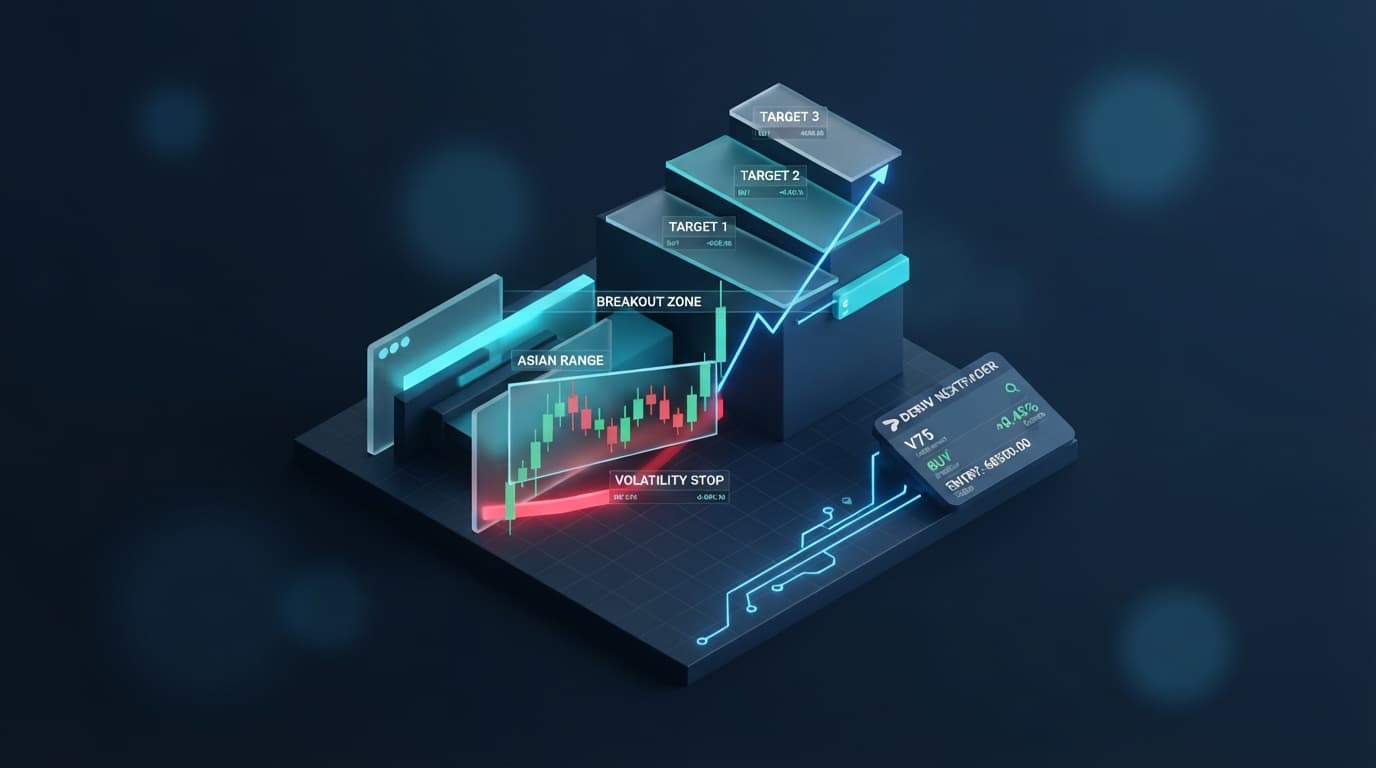
* Entry: The exact price point recommended by the AI to enter the trade. This is the optimal price the AI has identified based on its analysis.
* Stop Loss (SL): The critical price level at which you should close your trade to limit potential losses. This is a fundamental risk management tool provided by the AI. Always respect your Stop Loss to protect your capital.
* Take Profit 1 (TP1): The first recommended target price to secure profits. Many traders choose to close a portion of their position at TP1 to lock in gains.
* Take Profit 2 (TP2): A second, more ambitious target price for extended profit-taking. This level suggests where the AI anticipates a stronger, continued move.
- Understand Their Purpose:
* Entry: Aim to place your trade as close to this price as possible.
* Stop Loss: This is your maximum acceptable loss for the trade. If the market moves against you and hits this price, your trade should be exited.
* Take Profit (TP1/TP2): These are your profit targets. You can choose to close your entire position at TP1, scale out by closing half at TP1 and the rest at TP2, or aim for TP2 if you anticipate a strong move.
- Dynamic Nature: These levels are generated in real-time based on current market conditions and the chosen timeframe. They are precise and calculated to optimize potential reward while defining risk.
Step 4: Applying Signals Manually on Deriv (or via Auto Trader Bot)
Now that you understand the signal, it's time to execute the trade on your Deriv account. You have two primary methods: manual execution or automated trading using Nextrader's "deriv bots."
- Manual Application on Deriv:
* Open Your Deriv Platform: Log in to your Deriv trading platform, such as Deriv MT5 (DMT5) or the Deriv.com web trader.
* Select Asset and Timeframe: Ensure you are viewing the same asset and timeframe on Deriv as the signal generated in Nextrader (e.g., V100, 5-minute chart).
* Place Your Trade: Based on the signal (e.g., "BUY" or "SELL"), initiate a trade. For synthetic indices, this often involves Rise/Fall or Higher/Lower contracts.
* Entry: Enter the trade as close to the Nextrader's recommended "Entry" price as possible.
* Stop Loss: Set your Stop Loss order at the "SL" price provided by Nextrader. This is crucial for managing your risk.
* Take Profit: Set your Take Profit order(s) at the "TP1" and/or "TP2" levels. You might place one TP order at TP1, or two separate TP orders for scaling out.
* Monitor: Keep an eye on your trade's performance relative to the recommended levels.
- Automated Application with Nextrader's Auto Trader Bot:
* Access Auto Trader Bot: Within the Nextrader App, navigate to the "Auto Trader Bot" section.
* Configure Settings:
* Trade Type: Select Rise/Fall or Higher/Lower, matching the general direction of the AI signal.
* Money Management: Choose your preferred money management strategy:
* Fixed Stake: Trades with a consistent amount per trade.
* Martingale: Increases stake after a loss to recover previous losses (use with caution).
* Mesa Milano: A smart loss recovery strategy designed to recoup losses more intelligently.
* Signal Integration: The Auto Trader Bot is designed to execute trades based on the real-time AI trading signals. It will automatically apply the entry, stop loss, and take profit parameters generated by the AI for the selected asset and timeframe.
* Start Bot: Once configured, start the bot. It will automatically open and manage trades according to the AI signals and your chosen parameters, making it a powerful "binary bots" solution for hands-free trading. This automation frees you from constantly monitoring the signals and manually placing trades, allowing you to leverage "ai trading signals" efficiently.
Step 5: Leveraging Digit Trader Bot and Other Nextrader Features
Beyond the core AI trading signals, Nextrader offers specialized "deriv trading tools" that can complement your strategy, particularly for Deriv's unique digit contracts.
- Explore the Digit Trader Bot:
* AI Last-Digit Prediction: If you're interested in Deriv's digit contracts (e.g., Digit Even/Odd, Digit Over/Under, Digit Match/Diff), the Digit Trader Bot is your go-to tool. It uses AI to predict the last digit of the contract.
* Historical Analysis: The bot provides 50-500 digit history, streak analysis, and frequency analysis, giving you deep insights into past digit patterns. This data is invaluable for refining your digit trading strategy.
* Automated Digit Trading: Similar to the Auto Trader Bot, you can configure the Digit Trader Bot to automatically place digit trades based on its AI predictions and your chosen money management settings.
- Utilize Accumulator Mode: For those looking to compound profits, Nextrader offers an "Accumulator mode" (1x-5x growth). This feature allows you to reinvest profits automatically, potentially accelerating your account growth, though it also increases risk.
- Manage Multiple Accounts: If you trade with several Deriv accounts, Nextrader's "multi-account support" allows you to link and manage them all from a single interface, streamlining your trading operations.
- Monitor Live P&L and Console: Always keep an eye on your "live P&L" (Profit & Loss) and the "color-coded console" within the Nextrader App. This provides real-time feedback on your trading performance and the bot's activity, allowing you to make adjustments as needed. These features offer transparency and control over your "deriv bots."
Pro Tips
- Combine Signals with Manual Confirmation: While Nextrader's AI signals are robust, especially the "Smart Signals" (4+ indicators), consider cross-referencing with basic technical analysis if you're trading manually. Look for confluence with support/resistance levels, trend lines, or chart patterns to further validate high-confidence signals.
- Risk Management is Paramount: Always prioritize risk management. Strictly adhere to the recommended Stop Loss levels. Adjust your stake size based on your account balance and risk tolerance. If using Martingale or Mesa Milano with the Auto Trader Bot, understand the increased risk and set appropriate limits. Never risk more than you can afford to lose.
- Practice on a Demo Account First: Before deploying "ai trading signals" or "deriv bots" on a live account, utilize a Deriv demo account. This allows you to practice interpreting signals, applying Entry/SL/TP levels, and testing the Auto Trader Bot's performance without financial risk. It's the best way to build confidence and refine your strategy.
- Explore Different AI Strategies: Don't limit yourself to just one AI strategy. Experiment with "Trend Hunter," "Reversal Radar," "Momentum Wave," and others across different assets and timeframes. You might find that certain strategies perform better in specific market conditions or for particular instruments, enhancing your overall use of "deriv trading tools."
Start Now
Ready to transform your Deriv trading experience? Leverage Nextrader's free AI trading signals and automation tools today!
Dive in at: Nextrader App
Sign up for free: Sign Up Free — Nextrader
Join our Telegram community: Telegram
Trading involves risk. Past performance does not guarantee future results.