Your First Automated Deriv Trade: A Beginner's Guide to Setting Up Nextrader's Auto Trader Bot with Fixed Stake
Embarking on automated trading can seem daunting, but with Nextrader, it's designed to be straightforward and accessible for everyone. If you're looking to dip your toes into the world of deriv bots and experience the power of automation on Deriv's synthetic indices, forex, or crypto markets, you've come to the right place. This guide will walk you through setting up your very first automated trade using Nextrader's Auto Trader Bot with a fixed stake, ensuring a clear and controlled start to your trading journey.
Nextrader (nextrader.live) offers 100% free deriv trading tools for Deriv traders, eliminating subscriptions and paywalls. Our platform is built for a wide range of assets, including V10, V25, V50, V75, V100, 1Hz indices, and popular forex pairs, gold, silver, and crypto. We integrate directly with the Deriv WebSocket API, offering real-time data and seamless execution.
The Nextrader App takes this a step further, providing free AI trading signals and robust automation features. Our signals are non-repaint, firing only on closed candles when multiple indicators agree, giving you confidence with every potential trade. With 11 named AI strategies like Trend Hunter, Reversal Radar, and Smart Fusion, you have a powerful arsenal at your fingertips.
Getting Started: Setting Up Your Auto Trader Bot with Fixed Stake
The Auto Trader Bot is your gateway to hands-free trading. For beginners, starting with a fixed stake is crucial for managing risk and understanding the bot's mechanics without the added complexity of dynamic money management strategies. Here’s a step-by-step breakdown:
Get Live AI Trading Signals
Real-time non-repaint signals from 11 AI strategies — Volatility Indices, Forex, Gold & Crypto. No subscription, no paywall.
- Auto Trader Bot
- Digit Trader Bot
- 11 AI Strategies
- Live Telegram Signals
- Access the Nextrader App: Navigate to Nextrader App on your browser or download the Android app from Google Play. Log in with your credentials or create a free account.
- Connect Your Deriv Account: Once logged in, you'll need to connect your Deriv API token. This secure connection allows Nextrader to execute trades on your behalf. Don't worry, your funds remain secure within your Deriv account.
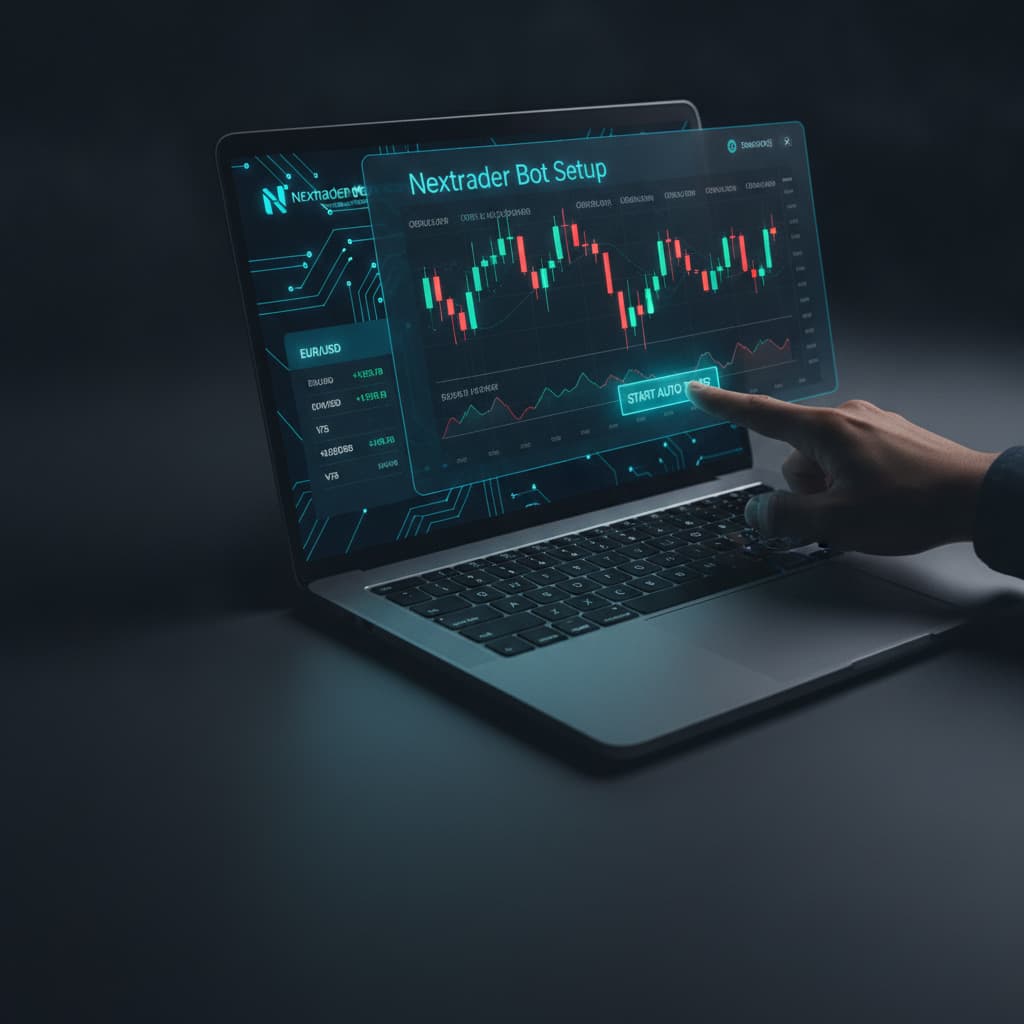
- Navigate to the Auto Trader Bot: On the main dashboard, locate and select the "Auto Trader Bot" option. This will open the bot's configuration interface.
- Select Your Trading Instrument: Choose the synthetic index (e.g., Volatility 75 Index), forex pair, or other asset you wish to trade. Nextrader supports all major Deriv instruments.
- Choose a Strategy (Rise/Fall or Higher/Lower): The Auto Trader Bot primarily supports Rise/Fall and Higher/Lower contract types, driven by our real-time AI signals. For your first trade, you might want to observe the live signals and select a contract type that aligns with the current market sentiment shown by the signals.
- Set Money Management to "Fixed Stake": This is a critical step for beginners. Under the "Money Management" section, select "Fixed Stake." This ensures that every trade executed by the bot uses the exact stake amount you define, regardless of previous trade outcomes.
- Define Your Stake Amount: Enter a small, manageable stake amount. For your very first automated trade, we highly recommend using your Deriv demo account and a minimal stake to familiarize yourself with the process without financial risk.
- Configure Additional Settings (Optional but Recommended):
* Max Number of Trades: Set a limit to control how many trades the bot executes.
* Take Profit (TP) & Stop Loss (SL): While Nextrader's AI signals provide TP1/TP2 and SL levels, you can also set an overall session TP/SL for your bot to automatically stop trading once reached.
* Confidence Filter: You can set a minimum confidence level for signals to be acted upon by the bot, ranging from 30-85%.
- Start the Bot: Once all your settings are in place, click the "Start Bot" button. You'll see real-time updates in the color-coded console, displaying live P&L, trade status, and other vital information.
Congratulations! You've successfully set up your first automated Deriv trade using Nextrader's Auto Trader Bot. Remember, starting small and gradually increasing your understanding is key. Nextrader offers powerful binary bots and ai trading signals to enhance your trading, but responsible trading practices are paramount.
Ready to automate your Deriv trades with free AI signals? Get started today!
Nextrader App | Sign Up for Free | Join our Telegram community: Telegram
Trading involves risk. Past performance does not guarantee future results.