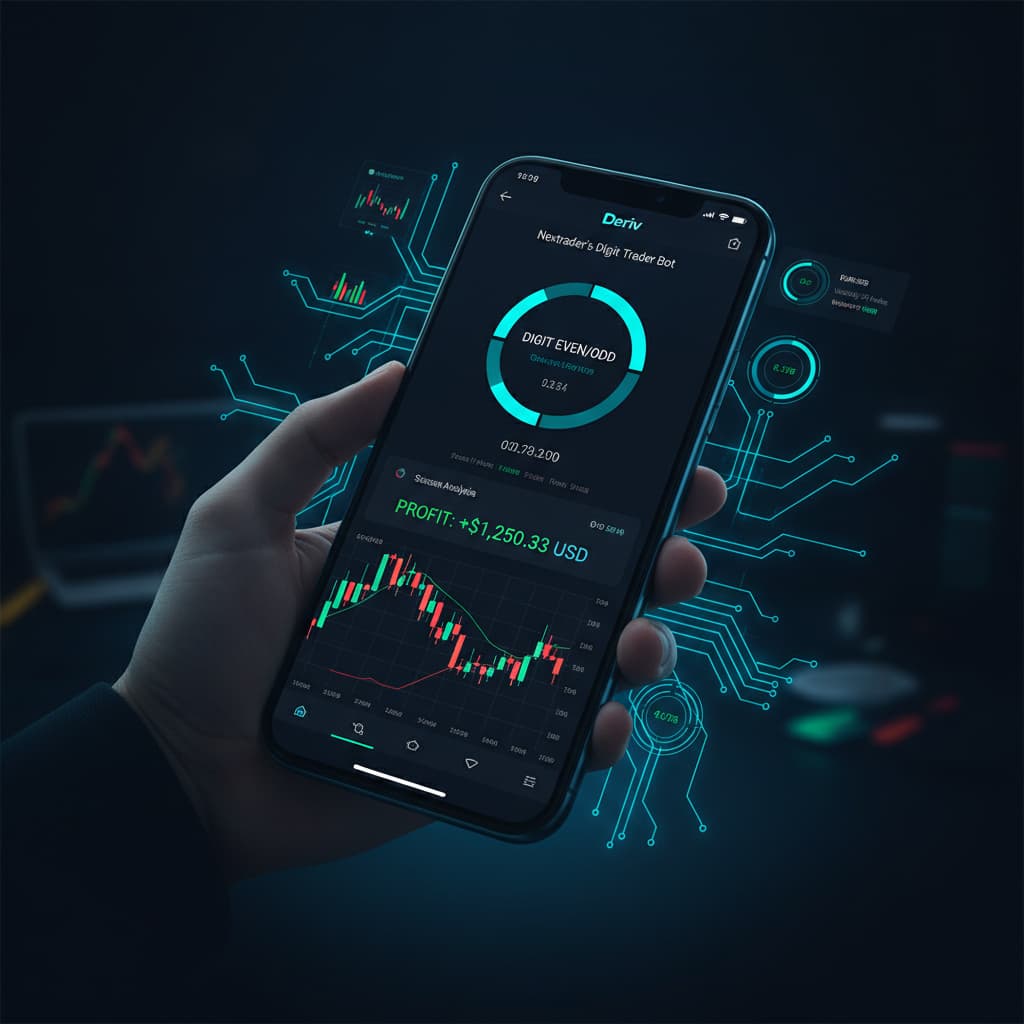
How to use Nextrader's Digit Trader Bot for AI-powered DIGIT EVEN/ODD predictions on Deriv.
Introduction
Welcome to this in-depth tutorial, designed to guide you through leveraging the power of Nextrader's Digit Trader Bot for AI-powered DIGIT EVEN/ODD predictions on Deriv. If you're a Deriv trader looking to automate your strategies and harness artificial intelligence for last-digit contracts, you've come to the right place. This guide will meticulously break down each step, ensuring you gain a comprehensive understanding of how to set up, configure, and operate one of the most innovative deriv trading tools available for free.
This tutorial is specifically crafted for Deriv traders of all experience levels, from those just starting with binary bots to seasoned professionals seeking advanced automation. We'll focus exclusively on the "DIGIT EVEN" and "DIGIT ODD" contract types, showing you how Nextrader's intelligent algorithms analyze market data to provide predictive insights, helping you make more informed trading decisions.
By the end of this tutorial, you will be fully equipped to navigate the Nextrader App, connect your Deriv account securely, configure your Digit Trader Bot for EVEN/ODD predictions, and understand the nuances of its AI-driven analysis. You'll learn how to implement robust money management strategies and monitor your trades effectively, unlocking a new dimension of efficiency and precision in your Deriv trading journey with these powerful ai trading signals.
What You Need Before Starting
- A Deriv Account: You'll need an active Deriv account (demo or real) with funds if you plan to trade live.
- A Nextrader Account: Register for a free account at app.nextrader.live. No subscriptions or paywalls ever!
- Basic Understanding of Deriv DIGIT Contracts: Familiarity with how DIGIT EVEN/ODD contracts work on Deriv will be beneficial.
Step 1: Accessing the Nextrader App and Connecting Your Deriv Account
Your first step is to access the Nextrader App and establish a secure connection to your Deriv trading account. This integration is crucial as it allows the Digit Trader Bot to execute trades directly on your behalf.
Get Live AI Trading Signals
Real-time non-repaint signals from 11 AI strategies — Volatility Indices, Forex, Gold & Crypto. No subscription, no paywall.
- Auto Trader Bot
- Digit Trader Bot
- 11 AI Strategies
- Live Telegram Signals
1. Navigate to the Nextrader App: Open your web browser and go to app.nextrader.live. If you haven't already, sign up for a free account. Otherwise, log in using your credentials.
2. Locate the Deriv API Connection: Once logged in, you'll typically find a section dedicated to "Account Management" or "API Connection." Nextrader uses Deriv's WebSocket API for real-time data and trade execution.
3. Generate Your Deriv API Token: Log into your Deriv.com account (or Deriv.me/eu if applicable). Go to "Settings" > "API Token." Create a new token, ensuring you grant it the necessary permissions for "Read," "Trade," and "Cashier" (if you intend to manage funds through the bot). Copy this token securely.
4. Paste and Connect: Return to the Nextrader App and paste your copied Deriv API token into the designated field. Click "Connect." The system will verify your token, and upon successful connection, your Deriv account balance (demo or real) will be displayed within the Nextrader console. Nextrader also supports multi-account functionality, allowing you to connect and manage several Deriv accounts simultaneously, a significant advantage for those running diverse strategies or managing multiple portfolios. This seamless connection is the backbone of all Nextrader's deriv bots.
Step 2: Navigating to the Digit Trader Bot
With your Deriv account successfully linked, it's time to locate and prepare the Digit Trader Bot for action. Nextrader's intuitive interface makes finding specific trading tools straightforward.
1. Access the Main Dashboard: From your Nextrader App dashboard (app.nextrader.live), you'll see various trading tools and automation options. Nextrader offers a suite of powerful features, including AI trading signals for various strategies and the Auto Trader Bot for Rise/Fall and Higher/Lower contracts.
2. Locate the Digit Trader Bot: Look for the specific section or tab labeled "Digit Trader Bot." This area is distinct from the general "Auto Trader Bot" and is dedicated exclusively to last-digit predictions. Click on this section to open its dedicated interface.
3. Familiarize Yourself with the Digit Trader Interface: Upon entering the Digit Trader Bot section, you'll observe several configurable parameters and a real-time console. Take a moment to understand the layout, which typically includes asset selection, contract type, stake settings, duration, money management options, and a display for digit history and AI predictions. This is where the magic of AI-powered digit trading begins, providing a robust platform among many deriv trading tools.
Step 3: Configuring Your DIGIT EVEN/ODD Strategy
This is where you define the specifics of your automated trading strategy for DIGIT EVEN/ODD contracts. Careful configuration is key to aligning the bot with your trading goals and risk appetite.
1. Select Your Market and Asset: First, choose your desired market. Nextrader excels with Deriv synthetic indices, so popular choices include Volatility 10 (V10), Volatility 25 (V25), Volatility 50 (V50), Volatility 75 (V75), and Volatility 100 (V100), as well as the 1Hz indices. You can also select forex pairs, gold, silver, or crypto markets if available on Deriv for digit contracts.
2. Choose Contract Type: Crucially, select either "DIGIT EVEN" or "DIGIT ODD" from the contract type dropdown. This tutorial focuses specifically on these two, leveraging the bot's unique AI last-digit prediction capabilities for these outcomes.
3. Set Stake Amount: Define your initial stake per trade. This is the amount you risk on each individual contract. Start with a small amount, especially when testing a new strategy.
4. Define Duration: Specify the duration of your contract, typically in ticks. Common durations for digit contracts range from 1 to 10 ticks, influencing how quickly trades resolve.
5. Select Money Management: Nextrader offers powerful money management options:
* Fixed Stake: The bot will use the same stake amount for every trade, regardless of previous outcomes. Ideal for consistent risk.
* Martingale: Increases the stake after a loss to recover previous losses and make a profit. Use with caution due to exponential risk.
* Mesa Milano: Nextrader's smart loss recovery system. This intelligent strategy adjusts stakes based on a sophisticated algorithm designed to recover losses more efficiently and with potentially less aggressive stake increases than traditional Martingale. It's an advanced option for optimizing loss recovery while managing risk, making it a standout feature among binary bots.
Step 4: Understanding and Utilizing AI Last-Digit Analysis
The core of Nextrader's Digit Trader Bot lies in its sophisticated AI last-digit prediction engine. This step explains how to interpret and leverage its insights for your DIGIT EVEN/ODD trades.
1. The Power of AI Last-Digit Prediction: Unlike simple random number generators, Nextrader's AI analyzes vast amounts of historical data specifically for the last digit of each tick. For DIGIT EVEN/ODD, it focuses on the frequency and streaks of even and odd outcomes.
2. 50-500 Digit History: The bot continuously processes and displays a history of the last 50 to 500 digits for the selected asset. This real-time data feed is the foundation of its predictive capabilities. You can visually observe the recent patterns of even and odd outcomes.
3. Streak & Frequency Analysis: The AI engine meticulously tracks "streaks" (consecutive occurrences of the same digit type, e.g., 5 consecutive ODDs) and "frequencies" (how often EVEN or ODD appears over a specific period). By identifying statistical anomalies, overextensions, or emerging patterns, the AI generates its prediction. For instance, if the AI detects an unusually long streak of ODD digits, it might predict an upcoming EVEN digit due to the natural tendency for digits to revert to the mean over time.
4. Interpreting AI Signals: The bot will provide a clear indication or "AI trading signal" for whether it predicts the next last digit to be EVEN or ODD. This is presented in the bot's console, often with a confidence level or a direct suggestion. While these are powerful predictions, remember that markets are inherently unpredictable, and AI signals are tools to assist, not guarantee, outcomes. Always combine these insights with your risk management strategy.
Step 5: Initiating and Monitoring Your Digit Trader Bot
Once your strategy is configured and you understand the AI's role, it's time to activate the bot and monitor its performance.
1. Initiate Trading: After reviewing all your settings (market, contract type, stake, duration, money management), locate and click the "Start" button. The Digit Trader Bot will immediately begin executing trades on your connected Deriv account based on its AI-powered DIGIT EVEN/ODD predictions and your chosen parameters.
2. Live P&L and Color-Coded Console: As the bot trades, the Nextrader App's console will update in real-time, displaying your live Profit & Loss (P&L). The console is color-coded for easy readability: green for profitable trades and red for losing trades. This visual feedback allows you to quickly assess the bot's performance and the effectiveness of your chosen strategy.
3. Monitor Performance: Keep an eye on the console to observe the bot's trading activity, the success rate of the AI signals, and the overall progression of your capital. You'll see each trade entry, the predicted digit outcome, and the actual outcome.
4. Accumulator Mode: For those looking to compound their gains, Nextrader offers an "Accumulator mode." This feature allows for 1x-5x growth by reinvesting profits, potentially accelerating your account growth. If enabled, the bot will factor this into its stake management.
5. Stopping the Bot: At any point, you can stop the bot by clicking the "Stop" button. This allows you to pause trading, adjust settings, or simply take a break. It's crucial to know when to stop, especially during volatile market conditions or if your strategy isn't performing as expected. Regularly review your bot's performance and make adjustments as needed.
Pro Tips
- Experiment with Synthetic Indices: Nextrader's AI performs exceptionally well on Deriv's synthetic indices (V10, V25, V50, V75, V100). These markets offer consistent tick movements, which can be ideal for digit prediction strategies. Test your DIGIT EVEN/ODD strategies across different volatility indices to find what works best.
- Leverage Mesa Milano for Smart Risk Management: Instead of standard Martingale, explore Nextrader's Mesa Milano money management system. Its intelligent loss recovery algorithm aims to optimize stake increases, providing a more balanced approach to recovering drawdowns while mitigating the high-risk nature of aggressive Martingale strategies.
- Understand the AI, Don't Just Follow Blindly: While the AI provides powerful predictions based on streak and frequency analysis of the 50-500 digit history, taking a moment to observe the live digit history yourself can enhance your understanding. This helps build confidence in the AI's suggestions and allows you to better discern when market conditions might be less favorable for digit trading.
- Start Small and Test on Demo: Always begin with a demo account or very small stakes when deploying a new strategy, especially one driven by binary bots. This allows you to thoroughly test your configurations and the AI's performance without risking significant capital.
- Engage with the Community: Join the Nextrader Telegram community at Telegram. It's a fantastic resource for sharing strategies, asking questions, and learning from other traders who are also using these powerful deriv trading tools and ai trading signals.
Start Now
Ready to elevate your Deriv trading with AI-powered DIGIT EVEN/ODD predictions? Get started with Nextrader's free tools today!
Visit the Nextrader App: Nextrader App
Sign up for your free account: Sign Up Free — Nextrader
Join our Telegram community: Telegram
Trading involves risk. Past performance does not guarantee future results.