

Introduction
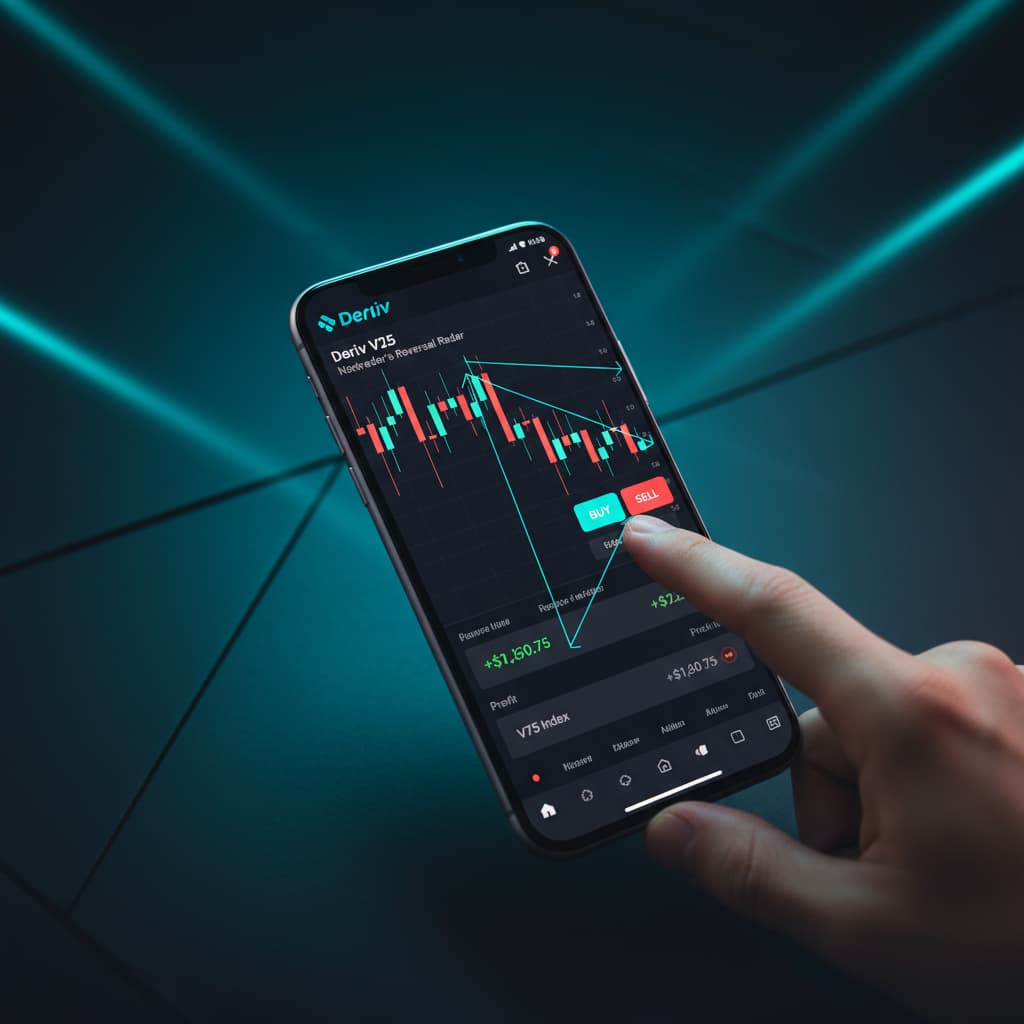
Welcome to this in-depth tutorial from Nextrader (nextrader.live)! This guide is meticulously crafted for traders looking to harness the power of AI-driven signals to navigate the dynamic Volatility Indices market on Deriv. Specifically, we'll walk you through how to utilize Nextrader's cutting-edge Reversal Radar (RSI) strategy to identify and execute Rise/Fall contracts on the V25 index, focusing on the 10-minute timeframe.
Whether you're a seasoned trader seeking to refine your approach or a newcomer eager to explore sophisticated deriv trading tools, this tutorial will equip you with the knowledge to confidently interpret Nextrader's non-repaint signals and automate your trades. By the end, you'll be adept at setting up your Nextrader platform to catch potential market reversals on the V25 index, translating these insights into actionable Rise/Fall trades, and even automating them with our powerful deriv bots.
What You Need Before Starting
- A Deriv Account: You'll need a live or demo Deriv trading account to execute trades. Nextrader integrates seamlessly with Deriv using its WebSocket API.
- A Nextrader Account: Access our 100% free platform at Nextrader App. No subscriptions, no paywalls, all features unlocked.
- Basic Understanding of Rise/Fall Contracts: Familiarity with how Rise/Fall contracts work on Deriv (predicting if the exit spot will be strictly higher or lower than the entry spot).
- Internet Connection: A stable internet connection is essential for real-time signal delivery and trade execution.
Step 1: Accessing Nextrader and Connecting Your Deriv Account
Your first step is to get logged into the Nextrader platform and establish a connection to your Deriv account. This secure link is crucial for receiving real-time signals and, if you choose, for automated trade execution through our deriv bots.
- Navigate to Nextrader: Open your web browser and go to Nextrader App. If you haven't already, sign up for a free account.
- Log In: Enter your credentials to log into your Nextrader dashboard.
- Connect Deriv Account: On your Nextrader dashboard, locate the "Connect Deriv" section, usually prominent at the top or in a dedicated settings area. Click on the "Connect" button.
- Authorize Deriv: A pop-up window will appear, prompting you to log into your Deriv account. Enter your Deriv credentials and grant Nextrader (App ID 67545) the necessary permissions. This is a standard and secure process, allowing Nextrader to fetch real-time market data and place trades on your behalf.
- Verify Connection: Once authorized, the Nextrader platform will display your Deriv account balance (demo or real) and indicate a successful connection. You can switch between your Deriv demo and real accounts directly within Nextrader. This ensures you're ready to either practice with virtual funds or trade with real capital.
Step 2: Selecting the V25 Index and 10-Minute Timeframe
With your Deriv account connected, the next crucial step is to pinpoint the specific market and timeframe you intend to trade. Our tutorial focuses on the V25 index and the 10-minute signal timeframe, which is ideal for capturing medium-term reversals.
Get Live AI Trading Signals
Real-time non-repaint signals from 11 AI strategies — Volatility Indices, Forex, Gold & Crypto. No subscription, no paywall.
- Auto Trader Bot
- Digit Trader Bot
- 11 AI Strategies
- Live Telegram Signals
- Navigate to the Signals Dashboard: From your Nextrader dashboard, ensure you are on the main signals page. This is where all real-time trading signals are displayed.
- Select Market: Look for the "Market" dropdown or selection panel. From the list of available markets (which includes Volatility Indices like V10, V25, V50, V75, V100, Forex, Gold, Silver, and Crypto), click and select "Volatility 25 Index (V25)". This will filter the signals to only show those relevant to the V25.
- Choose Timeframe: Adjacent to the market selection, you'll find the "Timeframe" selector. Nextrader offers 5min, 10min, 30min, and 1-hour signals. For this tutorial, click and select "10min". This ensures that the Reversal Radar strategy will generate signals based on 10-minute candle closes, providing a balanced view for Rise/Fall contracts.
- Confirm Settings: Double-check that "V25 Index" and "10min" are clearly displayed as your active selections. The signal feed will now update to reflect these preferences, showing signals specifically tailored to the V25 on the 10-minute chart.
Step 3: Activating the Reversal Radar (RSI) Strategy
Nextrader boasts 11 named AI strategies, each designed with a unique market approach. For identifying potential turning points, the Reversal Radar (RSI) strategy is your go-to. This step will guide you on how to activate and monitor signals generated by this specific strategy.
- Locate Strategy Selector: On the Nextrader signals dashboard, find the "Strategy" dropdown or selection panel. This is where you can choose which of Nextrader's AI strategies you want to receive signals from.
- Select Reversal Radar (RSI): From the list of strategies, which includes Trend Hunter (EMA crossover), Momentum Wave (MACD), Volatility Pulse (Bollinger Bands), Swift Scalper (Stochastic RSI), Trend Rider (SuperTrend), Cloud Walker (Ichimoku), Price Magnet (VWAP), Breakout Beast (ATR), Smart Fusion (multi-indicator), and Smart Signals (4+ indicators), click on "Reversal Radar (RSI)".
- Understand Reversal Radar: The Reversal Radar strategy is specifically designed to detect potential market reversals by analyzing the Relative Strength Index (RSI). It looks for overbought or oversold conditions, combined with other confirming indicators (remember, Nextrader signals only fire when a minimum of 3-4 indicators agree on CLOSED candles). A "Rise" signal from Reversal Radar indicates an oversold condition and a potential upward bounce, while a "Fall" signal suggests an overbought condition and a possible downward correction.
- Monitor Signals: With Reversal Radar (RSI) selected, your signal feed will now primarily display signals generated by this strategy for the V25 Index on the 10-minute timeframe. Keep an eye out for new signals appearing, indicating potential reversal opportunities. Each signal will be clearly marked with the strategy name.
Step 4: Interpreting Reversal Radar Signals for Rise/Fall Contracts
Now that you've configured Nextrader to provide Reversal Radar signals for V25 on the 10-minute timeframe, understanding how to interpret these signals for Rise/Fall contracts is paramount. Nextrader provides comprehensive data with each signal to aid your decision-making.
- Signal Appearance: When a Reversal Radar signal fires, it will appear prominently on your Nextrader dashboard. These are real-time, non-repaint trading signals, meaning they only fire on CLOSED candles, ensuring reliability.
- Identify Signal Type: Look for the signal's direction: "Rise" or "Fall".
A "Rise" signal from Reversal Radar suggests that the V25 index is currently oversold and is likely to experience an upward movement. For a Rise/Fall contract, this means you would predict the price to be higher* than the entry spot after the 10-minute duration.
A "Fall" signal from Reversal Radar indicates that the V25 index is overbought and is likely to experience a downward correction. For a Rise/Fall contract, this means you would predict the price to be lower* than the entry spot after the 10-minute duration.
- Review Signal Details: Each signal comes with critical information:
* Confidence Level (30-85%): This percentage indicates the AI's conviction in the signal. Higher confidence levels (e.g., 70%+) generally suggest stronger potential setups.
* Entry Price: This is the price at which the signal was generated on the closed candle. It's your reference point for the Rise/Fall prediction.
* Stop Loss (SL) & Take Profit (TP1, TP2): While Rise/Fall contracts don't directly use SL/TP in the traditional sense, Nextrader provides these levels as additional context and potential price targets if you were trading other contract types or for manual exit strategies. For Rise/Fall, the primary focus is on the direction relative to the Entry Price after the duration.
* Timeframe: Confirm it's the 10-minute timeframe you selected.
- Confirming the Trade Idea: Before acting, consider the confidence level. While Nextrader's Smart Signals (4+ indicators) and Smart Fusion strategies ensure multiple indicators agree, Reversal Radar also benefits from this robustness. A high-confidence "Rise" signal on V25 10min means the AI sees a strong likelihood of the price closing above the entry price after 10 minutes.
Step 5: Executing the Trade on Deriv via Nextrader's Auto Trader Bot
Once you've identified and interpreted a high-confidence Reversal Radar signal, Nextrader offers the powerful Auto Trader Bot to execute your Rise/Fall contracts on Deriv. This allows for rapid and precise entry, crucial in fast-moving markets like Volatility Indices. This is one of the most effective binary bots available for Deriv.
- Access the Auto Trader Bot: On your Nextrader dashboard, locate and click on the "Auto Trader Bot" tab or section. This is where you configure your automated trading parameters.
- Configure for Rise/Fall:
* Contract Type: Select "Rise/Fall" from the contract type options.
* Market: Ensure "Volatility 25 Index (V25)" is selected.
* Duration: Set the duration to "10 Minutes" to match your signal timeframe.
* Stake: Enter your desired stake amount per trade. Remember to manage your capital wisely.
* Trade Condition: This is crucial. You can set the bot to trade "Rise" only, "Fall" only, or "Both". Since Reversal Radar gives both Rise and Fall signals, selecting "Both" will allow the bot to act on either signal direction.
* Strategy Filter: Select "Reversal Radar (RSI)" here. This ensures the bot only executes trades based on signals from this specific strategy. You can also set a minimum "Confidence Level" (e.g., 70%) for the bot to consider a signal.
- Money Management (Optional but Recommended): Nextrader's Auto Trader Bot includes robust money management features:
* Fixed Stake: Trades with the same stake every time.
* Martingale: Increases stake after a loss. Use with caution and a clear strategy.
* Mesa Milano: Nextrader's smart loss recovery system, designed to recover losses efficiently. Explore this option for advanced risk management.
- Start the Bot: Once all parameters are set according to your strategy and risk tolerance, click the "Start Bot" button. The Auto Trader Bot will now monitor incoming Reversal Radar (RSI) signals for V25 10min and automatically place Rise/Fall trades on your Deriv account when conditions are met.
- Monitor Performance: Keep an eye on the real-time color-coded trading console and live P&L tracking within Nextrader to monitor your bot's performance. You can stop the bot at any time.
Pro Tips
- Combine Strategies with Smart Fusion: While Reversal Radar is powerful for reversals, consider exploring the "Smart Fusion" strategy (multi-indicator) or "Smart Signals" (4+ indicators) for even higher confirmation. You can switch between strategies or run multiple bots on different strategies/markets using multi-account support.
- Leverage Telegram Signals: Supplement your on-platform experience by joining Telegram. You'll receive real-time signals for 30 markets, every 5 minutes, up to 30 signals/day, offering additional trading opportunities beyond your primary setup.
- Explore Digit Trader Bot: For a completely different trading experience, dive into the Digit Trader Bot. It offers AI last-digit prediction (DIGITEVEN/ODD/OVER/UNDER/MATCH/DIFF) with 95%+ pattern recognition accuracy, tracking 50-500 digit history and providing streak detection and digit frequency charts. It's a powerful tool for short-term, high-frequency trading.
- Practice with Accumulator Strategy: For those looking to scale small stakes, the Accumulator strategy offers a 1x–5x growth rate trading mode. It's an excellent way to grow capital systematically with defined risk.
Start Trading Now
Ready to put Nextrader's Reversal Radar (RSI) to the test? Head over to Nextrader App to log in or Sign Up Free — Nextrader to create your free account today. For real-time updates and signals on the go, join our Telegram channel at Telegram.
Trading involves risk. Past performance does not guarantee future results.


