Introduction
Welcome to this comprehensive tutorial designed to guide you through leveraging Nextrader’s powerful Smart Fusion AI strategy. If you're a Deriv trader looking to enhance your decision-making with advanced, multi-indicator analysis, this guide is for you. Whether you trade synthetic indices like V10, V25, V75, and 1Hz, or prefer forex, gold, silver, and crypto, Nextrader provides 100% free tools to empower your strategy. By the end of this tutorial, you'll be adept at using the Smart Fusion strategy within the Nextrader App to identify high-confidence trading opportunities, backed by the intelligent agreement of multiple indicators. You’ll learn how to interpret these signals, understand their components, and integrate them into your trading routine for more informed and potentially profitable outcomes.
The Nextrader ecosystem (nextrader.live) is committed to providing free, robust deriv trading tools without any subscriptions or paywalls. Our platform integrates seamlessly with the Deriv WebSocket API and offers BinaryBot XML support, making it an invaluable resource for traders of all levels.
What You Need Before Starting
Before diving into the Smart Fusion AI strategy, ensure you have the following:
- A Deriv Account: This can be a live trading account (funded) or a demo account for practice. Nextrader supports all Deriv assets.
- A Nextrader App Account: Sign up for free at Sign Up Free — Nextrader. No credit card required.
- Basic Trading Knowledge: An understanding of candlesticks, market trends, and fundamental risk management concepts will help you interpret signals more effectively.
- Internet Connection: A stable connection is essential for real-time signal delivery.
Step 1: Accessing the Nextrader App and Selecting Your Market
Your first step is to log into the Nextrader App and choose the specific market you wish to analyze.
Get Live AI Trading Signals
Real-time non-repaint signals from 11 AI strategies — Volatility Indices, Forex, Gold & Crypto. No subscription, no paywall.
- Auto Trader Bot
- Digit Trader Bot
- 11 AI Strategies
- Live Telegram Signals
- Navigate to the Nextrader App: Open your web browser and go to Nextrader App. If you haven't already, sign up for a free account or log in with your existing credentials. Remember, Nextrader offers completely free
ai trading signalsand automation tools, making it accessible to everyone. - Select Your Trading Asset: Once logged in, you'll see a dashboard where you can select your desired trading instrument. Nextrader supports a wide array of Deriv assets, including popular synthetic indices like Volatility 10 (V10), Volatility 75 (V75), and Jump 100, as well as forex pairs (e.g., EUR/USD), commodities like Gold and Silver, and various cryptocurrencies. Click on the dropdown menu or search bar to find your preferred asset. For example, if you're interested in synthetic indices, select "Volatility 75 Index."
- Confirm Your Selection: After choosing your asset, the platform will load the relevant data streams. This initial setup ensures that the AI will generate signals specific to the market you intend to trade, providing you with targeted
deriv trading tools.
Step 2: Activating the Smart Fusion AI Strategy
Now that you've selected your market, it's time to unleash the power of the Smart Fusion AI strategy.
- Locate the AI Strategies Section: On the Nextrader App interface, navigate to the section dedicated to AI Trading Signals. This is typically prominent and easy to find, often labeled "AI Strategies" or "Signals."
- Choose "Smart Fusion (multi-indicator)": Within the list of available AI strategies, you'll find a diverse selection, including Trend Hunter (EMA), Reversal Radar (RSI), Momentum Wave (MACD), Volatility Pulse (Bollinger), and more. For this tutorial, click on "Smart Fusion (multi-indicator)." This strategy is designed to identify trading opportunities where a minimum of 3-4 distinct indicators agree on a potential price movement, significantly increasing the confidence level of the signal.
- Understand Smart Fusion's Core: The beauty of Smart Fusion lies in its multi-indicator approach. Unlike single-indicator strategies, Smart Fusion processes data from various technical indicators simultaneously. When multiple indicators provide a consistent signal (e.g., all suggesting a "BUY"), the Smart Fusion strategy consolidates this information into a high-confidence trade recommendation. This intelligent aggregation helps filter out noise and reduce false signals, making your
ai trading signalsmore reliable.
Step 3: Configuring Timeframe and Confidence Levels
Optimizing your signal generation involves selecting the right timeframe and setting appropriate confidence levels. These settings directly impact the frequency and reliability of the signals you receive.
- Select Your Preferred Timeframe: Nextrader offers four distinct timeframes for signal generation: 5-minute (5min), 10-minute (10min), 30-minute (30min), and 1-hour (1 hour).
* 5min/10min: Ideal for scalpers or day traders looking for quicker entries and exits on Deriv. These timeframes generate more frequent signals but may require more active monitoring.
* 30min/1 hour: Suitable for swing traders or those who prefer fewer, longer-term trades. Signals on these timeframes tend to be more robust, reflecting broader market movements.
Choose the timeframe that aligns with your trading style and risk tolerance. For instance, if you're looking for short-term opportunities on V100, select 5min.
- Adjust Confidence Levels: Nextrader's signals come with a confidence rating ranging from 30% to 85%. This percentage indicates the AI's conviction in the signal's potential success based on its internal algorithms and historical data.
* Higher Confidence (e.g., 70-85%): For the Smart Fusion strategy, which already relies on multiple indicator agreement, opting for higher confidence levels is highly recommended. This ensures that the generated signals have an even stronger statistical backing, further reducing risk and increasing the probability of a favorable outcome.
* Lower Confidence (e.g., 30-60%): While available, using lower confidence levels with Smart Fusion might generate more signals, but they will naturally carry higher risk. It's generally best to combine Smart Fusion with higher confidence settings for truly high-quality ai trading signals.
Experiment with these settings on a Deriv demo account to find your sweet spot before moving to live trading.
Step 4: Interpreting Smart Fusion Signals and Key Data
Once your settings are configured, Nextrader will start generating real-time, non-repaint signals. Understanding how to interpret these signals is crucial for effective trading.
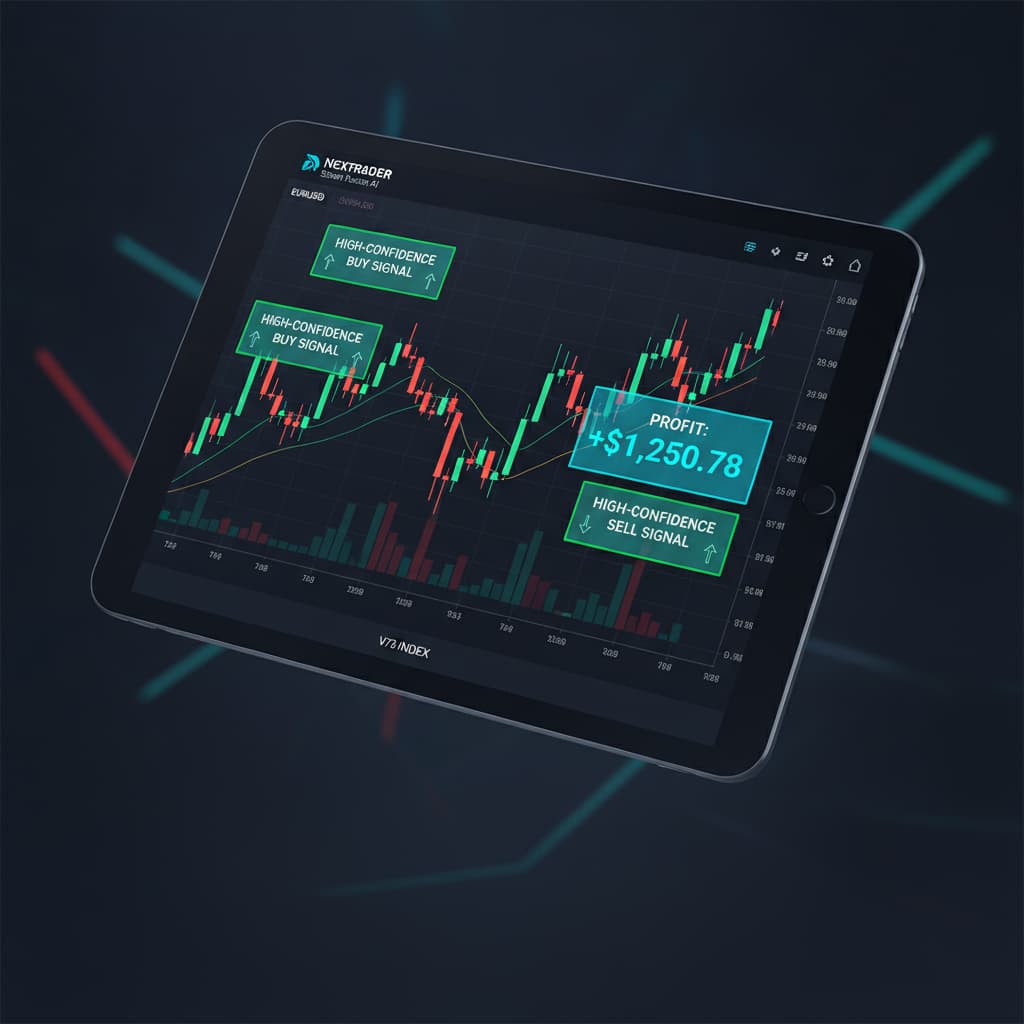
- Identify Signal Direction: Each Smart Fusion signal will clearly indicate a "BUY" or "SELL" direction. This is your primary cue for the anticipated market movement. Remember, these signals fire only on CLOSED candles, ensuring they are non-repaint and reliable. This eliminates the frustration of signals disappearing or changing, a common issue with less sophisticated
deriv botsor indicators. - Analyze Entry, Stop Loss (SL), and Take Profit (TP) Levels: Every Smart Fusion signal comes with precise data points:
* Entry Price: This is the recommended price point to enter the trade.
* Stop Loss (SL): A critical risk management tool, the SL specifies the price at which you should exit the trade to limit potential losses if the market moves against your position.
* Take Profit 1 (TP1) & Take Profit 2 (TP2): These are target price levels where you can close a portion or all of your position to secure profits. TP1 is a conservative target, while TP2 aims for a larger move.
The presence of these predefined levels is a hallmark of Nextrader's sophisticated deriv trading tools, allowing you to execute trades with a clear risk-reward profile.
- Understand Multi-Indicator Agreement: The Smart Fusion strategy explicitly means that the signal is generated because at least 3-4 different indicators (like EMA, RSI, MACD, Bollinger Bands, Stochastic RSI, SuperTrend, Ichimoku, VWAP, ATR) have aligned to suggest the same market direction. This confluence of indicators provides a robust foundation for the signal, differentiating it from strategies based on a single indicator. For example, a "BUY" signal from Smart Fusion implies that multiple underlying indicators are simultaneously showing bullish momentum, oversold conditions, or a strong trend continuation.
Step 5: Leveraging Smart Fusion for Informed Trading Decisions
With the signals interpreted, the final step is to integrate them into your trading process, whether manually or through automation.
- Manual Execution on Deriv: For most traders, the Smart Fusion signals serve as powerful confirmations for manual trading. When a high-confidence "BUY" or "SELL" signal appears for your chosen asset (e.g., Volatility 75), you can then open your Deriv trading platform and execute the trade according to the provided Entry, SL, and TP levels. This approach allows you to maintain full control while benefiting from AI-driven insights. It's an excellent way to use
ai trading signalsto validate your own analysis. - Consider Nextrader's Automation Capabilities: If you prefer automated execution, Nextrader offers powerful
deriv bots.
* Auto Trader Bot: For Rise/Fall & Higher/Lower contracts, you can configure the Auto Trader Bot to automatically execute trades based on these signals. It comes with advanced money management options like Fixed Stake, Martingale, and Mesa Milano (a smart loss recovery strategy). While Smart Fusion signals are primarily for direction, the Auto Trader Bot can be configured to act on broader directional biases.
* Digit Trader Bot: For those interested in Digit trading (DIGITEVEN/ODD/OVER/UNDER/MATCH/DIFF), the Digit Trader Bot offers AI last-digit prediction, complete with 50-500 digit history, streak, and frequency analysis. While not directly tied to Smart Fusion's multi-indicator directional signals, it's another powerful AI tool within the Nextrader ecosystem for different trading styles.
- Integrate with Your Risk Management: Always prioritize risk management. Use the provided Stop Loss (SL) to protect your capital. Consider trading a fixed percentage of your account per trade, regardless of the confidence level. Nextrader's multi-account support and live P&L console allow you to track your performance across different Deriv accounts and adapt your strategy as needed. The color-coded console provides clear visual feedback on your trading activity.
Pro Tips
- Combine with Other Strategies: While Smart Fusion offers robust multi-indicator agreement, you can further enhance your confidence by cross-referencing its signals with another AI strategy, such as Trend Hunter or Reversal Radar. If both Smart Fusion and, for example, Trend Hunter indicate a "BUY," your conviction in that trade can be even stronger.
- Utilize Automation with Caution: Explore the Auto Trader Bot for automating your trades if you're comfortable. Experiment with money management strategies like Fixed Stake or Martingale on a demo account first. The Mesa Milano strategy offers a smart approach to loss recovery, but understanding its mechanics is crucial before deploying it with real capital. These
binary botscan save time but require careful setup. - Practice on Demo Accounts: Before using Smart Fusion signals for live trading, always spend ample time practicing on a Deriv demo account. This allows you to familiarize yourself with the signal interpretation, test different timeframes and confidence levels, and refine your overall trading strategy without financial risk.
- Engage with the Community: Join the Nextrader Telegram community at Telegram. It's a vibrant hub where traders share insights, strategies, and experiences. Learning from others and asking questions can significantly accelerate your understanding and improve your trading results with these powerful
deriv trading tools.
Start Now
Ready to identify high-confidence multi-indicator trading opportunities with Nextrader’s Smart Fusion AI strategy?
Access the Nextrader App today and revolutionize your Deriv trading experience:
Sign up for your free account:
Join our vibrant Telegram community:
Trading involves risk. Past performance does not guarantee future results.