

Introduction
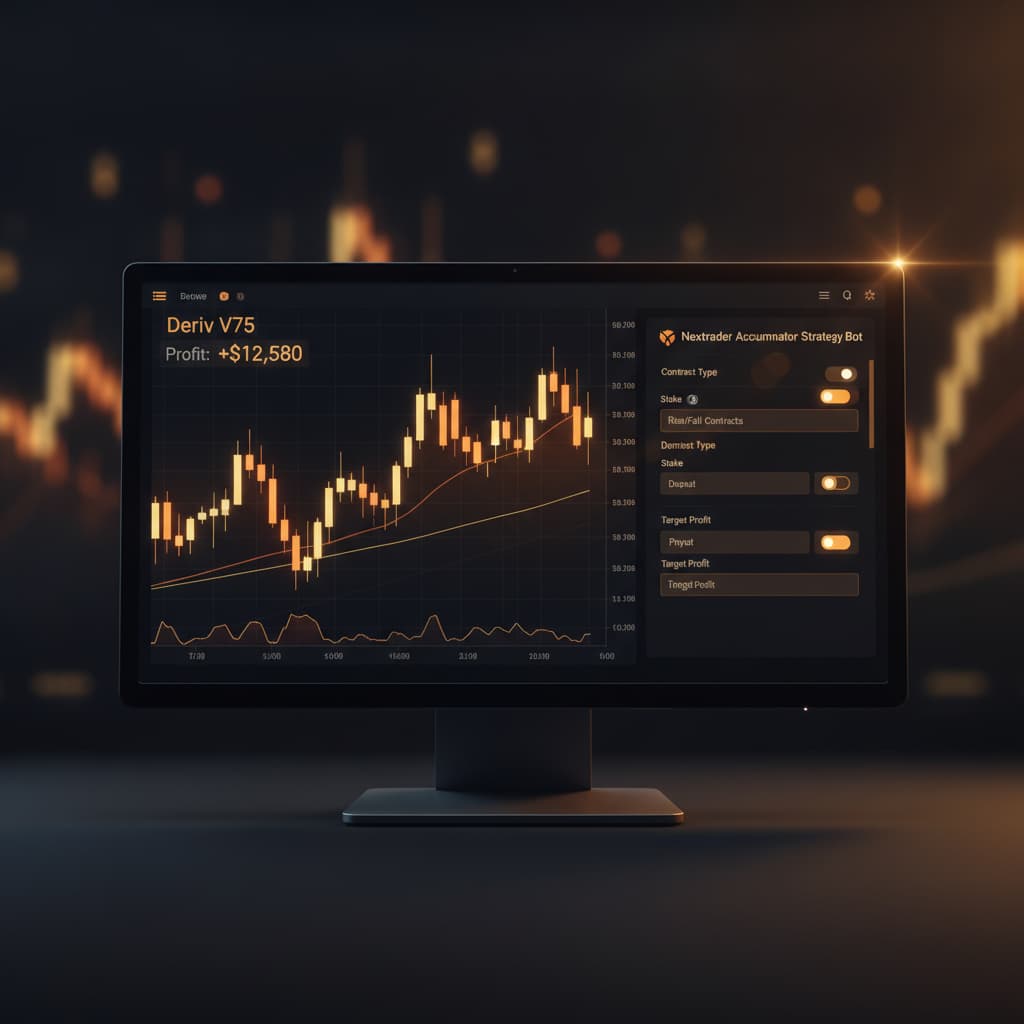
Welcome to this in-depth Nextrader tutorial, designed to guide you through a powerful strategy for systematic growth on Deriv's Volatility 75 Index. This guide will meticulously detail how to leverage Nextrader's unique Accumulator strategy, combined with automated Rise/Fall contracts, to target a 1x-5x growth rate. Whether you're a seasoned trader looking to optimize your deriv trading tools or a newcomer eager to explore sophisticated deriv bots, this tutorial will provide you with the actionable steps to set up and manage your automated trading journey.
By the end of this tutorial, you will possess a comprehensive understanding of how to configure Nextrader to execute trades autonomously on V75, manage your stake effectively, and monitor your progress towards your desired growth targets. Our focus will be on precision, utilizing Nextrader's real-time signals and robust automation features to create a structured approach to market engagement.
What You Need Before Starting
Before diving into the setup, ensure you have the following:
- A Deriv.com Account: This can be a real money account or a demo account. We highly recommend starting with a demo account to familiarize yourself with the process.
- A Nextrader.live Account: Sign up for free at Sign Up Free — Nextrader. Remember, Nextrader is 100% free with all features unlocked.
- Basic Understanding of Volatility Indices: Familiarity with how markets like Volatility 75 Index operate will be beneficial, though Nextrader's automation simplifies much of the analytical burden.
Step 1: Connecting Your Deriv Account to Nextrader
The first crucial step is to securely link your Deriv account with Nextrader. This integration empowers Nextrader to execute trades directly on your behalf, turning it into your personal binary bots hub.
Get Live AI Trading Signals
Real-time non-repaint signals from 11 AI strategies — Volatility Indices, Forex, Gold & Crypto. No subscription, no paywall.
- Auto Trader Bot
- Digit Trader Bot
- 11 AI Strategies
- Live Telegram Signals
- Log In to Nextrader: Navigate to Nextrader App and log in using your credentials.
- Access Account Settings: Once logged in, locate the "Account" or "Profile" section, typically found in the dashboard's top right or sidebar.
- Connect Deriv Account: Within the account settings, you'll find an option to "Connect Deriv Account" or similar. Click on it.
- Enter Deriv API Token: You will be prompted to enter your Deriv API token. To obtain this, log into your Deriv.com account, go to "Settings" -> "API Tokens," and generate a new token with "Read," "Trade," and "Cashier" permissions. Copy this token.
- Paste and Connect: Paste the copied API token into the designated field on Nextrader and click "Connect." Nextrader uses Deriv WebSocket API integration (App ID 67545) for a seamless and secure connection.
- Verify Connection: Once connected, your Deriv account balance (demo or real) will be displayed on your Nextrader dashboard. Nextrader supports multi-account functionality, allowing you to connect multiple Deriv accounts if needed. This step is fundamental for all automated deriv bots operations.
Step 2: Selecting the Volatility 75 Index and Accumulator Strategy
With your Deriv account successfully linked, it's time to pinpoint your market and strategy. The Volatility 75 Index is known for its dynamic movements, making it an excellent candidate for Nextrader's specialized strategies.
- Navigate to the Trading Console: From your Nextrader dashboard, click on the "Trading Console" or "Auto Trader" section. This is where you'll configure all your automated trading parameters.
- Select Volatility 75 Index: On the trading console, you'll see a dropdown menu for "Market." Click on it and select "Volatility 75 Index (V75)." Nextrader offers a wide range of markets including V10, V25, V50, V100 + 1Hz, Forex, Gold, Silver, and Crypto, but for this tutorial, V75 is our focus.
- Choose "Accumulator" Strategy: Below the market selection, you'll find another dropdown for "Strategy." From this list of 11 named AI strategies (including Trend Hunter, Reversal Radar, Momentum Wave, Volatility Pulse, Swift Scalper, Trend Rider, Cloud Walker, Price Magnet, Breakout Beast, Smart Fusion, and Smart Signals), select "Accumulator."
- Understand Accumulator: The Accumulator strategy is designed for specific growth rate trading, allowing you to target a 1x to 5x growth on your stake per trade. It's a unique mode focused on compounding small gains consistently. Nextrader's sophisticated algorithms, powered by multiple indicators, ensure that signals for this strategy are non-repaint and fire only on closed candles, providing reliable entry points.
Step 3: Configuring Your Automated Rise/Fall Contracts
This step involves fine-tuning the parameters for your automated Rise/Fall contracts within the Auto Trader Bot, ensuring they align with your Accumulator growth goals and risk tolerance.
- Select Contract Type: Rise/Fall: Under the "Contract Type" option, ensure "Rise/Fall" is selected. This is the primary contract type for the Accumulator strategy on V75.
- Set Initial Stake: Define your starting stake per trade. For the Accumulator strategy, especially when aiming for 1x-5x growth, it's prudent to start with a smaller stake, particularly if you're new to the strategy or using a real account. Remember, the goal is consistent compounding.
- Choose Money Management: Nextrader offers advanced money management options:
* Fixed Stake: Your stake remains constant regardless of previous trade outcomes. This is often recommended for Accumulator to maintain a steady growth curve without exponential risk.
* Martingale: Doubles your stake after a loss to recover previous losses and make a profit. Use with extreme caution, as it can lead to rapid capital depletion.
* Mesa Milano (Smart Loss Recovery): This intelligent system adjusts your stake based on a calculated loss recovery mechanism, aiming to recover losses without the aggressive doubling of Martingale. For Accumulator, Mesa Milano can offer a balanced approach to managing drawdowns while pursuing growth. For this tutorial, we recommend starting with Fixed Stake to understand the Accumulator's core mechanics, then exploring Mesa Milano as you gain confidence.
- Define Growth Rate: This is where you set your Accumulator target. You'll see an option to specify the desired growth rate (e.g., 1x, 2x, 3x, 4x, 5x). Select your target. Keep in mind that higher growth targets may require more precise entry points, which Nextrader's multi-indicator Smart Signals aim to provide.
- Review Confidence Levels and Trade Parameters: Nextrader signals come with confidence levels (30-85%). For Accumulator, higher confidence signals are generally preferred. You'll also see Entry Price, Stop Loss (SL), and Take Profit (TP1 & TP2) displayed for each potential trade. While the bot automates the execution, understanding these parameters provides insight into the signal quality.
Step 4: Setting Up Signal Filters and Timeframes
Nextrader's strength lies in its ability to generate real-time, non-repaint trading signals based on a minimum of 3-4 indicators agreeing. Configuring your signal filters and timeframes is crucial for optimizing the Accumulator strategy on V75.
- Select Timeframe: Nextrader provides signals for 4 timeframes: 5min, 10min, 30min, and 1 hour. For the Volatility 75 Index with the Accumulator strategy, a 5min or 10min timeframe often provides a good balance between signal frequency and reliability. Shorter timeframes (like 5min) offer more trading opportunities, while longer ones (like 30min or 1 hour) might present fewer but potentially stronger signals. Experiment on a demo account to find what suits your trading style and growth target best.
- Utilize Smart Signals: Nextrader’s "Smart Signals" is a powerful feature where 4+ indicators must agree before a signal is fired. This significantly increases the probability of success. For the Accumulator strategy, activating Smart Signals is highly recommended as it filters for the highest conviction setups, which is vital when aiming for consistent growth.
- Consider AI Strategy Contributions: While you've selected "Accumulator," understand that Nextrader's Smart Signals draw insights from its suite of 11 AI strategies. For instance, a strong "Trend Hunter" (EMA crossover) signal combined with "Reversal Radar" (RSI) confirmation and "Momentum Wave" (MACD) strength could contribute to a high-confidence Accumulator signal. This multi-indicator agreement is what makes Nextrader's deriv trading tools so effective.
- Signal Frequency vs. Quality: Be mindful that selecting very high confidence levels or extremely strict multi-indicator filters might reduce the number of signals. For an Accumulator strategy focused on systematic growth, a balance is key. Nextrader's non-repaint signals on closed candles ensure that once a signal is given, it's firm, preventing false entries.
Step 5: Initiating the Auto Trader Bot and Monitoring Performance
With all configurations in place, the final step is to activate your Auto Trader Bot and continuously monitor its performance using Nextrader's intuitive interface. This is where your deriv bots come to life.
- Activate the Auto Trader Bot: On the trading console, after reviewing all your settings (Market: V75, Strategy: Accumulator, Contract Type: Rise/Fall, Stake, Money Management, Timeframe, Smart Signals), locate the "Start Bot" or "Activate" button. Click it to initiate automated trading.
- Real-time Trading Console: Once activated, Nextrader's real-time color-coded trading console will spring to life. You'll see live updates of trades being placed, their outcomes, and your overall performance. Green indicates profitable trades, while red indicates losses. This visual feedback is crucial for understanding your bot's activity.
- Live P&L Tracking: The console provides live Profit & Loss (P&L) tracking, allowing you to see your account's growth (or drawdown) in real-time. This feature is invaluable for assessing the effectiveness of your Accumulator strategy and making timely adjustments if necessary.
- Monitoring and Adjustment: While the bot automates execution, active monitoring is still important. Observe how your chosen timeframe and money management (e.g., Fixed Stake or Mesa Milano) interact with the V75 market conditions. If market volatility changes significantly, you might consider adjusting your growth rate target, stake size, or even the timeframe. Nextrader's flexibility as a deriv trading tool allows for dynamic adaptation.
- Pausing/Stopping the Bot: At any point, you have full control to pause or stop the Auto Trader Bot. This is essential for risk management and allows you to step in if you identify unfavorable market conditions or wish to modify your strategy.
Pro Tips
- Start with a Demo Account: Always, always begin on a Deriv demo account. This allows you to test your Accumulator settings, observe market behavior, and fine-tune your strategy without risking real capital.
- Combine with Manual Confirmation: While Nextrader's signals are robust, consider using the Telegram signals (Telegram) as an additional layer of confirmation, especially when you're starting out. This can help build confidence in the automated signals.
- Explore Other Strategies: Once comfortable with Accumulator, explore Nextrader's other 10 AI strategies, such as "Trend Hunter" for trend following or "Digit Trader Bot" for specific digit prediction contracts. Diversifying your approach across different markets (Forex, Gold, Crypto) and strategies can enhance your overall trading portfolio.
- Utilize Mesa Milano Wisely: If you decide to transition from Fixed Stake to Mesa Milano for loss recovery, understand its mechanics thoroughly. It's a smart system, but no money management strategy eliminates risk entirely. Start with small recovery percentages and monitor its performance closely.
Start Trading Now
Ready to embark on your automated trading journey with Nextrader? Sign up for your free account, connect your Deriv profile, and begin exploring the power of intelligent deriv bots and binary bots. Visit Nextrader App to access the platform, or sign up directly at Sign Up Free — Nextrader. For real-time updates and signals, join our community on Telegram at Telegram.
Trading involves risk. Past performance does not guarantee future results.


