Introduction
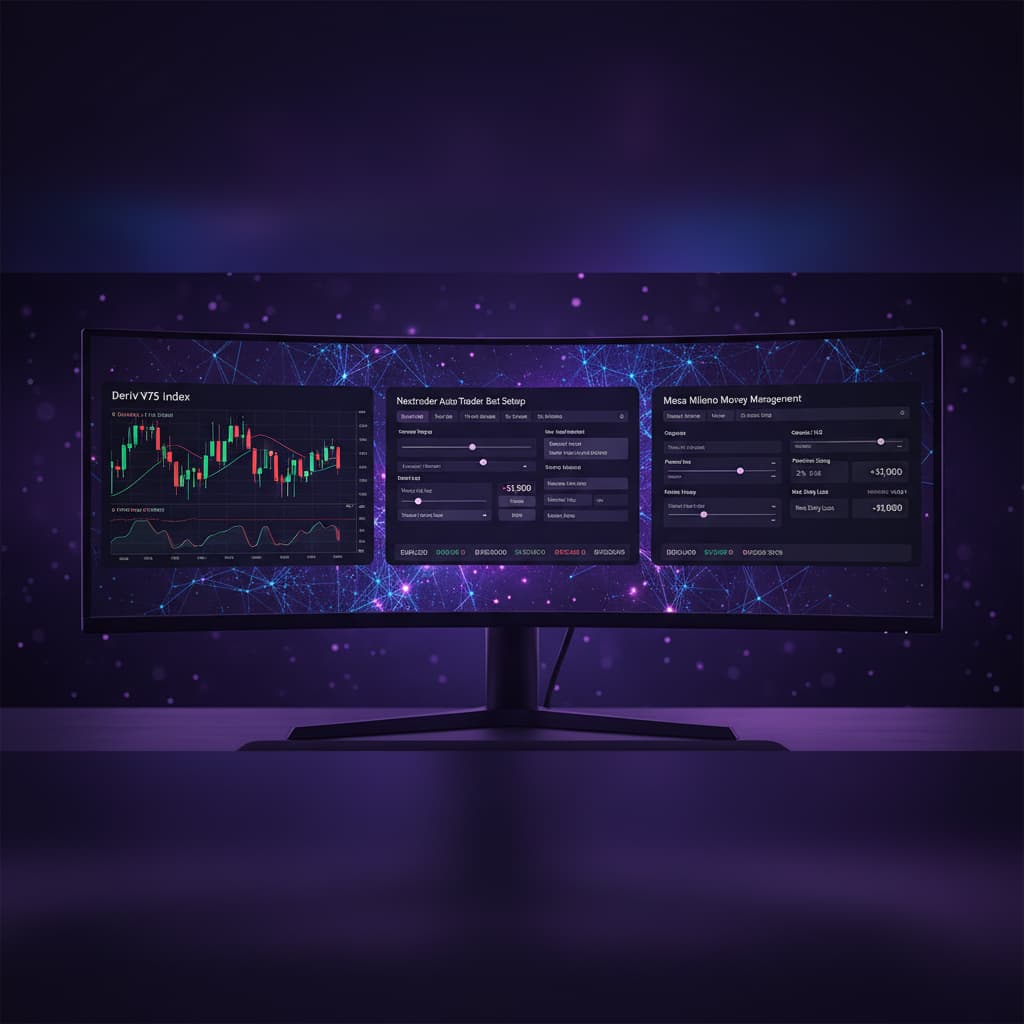
Welcome to this in-depth tutorial from Nextrader, your ultimate platform for powerful and free trading automation! In this guide, we'll walk you through the precise steps to automate your Rise/Fall trades on Deriv's Volatility 100 Index (V100) using Nextrader's sophisticated Auto Trader Bot. Specifically, we'll leverage the "Momentum Wave (MACD)" AI strategy, renowned for its ability to capture trend momentum, combined with the intelligent loss recovery system of "Mesa Milano" money management.
This tutorial is designed for traders of all experience levels who are eager to harness the power of automation to execute their strategies efficiently and consistently on high-volatility markets like V100. By the end of this guide, you will be fully equipped to set up and run your own automated trading bot, allowing Nextrader to execute trades based on validated signals, freeing up your time and enhancing your trading discipline. You'll learn how to configure one of the most effective deriv bots available, turning complex market analysis into simple, automated actions.
Nextrader provides a comprehensive suite of deriv trading tools, from real-time non-repaint signals to advanced binary bots that integrate seamlessly with Deriv. Our platform is 100% free, offering all features unlocked without subscriptions or paywalls, making professional-grade trading accessible to everyone.
What You Need Before Starting
- A Verified Deriv Account: You'll need an active Deriv account (demo or real) to connect with Nextrader.
- A Free Nextrader Account: Sign up at app.nextrader.live/signup – it's quick, easy, and completely free.
- Basic Understanding of Rise/Fall Contracts: Familiarity with how Rise/Fall trades work on Volatility Indices.
- Stable Internet Connection: Essential for uninterrupted bot operation and real-time signal processing.
Step 1: Accessing the Nextrader Auto Trader Bot
First things first, log in to your Nextrader account at app.nextrader.live. Once you're on your dashboard, navigate to the left-hand menu. You'll see several options, including "Smart Signals," "Digit Trader Bot," and "Auto Trader Bot." Click on "Auto Trader Bot" to open the main automation interface.
Get Live AI Trading Signals
Real-time non-repaint signals powered by 11 professional AI strategies. Volatility Indices, Forex, Gold & Crypto — no subscription, no paywall.
- Auto Trader Bot
- Digit Trader Bot
- 11 AI Strategies
- Live Telegram Signals
This section is where all the magic happens. You'll be greeted by Nextrader's intuitive, real-time color-coded trading console, which provides a clear overview of your bot's activity, live P&L tracking, and crucial settings. This powerful feature is one of the standout deriv trading tools, designed for both novice and experienced traders to manage their automated strategies with ease.
Step 2: Configuring Your Deriv Account, Market, and Contract Type
Now, let's connect Nextrader to your Deriv account and specify your trading parameters.
1. Connect Deriv Account: On the Auto Trader Bot page, look for the section to connect your Deriv account. You'll need to enter your Deriv API token. Nextrader uses Deriv WebSocket API integration with App ID 67545, ensuring a secure and reliable connection. If you haven't generated an API token on Deriv, do so now and paste it into the designated field. Nextrader also supports BinaryBot XML for advanced users, but for this tutorial, we'll use the direct API connection.
2. Select Market: From the "Market" dropdown menu, choose "Volatility 100 Index" (V100). Nextrader supports a wide range of markets including other Volatility Indices (V10, V25, V50, V75, V100 + 1Hz), Forex, Gold, Silver, and Crypto, but for this specific strategy, V100 is our target.
3. Choose Contract Type: Under "Contract Type," select "Rise/Fall." This is the specific contract we aim to automate, where you predict if the asset price will finish above (Rise) or below (Fall) its entry price after a specified duration.
Ensure these settings are correctly applied before moving on, as they are fundamental to how your binary bots will operate.
Step 3: Selecting the Momentum Wave (MACD) Strategy and Timeframe
This is where you choose the intelligence behind your trades. Nextrader offers 11 named AI strategies, each leveraging different indicators and methodologies.
1. Select AI Strategy: Find the "AI Strategy" dropdown menu and select "Momentum Wave (MACD)." The Momentum Wave strategy is built upon the Moving Average Convergence Divergence (MACD) indicator, which is a powerful trend-following momentum indicator. It identifies potential buy and sell signals by showing the relationship between two moving averages of a security's price. Nextrader's implementation of this strategy ensures that signals only fire on CLOSED candles, requiring a minimum of 3-4 indicators to agree, thus providing high-quality, non-repaint trading signals.
2. Choose Timeframe: Below the strategy selection, you'll see options for timeframes. Nextrader provides signals for 5min, 10min, 30min, and 1-hour timeframes. For V100 Rise/Fall trades, a "10min" or "30min" timeframe often provides a good balance between signal frequency and reliability for momentum-based strategies. While 5min can offer more signals (Nextrader provides up to 30 signals/day across 30 markets via t.me/nextraderlive), longer timeframes can filter out some market noise. Experiment to find what best suits your risk tolerance.
Step 4: Implementing Mesa Milano Money Management
Money management is crucial for long-term success, and Nextrader offers sophisticated options beyond simple fixed stakes.
1. Select Money Management: Locate the "Money Management" section and from the dropdown, choose "Mesa Milano."
2. Understand Mesa Milano: Mesa Milano is one of Nextrader's smart loss recovery strategies, distinct from the more aggressive Martingale. Instead of simply doubling the stake after a loss, Mesa Milano employs a more intelligent, calculated approach to recover previous losses with a smaller, more controlled increase in stake. This makes it a safer and more sustainable option for managing risk while still aiming to recoup drawdowns. It's an excellent feature within Nextrader's binary bots for traders looking for robust loss recovery without excessive risk exposure.
3. Configure Parameters: Set your "Initial Stake." For Mesa Milano, Nextrader's bot will automatically manage the stake adjustments based on its internal algorithms designed for smart loss recovery. You might also find fields for "Loss Limit" or "Target Profit" which are essential for defining your daily risk and reward boundaries. Always start with a small initial stake, especially when testing a new strategy or money management system.
Step 5: Setting Entry Conditions, Stop Loss, Take Profit, and Starting the Bot
This final step involves defining your trade execution parameters and initiating the automation.
1. Review Signal Confidence: Nextrader signals come with a "Confidence Level" ranging from 30% to 85%. While the bot will execute based on the strategy, being aware of these levels can help you understand the quality of the signals being generated. For automated trading, the bot will typically use the signals as they are, but for manual trading, you might filter for higher confidence.
2. Define Trade Exit Parameters: Nextrader signals inherently provide "Entry Price," "Stop Loss," and "Take Profit 1 & 2" levels. When automating, the bot will typically utilize these levels provided by the Momentum Wave strategy. However, you will also need to set overall bot parameters such as:
* "Trade Duration": For Rise/Fall, this is critical. A common setting for 10min or 30min signals might be a 5-tick or 1-minute duration, depending on your risk appetite and the volatility of V100.
* "Max Number of Trades": Set a reasonable limit to prevent overtrading.
* "Daily Profit Target": Define a percentage or fixed amount you aim to achieve before the bot pauses.
* "Daily Loss Limit": Crucially, set a maximum percentage or fixed amount you are willing to lose in a day to protect your capital.
3. Final Review and Start: Double-check all your settings: Deriv account connection, V100 market, Rise/Fall contract, Momentum Wave (MACD) strategy, 10min/30min timeframe, Mesa Milano money management, and all your trade parameters (stake, duration, limits). Once satisfied, click the "Start Bot" button.
Your Nextrader Auto Trader Bot will now begin monitoring V100 for Momentum Wave signals on your chosen timeframe. When a valid signal (meeting the 3-4 indicator agreement criteria) fires on a CLOSED candle, and your bot's conditions are met, it will automatically execute a Rise/Fall trade on your Deriv account, managing your stake according to Mesa Milano. You can monitor its performance live using the real-time P&L tracking console, even across multiple accounts supported by Nextrader.
Pro Tips
1. Start with a Deriv Demo Account: Before deploying any automated strategy on a real account, always test it thoroughly on a Deriv demo account. This allows you to evaluate the Momentum Wave (MACD) strategy's performance with Mesa Milano on V100 without risking real capital.
2. Understand Signal Agreement: Nextrader's signals are robust because they only fire on CLOSED candles and require a minimum of 3-4 indicators to agree. This rigorous validation process significantly reduces repaint issues and enhances signal quality, making your deriv bots more reliable.
3. Experiment with Timeframes and Strategies: While this tutorial focuses on 10min/30min and Momentum Wave, Nextrader offers 5min, 10min, 30min, and 1-hour signals, along with 10 other AI strategies like Trend Hunter (EMA crossover), Reversal Radar (RSI), Swift Scalper (Stochastic RSI), and Smart Fusion (multi-indicator). Test how Momentum Wave performs on different V100 timeframes or explore other strategies to find your optimal setup.
4. Leverage Nextrader's Ecosystem: Beyond the Auto Trader Bot, explore other powerful deriv trading tools. Use the Digit Trader Bot for AI last-digit prediction (DIGITEVEN/ODD/OVER/UNDER/MATCH/DIFF) or follow the free Telegram signals at t.me/nextraderlive for real-time insights across 30 markets, complementing your automated strategies.
Start Trading Now
Ready to elevate your trading with Nextrader's powerful, free automation tools? Sign up or log in at Sign Up Free — Nextrader and Nextrader App to set up your own deriv bots. For real-time signals and community updates, join our Telegram channel at t.me/nextraderlive.
Trading involves risk. Past performance does not guarantee future results.