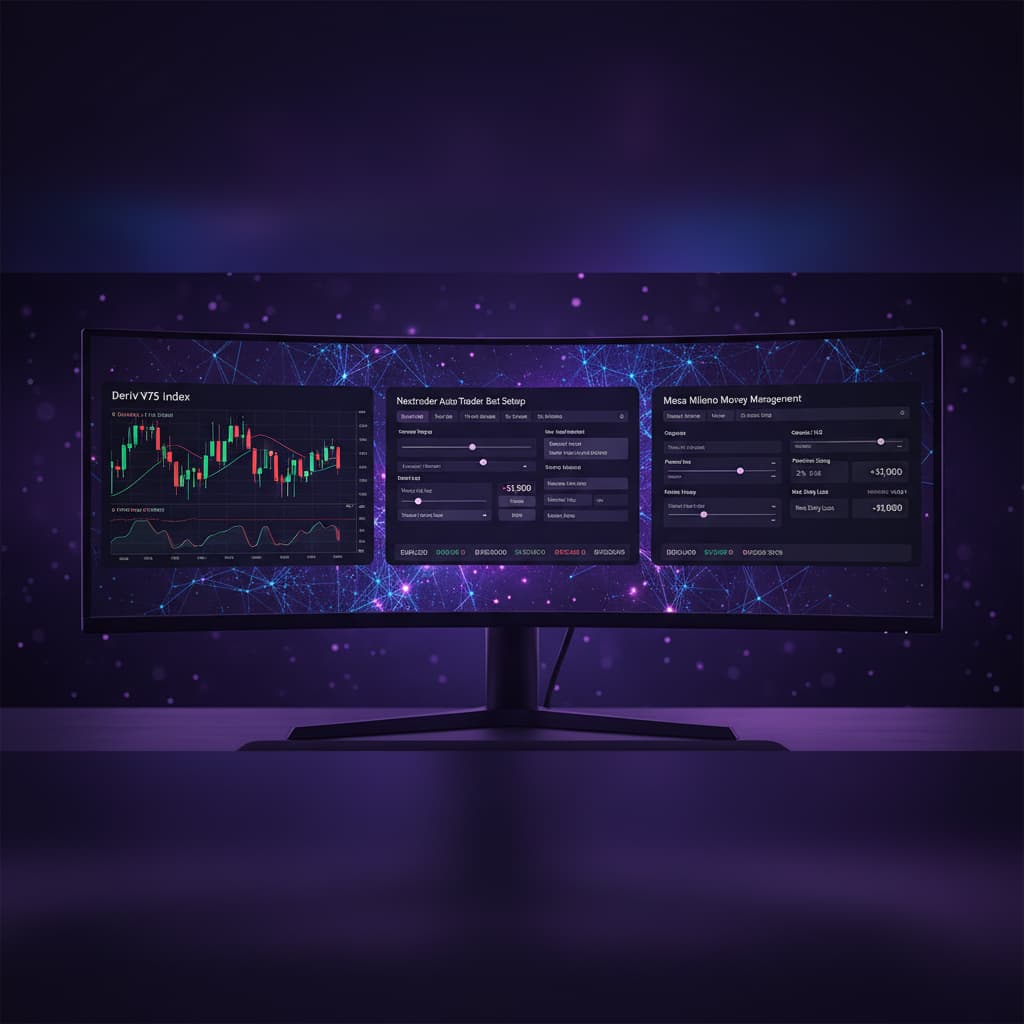
Introduction
Welcome to this in-depth tutorial from Nextrader, your go-to platform for 100% free, powerful trading tools. This guide is designed for traders seeking to leverage the unique growth potential of Deriv's Accumulator contracts, specifically on the Volatility 100 Index. We'll walk you through the process of setting up and automating your Accumulator trading using Nextrader's sophisticated Auto Trader Bot.
By the end of this tutorial, you will be able to confidently configure Nextrader to execute Accumulator trades with your desired growth rate (1x to 5x), apply robust money management strategies, and monitor your performance in real-time. Whether you're a seasoned trader looking to automate a new strategy or a newcomer eager to explore advanced deriv trading tools, this step-by-step guide will equip you with the knowledge to utilize Nextrader effectively for Accumulator trading.
The Accumulator strategy on Deriv offers a fascinating way to trade, allowing you to multiply your stake by a predefined growth rate if the asset price stays within a very narrow, continuously adjusted channel. Nextrader's Auto Trader Bot streamlines this complex process, turning it into an accessible, automated endeavor.
What You Need Before Starting
Before diving into the setup, ensure you have the following ready:
Get Live AI Trading Signals
Real-time non-repaint signals powered by 11 professional AI strategies. Volatility Indices, Forex, Gold & Crypto — no subscription, no paywall.
- Auto Trader Bot
- Digit Trader Bot
- 11 AI Strategies
- Live Telegram Signals
- Deriv.com Account: A verified Deriv account (real or demo) is essential to execute trades.
- Nextrader Account: A free account on Nextrader (app.nextrader.live) – no subscriptions or paywalls here!
- Basic Understanding of Deriv Volatility Indices: Familiarity with how Volatility Indices (like V100 Index) behave.
- Stable Internet Connection: For uninterrupted trading bot operation and real-time data.
Step 1: Connecting Your Deriv Account to Nextrader
The first crucial step is to securely link your Deriv account with Nextrader. This connection allows our Auto Trader Bot to place trades on your behalf according to your specified parameters.
1. Log In to Nextrader: Navigate to app.nextrader.live and log in to your Nextrader account. If you don't have one, you can sign up for free at app.nextrader.live/signup.
2. Access Account Settings: Once logged in, look for the "Account Settings" or "Connect Deriv" section, typically found in the dashboard or sidebar navigation.
3. Authorize Deriv Connection: You'll be prompted to connect to your Deriv account. Nextrader uses Deriv's WebSocket API with its unique App ID (67545) for a secure and seamless connection. Click the "Connect" or "Authorize" button.
4. Grant Permissions: You will be redirected to Deriv's website to grant Nextrader permission to trade on your account. Ensure you are logged into the correct Deriv account (preferably a demo account for initial testing). Review the permissions requested and click "Allow" or "Authorize."
5. Confirm Connection: After authorization, you'll be redirected back to Nextrader, and your Deriv account status should show as "Connected." You'll see your available Deriv balance displayed within the Nextrader interface. It's highly recommended to start with your Deriv demo account to familiarize yourself with the bot's operation before transitioning to a real account. This allows you to test your strategies without financial risk, a crucial step when using any deriv bots.
Step 2: Navigating to the Auto Trader Bot and Selecting the Accumulator Strategy
With your Deriv account connected, it's time to set up the core of your automated trading.
1. Access the Auto Trader Bot: From your Nextrader dashboard, locate and click on the "Auto Trader Bot" option. This is where you'll configure all your automated trading parameters. Nextrader's Auto Trader Bot is one of the most versatile binary bots available, offering a wide array of strategies and customization.
2. Choose Your Market: In the Auto Trader Bot interface, you'll find a dropdown menu for "Market." Select "Volatility 100 Index" from the list. The Volatility Indices are popular for their consistent price action, making them suitable for various automated strategies.
3. Select Accumulator Strategy: Below the market selection, you'll see a "Strategy" dropdown. Nextrader offers 11 named AI strategies like Trend Hunter (EMA crossover), Reversal Radar (RSI), Momentum Wave (MACD), and Smart Signals (4+ indicators). For this tutorial, select "Accumulator". This specific strategy activates the Accumulator contract trading mode on Deriv, distinct from the signal-based strategies. The Accumulator isn't about identifying entry signals but rather executing a specific contract type that relies on price staying within a tight channel for a chosen growth rate.
Step 3: Configuring Accumulator Contract Details and Growth Rate
This step is critical for defining how your Accumulator contracts will be executed. The Accumulator strategy fundamentally differs from typical Rise/Fall or Higher/Lower contracts, as it focuses on a continuous, compounding growth rate rather than a single direction prediction.
1. Set the Growth Rate: Once "Accumulator" is selected as the strategy, specific input fields for this contract type will appear. The most important is the "Growth Rate." You can choose from 1x, 2x, 3x, 4x, or 5x. This rate determines how much your initial stake will be multiplied by if the contract successfully accumulates for its duration. A 1x growth rate means your potential profit is 1 times your stake, a 5x growth rate means 5 times your stake, and so on. Higher growth rates offer higher potential returns but also come with a greater inherent risk, as the price must remain within an even tighter channel. For beginners, starting with a 1x or 2x growth rate is advisable.
2. Define Initial Stake: Input your desired starting stake for each Accumulator trade. Remember, this stake will be multiplied by your chosen growth rate if the trade is successful. Always choose a stake amount that aligns with your risk tolerance and overall capital.
3. Set Duration: Choose the "Duration" for your Accumulator contracts. This can be in "Ticks" (e.g., 5 ticks, 10 ticks) or "Minutes" (e.g., 1 minute, 2 minutes). Accumulator contracts are often traded on shorter durations due to the tight channel requirement. Experiment with different durations on a demo account to see what works best with your chosen growth rate and the current market conditions of the Volatility 100 Index. Shorter durations mean quicker results but also less time for the price to recover if it briefly moves out of the channel.
4. Contract Type (Implied): For the Accumulator strategy, the contract type (Rise/Fall, Higher/Lower) is implicitly handled by the Accumulator contract itself on Deriv. Your focus should be on the Growth Rate, Stake, and Duration, as these define the Accumulator trade's parameters.
Step 4: Implementing Robust Money Management with the Auto Trader Bot
Effective money management is paramount to long-term success in trading, especially when using automated deriv bots. Nextrader offers advanced options to protect your capital and manage risk.
1. Access Money Management Settings: Within the Auto Trader Bot interface, locate the "Money Management" section.
2. Choose a Money Management Strategy:
* Fixed Stake: This is the simplest option, where the bot places every trade with the exact stake you defined in Step 3. It's excellent for consistent risk per trade and for understanding the raw performance of your Accumulator settings. Recommended for initial testing.
* Martingale: This strategy increases your stake after a loss, aiming to recover previous losses and make a profit on the next winning trade. While potentially powerful, Martingale can quickly escalate stake sizes and deplete capital if a losing streak occurs. Use with extreme caution and a clear understanding of its risks, especially with the inherently higher risk of Accumulator contracts.
* Mesa Milano: Nextrader's proprietary "smart loss recovery" system. Mesa Milano is more sophisticated than standard Martingale, adjusting stake sizes based on a calculated recovery plan to mitigate risk while still aiming to recover losses. This can be a powerful tool for Accumulator trading, but it requires careful configuration of its parameters (e.g., multiplier, step size). Start with conservative settings if you choose Mesa Milano for Accumulator.
3. Set Stop Loss (Overall Session Limit): This is a critical safety feature. Input the maximum amount of money you are willing to lose in a single trading session. If your total losses reach this amount, the Auto Trader Bot will automatically stop trading for the session, preventing further capital erosion.
4. Set Take Profit (Overall Session Limit): Define your target profit for the trading session. Once your cumulative profit reaches this amount, the bot will automatically stop trading, allowing you to lock in your gains. This helps to prevent overtrading and protects accumulated profits.
5. Max Trades/Max Loses (Optional): Some bot interfaces also offer settings for maximum consecutive trades or maximum consecutive losses. Configure these if available to add another layer of control over your bot's behavior.
Remember, the goal of money management is capital preservation. Even the best deriv trading tools need a solid risk management framework.
Step 5: Reviewing Settings and Launching the Auto Trader Bot
The final step involves a thorough review of your configurations and initiating the automated trading process.
1. Comprehensive Review: Before clicking "Start," meticulously review all your settings:
* Market: Volatility 100 Index
* Strategy: Accumulator
* Growth Rate: Your chosen 1x-5x rate
* Initial Stake: Your starting stake amount
* Duration: Ticks or minutes
* Money Management: Fixed Stake, Martingale, or Mesa Milano (with its specific parameters)
* Stop Loss: Your maximum acceptable loss
* Take Profit: Your desired profit target
* Deriv Account: Ensure you are connected to your demo account for initial testing.
2. Start the Bot: Once you are confident in your settings, click the "Start Bot" or "Run" button. The Auto Trader Bot will immediately begin placing Accumulator trades on your Deriv account according to your defined parameters.
3. Monitor Performance: Keep a close eye on Nextrader's "real-time color-coded trading console." This console provides instant feedback on every trade, showing results, P&L, and bot status. The "live P&L tracking" feature will give you an overview of your session's performance.
4. Pause/Stop the Bot: At any time, you can click the "Pause" or "Stop" button if you wish to halt the bot's operation. This allows you to make adjustments, review performance, or simply end your trading session. It's crucial to regularly monitor your bot, even when it's running automatically.
By following these steps, you've successfully configured Nextrader's Auto Trader Bot to execute Accumulator trades on the Volatility 100 Index, combining the power of automated trading with advanced money management.
Pro Tips
1. Start on Demo, Always: This cannot be stressed enough. Always test your Accumulator strategy with various growth rates and money management settings on a Deriv demo account first. This allows you to understand the strategy's nuances and risks without risking real capital.
2. Growth Rate vs. Volatility: Higher Accumulator growth rates (e.g., 4x, 5x) require the price to stay within an extremely tight channel. In highly volatile periods on V100 Index, these might be harder to achieve consistently. Consider lower growth rates (1x, 2x) during such times or experiment with different durations.
3. Mesa Milano Optimization: If using Mesa Milano, spend time optimizing its recovery settings on a demo account. Understand how the multiplier and step size impact your stake progression and overall risk profile, especially with the unique characteristics of Accumulator contracts.
4. Combine with Manual Insights: While the bot automates execution, you can still use Nextrader's other features (like real-time signals from strategies such as Trend Hunter or Reversal Radar, though not directly for Accumulator contracts) to gauge overall market sentiment before starting your Accumulator bot session. This provides a holistic view of market conditions.
Start Trading Now
Ready to experience the power of automated trading with Nextrader? Head over to Nextrader App to log in or Sign Up Free — Nextrader to create your free account. For real-time updates and signals, join our community on Telegram at t.me/nextraderlive. Unlock the full potential of deriv bots and binary bots with Nextrader, your ultimate suite of deriv trading tools.
Trading involves risk. Past performance does not guarantee future results.