Introduction
Welcome to this in-depth tutorial from Nextrader, your go-to platform for powerful and free deriv trading tools. This guide is specifically designed for traders who want to leverage the cutting-edge automation capabilities of Nextrader to trade Volatility 100 Index (V100) Rise/Fall contracts on Deriv. Whether you're an experienced trader looking to optimize your workflow or a newcomer eager to explore the world of automated trading, this tutorial will walk you through every step.
By the end of this comprehensive guide, you will have the knowledge and confidence to set up Nextrader's Auto Trader Bot, configure it for V100 Rise/Fall contracts, and implement the sophisticated Mesa Milano smart loss recovery system. This will enable you to automate your trading strategies, manage risk intelligently, and potentially enhance your trading performance without constant manual intervention.
Nextrader offers a suite of advanced features, from real-time non-repaint trading signals to 11 named AI strategies like Trend Hunter and Reversal Radar, all completely free. Our platform is designed to empower traders with the best deriv bots and binary bots available, providing robust tools for various markets including Volatility Indices, Forex, Gold, Silver, and Crypto.
What You Need Before Starting
Before diving into the setup, make sure you have the following ready:
Get Live AI Trading Signals
Real-time non-repaint signals powered by 11 professional AI strategies. Volatility Indices, Forex, Gold & Crypto — no subscription, no paywall.
- Auto Trader Bot
- Digit Trader Bot
- 11 AI Strategies
- Live Telegram Signals
- A Deriv Account: Both a real or demo account will work. We highly recommend starting with a demo account to test your settings.
- A Nextrader Account: Sign up for free at Sign Up Free — Nextrader No subscriptions, no paywalls, all features unlocked.
- Basic Understanding of Deriv Rise/Fall Contracts: Familiarity with how these contracts work on Volatility Indices.
- Stable Internet Connection: Essential for uninterrupted automated trading.
Step 1: Connecting Your Deriv Account to Nextrader
The first crucial step is to securely link your Deriv account with Nextrader. This integration allows our platform to execute trades on your behalf via the Deriv WebSocket API.
1. Log in to Nextrader: Navigate to Nextrader App and enter your credentials. If you haven't signed up yet, it's a quick and free process.
2. Access Account Settings: Once logged in, look for the "Accounts" section, usually found in the sidebar or top menu.
3. Add Deriv Account: Click on the "Add Account" button. You'll be prompted to connect your Deriv account. Nextrader uses Deriv App ID 67545 for seamless integration.
4. Authorize Connection: You will be redirected to Deriv's authorization page. Log in to your Deriv account (if not already) and grant Nextrader the necessary permissions. This is a standard and secure process for third-party deriv trading tools.
5. Select Your Trading Account: After authorization, you'll return to Nextrader. From the dropdown menu, select the specific Deriv account you wish to use for automation (e.g., your Deriv Demo account or your Real account). It's always prudent to begin with a demo account to fine-tune your strategy before committing real capital.
6. Verify Connection: Once selected, Nextrader will display your Deriv account balance and status, confirming a successful connection. You can switch between multiple Deriv accounts easily if you have them linked.
Step 2: Navigating to the Auto Trader Bot and Selecting V100
With your Deriv account connected, it's time to set up the core automation. Nextrader's Auto Trader Bot is designed to execute your chosen strategies with precision.
1. Locate Auto Trader Bot: In the Nextrader dashboard, find and click on the "Auto Trader Bot" section. This is where you'll configure all your automated trading parameters.
2. Choose Your Market: Within the Auto Trader Bot interface, you'll see a selection of markets. Click on "Volatility Indices." A list of available indices will appear.
3. Select V100 Index: From the Volatility Indices list, choose "V100 Index." The Volatility 100 Index is a popular choice among traders due to its consistent volatility, offering frequent trading opportunities for automated systems. Nextrader also supports other Volatility Indices like V10, V25, V50, V75, and V100 (1Hz), along with Forex, Gold, Silver, and Crypto markets.
4. Confirm Contract Type: Ensure the default contract type is set to "Rise/Fall." This is the specific contract type we are automating in this tutorial. The Auto Trader Bot excels at automating these binary options, making it one of the most effective deriv bots for directional trades.
Step 3: Configuring Your Trading Strategy and Signal Parameters
This step involves defining how the bot will trade, based on Nextrader's powerful AI strategies and signal confidence levels.
1. Select Timeframe: Choose your desired timeframe for signals. Nextrader offers 5min, 10min, 30min, and 1 hour signals. For V100 Rise/Fall, shorter timeframes like 5min or 10min might offer more frequent signals, while longer timeframes might provide higher-probability trades. Experimentation on a demo account is key here.
2. Choose an AI Strategy: This is where Nextrader's intelligence comes into play. You'll see a dropdown with 11 named AI strategies. For robust automation, we recommend starting with "Smart Signals."
* Smart Signals: This advanced strategy leverages 4 or more indicators that must agree before a signal fires, offering a higher degree of confirmation.
* Other Strategies: You can also explore strategies like "Trend Hunter" (EMA crossover for trend following), "Reversal Radar" (RSI-based for reversals), "Momentum Wave" (MACD for momentum), or "Volatility Pulse" (Bollinger Bands for market extremes). Each strategy has its strengths, and trying different ones on V100 can reveal optimal performance under various market conditions.
3. Set Confidence Level: Nextrader provides a "Confidence Level" for each signal, ranging from 30% to 85%. This indicates the probability of the signal being successful based on historical data. For V100 automation, it's advisable to start with a higher confidence level, such as 70% or 75%, to filter for stronger signals. Lower confidence levels might generate more signals but with potentially lower accuracy.
4. Review Entry Price, Stop Loss, Take Profit: While the Auto Trader Bot will execute Rise/Fall contracts based on the signal, Nextrader also displays Entry Price, Stop Loss, and Take Profit 1 & 2 for each signal. For automated Rise/Fall contracts, the primary risk management will be handled by the money management strategy (Mesa Milano), but these levels provide context for the signal's potential.
Step 4: Setting Up Mesa Milano Smart Loss Recovery
Mesa Milano is one of Nextrader's standout money management systems, designed for intelligent loss recovery. Unlike simple Martingale strategies, Mesa Milano aims for smarter stake adjustments.
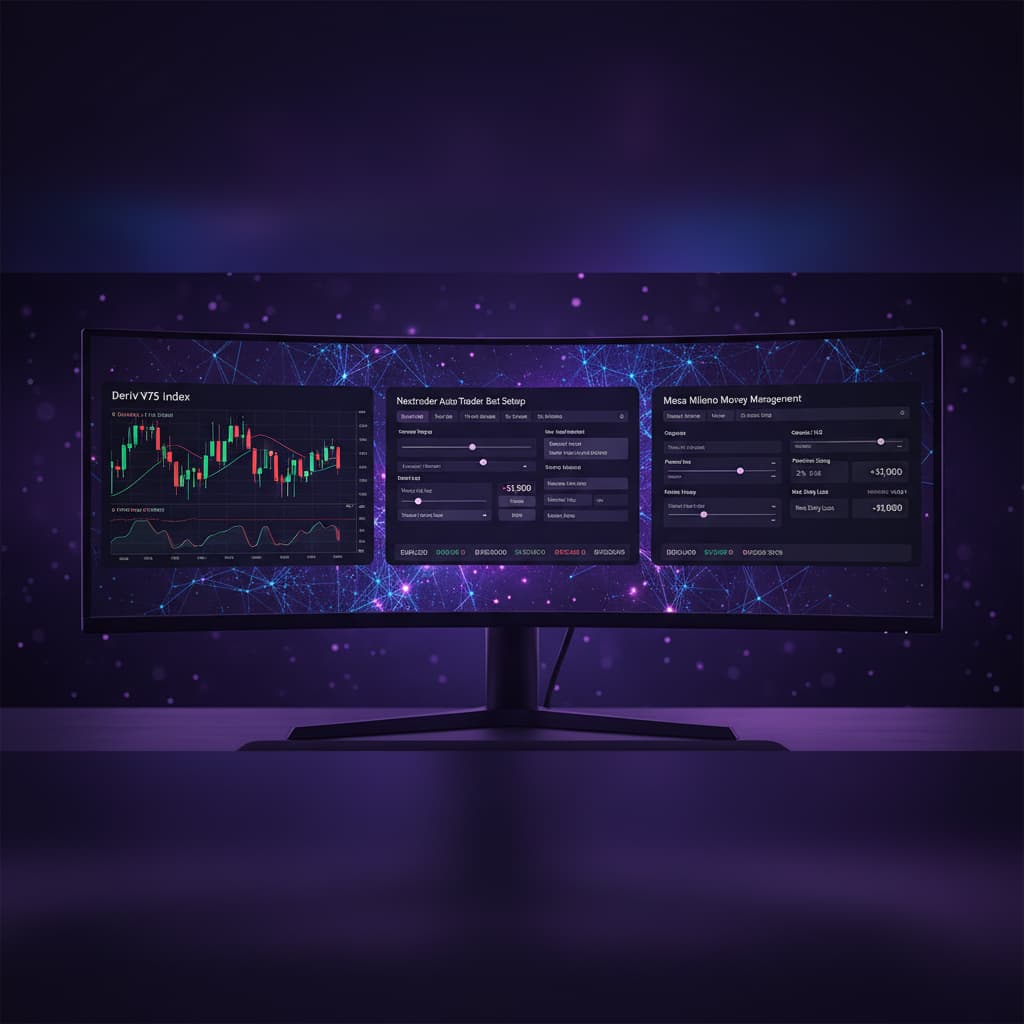
1. Access Money Management: In the Auto Trader Bot interface, locate the "Money Management" section.
2. Select Mesa Milano: From the available options (Fixed Stake, Martingale, Mesa Milano), choose "Mesa Milano."
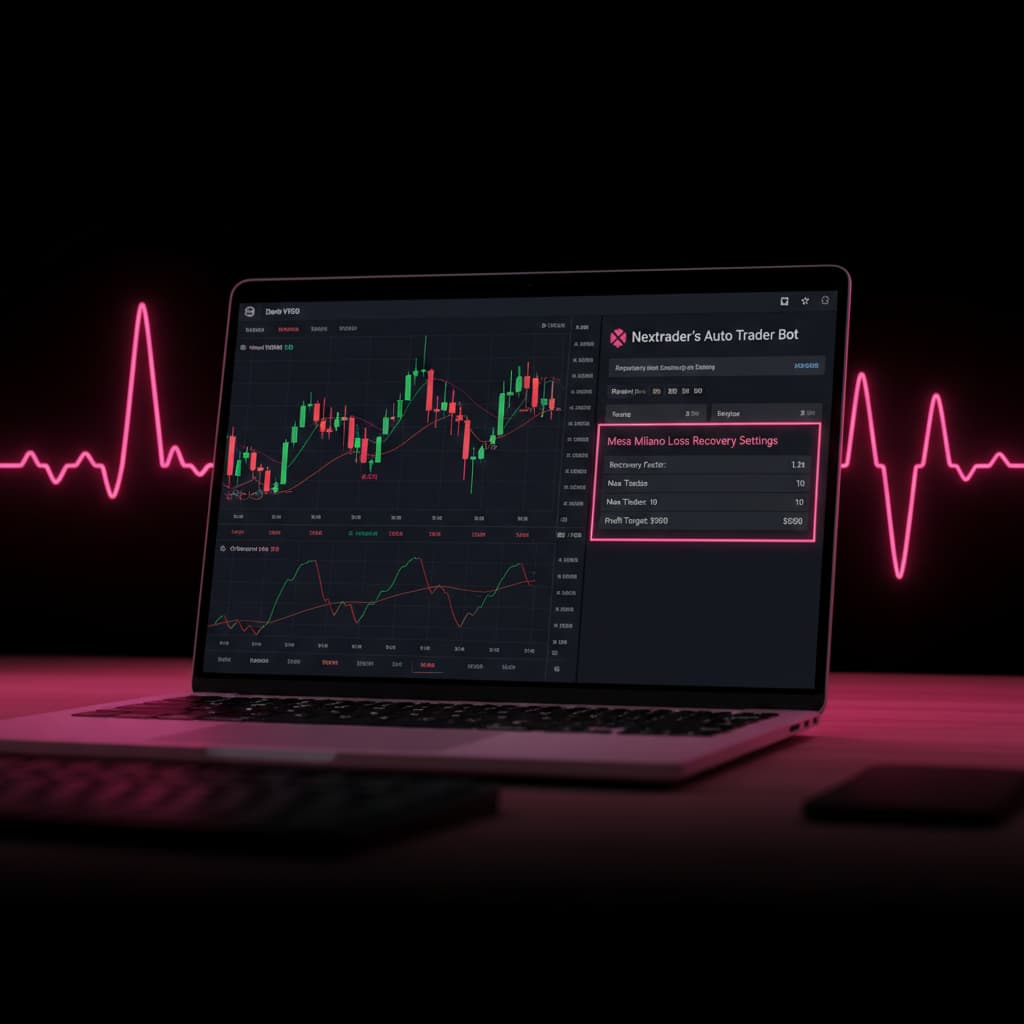
3. Understand Mesa Milano: Mesa Milano is a sophisticated loss recovery algorithm. Instead of blindly increasing stake after a loss, it calculates an optimal recovery stake based on previous losses and a target profit. This helps to recover losses more efficiently while managing risk, making it a powerful feature among deriv trading tools.
4. Configure Mesa Milano Parameters:
* Initial Stake: Set your starting stake amount for each trade (e.g., $1, $5, $10). Always start with a small amount, especially when testing.
* Profit Target: Define your desired profit percentage for the entire bot session (e.g., 5% of your balance). The bot will aim to reach this target and stop.
* Session Stop Loss: Crucially, set an overall session stop loss (e.g., 10% of your balance). This is your maximum acceptable loss for the entire automated session. Even with smart loss recovery, having an ultimate stop loss is vital for responsible trading.
* Max Multiplier (Optional/Advanced): Some versions might allow you to cap the multiplier for stake increases. Use this with caution.
5. Why Mesa Milano? While Martingale simply doubles or multiplies your stake after a loss, Mesa Milano is a "smart loss recovery" system. It aims to recover losses more strategically, making it a preferred choice for many binary bots users seeking more controlled risk management. This approach helps prevent exponential stake increases that can quickly deplete an account.
Step 5: Activating the Bot and Monitoring Performance
With all your settings configured, the final step is to activate your automated trading system and monitor its performance.
1. Review All Settings: Before starting, take a moment to double-check all your configurations: V100 Index, Rise/Fall contracts, chosen AI strategy (e.g., Smart Signals), Confidence Level, and especially your Mesa Milano money management parameters (Initial Stake, Profit Target, Session Stop Loss). Ensure they align with your risk tolerance and trading goals.
2. Start the Bot: Click the prominent "Start Bot" or "Activate Auto Trader" button. The bot will now begin listening for signals that match your criteria and execute trades on your linked Deriv account.
3. Monitor in Real-time: Nextrader features a "Real-time color-coded trading console." This console will display live updates of your bot's activity, including signals received, trades placed, and their outcomes. Green indicates a winning trade, while red signifies a loss.
4. Track Live P&L: Alongside the console, you'll see "Live P&L tracking." This provides an immediate overview of your current profit or loss for the active session, allowing you to gauge the strategy's performance at a glance.
5. Stopping the Bot: At any point, you can stop the bot by clicking the "Stop Bot" button. This is important if you want to adjust settings, take profits, or cut losses if the strategy isn't performing as expected. Remember, continuous monitoring is crucial, especially when starting with new deriv bots strategies.
6. Analyze Performance: After a trading session, review the bot's history to understand which signals were profitable, which strategies performed best, and where adjustments might be needed. This iterative process of testing, monitoring, and refining is key to successful automated trading with Nextrader's binary bots.
Pro Tips
Here are some expert tips to maximize your success with Nextrader's Auto Trader Bot:
- Start with a Deriv Demo Account: This cannot be stressed enough. Always test your V100 Rise/Fall automation settings and Mesa Milano configurations on a Deriv demo account first. This allows you to understand the strategy's behavior without risking real capital.
- Experiment with AI Strategies and Confidence Levels: Nextrader offers 11 distinct AI strategies. While Smart Signals is a great starting point, try combinations like Trend Rider (SuperTrend) or Cloud Walker (Ichimoku) for V100 with varying Confidence Levels (e.g., 65% vs. 80%). Different market conditions might favor different strategies.
- Utilize Telegram Signals for Pre-Analysis: Join the Nextrader Telegram channel (t.me/nextraderlive) to receive real-time signals for 30 markets, including Volatility Indices. This can give you a feel for signal frequency and quality for V100 on different timeframes before you even activate your Auto Trader Bot.
- Regularly Review and Adjust Mesa Milano Settings: While Mesa Milano is a smart loss recovery system, it's not set-and-forget. Regularly review your Initial Stake, Profit Target, and Session Stop Loss based on your account size and performance. Adjusting these parameters can significantly impact your overall risk and reward profile.
Start Trading Now
Ready to experience the power of automated trading? Head over to Nextrader App to log in or Sign Up Free — Nextrader to create your free account today. Don't forget to join our community and get free signals on t.me/nextraderlive.
Trading involves risk. Past performance does not guarantee future results.