Introduction
Welcome to Nextrader, your ultimate platform for advanced deriv trading tools. This tutorial is designed for traders who want to leverage the power of automation to trade Volatility Indices on Deriv.com, specifically focusing on the V100 Index with Rise/Fall contracts. If you’re looking to streamline your trading process, reduce emotional decision-making, and implement a robust strategy using sophisticated deriv bots, you’ve come to the right place.
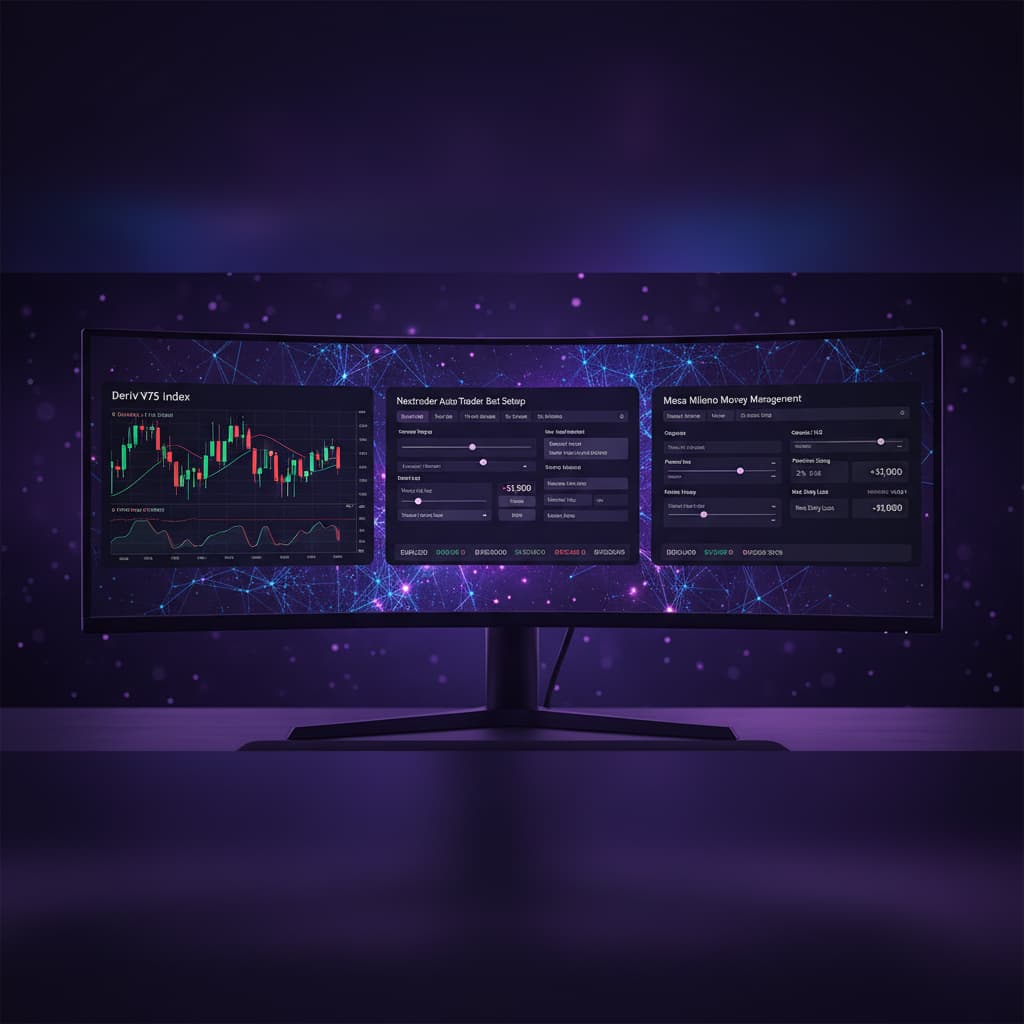
In this comprehensive guide, we'll walk you through the precise steps to configure Nextrader's Auto Trader Bot, utilizing our cutting-edge Smart Signals strategy combined with the widely-used Martingale money management system. By the end of this tutorial, you will have a fully automated binary bot set up to execute trades on the Deriv V100 Index, reacting to real-time, non-repaint signals. This setup empowers you to explore the potential of algorithmic trading without needing to write a single line of code, making complex strategies accessible to everyone.
Nextrader offers 100% free access to all its features, from powerful AI strategies like Trend Hunter and Reversal Radar to advanced money management systems like Mesa Milano. Our platform is built to provide reliable, real-time trading signals across various markets including Forex, Gold, Silver, Crypto, and of course, Volatility Indices, making it an indispensable tool for any serious Deriv trader.
What You Need Before Starting
- A Deriv.com Account: You'll need an active Deriv account, either a demo account for practice or a real account with sufficient funds for live trading.
- A Nextrader.live Account: Sign up for free at app.nextrader.live/signup. All features are unlocked from the start, with no subscriptions or paywalls.
- Basic Understanding of Rise/Fall Contracts: Familiarity with how Rise/Fall contracts work on Deriv will be beneficial.
- Awareness of Martingale Principles: Understand that Martingale is a high-risk, high-reward money management strategy.
Step 1: Accessing Nextrader and Connecting Your Deriv Account
The first step to automating your Deriv V100 Rise/Fall contracts is to access the Nextrader platform and securely connect your Deriv account.
Get Live AI Trading Signals
Real-time non-repaint signals powered by 11 professional AI strategies. Volatility Indices, Forex, Gold & Crypto — no subscription, no paywall.
- Auto Trader Bot
- Digit Trader Bot
- 11 AI Strategies
- Live Telegram Signals
1. Navigate to Nextrader: Open your web browser and go to Nextrader App If you haven't already, sign up for a free account. The process is quick and grants you immediate access to all our powerful deriv trading tools.
2. Log In: Enter your credentials to log into your Nextrader dashboard.
3. Connect Deriv Account: Once logged in, you'll see an option to connect your Deriv account. Click on this. Nextrader uses the Deriv WebSocket API (App ID 67545) for a secure and seamless integration. You will be redirected to Deriv to authorize the connection. Ensure you grant the necessary permissions.
4. Select Your Trading Account: After successful authorization, you'll be returned to Nextrader. From the dropdown menu, select the specific Deriv account you wish to use for automation – whether it's your real trading account or a demo account. We highly recommend starting with a demo account to thoroughly test your bot's settings and strategy before deploying real capital. Nextrader supports multi-account functionality, allowing you to manage various Deriv accounts from a single interface.
Step 2: Navigating to the Auto Trader Bot and Selecting V100 Index
With your Deriv account connected, it's time to configure the core settings of your automated trading strategy within the Nextrader platform.
1. Access the Auto Trader Bot: On the Nextrader dashboard, locate and click on the "Auto Trader Bot" section. This is where you'll find all the controls for setting up your automated binary bots for various markets and contract types.
2. Choose Your Market: Within the Auto Trader Bot interface, look for the "Market" dropdown menu. Scroll through the list and select "Volatility 100 Index." The Volatility Indices are synthetic markets that simulate real-world market volatility, making them popular for their consistent trading hours and predictable behavior patterns, especially for deriv bots.
3. Select Contract Type: Immediately below the market selection, you'll find the "Contract Type" dropdown. For this tutorial, select "Rise/Fall." This contract type allows you to predict whether the price of the V100 Index will "Rise" above or "Fall" below the entry spot after a specified duration. Nextrader's signals are tailored to accurately predict these movements, providing clear entry points.
Step 3: Configuring Smart Signals and Timeframe
This step is crucial as it defines the intelligence behind your automated deriv bot – how it identifies trading opportunities.
1. Select Smart Signals Strategy: In the "Strategy" section, click on the dropdown menu and choose "Smart Signals." This is one of Nextrader's most advanced AI strategies. Unlike simpler strategies, Smart Signals only fires when a minimum of 4 indicators agree on a potential price movement, ensuring a higher conviction signal. These are real-time, non-repaint trading signals, meaning they only fire on CLOSED candles, preventing false entries.
While Nextrader offers 11 named AI strategies like Trend Hunter (EMA crossover), Reversal Radar (RSI), Momentum Wave (MACD), Volatility Pulse (Bollinger Bands), Swift Scalper (Stochastic RSI), Trend Rider (SuperTrend), Cloud Walker (Ichimoku), Price Magnet (VWAP), Breakout Beast (ATR), and Smart Fusion (multi-indicator), Smart Signals is specifically designed for robust, multi-confirmation entries, making it ideal for automated trading.
2. Choose Your Timeframe: Below the strategy selection, you'll find the "Timeframe" option. Nextrader provides signals for 5min, 10min, 30min, and 1 hour timeframes. For the Volatility 100 Index, especially when aiming for more frequent trades with Martingale, a 5-minute or 10-minute timeframe is often preferred. Select "5min" for this tutorial. A shorter timeframe means more signals, which can be advantageous for Martingale, but also potentially more volatility.
3. Understand Confidence Levels: Nextrader displays Confidence levels (30–85%) for each signal. While Smart Signals inherently aim for high confidence, you can optionally set a minimum confidence threshold in the bot settings if you only want to take the strongest signals. For now, we'll rely on the Smart Signals' inherent multi-indicator agreement.
Step 4: Setting Up Martingale Money Management
Money management is paramount in automated trading, and Martingale is a popular, albeit risky, choice for its potential to recover losses quickly.
1. Select Martingale: In the "Money Management" section, click on the dropdown and select "Martingale." This strategy involves increasing your stake after a loss, so that when you eventually win, you recover all previous losses plus your initial profit.
2. Set Initial Stake: Define your starting trade amount. For example, if your account balance is $1000, you might start with a $1.00 stake. It's crucial that your initial stake is a very small percentage of your total capital to allow for multiple Martingale steps.
3. Configure Martingale Multiplier: This determines how much your stake increases after a loss. A common multiplier is 2.0x. So, if your first trade is $1.00 and it loses, the next trade will be $2.00. If that loses, the next will be $4.00, and so on. Be cautious with high multipliers, as they can deplete your balance quickly.
4. Define Max Martingale Steps: This is a critical risk control measure. Set the maximum number of times the bot will increase the stake after consecutive losses. For instance, setting it to "3 steps" means if you have 3 consecutive losses, the bot will stop the Martingale sequence and revert to the initial stake for the next trade, preventing catastrophic losses. A typical range might be 3 to 5 steps, depending on your risk tolerance and account size.
While Martingale offers aggressive loss recovery, Nextrader also provides "Fixed Stake" for consistent betting or "Mesa Milano" for a more sophisticated, smart loss recovery system that aims to recover losses more gradually and sustainably. For this tutorial, we focus on Martingale.
Step 5: Finalizing Bot Settings and Starting Automation
With the strategy and money management in place, the final steps involve defining contract specifics and initiating your automated trading.
1. Set Duration: Choose the duration for your Rise/Fall contracts. Since we selected a 5-minute timeframe for signals, a duration of "1 Minute" or "2 Minutes" is generally suitable for V100. This means the contract will expire 1 or 2 minutes after entry.
2. Define Target Profit: This is the total profit amount you want your bot to achieve before it automatically stops trading for the session. For example, if you set "Target Profit" to $20, the bot will stop once your session profit reaches $20. This is an excellent way to lock in profits and prevent overtrading.
3. Set Stop Loss: Crucially, especially with Martingale, set a "Stop Loss." This is the maximum amount of money you are willing to lose in a session before the bot automatically stops. For example, if your account is $1000 and you set a Stop Loss of $100, the bot will cease trading if your session losses hit $100. This is your primary defense against significant drawdowns and a non-negotiable setting for responsible automated trading.
4. Review All Settings: Before proceeding, take a moment to carefully review all your configurations:
* Market: Volatility 100 Index
* Contract Type: Rise/Fall
* Strategy: Smart Signals
* Timeframe: 5min
* Money Management: Martingale
* Initial Stake: (e.g., $1.00)
* Martingale Multiplier: (e.g., 2.0x)
* Max Martingale Steps: (e.g., 3)
* Duration: (e.g., 1 Minute)
* Target Profit: (e.g., $20)
* Stop Loss: (e.g., $100)
5. Start Bot: Once you are confident with all your settings, click the "Start Bot" button. Your Nextrader bot will now begin monitoring the V100 Index. It will wait for a Smart Signal to fire on a CLOSED 5-minute candle, then automatically execute a Rise/Fall contract on your connected Deriv account with the specified Martingale money management. You can monitor its performance in real-time via the color-coded trading console, tracking live P&L and individual trade results.
Pro Tips
- Always Test on Demo First: Before deploying any deriv bots or binary bots on a real account, thoroughly test your settings and strategy on a Deriv demo account. This allows you to understand its behavior, refine parameters, and gain confidence without risking real capital.
- Adjust Martingale Steps and Multiplier Wisely: Martingale can be aggressive. Experiment with lower multipliers (e.g., 1.5x) or fewer maximum steps (e.g., 2-3) on demo to find a balance between recovery potential and risk tolerance that suits your capital.
- Monitor V100 Volatility: While V100 is generally stable, market conditions can change. Keep an eye on the overall market behavior. If the market becomes excessively choppy, consider pausing your bot or adjusting your timeframe.
- Explore Other Nextrader Strategies: Once comfortable with Smart Signals, don't hesitate to explore other powerful AI strategies like Trend Rider for trending markets or Reversal Radar for identifying potential turning points. Each strategy offers a unique approach to market analysis.
- Leverage Telegram Signals: Nextrader also provides free Telegram signals at t.me/nextraderlive. While your bot runs autonomously, these signals can offer additional market insights or manual trading opportunities across 30 markets, up to 30 signals a day.
Start Trading Now
Ready to revolutionize your Deriv trading experience? Head over to Nextrader App to log in or Sign Up Free — Nextrader to create your free account today. For real-time signals and community updates, join our Telegram channel at t.me/nextraderlive. Unlock the full potential of automated deriv trading tools with Nextrader!
Trading involves risk. Past performance does not guarantee future results.