Introduction
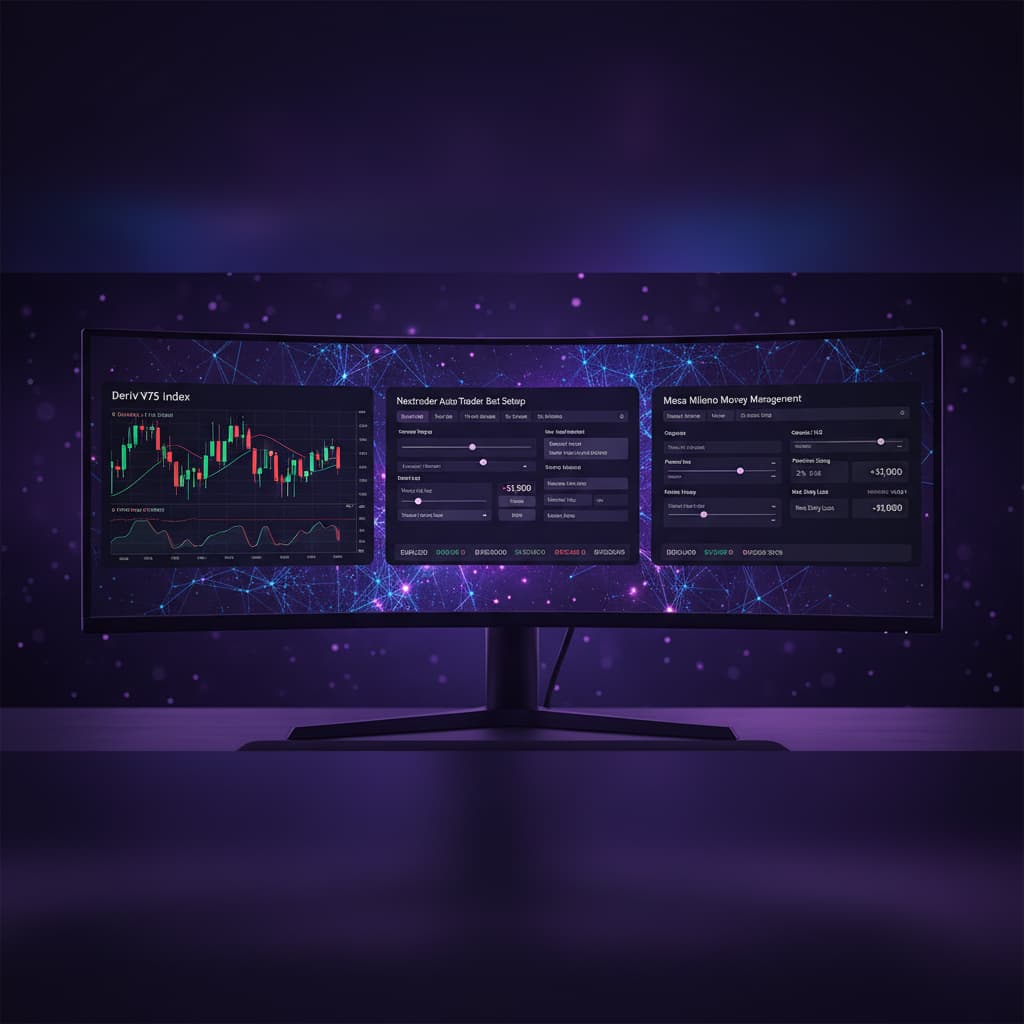
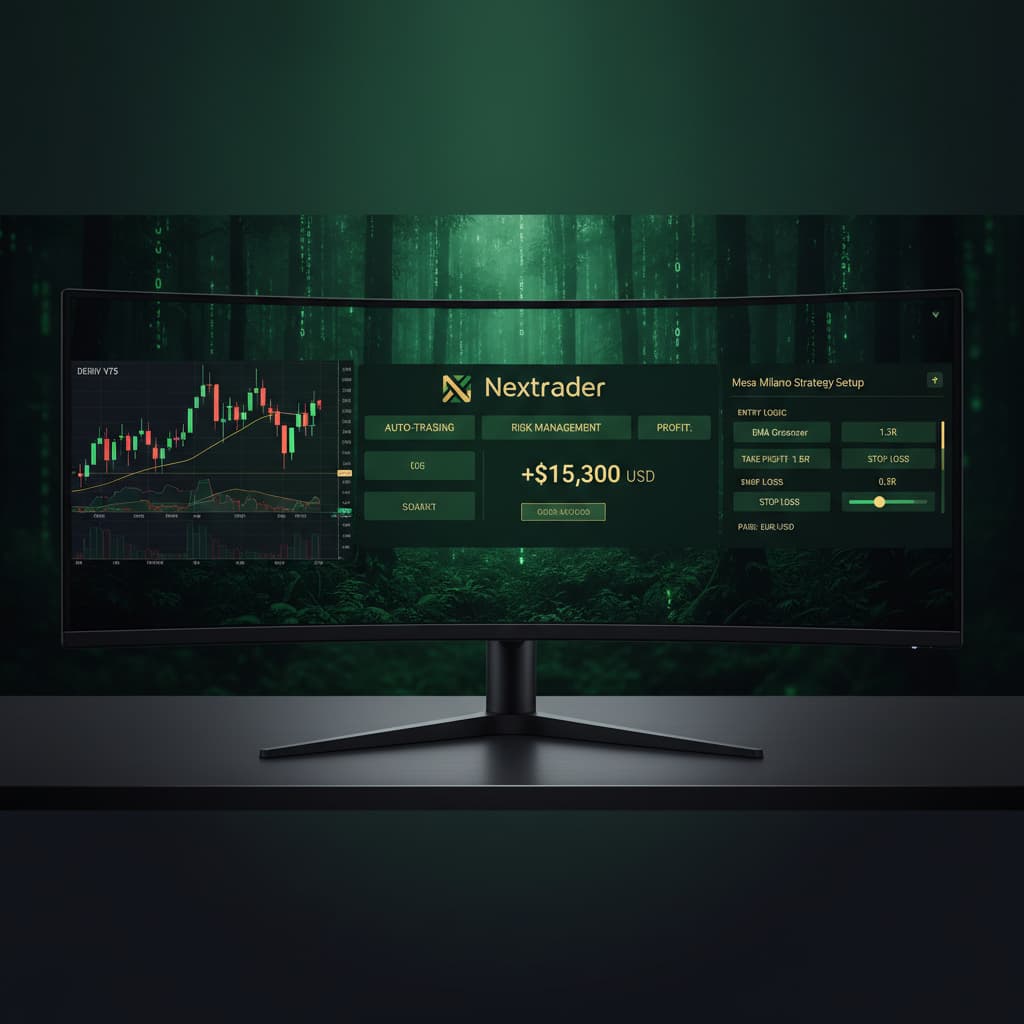
Welcome to this in-depth tutorial from Nextrader, your ultimate platform for advanced Deriv trading. This guide is specifically designed for traders looking to leverage the power of automation on the volatile yet rewarding Deriv V75 index. Whether you're an experienced trader seeking to optimize your strategies or a newcomer eager to explore automated trading, this tutorial will walk you through setting up the Nextrader Auto Trader Bot to seamlessly manage your Deriv V75 trades.
By the end of this step-by-step guide, you will understand how to configure Nextrader's cutting-edge AI strategies, implement the sophisticated Mesa Milano smart loss recovery system, and unleash the full potential of our deriv bots to automate your trading on the Volatility 75 Index. You’ll achieve a hands-free trading experience, allowing the bot to execute trades based on real-time non-repaint signals, freeing up your time and enhancing your trading consistency.
Nextrader provides robust deriv trading tools, including our powerful binary bots, all completely free with no subscriptions or paywalls. We integrate directly with the Deriv WebSocket API (App ID 67545) for seamless, real-time execution, giving you a significant edge in the markets.
What You Need Before Starting
- A Deriv Account: You'll need an active Deriv account (real or demo) with sufficient funds to place trades.
- A Nextrader Account: Register for your 100% free Nextrader account at Sign Up Free — Nextrader.
- Basic Understanding of V75 Index: Familiarity with the Volatility 75 Index's characteristics (its volatility and typical price movements) will help you make informed decisions about your bot's settings.
- Internet Connection: A stable internet connection is crucial for uninterrupted bot operation.
Step 1: Accessing the Nextrader Auto Trader Bot
First, navigate to the Nextrader platform. If you haven't already, log in to your account at Nextrader App. Once logged in, you'll be presented with your trading dashboard. On the left-hand navigation menu, locate and click on the "Auto Trader Bot" option. This will take you to the dedicated interface where you can configure and manage your automated trading strategies.
Get Live AI Trading Signals
Real-time non-repaint signals powered by 11 professional AI strategies. Volatility Indices, Forex, Gold & Crypto — no subscription, no paywall.
- Auto Trader Bot
- Digit Trader Bot
- 11 AI Strategies
- Live Telegram Signals
Nextrader supports multi-account functionality, meaning you can link and manage several Deriv accounts from a single Nextrader dashboard. This is particularly useful for traders who compartmentalize their strategies or manage funds across different accounts. Ensure you select the correct Deriv account if you have multiple linked, as all subsequent bot actions will be performed on the chosen account. The real-time color-coded trading console will display live P&L tracking for each active bot.
Step 2: Configuring Your Deriv Account and Market
Within the Auto Trader Bot interface, the first crucial step is to link your Deriv account and select the market you wish to trade.
1. Connect Deriv Account: If you haven't already, you'll need to securely connect your Deriv account via the Deriv WebSocket API integration. This is typically done by providing your Deriv API token (which you can generate from your Deriv security settings). Follow the on-screen prompts to establish this connection. Nextrader ensures this connection is secure, allowing our binary bots to execute trades on your behalf.
2. Select Market: Once connected, look for the market selection dropdown. From the extensive list of available markets, scroll down and select "Volatility 75 Index" (V75). Nextrader offers a wide range of markets including other Volatility Indices (V10, V25, V50, V100, 1Hz), Forex, Gold, Silver, and Crypto, but for this tutorial, V75 is our focus. This market selection ensures your bot will exclusively look for signals and execute trades on the V75 index.
Step 3: Selecting Your AI Strategy and Timeframe
With your market set to V75, it's time to choose the intelligence that will drive your bot – a Nextrader AI strategy and a preferred timeframe.
1. Choose an AI Strategy: Nextrader boasts 11 named AI strategies, each designed for different market conditions. For V75, which is known for its dynamic movements, a robust multi-indicator approach is often beneficial. We recommend starting with "Smart Signals" as it relies on 4 or more indicators agreeing before firing a signal, providing high-confidence entries. Other suitable options for V75 could include "Volatility Pulse" (based on Bollinger Bands, ideal for range-bound or breakout analysis) or "Momentum Wave" (MACD-based for trend strength). Experimentation is key, but Smart Signals offers a solid foundation.
2. Select Timeframe: Nextrader generates signals across 4 timeframes: 5min, 10min, 30min, and 1 hour. Your choice here will dictate how frequently the bot looks for and acts on signals. For V75, a "5min" or "10min" timeframe can capture more trading opportunities, while a "30min" or "1 hour" timeframe might offer fewer but potentially stronger signals. Select the timeframe that aligns with your preferred trading frequency and risk tolerance. Remember, signals only fire on closed candles, ensuring non-repaint accuracy.
3. Confidence Level: Nextrader provides a confidence level (30-85%) for each signal. While setting up the bot, you can often specify a minimum confidence level for the bot to consider a signal valid. For V75, starting with a medium-high threshold like 60-70% can help filter out weaker signals.
Step 4: Setting Up Mesa Milano Smart Loss Recovery
This is where Nextrader's advanced money management truly shines. For automated V75 trading, select "Mesa Milano" as your money management strategy. Mesa Milano is a smart loss recovery system designed to recover previous losses efficiently without the aggressive compounding of Martingale.
1. Select Mesa Milano: In the money management section of the Auto Trader Bot settings, click on the dropdown and choose "Mesa Milano".
2. Initial Stake: Define your starting stake. This is the amount your bot will wager on its first trade. For example, if you set it to $1.00, the bot will begin with $1.00 per trade.
3. Loss Recovery Factor: Mesa Milano works by slightly increasing your stake after a loss, but only enough to recover the previous loss plus a small profit, rather than exponentially increasing it like traditional Martingale. You'll typically set a "Recovery Factor" or "Multiplier". A common setting might be a 1.1x to 1.3x multiplier on your initial stake after a loss, ensuring that when a win occurs, it covers the total loss incurred in the preceding losing streak plus your base profit. Carefully review the specific Mesa Milano settings within Nextrader to understand how to adjust its parameters, such as maximum recovery steps or maximum stake, to align with your risk tolerance. This intelligent system is a powerful feature among our deriv trading tools.
4. Profit Target / Stop Loss (Optional but Recommended): While Mesa Milano handles stake adjustments, it's crucial to also set overall profit targets and stop losses for the bot's operation. This ensures your bot stops trading once a certain profit is reached or a maximum loss threshold is hit, protecting your capital. You can set a daily or session-based profit target (e.g., $50) and a maximum acceptable loss (e.g., $100).
Step 5: Reviewing Settings and Activating the Bot
Before you unleash your V75 deriv bot, a thorough review of all your configurations is essential.
1. Review All Parameters:
* Market: Volatility 75 Index (V75)
* AI Strategy: Smart Signals (or your chosen strategy)
* Timeframe: 5min/10min/30min/1 hour
* Money Management: Mesa Milano with your defined initial stake and recovery factor.
* Confidence Level: Your minimum acceptable confidence.
* Trade Parameters: Nextrader signals also provide Entry price, Stop Loss, and Take Profit 1 & 2. Ensure these are either accepted by default or adjusted according to your strategy. The bot will use these parameters for its automated trades.
* Overall Profit/Loss Limits: Double-check your bot's session or daily profit target and maximum loss limit.
2. Start the Bot: Once you are confident in all your settings, click the "Start Bot" or "Activate" button. Your Nextrader Auto Trader Bot will now begin monitoring the V75 index, waiting for signals that meet your specified AI strategy, timeframe, and confidence criteria.
3. Monitor Performance: Keep an eye on the real-time color-coded trading console. You'll see trades being placed, live P&L tracking, and the bot's activity. This allows you to observe its performance and make adjustments if necessary. The Android app (com.vm.nextrader) also provides on-the-go monitoring.
Pro Tips
- Start with a Demo Account: Before deploying on a real Deriv account, always test your V75 bot settings on a demo account. This allows you to fine-tune your Mesa Milano parameters and AI strategy selection without risking real capital.
- Experiment with AI Strategies: While Smart Signals is a great starting point for V75, consider experimenting with other strategies like "Volatility Pulse" (for identifying breakouts or reversals in V75's characteristic movements) or "Breakout Beast" (ATR-based for identifying strong trend initiations) to see which performs best under different market conditions.
- Utilize Telegram Signals: Complement your automated trading by monitoring the Nextrader Telegram signals at [t.me/nextraderlive]. These provide real-time signals for 30 markets, including V75, every 5 minutes (max 30 signals/day). You can use these to manually confirm bot signals or gain insights into market sentiment.
- Regularly Review Performance: Automated trading isn't "set it and forget it" forever. Periodically review your bot's performance, especially after significant market events. Adjust your stake, Mesa Milano parameters, or even the AI strategy/timeframe if market conditions shift or your trading goals evolve.
Start Trading Now
Ready to supercharge your Deriv V75 trading? Head over to Nextrader App to log in or Sign Up Free — Nextrader to create your free account. For real-time updates and signals, join our community on Telegram at [t.me/nextraderlive]. Unlock the full potential of Nextrader's deriv bots and advanced deriv trading tools today!
Trading involves risk. Past performance does not guarantee future results.