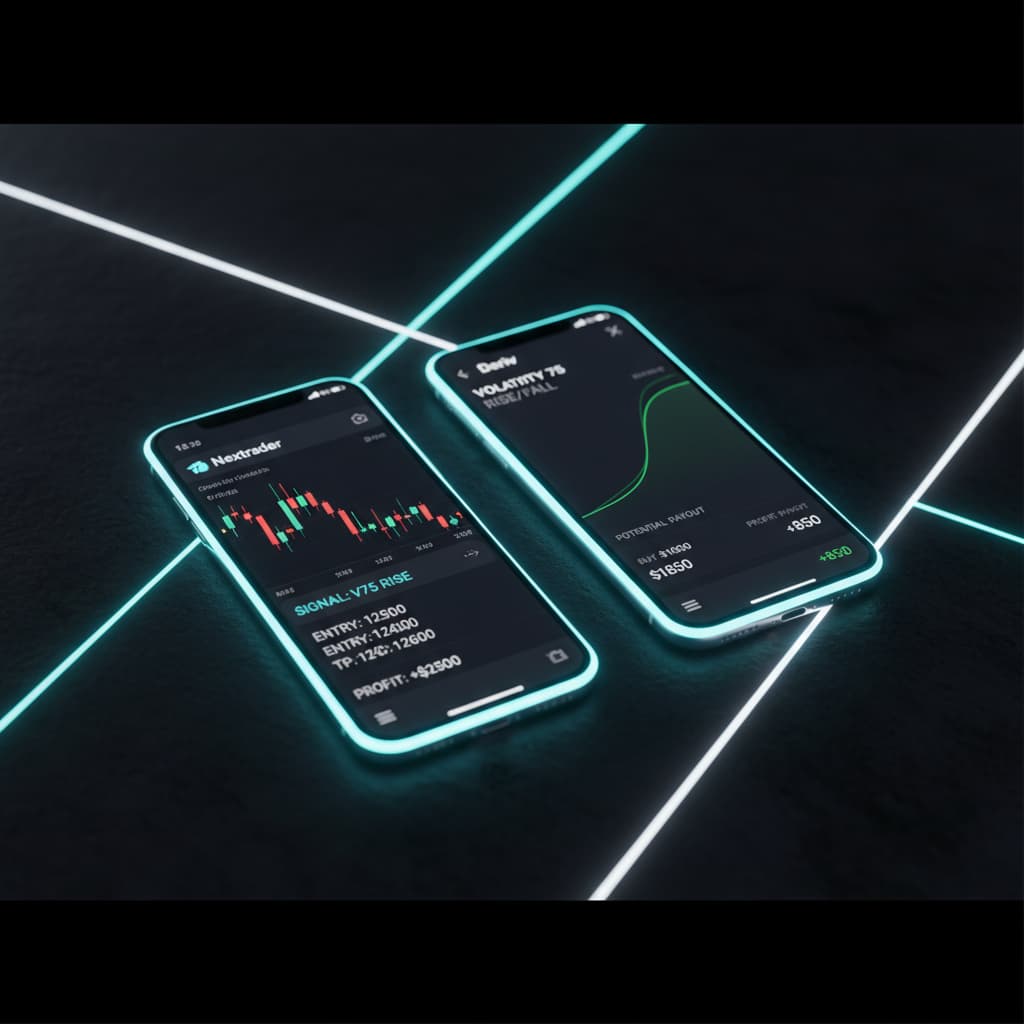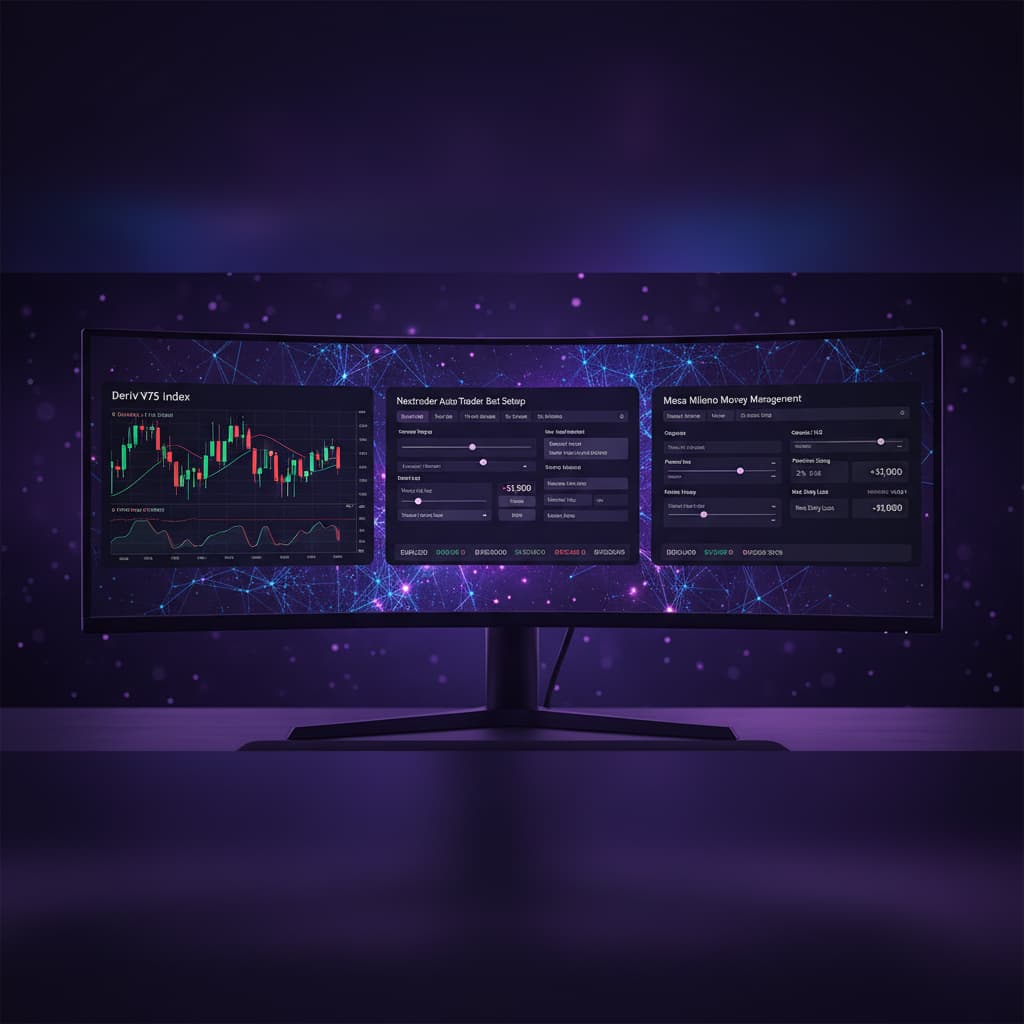
How to automate Deriv V100 Rise/Fall contracts using Nextrader's Smart Signals, Auto Trader Bot, and Mesa Milano smart loss recovery.
Introduction
Welcome to this in-depth tutorial from Nextrader, your ultimate platform for advanced trading automation. This guide is crafted for traders eager to harness the power of automated strategies on Deriv's Volatility Indices, specifically focusing on V100 Rise/Fall contracts. We'll walk you through the precise steps to configure Nextrader's sophisticated Smart Signals, deploy the robust Auto Trader Bot, and integrate the intelligent Mesa Milano money management system for smart loss recovery.
By the end of this tutorial, you will possess the knowledge to set up a fully automated trading system that leverages real-time, non-repaint signals, executes trades with precision, and manages your capital with an advanced loss recovery mechanism. This setup aims to bring discipline and efficiency to your trading, allowing you to capitalize on market movements without constant manual intervention. Whether you're a seasoned trader looking to optimize your workflow or new to automation and seeking powerful deriv trading tools, this guide will empower you to achieve a more strategic and potentially profitable approach to trading V100.
What You Need Before Starting
- A Deriv Account: Both real and demo accounts are supported. Ensure you have your Deriv API token ready for seamless integration.
- A Nextrader Account: Sign up for free at Sign Up Free — Nextrader Nextrader is 100% free, with no subscriptions or paywalls, giving you access to all features instantly.
- Basic Understanding of Rise/Fall Contracts: Familiarity with how Rise/Fall contracts work on Deriv will help you better understand the bot's operation.
- Stable Internet Connection: Essential for real-time signal processing and automated trade execution.
Step 1: Connecting Your Deriv Account to Nextrader
The first crucial step is to securely link your Deriv account with Nextrader. This integration allows Nextrader's powerful deriv bots to execute trades directly on your behalf, based on the signals generated by its AI strategies.
1. Log In to Nextrader: Navigate to Nextrader App and log in to your Nextrader account. If you haven't already, sign up for a free account.
Get Live AI Trading Signals
Real-time non-repaint signals powered by 11 professional AI strategies. Volatility Indices, Forex, Gold & Crypto — no subscription, no paywall.
- Auto Trader Bot
- Digit Trader Bot
- 11 AI Strategies
- Live Telegram Signals
2. Access Account Settings: Once logged in, look for the "Accounts" or "Settings" section, usually found in the navigation menu or dashboard sidebar.
3. Add Deriv Account: Within the Accounts section, you'll find an option to "Add New Account" or "Connect Deriv Account." Click on this.
4. Enter Deriv API Token: You will be prompted to enter your Deriv API token. To get this, log in to your Deriv account, go to "Settings" > "API Tokens," and create a new token with "Read" and "Trade" permissions. Copy this token and paste it into the Nextrader interface. Nextrader uses Deriv WebSocket API integration (App ID 67545) for secure and reliable communication.
5. Select Account Type: Choose whether you're connecting a "Real" or "Demo" Deriv account. For initial testing and familiarization, starting with a demo account is highly recommended.
6. Confirm Connection: After entering your token and selecting the account type, click "Connect" or "Save." Nextrader will verify the token, and your Deriv account balance will appear on your Nextrader dashboard, confirming a successful connection. Nextrader supports multi-account functionality, allowing you to manage several Deriv accounts from a single Nextrader interface.
Step 2: Configuring Smart Signals for V100
With your Deriv account connected, the next step is to set up Nextrader's Smart Signals to identify trading opportunities specifically for the V100 Index. Smart Signals are one of Nextrader's most advanced AI strategies, firing only when a minimum of 4 indicators agree, ensuring high-conviction non-repaint trading signals.
1. Navigate to Smart Signals: From your Nextrader dashboard, locate and click on the "Signals" or "Smart Signals" tab. This will take you to the signal configuration interface.
2. Select Market and Timeframe:
* Market: Under the "Markets" dropdown, select "Volatility Indices" and then specifically choose "V100 Index." This ensures that the signals generated are tailored to the unique characteristics of the V100 market.
* Timeframe: Choose your preferred timeframe for signal generation. Nextrader offers 5min, 10min, 30min, and 1 hour signals. For V100 Rise/Fall contracts, a 5min or 10min timeframe often provides more frequent trading opportunities, while 30min or 1 hour might offer signals with higher overall conviction, though less frequently. Consider your trading style and risk appetite when making this choice.
3. Understand Smart Signals: Remember that Nextrader's Smart Signals are a multi-indicator strategy (Smart Signals, 4+ indicators). This means the system analyzes multiple technical indicators simultaneously—potentially including elements from strategies like Trend Hunter (EMA crossover), Reversal Radar (RSI), Momentum Wave (MACD), and Volatility Pulse (Bollinger Bands)—to confirm a strong potential trading direction. Signals are guaranteed to fire only on CLOSED candles, preventing repainting and providing reliable entry points.
4. Observe Signal Confidence: As you configure, notice that Nextrader provides confidence levels (30–85%) for each signal, along with suggested Entry Price, Stop Loss, and Take Profit 1 & 2 levels. While these are primarily for manual trading or advanced custom bot setups, understanding them gives you insight into the signal's strength.
Step 3: Setting Up the Auto Trader Bot for Rise/Fall Contracts
Now that your signals are configured, it's time to activate the Auto Trader Bot to automatically act on these V100 Smart Signals for Rise/Fall contracts. This is where the true power of Nextrader's binary bots comes into play, automating your strategy with precision.
1. Access Auto Trader Bot: From the Nextrader navigation, click on the "Auto Trader Bot" section. This is your command center for automated trading.
2. Configure Contract Details:
* Market: Ensure "V100 Index" is selected here, matching your signal configuration.
* Contract Type: Select "Rise/Fall." This tells the bot to place trades predicting whether the V100 Index will rise or fall relative to the entry spot.
* Duration: Set the duration for your contracts. For V100, common durations range from 5 ticks to 1 minute or even longer. Experiment with this on a demo account to find what works best with your chosen timeframe and signal frequency.
* Signal Strategy: Crucially, select "Smart Signals" from the dropdown. This links the bot directly to the high-conviction signals you configured in Step 2.
3. Define Initial Stake: Input your desired initial stake amount. This is the base amount the bot will use for each trade. Be mindful of your risk management principles when setting this value.
4. Confirm Trade Direction: The Auto Trader Bot will automatically interpret "Rise" or "Fall" signals from the Smart Signals strategy. When a "Rise" signal appears, the bot will execute a "Rise" contract; for a "Fall" signal, it will execute a "Fall" contract. The beauty of Nextrader's "deriv bots" is their ability to execute these decisions instantly and without emotion.
Step 4: Implementing Mesa Milano for Smart Loss Recovery
One of Nextrader's standout money management features is Mesa Milano, a smart loss recovery strategy designed to recoup losses without the aggressive stake increases often associated with traditional Martingale systems. This step is crucial for protecting your capital and ensuring sustainable automation.
1. Locate Money Management Settings: Within the "Auto Trader Bot" configuration interface (from Step 3), scroll down to find the "Money Management" section.
2. Select Mesa Milano: You'll see several options: "Fixed Stake," "Martingale," and "Mesa Milano." Select "Mesa Milano."
3. Understand Mesa Milano: Unlike Martingale, which doubles or significantly increases stakes after a loss, Mesa Milano employs a more calculated approach. It intelligently adjusts the stake size after a losing trade, aiming to recover the previous loss plus a small profit, but does so with a more conservative multiplier. This minimizes exposure during losing streaks while still providing a structured recovery plan. It's a key feature that elevates Nextrader above simpler binary bots.
4. Configure Mesa Milano Parameters (If Applicable): Depending on the Nextrader interface, you might have options to set specific parameters for Mesa Milano, such as a "target profit percentage for recovery" or a "maximum stake multiplier." If these options are available, configure them according to your risk tolerance. For example, you might set a lower recovery profit target to reduce subsequent stake increases, or a cap on the multiplier to prevent excessive risk. If not explicitly configurable, Nextrader's default Mesa Milano settings are optimized for smart recovery.
5. Review and Save: Double-check that Mesa Milano is selected and that your initial stake (from Step 3) is appropriate for your chosen money management strategy. This intelligent loss recovery mechanism is a cornerstone of responsible automated trading.
Step 5: Activating and Monitoring Your Automated Strategy
With all settings meticulously configured, the final step is to activate your V100 Rise/Fall automation and learn how to monitor its performance using Nextrader's real-time tools.
1. Final Review of Settings: Before activating, take a moment to review all your configurations:
* Market: V100 Index
* Contract Type: Rise/Fall
* Signal Strategy: Smart Signals
* Timeframe: Your chosen timeframe (e.g., 5min)
* Duration: Your chosen contract duration (e.g., 5 ticks)
* Initial Stake: Your starting trade amount
* Money Management: Mesa Milano
2. Activate the Bot: Once confident in your settings, locate the "Start Bot" or "Activate Automation" button, typically at the top or bottom of the Auto Trader Bot interface. Click it to initiate your automated trading.
3. Monitor Performance: Nextrader provides a "real-time color-coded trading console" and "live P&L tracking." As the bot executes trades, you'll see them appear in the console, indicating wins (green) or losses (red), along with your running profit and loss. This immediate feedback is invaluable for understanding how your strategy performs in live market conditions.
4. Observe and Adjust: While the bot is designed for automation, especially when using advanced deriv trading tools like Smart Signals and Mesa Milano, it's wise to monitor its initial performance closely. Pay attention to how the Smart Signals are firing and how Mesa Milano handles losing streaks. You might want to adjust the timeframe, contract duration, or even Mesa Milano's parameters after observing real-world performance on a demo account. Remember, even the best binary bots require occasional oversight and optimization.
5. Pause or Stop When Needed: You can pause or stop the bot at any time using the corresponding buttons in the Auto Trader Bot interface. This allows you to take breaks, make adjustments, or react to significant market news.
Pro Tips
- Timeframe Experimentation: Nextrader offers 5min, 10min, 30min, and 1 hour signals for V100. Experiment with different timeframes on a demo account to see which frequency and signal conviction best align with your trading goals and the V100's volatility patterns when paired with your chosen contract duration.
- Demo Account First: Always, without exception, test your entire automated setup on a Deriv demo account for an extended period. This allows you to fine-tune your stake, duration, and observe Mesa Milano's behavior without risking real capital.
- Leverage Confidence Levels: Although the Auto Trader Bot automatically acts on Smart Signals, you can further refine your strategy by manually observing the confidence levels (30-85%) provided by Nextrader. For manual trading or more advanced custom bot logic, you might choose to only enter trades that surpass a certain confidence threshold.
- Explore Other Deriv Trading Tools: While this tutorial focuses on V100 Rise/Fall, Nextrader offers a suite of other powerful deriv trading tools. For instance, the Digit Trader Bot provides AI last-digit prediction with features like streak detection and digit frequency charts, perfect for exploring other contract types.
Start Trading Now
Ready to elevate your trading with intelligent automation? Sign up for your free Nextrader account at Sign Up Free — Nextrader or log in directly at Nextrader App Don't forget to join our Telegram channel t.me/nextraderlive for real-time signals across 30 markets, every 5 minutes!
Trading involves risk. Past performance does not guarantee future results.