Introduction
Welcome to this comprehensive tutorial designed for traders eager to leverage the power of Nextrader's advanced, 100% free trading tools. In this guide, we'll walk you through the precise steps to activate and trade Deriv's highly volatile V75 contracts using Nextrader's unique Accumulator 1x-5x growth strategy. Whether you're a seasoned trader looking to maximize compounding returns or new to using sophisticated deriv trading tools, this tutorial will equip you with the knowledge to confidently set up and execute your V75 trades. By the end, you'll understand how to connect your Deriv account, configure the Accumulator strategy, interpret real-time signals, and monitor your progress, all within the intuitive Nextrader platform.
What You Need Before Starting
Before diving in, make sure you have these essentials:
- Deriv.com Account: A live or demo trading account with Deriv.com, funded or ready for practice.
- Nextrader.live Account: A free Nextrader account. If you don't have one, sign up at app.nextrader.live/signup – it's completely free with no paywalls.
- Basic Understanding of V75: Familiarity with Volatility 75 Index trading on Deriv is beneficial.
- Stable Internet Connection: Essential for real-time signal and trade execution.
Step 1: Connecting Your Deriv Account to Nextrader
The first crucial step is to securely link your Deriv account to Nextrader. This integration allows Nextrader to execute trades on your behalf and access real-time market data.
1. Access Nextrader: Open your web browser and navigate to app.nextrader.live. Log in to your Nextrader account. If you're a new user, quickly sign up – remember, Nextrader offers all features unlocked, completely free.
Get Live AI Trading Signals
Real-time non-repaint signals powered by 11 professional AI strategies. Volatility Indices, Forex, Gold & Crypto — no subscription, no paywall.
- Auto Trader Bot
- Digit Trader Bot
- 11 AI Strategies
- Live Telegram Signals
2. Navigate to Account Settings: Once logged in, look for the "Settings" or "Accounts" section, usually found in the sidebar or top menu.
3. Connect Deriv Account: Within the settings, you'll find an option to "Connect Deriv Account" or similar. Click this.
4. Obtain Deriv API Token: Nextrader utilizes the Deriv WebSocket API integration (App ID 67545) for secure communication. You'll need to generate an API token from your Deriv account.
* Log in to your Deriv.com account.
* Go to "Settings" -> "API Tokens".
* Click "Create a new token".
* Grant the necessary permissions (e.g., Read, Trade, Admin) to ensure full functionality with Nextrader.
* Copy the generated token.
5. Paste Token into Nextrader: Return to Nextrader and paste your Deriv API token into the designated field.
6. Verify Connection: Click "Connect" or "Save." Nextrader will attempt to establish a connection. Upon success, you'll see your Deriv account details (e.g., balance, account type – real or demo) displayed in Nextrader's "real-time color-coded trading console." Nextrader also supports multi-account functionality, allowing you to switch between different Deriv accounts effortlessly.
Step 2: Selecting V75 and Activating the Accumulator Strategy
With your Deriv account connected, it's time to pinpoint your target market and activate Nextrader's specialized Accumulator strategy.
1. Access the Trading Dashboard: From your Nextrader interface, navigate to the main "Trading" or "Dashboard" area. This is where you'll find the market selection and strategy configuration options.
2. Choose V75 Market: Look for the "Market" dropdown or selection panel.
* Click on it and navigate to "Volatility Indices."
* From the list, select "V75" (Volatility 75 Index). Nextrader supports a wide range of Volatility Indices, including V10, V25, V50, V100, and 1Hz, along with Forex, Gold, Silver, and Crypto.
3. Select Accumulator Strategy: After selecting V75, locate the "Strategy" or "Trading Mode" selector.
* Click on it and choose "Accumulator."
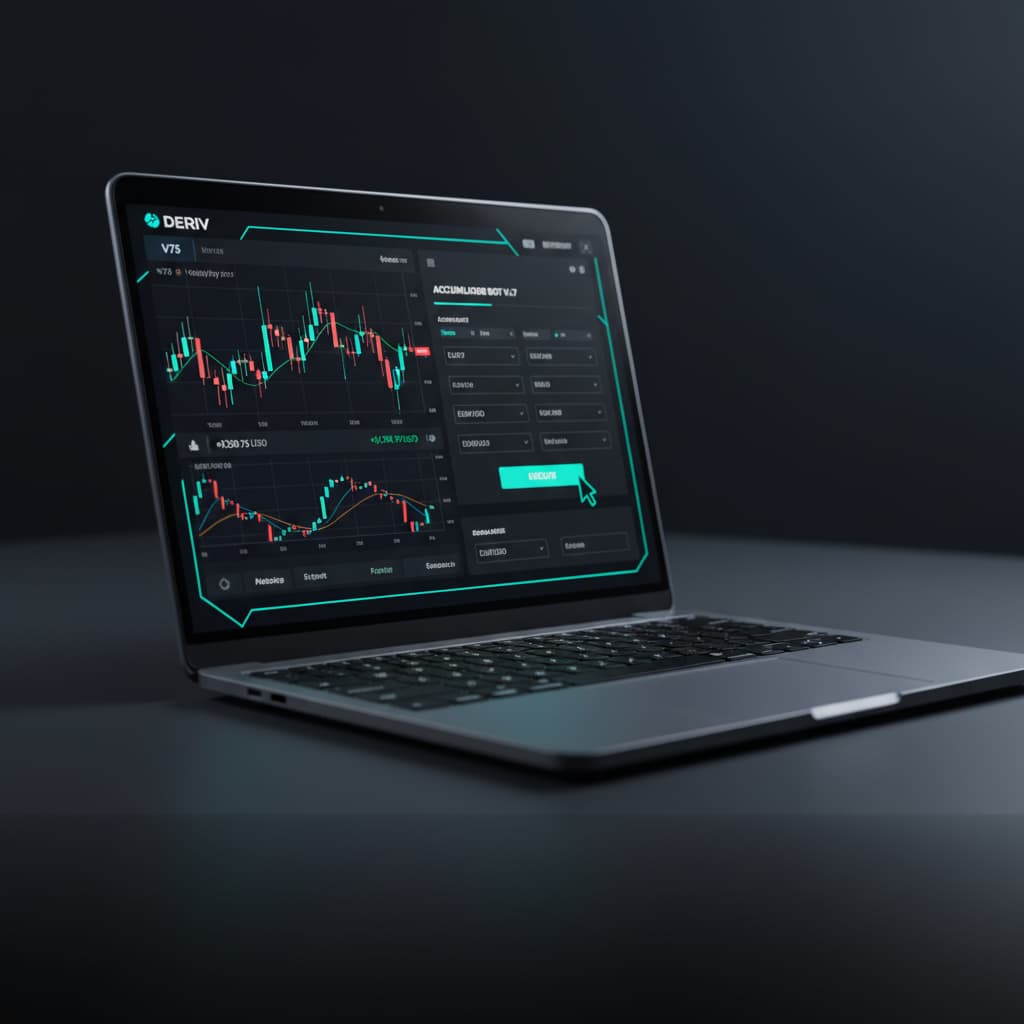
* The Accumulator strategy is one of Nextrader's powerful deriv trading tools designed for compounding growth, offering 1x–5x growth rate trading modes. This unique approach allows your profits to be reinvested, aiming for accelerated account growth.
Step 3: Configuring Accumulator Settings and Initial Trade Parameters
Now that you've selected V75 and the Accumulator strategy, you need to fine-tune its settings and define your initial trade parameters.
1. Set Growth Rate: The core of the Accumulator strategy is its growth rate. You'll see options ranging from 1x to 5x.
* 1x: Profits from winning trades are fully reinvested into the next trade's stake.
* 2x-5x: These higher multipliers mean a larger portion of your profits (or even more aggressive compounding) is allocated to subsequent trades, aiming for faster growth but also carrying higher risk.
* Carefully consider your risk tolerance when choosing your growth rate. Starting with 1x or 2x on a demo account is highly recommended.
2. Define Initial Stake: Input your starting stake amount for the first trade. This is the base capital from which the Accumulator strategy will begin compounding.
3. Choose Contract Type: For V75, the most common contract types are "Rise/Fall" or "Higher/Lower."
* Select "Rise" or "Fall" based on your signal's direction. The Accumulator typically works well with these directional contracts.
4. Set Trade Duration: Determine the duration for each individual trade. For V75, common durations include 1 minute, 5 minutes, or even a specific number of ticks. Shorter durations are often preferred for rapid compounding with Accumulator, aligning with the fast-paced nature of volatility indices.
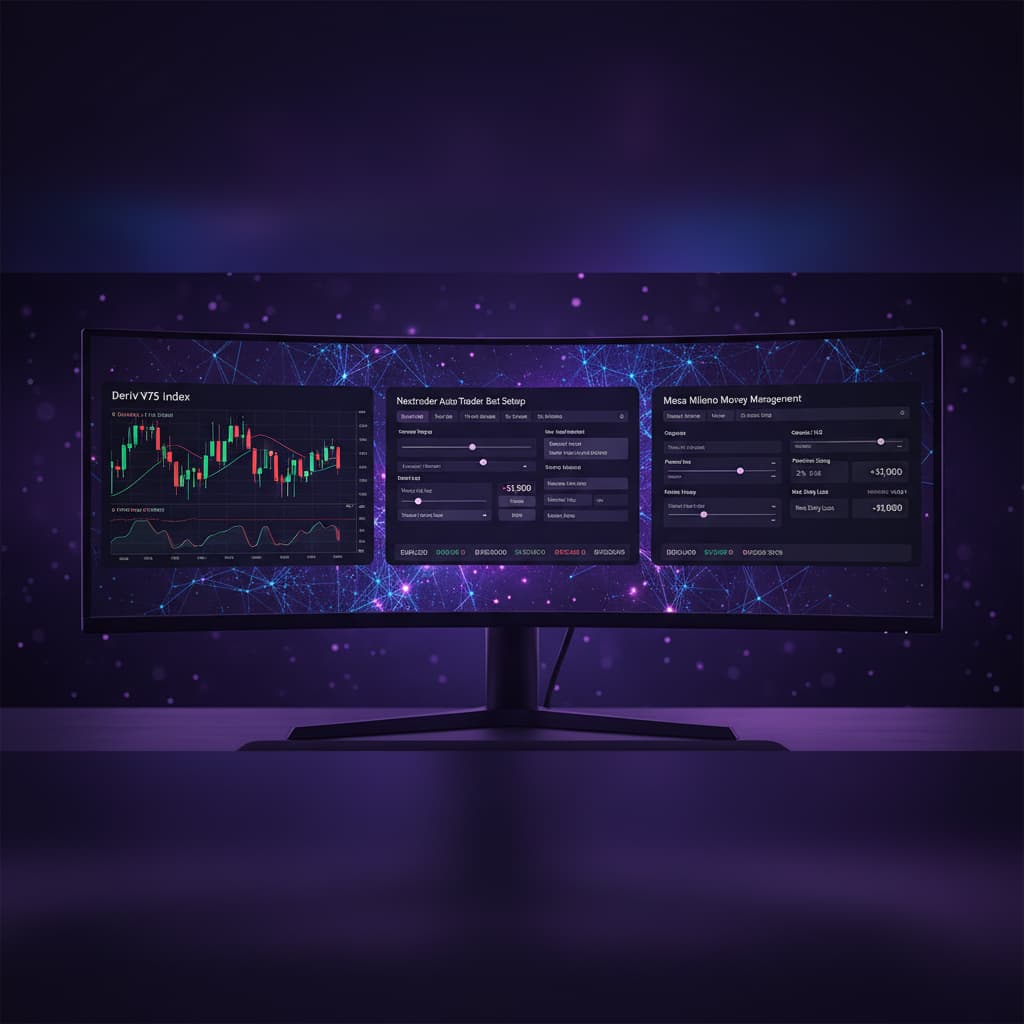
5. Money Management (Optional, for context): While the Accumulator strategy itself defines the stake increase, Nextrader's Auto Trader Bot also offers advanced money management options like Fixed Stake, Martingale, or Mesa Milano (smart loss recovery). For the Accumulator, the growth rate is your primary compounding mechanism, but understanding these other deriv bots features highlights Nextrader's comprehensive capabilities.
Step 4: Utilizing Nextrader Signals and Confidence for V75 Accumulator Trades
Nextrader's strength lies in its real-time, non-repaint trading signals. This step focuses on how to leverage these signals for your V75 Accumulator strategy.
1. Monitor Nextrader Dashboard Signals: Keep an eye on the main Nextrader trading console. You'll see real-time signals firing for various markets, including V75. These signals only fire on CLOSED candles and require a minimum of 3-4 indicators to agree, ensuring higher quality.
2. Check Telegram Signals: For an even broader view, join the Nextrader Telegram channel at t.me/nextraderlive. Here you'll receive up to 30 signals per day across 30 markets, every 5 minutes, providing additional opportunities for V75.
3. Evaluate Signal Confidence: Every signal comes with a "Confidence level" (ranging from 30–85%). For Accumulator trades, especially with higher growth rates, prioritize V75 signals with higher confidence levels (e.g., 70%+). This increases your probability of a winning trade and successful compounding.
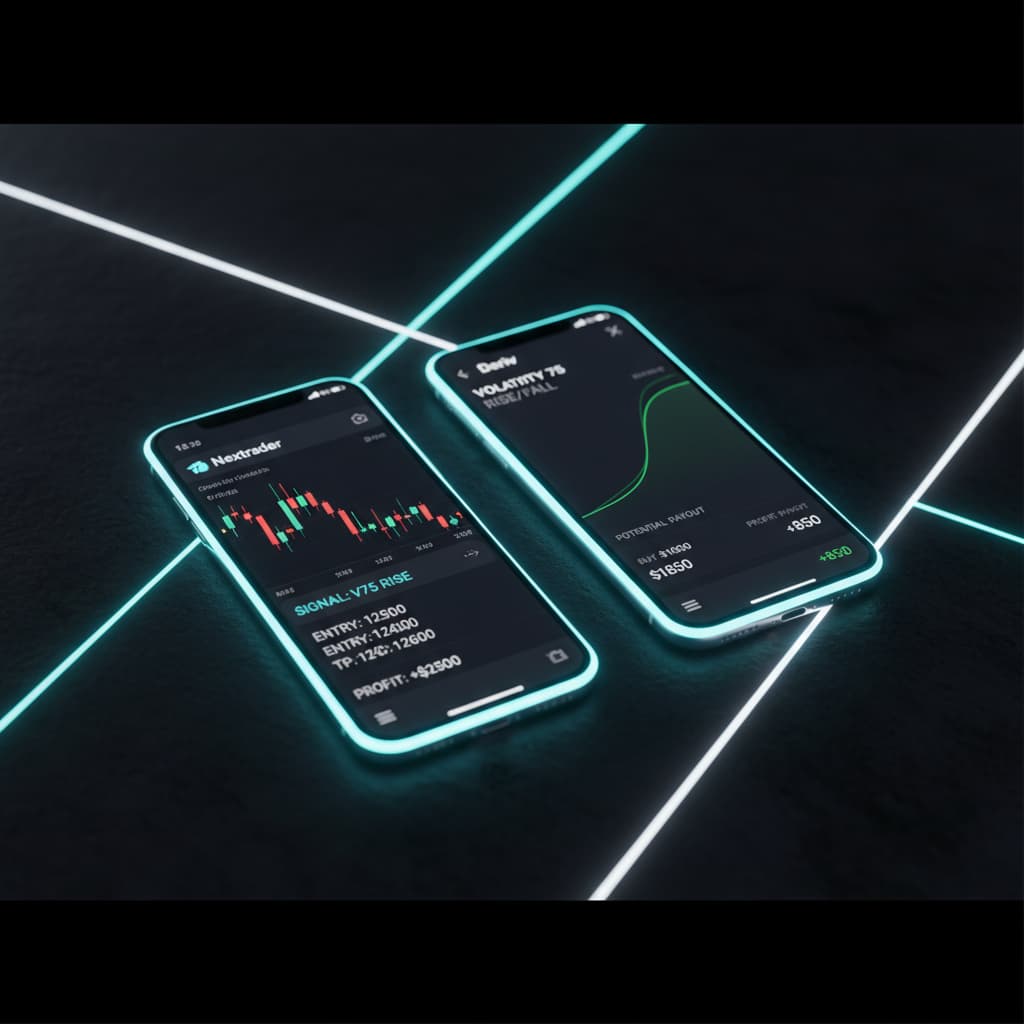
4. Review Entry Price and Targets: Each signal provides an "Entry price," "Stop Loss," and "Take Profit 1 & 2." Use the Entry Price as your ideal point to enter the trade. While Accumulator is a short-term growth strategy, these targets offer valuable context for market direction.
5. Match Timeframes: Nextrader provides signals across 4 timeframes: 5min, 10min, 30min, and 1 hour. Align your chosen Accumulator trade duration with a relevant signal timeframe. For instance, if you're executing 1-minute Accumulator trades, look for signals on the 5-minute or 10-minute timeframe to gauge short-term momentum.
6. Consider AI Strategies: Nextrader boasts 11 named AI strategies, such as "Trend Hunter" (EMA crossover), "Reversal Radar" (RSI), "Momentum Wave" (MACD), and "Smart Signals" (4+ indicators). While Accumulator is a trading mode, the signals generated by these underlying strategies will guide your V75 entry points. For V75, strategies like "Momentum Wave" or "Breakout Beast" (ATR) might be particularly effective due to the market's dynamic nature.
Step 5: Executing and Monitoring Your Accumulator V75 Trades
The final step is to execute your trades and diligently monitor their performance within Nextrader's sophisticated environment.
1. Initiate the Trade: When a high-confidence V75 signal aligns with your chosen Accumulator settings (e.g., a "RISE" signal for a "Rise" contract), click the "Trade" button on the Nextrader platform. If you've configured the Auto Trader Bot specifically for Accumulator mode, it can automate this process, acting as one of Nextrader's powerful deriv bots.
2. Monitor Live Performance: Once the trade is active, observe the "real-time color-coded trading console." This console provides instant feedback on your trade's status, profit/loss, and overall account performance. Nextrader's "live P&L tracking" ensures you're always aware of your current standing.
3. Understand Compounding: If your Accumulator trade wins, Nextrader automatically calculates the new, higher stake for the next trade based on your chosen growth rate (e.g., 1x, 2x). This is the essence of the Accumulator strategy – reinvesting profits to accelerate growth.
4. Risk Management: While aiming for growth, it's crucial to practice sound risk management. The Accumulator strategy can lead to rapid gains, but also rapid losses if not managed carefully. Consider setting a daily profit target and a maximum drawdown limit. Know when to reset your stake or take a break, regardless of the growth rate.
5. Review Trade History: Regularly check your trade history within Nextrader to analyze your performance with the V75 Accumulator strategy. This data can help you refine your settings, signal selection, and overall approach. Nextrader provides comprehensive reporting, acting as one of the most effective binary bots analysis tools.
Pro Tips
1. Start with Demo First: Always test your Accumulator strategy and chosen growth rate on a Deriv demo account before moving to real money. This allows you to understand its dynamics without financial risk.
2. Prioritize High Confidence Signals: For the V75 Accumulator, stick to signals with "Confidence levels" of 70% or higher. This significantly improves your chances of successful compounding.
3. Timeframe Synergy: Experiment with aligning your Accumulator trade durations (e.g., 1-minute trades) with signals from slightly longer timeframes (e.g., 5-minute or 10-minute signals) to capture prevailing momentum.
4. Explore AI Strategy Combinations: While Accumulator is a mode, consider which of Nextrader's 11 named AI strategies (like "Momentum Wave" or "Trend Rider") consistently provide the best V75 signals for your chosen Accumulator growth rate.
5. Manual Reset for Drawdowns: Even with Accumulator, losing streaks can occur. Implement a personal rule to manually reset your stake to the initial amount after a certain number of consecutive losses or a specific drawdown percentage, preventing excessive risk. This concept draws from the "Mesa Milano" smart loss recovery idea in Nextrader's Auto Trader Bot.
Start Trading Now
Ready to activate your Deriv V75 Accumulator strategy with Nextrader? Visit Nextrader App to log in or sign up for your free account today. For real-time signal updates and community interaction, join our Telegram channel at t.me/nextraderlive.
Trading involves risk. Past performance does not guarantee future results.