Introduction
Welcome to this comprehensive Nextrader tutorial, designed to empower you with the knowledge to automate your trading on Deriv. In this guide, we'll walk you through the process of setting up Nextrader's powerful Auto Trader Bot to automatically execute Rise/Fall contracts on the highly popular Volatility 100 Index. We'll leverage Nextrader's intelligent Smart Signals, a multi-indicator AI strategy, combined with the sophisticated Mesa Milano money management system for smart loss recovery.
This tutorial is crafted for both novice and experienced traders looking to streamline their Deriv trading operations and minimize manual intervention. If you're tired of staring at charts, or if you're keen to explore the potential of advanced deriv bots and binary bots to execute your strategies with precision, this guide is for you. By the end of this step-by-step walkthrough, you will have a fully configured automated trading system on Nextrader, ready to potentially capitalize on market movements without requiring your constant presence. You'll gain practical skills in utilizing Nextrader's robust deriv trading tools to enhance your trading efficiency and discipline.
Nextrader offers a 100% free platform, with no subscriptions or paywalls, ensuring all its advanced features are unlocked for every user. This allows you to experiment with various strategies and money management techniques without any financial commitment to the platform itself.
What You Need Before Starting
- A Deriv.com Account: You'll need an active Deriv account (either real or demo) to connect with Nextrader.
- A Nextrader Account: Sign up for your free Nextrader account at app.nextrader.live/signup.
- Basic Understanding of Rise/Fall Contracts: Familiarity with how Rise/Fall contracts work on Deriv will be beneficial.
- Stable Internet Connection: Essential for uninterrupted bot operation and real-time data.
Step 1: Accessing Nextrader and Connecting Your Deriv Account
The first step to automating your trading journey is to get logged into Nextrader and establish a secure connection with your Deriv account.
Get Live AI Trading Signals
Real-time non-repaint signals powered by 11 professional AI strategies. Volatility Indices, Forex, Gold & Crypto — no subscription, no paywall.
- Auto Trader Bot
- Digit Trader Bot
- 11 AI Strategies
- Live Telegram Signals
1. Navigate to Nextrader: Open your web browser and go to app.nextrader.live.
2. Login or Sign Up: If you're an existing user, simply log in with your credentials. If you're new to Nextrader, click on "Sign Up" and follow the prompts to create your free account. Remember, Nextrader is 100% free, offering all its powerful deriv trading tools without any cost.
3. Connect Your Deriv Account: Once logged in, you'll typically be prompted to connect your Deriv account. If not, look for a "Connect Deriv" button or navigate to the "Settings" or "Account" section.
* Generate Deriv API Token: You'll need an API token from your Deriv account. To get this, log in to your Deriv.com account, go to "Settings" -> "API Tokens". Create a new token, ensuring you grant it the necessary permissions (read, trade, payments, admin, etc. – usually all are needed for full functionality). Copy this token.
* Paste Token into Nextrader: Return to Nextrader and paste your copied Deriv API token into the designated field. Click "Connect".
4. Verify Connection: Nextrader will display a confirmation once your Deriv account is successfully connected. You'll see your Deriv account balance and details reflected in the Nextrader interface. Nextrader supports multi-account functionality, allowing you to switch between different Deriv accounts if you manage more than one.
Step 2: Configuring the Auto Trader Bot for V100 and Rise/Fall
With your Deriv account linked, it's time to set up the core parameters of your automated trading strategy using Nextrader's Auto Trader Bot. This is where you define what market to trade and what type of contract to execute.
1. Navigate to Auto Trader Bot: From the Nextrader dashboard, locate and click on the "Auto Trader Bot" section in the navigation menu. This is the central hub for configuring your automated deriv bots.
2. Select Market: In the "Market" dropdown menu, scroll down and select "Volatility 100 Index". This is our target market for this tutorial, known for its consistent volatility and trading opportunities.
3. Choose Contract Type: Immediately below the market selection, you'll find the "Contract Type" dropdown. Select "Rise/Fall". This tells the bot to place trades predicting whether the asset price will rise or fall relative to the entry spot.
4. Set Duration: Define the duration for your contracts. For Volatility Indices, tick durations are very common.
* For example, you might choose "5 Ticks" or "1 Minute". Your choice here depends on your trading style and the volatility of the market. Shorter durations are often associated with scalping, while longer durations suit swing trading strategies.
5. Define Initial Stake: Enter your desired initial stake amount. This is the amount your bot will risk on the very first trade of a sequence. Be mindful of your risk tolerance and account balance when setting this value. Remember, even with sophisticated deriv trading tools, proper risk management is paramount.
Step 3: Selecting Smart Signals and Timeframe
Now we'll instruct the Auto Trader Bot to use Nextrader's proprietary Smart Signals for trade entry and define the timeframe for these signals.
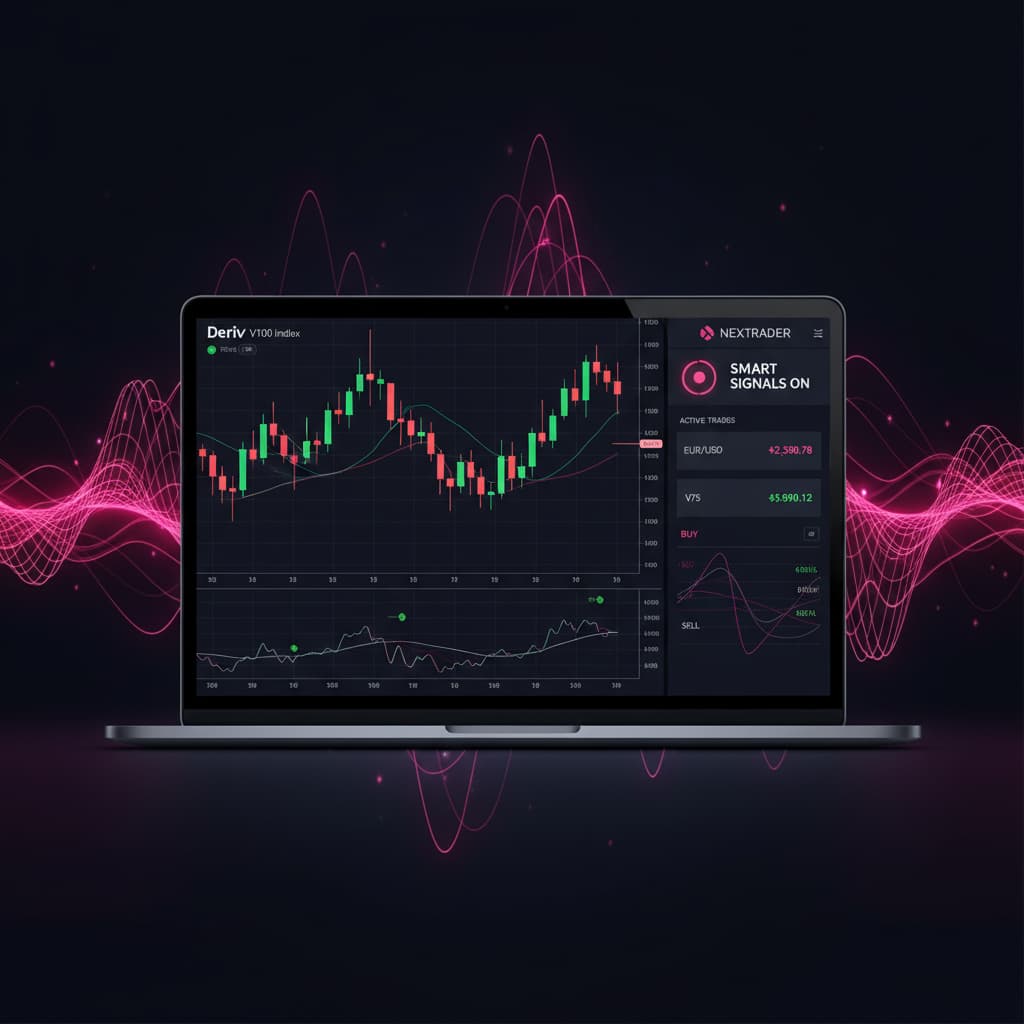
1. Choose Signal Strategy: In the "Signal Strategy" section, click on the dropdown menu and select "Smart Signals". This is one of Nextrader's most advanced AI strategies, designed to provide high-quality, non-repaint trading signals. Smart Signals are unique because they only fire on CLOSED candles, ensuring that signals are confirmed and stable, and they require a minimum of 4 indicators to agree before generating a signal. This multi-indicator agreement dramatically increases the reliability of the signal compared to single-indicator approaches.
2. Select Timeframe: Next, select your preferred timeframe for the signals. Nextrader offers 5min, 10min, 30min, and 1 hour signals.
* For example, if you select "5min", the bot will look for Smart Signals generated on the 5-minute chart. The choice of timeframe should align with your chosen contract duration and overall trading style. Shorter timeframes (e.g., 5min, 10min) are often preferred for quick trades, while longer ones (e.g., 30min, 1 hour) suit more patient strategies.
3. Set Minimum Confidence Level (Optional but Recommended): Nextrader signals come with a confidence level (30–85%). While the Smart Signals are designed for accuracy, you can further filter them. You might choose to set a minimum confidence level, for instance, "60%" or "70%". This means the bot will only execute trades when the Smart Signal's confidence level meets or exceeds your specified threshold, potentially reducing the number of trades but increasing their perceived quality. Nextrader also displays Entry price, Stop Loss, Take Profit 1, and Take Profit 2 for each signal, offering transparency even for automated trades.
Step 4: Implementing Mesa Milano Money Management
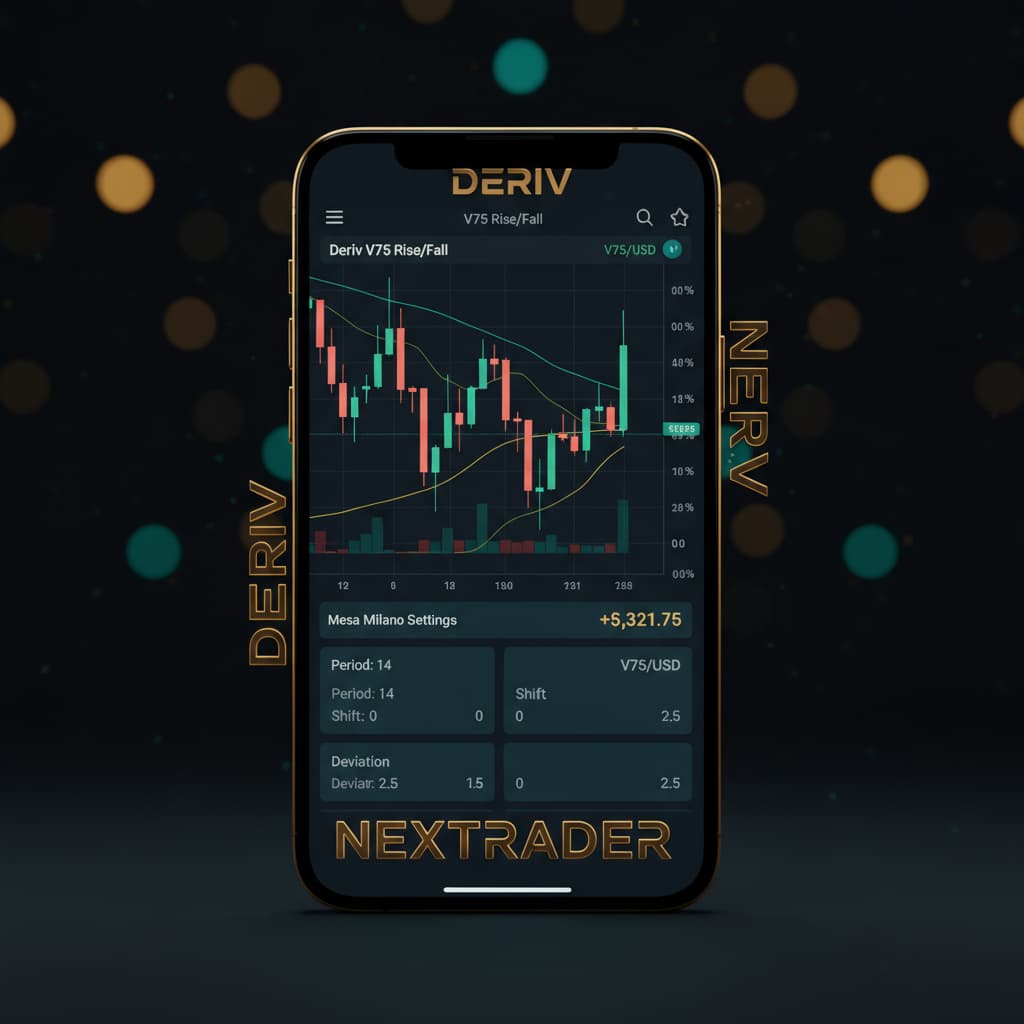
This crucial step integrates Nextrader's sophisticated Mesa Milano money management system into your Auto Trader Bot configuration. Mesa Milano is a smart loss recovery strategy designed to help mitigate drawdowns and recover losses more intelligently than simple Martingale systems.
1. Navigate to Money Management: In the Auto Trader Bot interface, locate the "Money Management" section.
2. Select Mesa Milano: From the available options (Fixed Stake, Martingale, Mesa Milano), select "Mesa Milano".
3. Configure Mesa Milano Parameters: Upon selecting Mesa Milano, several configuration fields will appear. These are vital for defining how your bot manages stake adjustments after wins or losses.
* Initial Stake: This should already be set from Step 2, but confirm it's correct. This is the starting stake for a new trading cycle.
* Target Profit: Set a specific profit target for your trading session or cycle. Once this target is reached, the bot can either stop or reset its stake.
* Maximum Loss: Define the maximum allowable loss before the bot stops trading. This is a critical risk management parameter to protect your capital.
* Recovery Multiplier (or similar): Mesa Milano works by adjusting the stake size based on previous outcomes, aiming to recover losses without exponentially increasing risk like a pure Martingale. The exact parameters may include a base multiplier or specific increment rules. Carefully review the tooltips or Nextrader documentation for each field to understand its impact. Generally, Mesa Milano will intelligently increase the stake after a loss to recover previous losses plus a small profit, but it does so in a more controlled, non-aggressive manner, making it a powerful feature among deriv bots for disciplined trading.
4. Understand Mesa Milano's Advantage: Unlike standard Martingale, which can lead to rapid capital depletion, Mesa Milano attempts to be smarter about loss recovery, often incorporating elements that consider market conditions or a more gradual increase in stake. This makes it a preferred choice for traders seeking robust deriv trading tools that prioritize intelligent risk management.
Step 5: Reviewing Settings and Activating the Bot
You're almost there! The final step involves a thorough review of all your configurations and then initiating the Auto Trader Bot.
1. Comprehensive Review: Before activating, carefully review every setting you've configured:
* Market: Volatility 100 Index.
* Contract Type: Rise/Fall.
* Duration: E.g., 5 Ticks or 1 Minute.
* Initial Stake: Your chosen starting stake.
* Signal Strategy: Smart Signals.
* Timeframe: Your selected timeframe (e.g., 5min).
* Minimum Confidence (if set): Your chosen confidence threshold.
* Money Management: Mesa Milano, with its specific parameters (Target Profit, Maximum Loss, etc.).
2. Understand Live Monitoring: Nextrader provides a real-time color-coded trading console and live P&L tracking. Once the bot is active, you'll be able to see every trade it places, its outcome, and your running profit/loss. This transparency is a hallmark of Nextrader's advanced binary bots.
3. Click "Start Bot": Once you are confident that all settings are correct and align with your trading plan and risk tolerance, click the "Start Bot" button.
4. Monitor Performance: The bot will now begin listening for Smart Signals on the Volatility 100 Index within your specified timeframe and confidence level. When a qualifying signal is generated, it will automatically place a Rise/Fall contract on your connected Deriv account, applying the Mesa Milano money management rules. Keep an eye on the trading console to observe its performance, especially during the initial phase.
Pro Tips
1. Start with Demo Account: Always, always begin by testing your Auto Trader Bot configurations on a Deriv demo account. This allows you to fine-tune your settings and understand the bot's behavior without risking real capital.
2. Adjust Confidence Levels: Experiment with the minimum confidence level for Smart Signals. While a higher confidence level (e.g., 75%+) might result in fewer trades, these signals could potentially be of higher quality. Lowering it might increase trade frequency but could also introduce more risk.
3. Match Timeframe to Market Conditions: While 5min signals are popular for V100, consider how market volatility aligns with your chosen timeframe. During highly volatile periods, shorter timeframes might be more active, while calmer periods might benefit from longer timeframes.
4. Regularly Review Mesa Milano Performance: Even with intelligent loss recovery, no money management strategy is foolproof. Periodically review your bot's performance, especially when using Mesa Milano. If market conditions change drastically, you might need to adjust your Mesa Milano parameters like target profit, maximum loss, or recovery multipliers to remain aligned with your risk profile.
Start Trading Now
Ready to put these powerful deriv trading tools to work? Head over to Nextrader App to access your free Nextrader platform. If you haven't already, sign up at Sign Up Free — Nextrader For real-time signal updates and community interaction, join our Telegram channel at t.me/nextraderlive.
Trading involves risk. Past performance does not guarantee future results.