Introduction
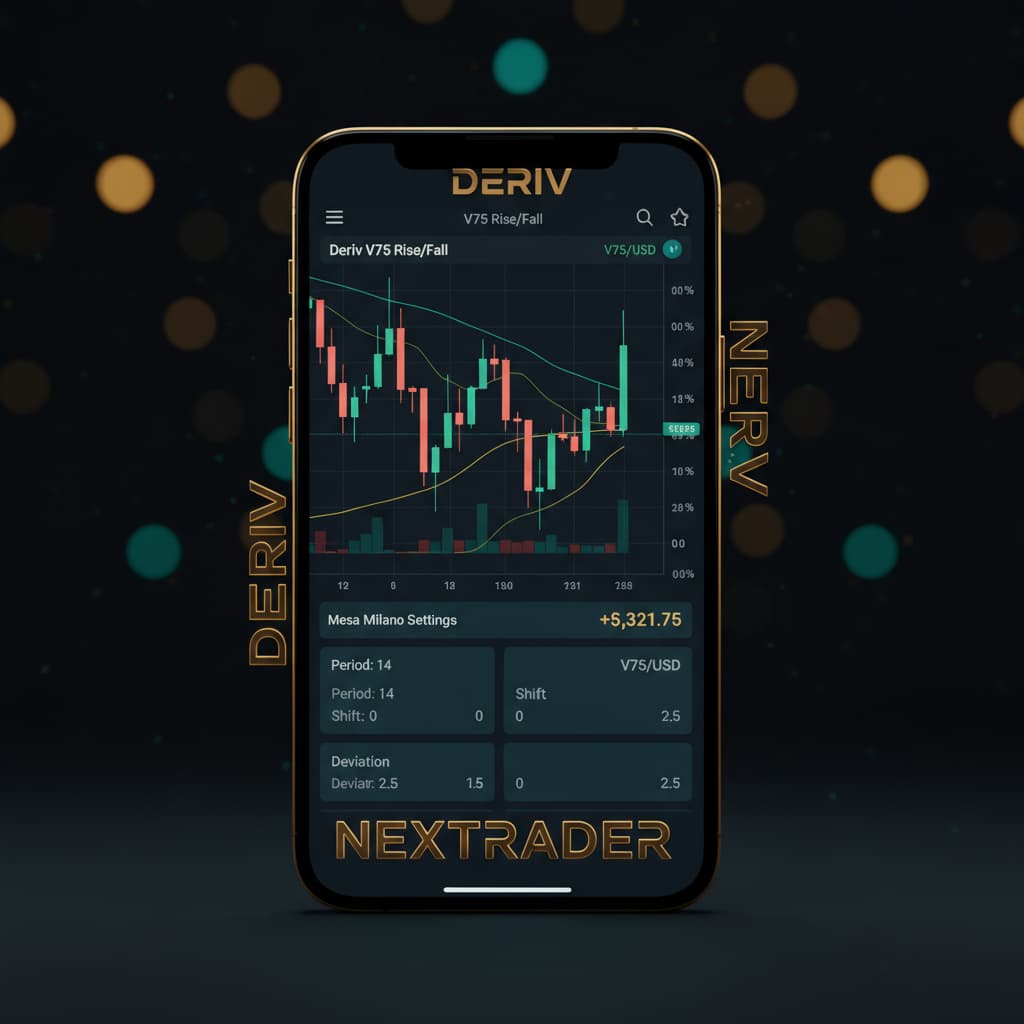
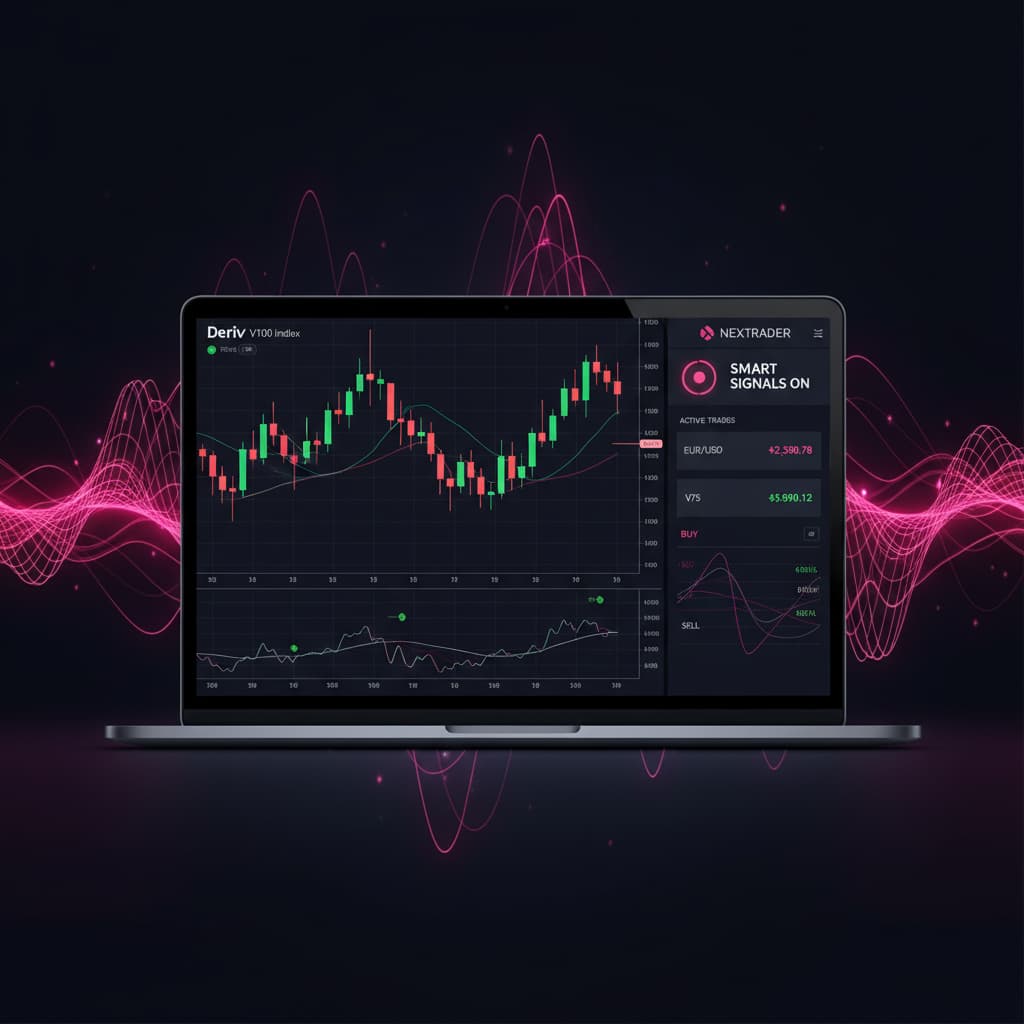
Welcome, Nextrader! This comprehensive tutorial is designed for traders eager to harness the power of automated trading on Deriv. If you're looking to elevate your trading game beyond manual execution, you've come to the right place. We'll walk you through the precise steps to configure Nextrader's sophisticated Auto Trader Bot, focusing on one of the most popular and dynamic markets: the Deriv V100 Volatility Index.
This guide will specifically cover how to deploy our cutting-edge "Smart Signals" strategy, renowned for its multi-indicator agreement and non-repaint accuracy, combined with the intelligent "Mesa Milano" risk management system. This powerful combination is designed to provide robust trade execution and disciplined capital protection, making it an indispensable tool for serious traders.
By the end of this tutorial, you will be fully equipped to set up your Nextrader Auto Trader Bot, connect it securely to your Deriv account, and initiate automated trading on the V100 index with a smart, adaptive risk management approach. You'll gain practical knowledge of Nextrader's advanced features, transforming your trading experience from reactive to proactive and systematically managed.
What You Need Before Starting
- Deriv.com Account: An active Deriv account with sufficient trading funds. You can use either a real or a demo account for practice.
- Nextrader.live Account: A free Nextrader account. If you don't have one, sign up at Sign Up Free — Nextrader – it's 100% free with all features unlocked.
- Basic Understanding of Volatility Indices: Familiarity with how markets like the V100 Index move and react to price action.
- Stable Internet Connection: Essential for uninterrupted real-time signal processing and bot operation.
Step 1: Connecting Your Deriv Account to Nextrader
The first crucial step to unleashing the power of Nextrader's automated trading tools is to securely link your Deriv account. Nextrader integrates seamlessly with Deriv using their WebSocket API, ensuring real-time data flow and secure transaction execution.
Get Live AI Trading Signals
Real-time non-repaint signals powered by 11 professional AI strategies. Volatility Indices, Forex, Gold & Crypto — no subscription, no paywall.
- Auto Trader Bot
- Digit Trader Bot
- 11 AI Strategies
- Live Telegram Signals
1. Log in to Nextrader: Open your web browser and navigate to Nextrader App Enter your Nextrader account credentials to log in.
2. Access Account Settings: Once logged in, locate the "Account" or "Settings" section, typically found in the dashboard's sidebar or top menu.
3. Connect Deriv Account: Within the account settings, you'll find an option to "Connect Deriv Account" or similar. Click on this.
4. Enter Deriv API Token: You will be prompted to enter your Deriv API token. To generate this token:
* Go to your Deriv.com account.
* Navigate to "Settings" > "Security & Privacy" > "API Token."
* Click "Create a new token."
* Ensure you grant the necessary permissions: "Read," "Trade," "Trading Information," and "Cashier." Nextrader uses Deriv App ID 67545, which facilitates this secure connection.
* Copy the generated token and paste it into the designated field on Nextrader.
5. Confirm Connection: Click "Connect" or "Save." Nextrader will verify the token. Upon successful connection, your Deriv account balance(s) will be displayed within Nextrader's dashboard, indicating that the two platforms are now linked. Nextrader also supports multi-account functionality, allowing you to switch between multiple Deriv accounts if needed, all within a single, intuitive interface. This secure connection is the backbone of all our deriv bots and binary bots functionality, providing you with advanced deriv trading tools.
Step 2: Navigating to the Auto Trader Bot and Selecting V100
With your Deriv account securely connected, the next step involves accessing the Auto Trader Bot and specifying the market you wish to automate – in this case, the V100 Volatility Index.
1. Locate Auto Trader Bot: From your Nextrader dashboard, look for the "Auto Trader Bot" option in the main navigation menu or sidebar. Click on it to open the bot configuration interface.
2. Select Market Category: Within the Auto Trader Bot, you'll see various market categories. Since V100 is a Volatility Index, select "Volatility Indices" from the available options.
3. Choose V100 Index: A dropdown menu will appear listing all available Volatility Indices (e.g., V10, V25, V50, V75, V100, and 1Hz). From this list, select "V100 Index." This action tells the bot to specifically analyze and trade on the V100 market.
4. Understand Timeframes: Below the market selection, you'll notice options for different timeframes: 5min, 10min, 30min, and 1 hour. These timeframes dictate the candle period on which the signals are generated. For V100, a faster-moving index, a 5-minute or 10-minute timeframe often provides more frequent signals, while 30-minute or 1-hour timeframes tend to generate fewer but potentially more robust signals. For this tutorial, we will proceed with a 5-minute timeframe for demonstration purposes, allowing for quicker action, but feel free to experiment based on your trading style.
Step 3: Configuring the Smart Signals Strategy
Now that your market is selected, it's time to choose and configure the trading strategy. We'll be using Nextrader's powerful "Smart Signals" strategy, an intelligent, multi-indicator approach designed for accuracy.
1. Select Strategy: In the "Strategy" section of the Auto Trader Bot, click on the dropdown menu and choose "Smart Signals." This is one of Nextrader's 11 named AI strategies, designed to provide high-probability entry points.
2. Understand Smart Signals: Smart Signals are a core feature of Nextrader, known for their reliability. They are real-time, non-repaint trading signals, meaning they only fire on CLOSED candles, ensuring stability and preventing false entries. Crucially, a minimum of 3-4 distinct indicators must agree on a potential trade direction before a signal is generated. This multi-indicator confirmation significantly enhances signal quality compared to single-indicator approaches.
3. Set Confidence Level: Nextrader provides a "Confidence Level" for each signal, ranging from 30% to 85%. This indicates the strength of the signal based on indicator agreement and market conditions. For Smart Signals, it's advisable to set a minimum confidence level (e.g., 60-70%) to filter out weaker signals. The higher the confidence you demand, the fewer but potentially stronger signals the bot will take.
4. Choose Contract Type: For V100, the primary contract types are "Rise/Fall" and "Higher/Lower." For most automated strategies, "Rise/Fall" is the standard choice, predicting whether the asset price will end higher or lower than the entry price. Select "Rise/Fall."
5. Define Duration: The "Duration" specifies how long each trade will last. For Volatility Indices and Smart Signals on a 5-minute timeframe, a duration of 1 minute or 5-10 ticks is often a good starting point. Let's set it to "1 Minute" for this setup, allowing the trade to develop over a short period. This flexibility is what makes Nextrader one of the most versatile deriv trading tools available.
Step 4: Implementing Mesa Milano Risk Management
Effective money management is paramount to long-term trading success. Nextrader's Auto Trader Bot offers several options, and for this tutorial, we'll implement the intelligent "Mesa Milano" loss recovery system.
1. Access Money Management: Within the Auto Trader Bot configuration, locate the "Money Management" section.
2. Select Mesa Milano: From the dropdown options (which include Fixed Stake and Martingale), choose "Mesa Milano."
3. Understand Mesa Milano: Mesa Milano is an advanced, adaptive loss recovery strategy designed to intelligently adjust your stake after a losing trade, aiming to recover previous losses efficiently without the aggressive exponential increase seen in traditional Martingale. It's a "smart loss recovery" system that considers market conditions and previous trade outcomes to determine the optimal next stake, providing a more balanced approach to capital preservation and growth.
4. Set Initial Stake: Define your starting stake for the first trade. This should be a small percentage of your total trading capital to manage risk effectively. For example, if your account balance is $1000, an initial stake of $1-$5 (0.1%-0.5%) is a conservative starting point. Enter your desired initial stake (e.g., "2.00").
5. Configure Target Profit and Stop Loss: These are critical parameters for any automated bot, especially with Mesa Milano:
* Target Profit: This is the total profit amount you aim to achieve before the bot automatically stops trading for the session. Set a realistic daily or session target (e.g., "20.00" for $20 profit).
* Stop Loss: This is the maximum loss you are willing to incur before the bot automatically stops trading. It's your ultimate safety net. Set this value carefully (e.g., "50.00" for a $50 maximum loss).
Mesa Milano will work within these boundaries, adapting its stake to reach your target profit or stop trading if the stop loss is hit, protecting your capital. Nextrader's robust features, including comprehensive money management strategies like Mesa Milano, solidify its position as one of the leading deriv bots.
Step 5: Reviewing Settings and Starting the Bot
You're almost ready to go live! The final step involves a thorough review of all your configurations to ensure everything is set correctly before activating the Auto Trader Bot.
1. Comprehensive Review: Carefully go through each setting you've configured:
* Market: V100 Index
* Timeframe: 5min (or your chosen timeframe)
* Strategy: Smart Signals
* Confidence Level: Your chosen minimum (e.g., 60-70%)
* Contract Type: Rise/Fall
* Duration: 1 Minute (or your chosen duration)
* Money Management: Mesa Milano
* Initial Stake: Your set amount (e.g., $2.00)
* Target Profit: Your set amount (e.g., $20.00)
* Stop Loss: Your set amount (e.g., $50.00)
Double-check that your Deriv account is connected and that you have sufficient funds for your initial stake.
2. Observe Signal Details (Optional but Recommended): While not a setting, take a moment to understand what the bot will be looking for. Nextrader provides detailed signal information, including "Entry price, Stop Loss, Take Profit 1 & 2" shown directly on the interface, even for automated trades. This transparency allows you to understand the bot's logic better.
3. Start the Bot: Once you are confident that all settings are accurate and align with your trading plan, click the prominent "Start Bot" button.
4. Monitor Performance: The bot will immediately begin monitoring the V100 Index for Smart Signals based on your chosen timeframe and confidence level. When a valid signal is detected, and all conditions are met, it will automatically place trades on your Deriv account. You can monitor the bot's activity, live P&L tracking, and individual trade outcomes in the real-time color-coded trading console within Nextrader's interface. This real-time feedback is crucial for understanding how your binary bots are performing.
Pro Tips
1. Start with Demo Account: Always test new strategies and settings on a Deriv demo account first. This allows you to understand the bot's behavior and fine-tune parameters without risking real capital.
2. Adjust Confidence Levels: For Smart Signals, experiment with different minimum confidence levels. A higher confidence level means fewer signals but potentially higher accuracy, while a lower level might yield more trades with varying success rates. Observe market conditions and adjust accordingly.
3. Explore Other Strategies and Markets: While Smart Signals on V100 with Mesa Milano is a powerful combination, Nextrader offers 10 other AI strategies like "Trend Hunter" (EMA crossover) and "Reversal Radar" (RSI), as well as different markets (Forex, Gold, Crypto). Don't hesitate to explore these to diversify your automated trading portfolio. The "Accumulator strategy" also offers a unique 1x–5x growth rate trading mode for those seeking aggressive growth.
4. Combine with Manual Insights: Even with automation, staying informed is key. Utilize the free Telegram signals from t.me/nextraderlive, which cover 30 markets every 5 minutes, to gain broader market insights. This can help you decide when to activate or pause your bot.
Start Trading Now
Ready to automate your Deriv trading journey with Nextrader? Visit Nextrader App to log in or Sign Up Free — Nextrader to create your free account today. For real-time updates and signals, join our community on Telegram at t.me/nextraderlive.
Trading involves risk. Past performance does not guarantee future results.