What This Fixes
You launch an Accumulator contract on Synthetic Indices like Volatility 75 or Volatility 100 using the Nextrader App, select the high-rate 5x growth expansion mode, and watch the trade knock out within two ticks. Retrying the trade yields the exact same result: an instant price barrier breach that wipes your stake before any compound gains can build up.
Trading Accumulator contracts requires the price to stay strictly within a calculated range during every consecutive tick. When using peak growth rates on Nextrader, entering positions during active volatility expansion or unconfirmed directional bursts leads to rapid knock-outs, creating frustrating drawdown streaks on what should be high-yielding trades.
Automated execution using free deriv bots and binary bots requires exact coordination between signal filters and exit criteria. By fine-tuning your entry parameters and adjusting auto-close rules, you can eliminate premature knock-outs and harness the maximum compound yield of Accumulator contracts safely.
Quick Setup Check
Before applying the fixes below, ensure your trading environment meets these baseline settings:
Get Live AI Trading Signals
Real-time non-repaint signals from 11 AI strategies — Volatility Indices, Forex, Gold & Crypto. No subscription, no paywall.
- Auto Trader Bot
- Digit Trader Bot
- 11 AI Strategies
- Live Telegram Signals
- Your active API token from Deriv is properly connected inside Nextrader with full trade execution permissions enabled.
- The signal engine is running on closed candle confirmation to prevent mid-candle false starts.
- Signal filters are set to require at least 3 or 4 agreeing indicators with a confidence score above 70%.
- Asset choice is locked to lower-spread synthetic indices like Volatility 10 (1s), Volatility 25, or Volatility 50 for smoother tick distribution.
- You are accessing the system through a stable browser connection or the Android app on Google Play (com.vm.nextrader).
Fix 1: Eliminating Instant Knock-Outs by Filtering Volatility Spikes
Symptom
Accumulator trades hit a knock-out event on tick 1 or tick 2 immediately after opening, resulting in repeated fast losses without generating any compound payout.
Why It Happens
High growth settings (up to 5x) tighten the price expansion range required to keep the trade alive. If you trigger an Accumulator contract while the market is breaking out—such as during high ATR movements detected by Breakout Beast—the immediate price movement crosses the tight barrier instantly. Accumulator mode thrives in low-volatility consolidation, not explosive directional breakouts.
Exactly What to Change
- Open the Nextrader App at Nextrader App and head to the AI Signal Suite.
- Switch your signal filter selection away from momentum or breakout indicators (like MACD or ATR) and select Volatility Pulse (Bollinger Bands) paired with Cloud Walker (Ichimoku).
- Set your operational timeframe to 5min or 10min.
- Set the AI confidence threshold to a minimum of 75% and mandate that at least 4 indicators must agree before firing an entry.
- Confirm on the chart that price is oscillating near the middle Bollinger Band rather than pushing against the outer bands before allowing auto-execution.
Fix 2: Preventing Profit Wipeouts by Lowering Tick Duration Targets
Symptom
Your Accumulator contract runs successfully for 10 or 15 ticks, building impressive unrealized compound gains, but consistently knocks out right before you manual-close, leaving you with zero payout.
Why It Happens
Holding an Accumulator contract for too many consecutive ticks dramatically increases the mathematical risk of encountering an adverse tick. Trying to force a 5x growth trade to compound continuously without a hard profit limit exposes your contract to normal market noise, turning guaranteed winning sequences back into total losses.
Exactly What to Change
- Access the Auto Trader Bot control tab inside Nextrader.
- Locate the Accumulator Exit Rules module in your automated execution settings.
- Replace open-ended tick targets with a fixed auto-close threshold between 4 and 7 ticks, or cap the unrealized profit target at 150% to 200% of your initial stake.
- Enable the automatic cash-out trigger so the system executes a settlement request the millisecond your desired compound tier is reached.
- Restrict trading during high-frequency volatility spikes, ensuring trades exit automatically long before random micro-ticks breach the safety envelope.
Fix 3: Resolving Execution Latency and WebSocket Disconnects
Symptom
The Nextrader terminal displays high-confidence ai trading signals, but your Accumulator order opens 1 to 3 seconds late on Deriv, causing your trade to enter at an unfavorable price level and get knocked out immediately.
Why It Happens
Browser tab throttling, stale API tokens, or high network ping times delay the WebSocket handshake between Nextrader and Deriv servers. Because Accumulator tick barriers are calculated precisely at the exact second of entry, execution delay places your contract at an unstable price point.
Exactly What to Change
- Navigate to the connection panel at Nextrader App and review the color-coded console log.
- Check your active WebSocket ping; if latency exceeds 200ms, disconnect the session and re-authenticate your Deriv API token.
- Ensure "Fire on Closed Candle Only" is checked inside the signal control center so trade signals pass to the execution engine during candle transitions rather than active ticks.
- If you are using mobile, switch from web browser view to the dedicated Nextrader Android app (com.vm.nextrader) to prevent background tab sleep functions from throttling execution speeds.
Fix 4: Fixing Account Drain Caused by Incompatible Loss Recovery
Symptom
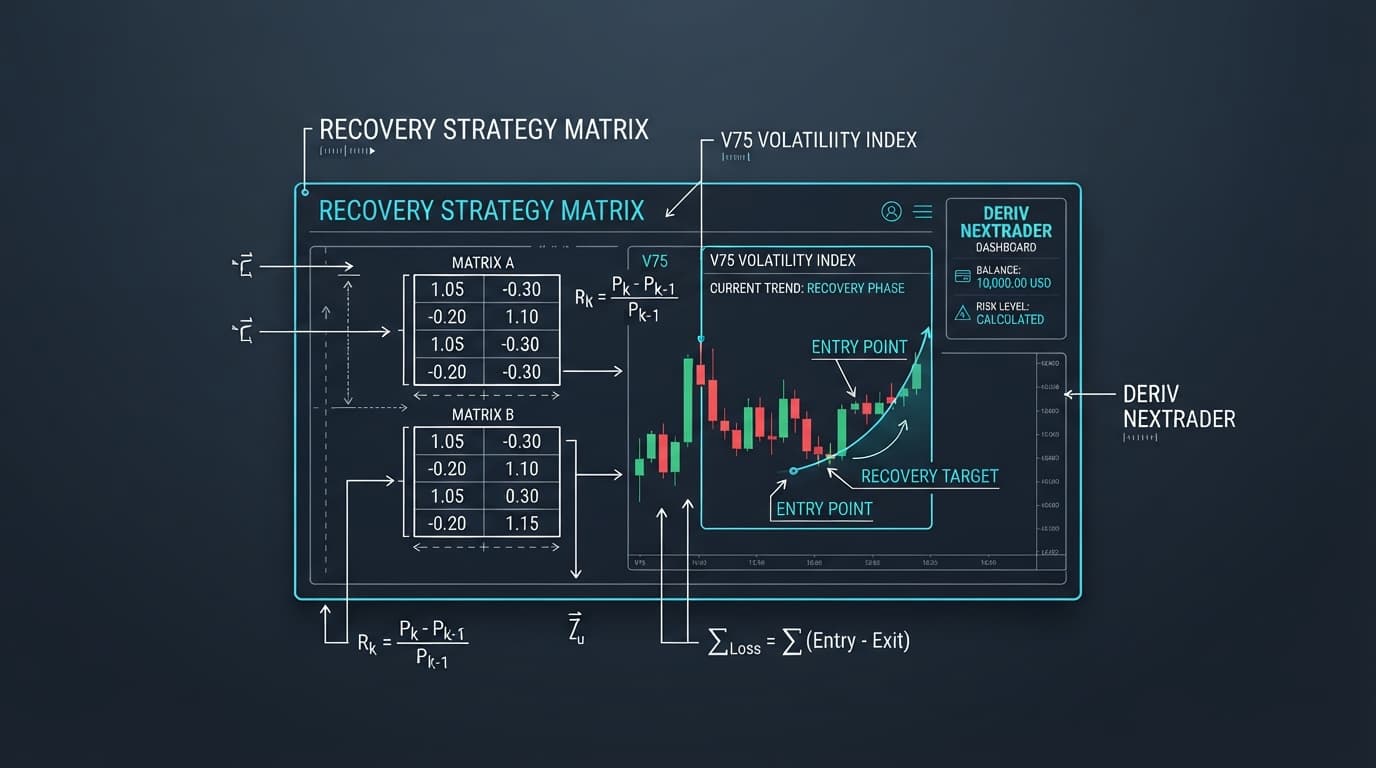
A sequence of 3 or 4 consecutive knock-out losses causes your stake sizes to escalate exponentially, rapidly depleting your available account balance.
Why It Happens
Using traditional Martingale money management with high-growth Accumulator contracts multiplies your base stake too aggressively (e.g., doubling or tripling per loss). Because Accumulator trading relies on compounding within individual trades, forcing heavy linear stake multipliers after knock-outs over-exposes your capital during temporary market consolidation phases.
Exactly What to Change
- Open the Money Management engine within Nextrader Auto Trader Bot.
- Change your capital management mode from Martingale to Mesa Milano (smart loss recovery) or Fixed Stake.
- If using Mesa Milano, set your recovery multiplier to a conservative 1.2x or 1.3x maximum.
- Set a hard daily stop-loss limit in the bot control panel equivalent to no more than 10% to 15% of your total balance.
- Allow the natural high-payout yield of 5x Accumulators to recover losses over multiple winning cycles rather than relying on dangerous stake escalations.
Keeping It Stable
To maintain high consistency across all your Accumulator sessions, keep your trading stack streamlined and disciplined:
- Always verify that non-repaint signals are active on your dashboard before starting automated execution.
- Maintain strict capital limits by capping individual Accumulator stakes at 1% to 2% of your overall account equity.
- Periodically check the color-coded console on Nextrader to verify API connectivity and monitor execution speeds.
- Cross-reference custom binary bots and deriv bots logic with Nextrader's built-in digit and rise/fall automation modules to ensure settings do not conflict.
- Connect with the community on Telegram at Telegram to keep updated on optimal volatility index parameters and strategy tweaks shared by experienced traders.
Start Now
You can access all these professional deriv trading tools completely free without paywalls or hidden subscriptions. Simply open Nextrader App in your browser or create your account directly at Sign Up Free — Nextrader to launch the app. Join our active trader community on Telegram at Telegram to share setups, access signal guides, and refine your automated trading strategies.
Trading involves risk. Past performance does not guarantee future results.