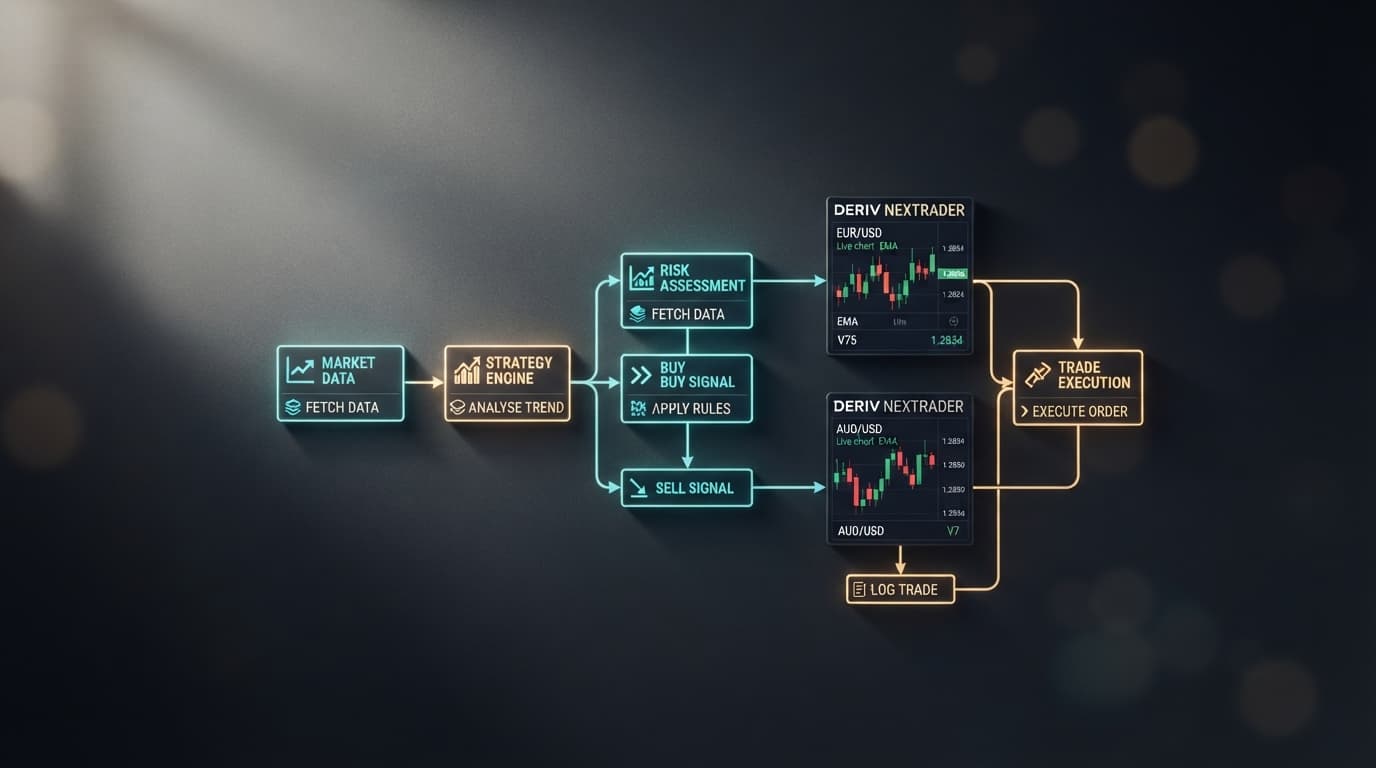
Traders looking for a reliable NexTrader Cloud Bots deployment often start out searching for local XML file downloads, only to hit extreme browser rendering bottlenecks during rapid tick cycles. Downloading a raw XML file and importing it locally exposes your strategy to client-side script lag, dropped tick updates, and missed entry points on synthetic indices like the Volatility 25 (1s) Index.
Instead of relying on unstable local file imports, traders run pre-optimized strategies directly in the cloud using Free Deriv Bots at NexTrader Bot. Connecting your Deriv API token directly to NexTrader Bot delivers zero-install algorithmic execution without local browser setup friction, file corruption risks, or manual block management.
Why Local XML Script Downloads Introduce Tick Latency
Understanding why standard local XML script downloads fail on 1-second synthetic indices requires looking at how local browsers process incoming market data. Legacy XML scripts rely on your computer's local browser thread to perform four sequential actions every single second: receive the WebSocket payload, parse the XML block logic, render visual DOM changes, and generate an outgoing contract request.
When trading high-frequency markets like the Volatility 25 (1s) Index, this client-side workflow creates three distinct architectural points of failure:
Load a Free Deriv Bot in One Click
Browse 747+ ready-to-run Deriv bots — Rise/Fall, Over/Under, Even/Odd, Match/Differ. No coding, free forever.
- 747+ Free Bots
- One-Click Load
- Rise/Fall & Digits
- Demo or Real
- Browser Event Loop Thread Blocking: Mainstream web browsers prioritize page rendering and user interactions over background script processing. If your operating system background tasks spike CPU usage, tick processing stalls, resulting in delayed contract triggers.
- Dropped Tick Payload Packets: When local JavaScript execution falls behind the incoming WebSocket stream, the browser drops intermediate ticks. A bot designed to evaluate tick sequences on V25 1Hz will process incomplete digit trends, leading to false trade triggers.
- Execution Delay Over TCP Connections: Local XML scripts send contract purchase orders through unoptimized client-side WebSocket frames, adding variable round-trip network latency ranging between 180ms and 450ms.
When executing short-duration contracts like digit Over/Under strategies, variable network latency destroys mathematical expected value. If your script identifies an ideal entry condition on tick 12, but network lag delays order transmission until tick 13, the trade executes against an entirely different tick outcome. Cloud-optimized algorithms resolve this bottleneck by moving contract evaluation away from local browsers.
Cloud Bot Execution Architecture on NexTrader Bot
Free Deriv Bots at NexTrader Bot eliminates client-side execution friction entirely. Instead of requiring users to download, store, and manually parse unverified local XML files, the platform provides a cloud-native execution environment connected directly to Deriv account balances via an API token.
The platform's Bot Hub hosts 747+ ready-to-run bots built on block-based logic (~48 blocks each) requiring zero coding. Traders can browse strategy tiers across Free Bots and Premium Bots, organized by contract types: Rise/Fall, Over/Under, Even/Odd, and Match/Differ, alongside specialized Tick, Indicator, and Candle-based bots.
Each strategy card inside the Bot Hub displays real-time usage counters along with Trending, Hot, and Most-used status badges, providing community visibility into active strategies. Because execution runs directly inside the cloud environment, you can initiate trading in one click, manage live demo balance parameters, and execute NexTrader Cloud Bots with Run/Stop controls directly from the dashboard.
Execution Benchmark: NexTrader Cloud Bots vs. Local XML Downloads
To evaluate how cloud execution compares to running a local script download, we examine a high-speed digit strategy on the Volatility 25 (1s) Index (V25 1Hz).
The comparison focuses on a standard high-frequency setup:
- Featured Bot: Over 2 Blaze
- Execution Speed: 1-Tick Turbo
- Target Asset: Volatility 25 (1s) Index
- Contract Condition: Over 2 (predicting an exit digit greater than 2)
- Contract Dynamics: Evaluates 1-tick contract exits across rapid continuous tick streams
Execution Comparison Overview
| Performance Metric | Local XML File Import | NexTrader Cloud Bots (Over 2 Blaze) |
|---|---|---|
| Execution Pipeline | Local browser JavaScript thread | Server-direct WebSocket API connection |
| Tick Processing | Vulnerable to browser thread throttling | Continuous server-side tick stream evaluation |
| Entry Precision | High risk of delayed entries on fast ticks | Direct contract trigger on evaluated tick |
| Setup Friction | Manual XML file loading and block editing | One-click launch via Bot Hub with API token |
| Execution Control | Local browser tab must remain active | Cloud-managed execution dashboard |
The structural difference between local XML script imports and cloud execution determines how consistently trade signals reach the market. When running legacy scripts through local browser imports on V25 1Hz, client-side rendering delays can cause contract orders to land on subsequent ticks rather than the target setup tick.
In contrast, running Over 2 Blaze on 1-Tick Turbo speed inside NexTrader Cloud Bots utilizes a direct WebSocket API link. The moment the algorithm detects a trade trigger on the V25 1Hz feed, the cloud platform submits the contract request instantly. By locking in digit predictions on the exact evaluated tick, cloud execution eliminates the client-side latency that degrades strategy rules.
Deploying Your Free Deriv Bot via the NexTrader Bot Hub
Setting up an automated algorithm through the NexTrader ecosystem requires zero technical configuration and no manual file downloads. Follow this step-by-step workflow to deploy strategies like Over 2 Blaze on a Deriv demo or real account:
Step 1: Open the NexTrader Bot Hub
Navigate directly to Free Deriv Bots at NexTrader Bot in your browser.
Step 2: Connect Your Deriv Account
Locate the API token field at the top of the interface. Paste your Deriv API token to link your account securely. Your live demo balance will automatically populate on the top dashboard bar.
Step 3: Select Your High-Speed Strategy
Browse the Bot Hub collection of 747+ bots. Filter by the Over/Under contract category or search directly for "Over 2 Blaze." Look for the Hot/Trending badge and check the live usage counter to confirm current community activity.
Step 4: Configure Stake and Risk Parameters
Click on the bot card to open its parameter configuration window. Adjust key session controls:
- Initial Stake: Enter your preferred base trade size (e.g., $1.00).
- Target Profit: Set your session take-profit limit.
- Stop Loss: Define your absolute risk threshold for the session.
- Execution Mode: Select 1-Tick Turbo for maximum execution speed on Volatility 25 (1s).
Step 5: Launch and Monitor
Click the Run button to launch your bot. The execution dashboard provides real-time trade logs, displaying tick exit values, contract outcomes, payout accounting, and live balance updates. You can pause or stop trading instantly at any moment using the Stop button controls.
Start Trading with Cloud Speed Today
Skip unverified local file downloads and run pre-built trading algorithms directly in your browser with zero installation.
- Launch Free Cloud Bots: Deploy automated algorithms instantly on Free Deriv Bots at bot.nextrader.live
- Access Platform Tools: Create your account ecosystem at Sign Up Free — Nextrader
- Join the Trader Community: Discuss bot setups, market stats, and strategy updates in our official Telegram group at Telegram
Trading involves risk. Past performance does not guarantee future results.