How to Trade Deriv Volatility 75 Index Trends Using Nextrader's Cloud Walker Ichimoku AI Signals
Deriv's Volatility 75 Index (V75) remains one of the most traded synthetic assets due to its continuous, highly energetic directional swings. Catching sustained trends on V75 requires disciplined risk parameters and objective entry criteria, as minor intraday market noise easily triggers premature stop-outs. Traditional Ichimoku Kinko Hyo charting offers a complete visual perspective on market structure, momentum, and dynamic dynamic support or resistance, but scanning clouds, conversion lines, and baseline crosses across multiple chart windows manually demands endless screen time.
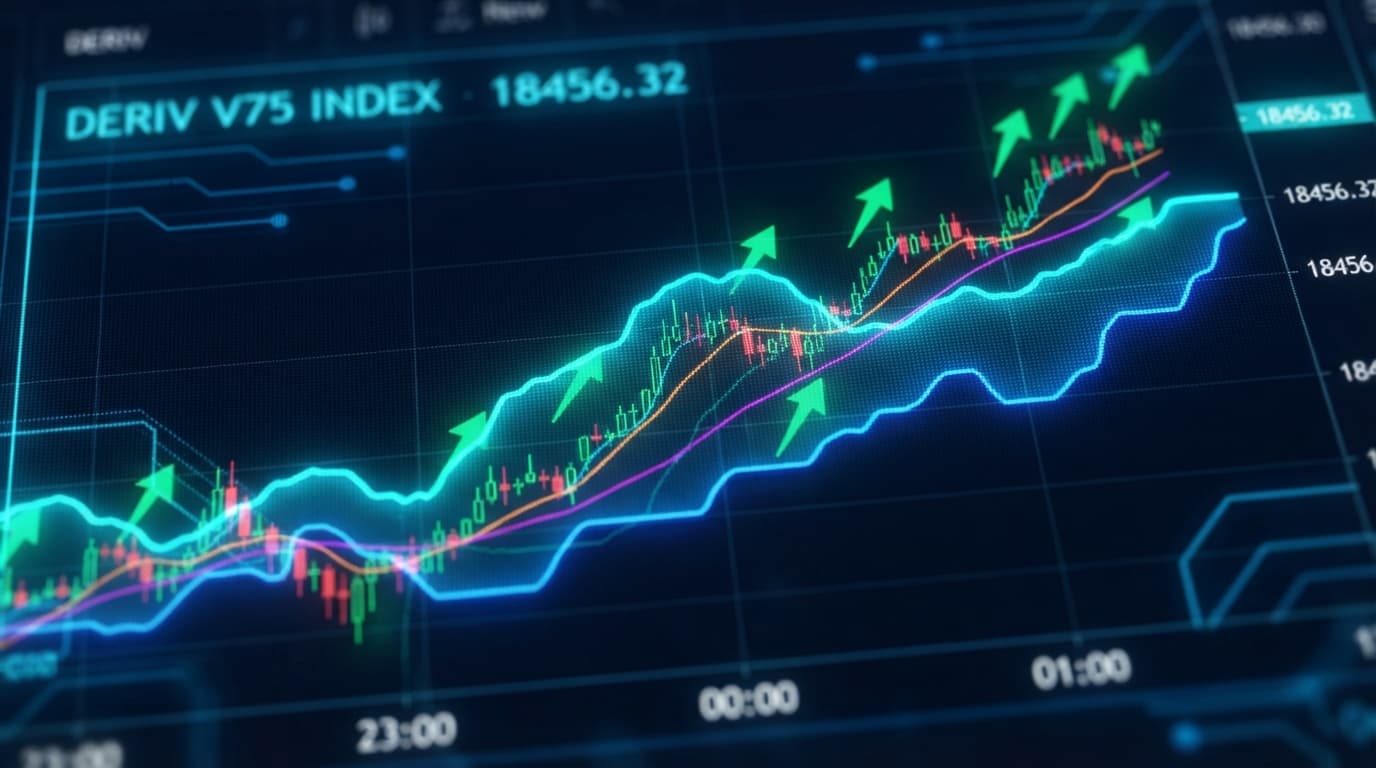
Nextrader's Cloud Walker strategy automates this technical assessment by deploying Ichimoku algorithms calibrated explicitly for Deriv synthetic volatility instruments. The algorithm continuously measures price position relative to the Kumo cloud, Tenkan-sen, and Kijun-sen lines, confirming trade setups only when underlying momentum confirms the breakout direction. Instead of spending hours plotting lines and calculating cloud thickness on custom charts, traders receive clear trade signals directly through a streamlined web console.
To protect capital against false breakouts, these ai trading signals fire strictly upon the close of a candle, guaranteeing that indicators never repaint once an alert generates. Combined with multi-indicator validation requiring a minimum of three to four independent technical metrics to concur, Cloud Walker delivers an analytical edge for trading powerful V75 market extensions. Incorporating these verified alerts into an automated execution workflow transforms subjective chart reading into a reliable, process-driven trading method.
The 60-Second Version
- Connect Nextrader to Deriv by adding a Read/Trade WebSocket API token inside your platform settings.
- Filter the strategy engine for Volatility 75 Index and select the Cloud Walker (Ichimoku) AI strategy.
- Choose the 10-minute or 30-minute timeframe and confirm the signal confidence rating registers above 70%.
- Open the Auto Trader Bot tab, selecting Rise/Fall execution and setting parameters to match the active signal.
- Choose Mesa Milano risk management, define your profit target and stop limit, then start the bot.
Before You Begin
Before putting automated trend detection to work on live market data, double-check that your account environment is properly prepared. You need an active Deriv trading account loaded with enough account balance to withstand the standard position swings typical of the Volatility 75 Index. Because V75 contracts reflect high nominal volatility, maintaining disciplined stake sizing relative to total account equity is essential for surviving routine pullbacks to the cloud boundaries.
Get Live AI Trading Signals
Real-time non-repaint signals from 11 AI strategies — Volatility Indices, Forex, Gold & Crypto. No subscription, no paywall.
- Auto Trader Bot
- Digit Trader Bot
- 11 AI Strategies
- Live Telegram Signals
Generate a dedicated API token directly within your Deriv account security settings. Assign both "Read" and "Trade" rights to the token string so Nextrader can stream live tick updates and submit automated order requests directly to Deriv servers. Copy the token key into the API manager inside the Nextrader portal. Unlike traditional binary bots or desktop trading scripts requiring complex software installations and constant local maintenance, Nextrader operates entirely through cloud-based WebSocket pipelines for uninterrupted connectivity.
Familiarize yourself with the system navigation layout before triggering live trades. Verify that your color-coded P&L tracking window works correctly and take time to review basic money management defaults. Accessing these free deriv trading tools requires no paid platform upgrades or subscriptions, allowing you to configure execution limits safely inside the user interface.
The Walkthrough
Step 1: Select Volatility 75 Index and Filter for Cloud Walker
Open the Nextrader workspace and navigate to the asset filtering panel. Select Volatility 75 Index from the available synthetic index drop-down menu. Next, access the strategy selection window housing Nextrader's 11 named AI strategies and click on Cloud Walker (Ichimoku). The Cloud Walker algorithm scans for structural setups where price breaks cleanly above or below the Kumo cloud while confirming alignment between the Tenkan-sen (Conversion Line) and Kijun-sen (Base Line). This setup eliminates trade entries during tight range-bound market conditions where false breakouts occur frequently.
Step 2: Analyze Timeframes and Signal Confidence
Review the signal dashboard displaying live feeds across four standard intervals: 5-minute, 10-minute, 30-minute, and 1-hour timeframes. For Volatility 75 Index trading, the 10-minute and 30-minute intervals typically offer an ideal balance between noise filtering and rapid entry timing. Inspect the calculated confidence percentage attached to any emerging Cloud Walker setup. Focus on trade entries showing a confidence score of 70% or higher, which indicates strong multi-indicator alignment across at least 3-4 concurring analytical metrics. Each signal card lists explicit trade levels, including exact Entry Price, Stop Loss, Take Profit 1 (TP1), and Take Profit 2 (TP2).
Step 3: Configure the Auto Trader Bot Execution Settings
Navigate over to the Auto Trader Bot section within the Nextrader interface. Pick your desired execution contract style—selecting Rise/Fall for straight directional trend continuation or Higher/Lower if trading around explicit barrier offsets. Synchronize the execution direction with your Cloud Walker signal details: map bullish cloud breakouts to "Rise" contracts and bearish cloud breakdowns to "Fall" contracts. Utilizing high-speed WebSocket integrations, the Auto Trader Bot submits trades instantly as soon as a confirmed, non-repainting closed candle signal registers.
Step 4: Execute Trade with Risk Limits and Mesa Milano Recovery
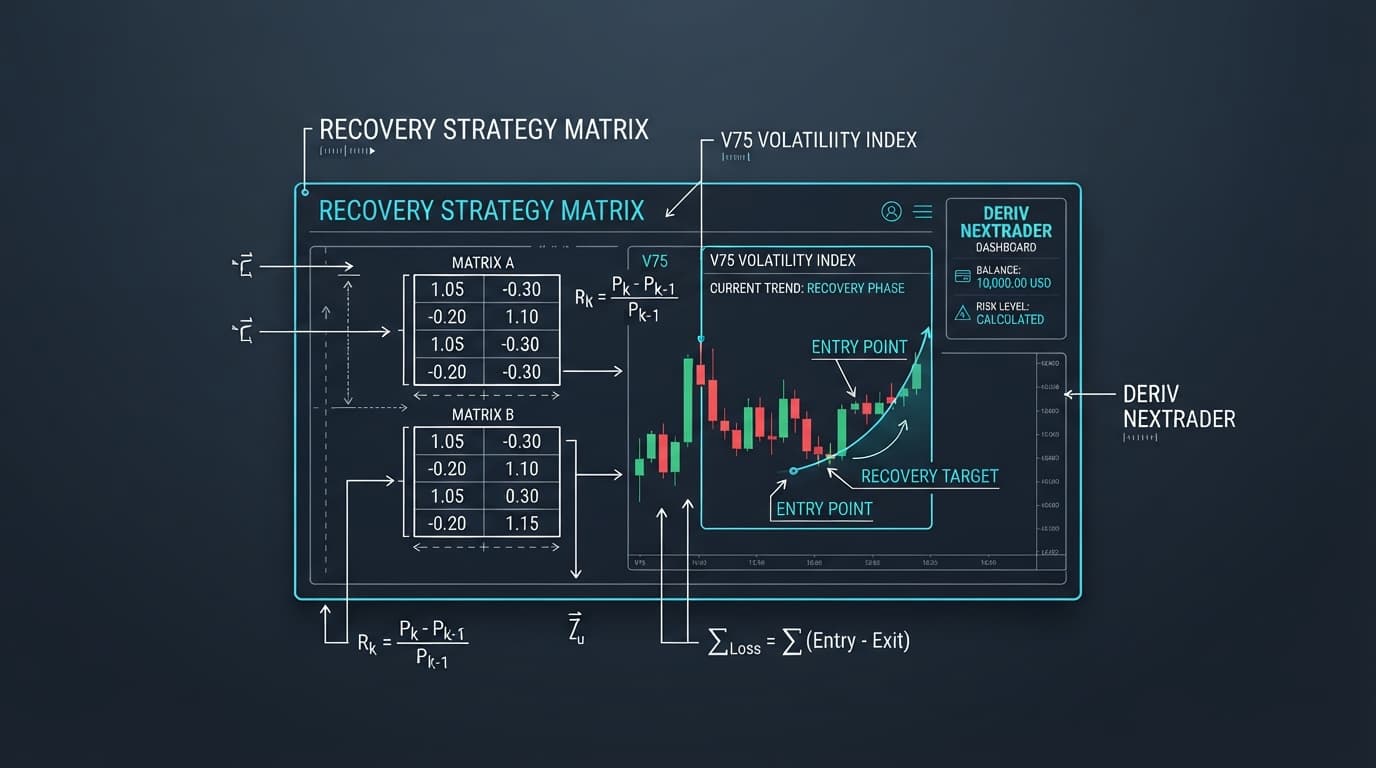
Set up your risk parameter rules inside the automated execution tab before starting the session. Choose between Fixed Stake for static order sizing or Mesa Milano for intelligent, non-linear loss recovery tailored to trend-following systems. Input your baseline trade stake, total session profit target, and absolute stop-loss limit. Click the activation toggle to start the bot, monitoring execution logs and trade results in real time through the color-coded console output. If you prefer manual trading, simply enter trades on your Deriv contract interface matching the precise Entry, SL, and TP parameters provided by the signal dashboard.
What Can Go Wrong
- Entering trades mid-candle on unconfirmed breakout spikes: Placing orders while a candle is actively forming exposes traders to repaint traps. Price can easily spike outside the Kumo cloud temporarily, only to pull back inside before the candle period finishes.
- Fix: Rely strictly on Nextrader's non-repaint confirmation architecture. Wait until the current bar completes entirely and the app issues a validated signal alert accompanied by a clear confidence score.
- Running aggressive Martingale stake sizing during flat cloud conditions: Applying standard doubling-down loss recovery when V75 trades sideways inside a thick Kumo cloud quickly drains balance during repetitive chop.
- Fix: Change your Auto Trader Bot money management selection from Martingale to Mesa Milano or Fixed Stake. Mesa Milano regulates position sizing safely during quiet market phases, avoiding dangerous exponential stake escalation.
- API Token lacking execution permissions: The signal screen updates with price quotes and signal alerts, but automated trade execution attempts return system error messages in the event console.
- Fix: Open your Deriv security dashboard, revoke the existing API token, and issue a new token with both "Read" and "Trade" permission boxes explicitly checked before saving it back into Nextrader.
Start Now
Setting up automated, rule-based trend strategies on Volatility 75 Index takes only a few simple steps. Access non-repainting AI signals, multi-timeframe analytics, and advanced deriv bots without fee schedules or paywalls.
Launch the live application directly by visiting Nextrader App or register your free account at Sign Up Free — Nextrader to hook up your Deriv API token and start tracking active Cloud Walker signals.
Connect with our active trader community on Telegram at Telegram to discuss Ichimoku parameters, share auto trader performance logs, and refine your synthetic index strategies alongside fellow traders.
Trading involves risk. Past performance does not guarantee future results.