Introduction
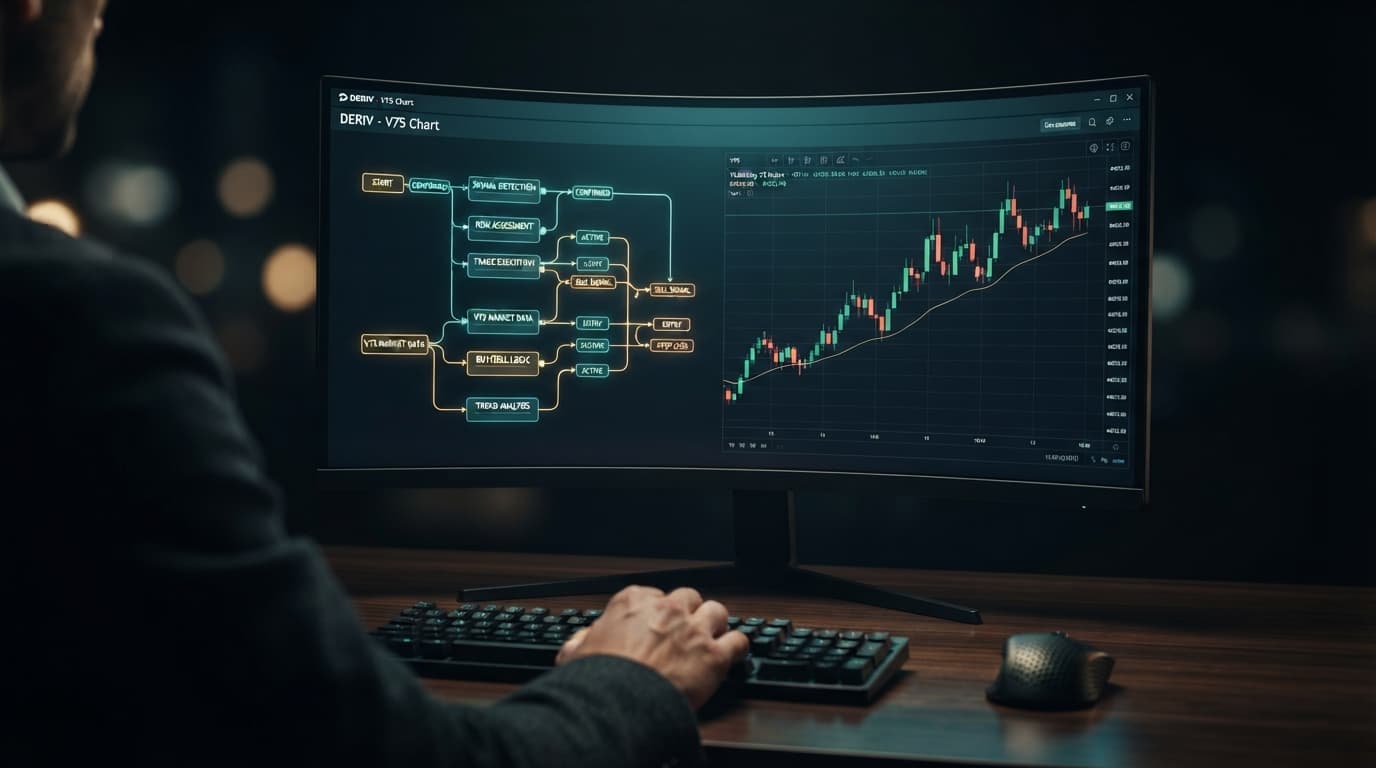
Welcome, aspiring Deriv traders! Are you looking to automate your trading strategies on Deriv synthetic indices, forex, gold, silver, or crypto without writing a single line of code? This comprehensive tutorial is designed specifically for you. Whether you're a complete beginner or an experienced trader new to automated systems, this guide will walk you through the simple, one-click process of connecting your Deriv account to the NexTrader Bot platform and running any of its powerful free bots.
By the end of this tutorial, you will confidently be able to integrate your Deriv trading account, navigate the NexTrader Bot Hub, select a free deriv bot that aligns with your trading goals, and launch it directly onto your Deriv demo or real account. Get ready to explore the world of automated deriv trading bots and leverage the efficiency of binary bots to potentially enhance your trading experience.
This tutorial focuses on empowering you with the tools to execute strategies quickly and efficiently, making automated trading accessible to everyone. The NexTrader ecosystem is built around making powerful tools 100% free, removing paywalls and subscriptions, so you can focus purely on your trading journey.
What You Need Before Starting
Before diving into the steps, ensure you have the following ready:
Load a Free Deriv Bot in One Click
Browse 747+ ready-to-run Deriv bots — Rise/Fall, Over/Under, Even/Odd, Match/Differ. No coding, free forever.
- 747+ Free Bots
- One-Click Load
- Rise/Fall & Digits
- Demo or Real
- A Deriv Account: This can be a real or demo account. You'll need it to generate an API token and for the bot to place trades. If you don't have one, you can easily create one on the Deriv platform.
- A NexTrader Account: You'll need an account on NexTrader Bot to access the Bot Hub and run bots.
- Basic Understanding of Deriv Trading: Familiarity with contract types like Rise/Fall, Over/Under, Even/Odd, Match/Differ, and assets like V100 or EUR/USD will be beneficial.
Step 1: Create Your NexTrader Bot Account
Your first step is to establish your presence within the NexTrader ecosystem by creating a free account. This will grant you access to the extensive library of deriv trading bots available in the Bot Hub.
- Navigate to NexTrader Bot: Open your web browser and go to NexTrader Bot.
- Locate the Sign-Up/Register Option: On the homepage, you'll typically find prominent "Sign Up" or "Register" buttons. Click on one of these to begin the account creation process.
- Enter Your Details: You'll be prompted to enter basic information such as your email address and a secure password. Ensure you use a valid email address as it may be required for verification.
- Complete Registration: Follow any further instructions, which might include confirming your email address via a link sent to your inbox. Once confirmed, you'll be logged into your new NexTrader Bot dashboard.
Upon successful registration and login, you'll land on your personal NexTrader Bot dashboard. This is your command center where you'll connect your Deriv account, browse bots, and monitor their performance. Take a moment to familiarize yourself with the layout, but don't worry about understanding everything just yet; we'll guide you through the essentials. Remember, the NexTrader platform is designed for ease of use, making it straightforward to get started with your first free deriv bot.
Step 2: Generate Your Deriv API Token
To allow NexTrader Bot to securely interact with your Deriv account – to read your balance, place trades, and manage positions – you need to generate a Deriv API token. This token acts as a secure key, giving NexTrader Bot permission to execute actions on your behalf without requiring your Deriv password.
- Log in to Your Deriv Account: Go to deriv.com and log in to your Deriv trading account.
- Access the API Token Section: Once logged in, navigate to the security settings or account settings. The exact path might vary slightly, but generally, you'll find it under "Settings" -> "API Token" or "Security & Safety" -> "API Tokens".
- Create a New Token: On the API Tokens page, look for an option to "Create new token" or "Generate a new token." Click on it.
- Configure Token Permissions: This is a crucial step. When creating the token, you'll be asked to select permissions. For NexTrader Bot to function correctly, you must select the following permissions:
* Read: Allows the bot to read your account information, balance, and transaction history.
* Trade: Essential for the bot to place trades on your behalf.
* Trading Information: Allows the bot to access information about your open positions and trade history.
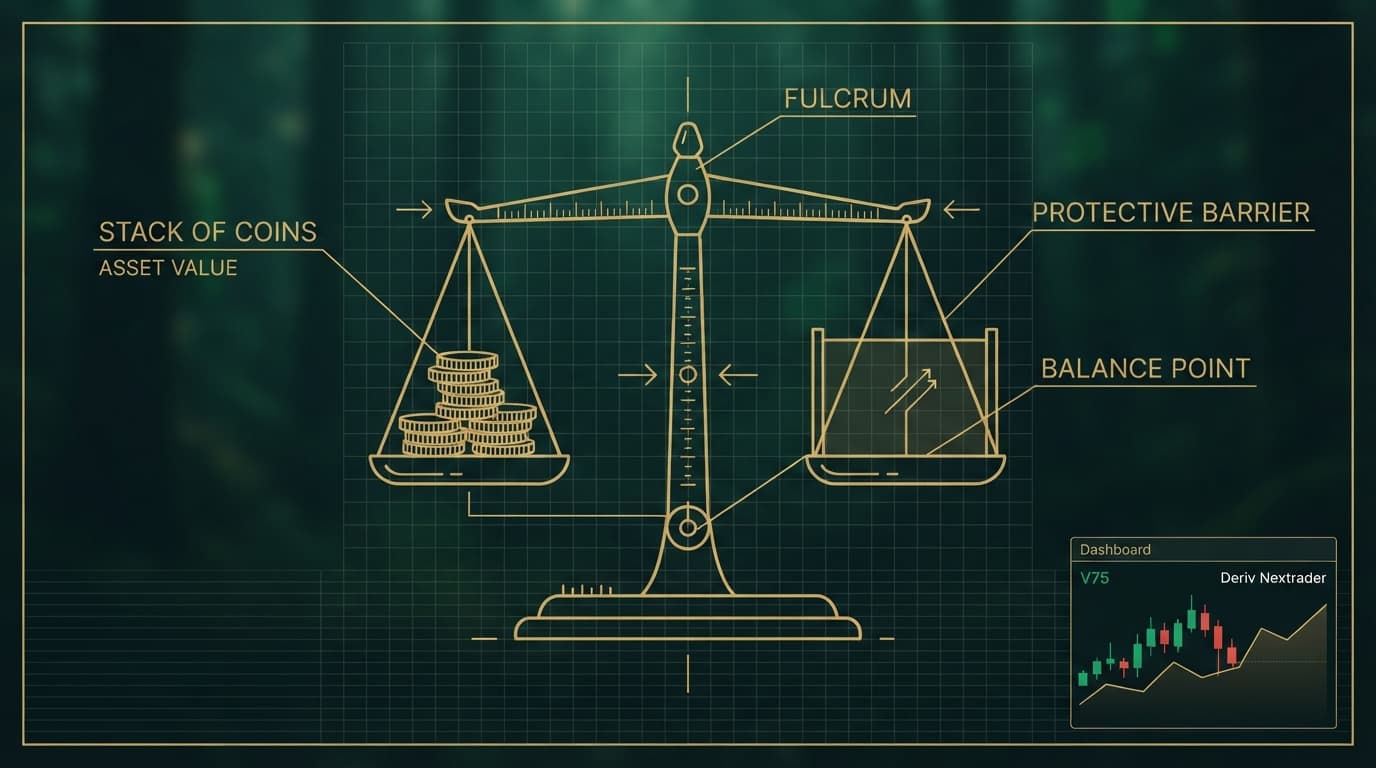
It's generally recommended to avoid* selecting "Admin" or "Withdraw" permissions for third-party tools for security reasons.
- Name Your Token (Optional but Recommended): Give your token a descriptive name, like "NexTrader Bot" or "MyFreeDerivBot," so you can easily identify it later.
- Generate and Copy the Token: Click "Create" or "Generate." Deriv will then display your unique API token. Immediately copy this token to your clipboard or a secure temporary location. For security reasons, Deriv will only show you the full token once. If you lose it, you'll have to generate a new one.
This API token is the bridge between your Deriv account and the NexTrader Bot platform, enabling seamless and secure automated trading.
Step 3: Connect Your Deriv Account to NexTrader Bot
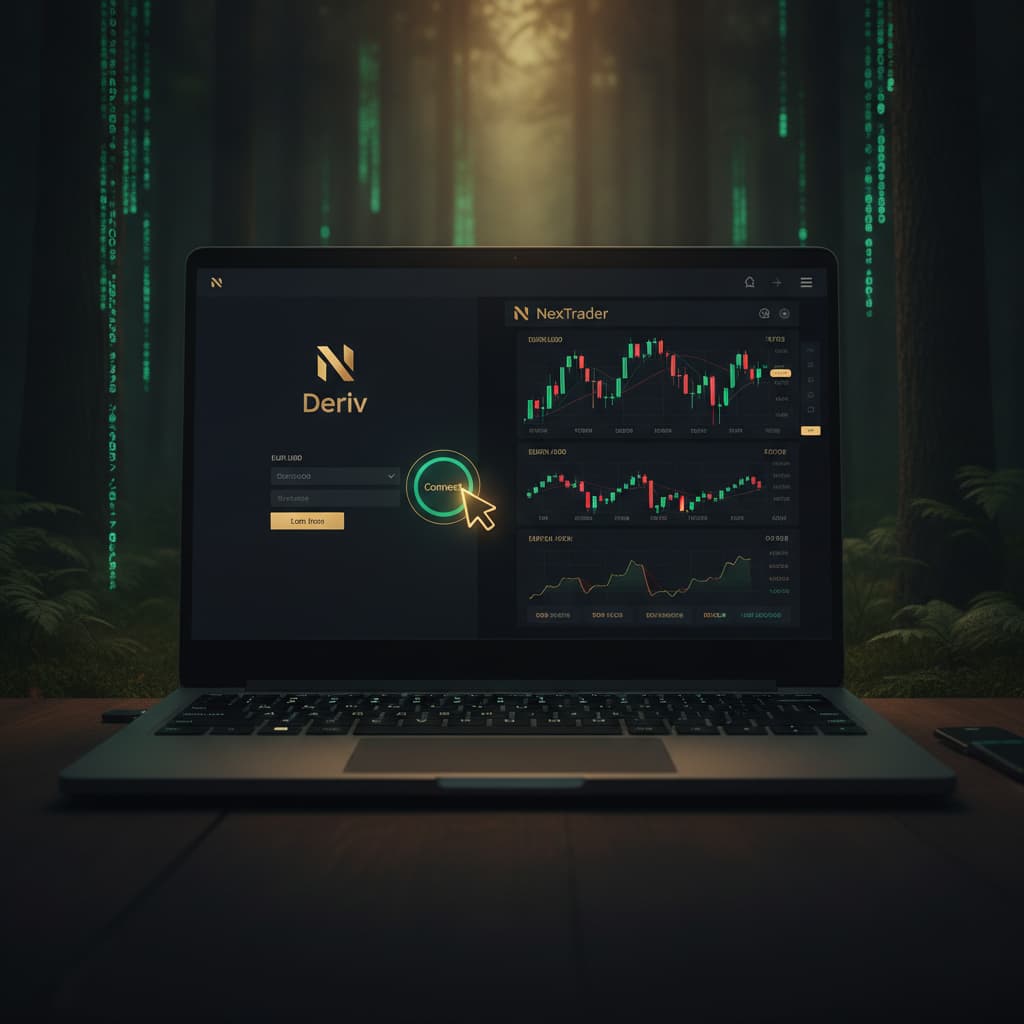
With your Deriv API token in hand, you're now ready to link your Deriv account to the NexTrader Bot platform. This is a quick and straightforward process that establishes the secure connection for your deriv bot operations.
- Log in to NexTrader Bot: If you're not already logged in, go to NexTrader Bot and log in to your NexTrader account.
- Access the Connection Area: On your NexTrader Bot dashboard, look for a section related to "Account Connection," "Deriv API Token," or similar. This is often prominently displayed near the top or in a settings menu.
- Paste Your Deriv API Token: You will see an input field labeled "Deriv API Token" or similar. Carefully paste the API token you copied from your Deriv account in Step 2 into this field. Double-check to ensure there are no extra spaces before or after the token.
- Select Account Type (Demo/Real): NexTrader Bot allows you to connect to both your Deriv demo and real accounts. After pasting your token, you'll likely see an option to select which account type you wish to activate. Choose "Demo" for initial testing or "Real" when you're ready to trade with live funds. You can switch between these at any time.
- Connect/Save: Click the "Connect" or "Save" button to establish the link. NexTrader Bot will attempt to verify the token with Deriv.
Upon successful connection, your dashboard will update to show your Deriv account details, including your live demo balance (if connected to a demo account) or real balance, along with your account ID. This confirmation signifies that NexTrader Bot is now securely authorized to interact with your Deriv account, paving the way for running your first free deriv bot.
Step 4: Browse and Select a Free NexTrader Bot
With your Deriv account successfully connected, it's time for the exciting part: exploring the vast library of binary bots in the NexTrader Bot Hub and choosing [Your First Free](/nextrader-deriv-bot-setup) bot to run. The Bot Hub offers a diverse range of strategies tailored for different market conditions and preferences.
- Navigate to the Bot Hub: From your NexTrader Bot dashboard, locate and click on the "Bot Hub" link. This will take you to the main library of 747+ ready-to-run Deriv bots.
- Filter for Free Bots: In the Bot Hub, you'll notice categories like "Free Bots" and "Premium Bots." To access the bots available without any cost, click on the "Free Bots" filter. This will display all the bots that are 100% free to use.
- Explore Bot Categories and Details: Browse through the available free bots. You'll see them grouped by contract type: Rise/Fall, Over/Under, Even/Odd, Match/Differ, as well as Tick, Indicator, and Candle based bots. Each bot has a unique name, often indicating its strategy or speed (e.g., Rise Rocket, Fall Falcon, Even Comet, Over 2 Blaze, Under 8 Flash, Odd Bolt).
- Review Bot Information: Click on any bot that catches your interest to view its detailed information page. Here you'll find:
* A brief description of the bot's strategy.
* Its contract type and target asset (e.g., V100, EUR/USD).
* Its speed (1-Tick or 1-Tick Turbo).
* Usage counters and badges like "Trending," "Hot," or "Most-used," which can help you identify popular and well-performing bots.
* Remember that these bots are block-based (~48 blocks each), meaning they are built visually without coding, making them accessible to everyone.
Take your time to read through the descriptions and choose a bot that you understand and feel comfortable testing. For your first run, selecting a well-known or "Trending" free deriv bot is often a good starting point.
Step 5: Load and Run Your Chosen Free Bot
You've connected your account and selected a bot. Now comes the moment of truth: loading and running your chosen free NexTrader bot in one click! This process is designed for maximum simplicity and efficiency.
- Select Your Bot: After reviewing the details in the Bot Hub, once you've decided on a specific free bot, click on its name or the "Load Bot" button associated with it. This action will load the bot's configuration directly into your NexTrader Bot dashboard.
- Review Bot Settings (Optional but Recommended): Once loaded, the bot's parameters will appear on your dashboard. While these bots are ready-to-run with default settings, you might be able to adjust basic parameters like initial stake amount or martingale settings, depending on the bot. For your first run, especially on a demo account, using the default settings is perfectly fine.
- Confirm Account and Balance: Before running, quickly verify that the correct Deriv account (demo or real) is active and that your balance is displayed correctly. This confirms your connection is live.
- One-Click Run: Locate the prominent "Run" button on your dashboard. This is the single click that initiates the bot. Click it, and the bot will immediately start executing trades on your connected Deriv account according to its programmed strategy.
- Monitor Performance: As the bot runs, your NexTrader Bot dashboard will transform into a live monitoring station. You'll see real-time updates on:
* Open Positions: Any active trades the bot has placed.
* Trade History: A log of all completed trades, showing wins and losses.
* Profit/Loss: Your running profit or loss for the current session.
* Run/Stop Controls: You'll also see a "Stop" button, allowing you to pause or completely halt the bot's operation at any time.
Running a deriv bot has never been easier. Start with a demo account to understand how the bot behaves and how to monitor its performance. This hands-on experience is invaluable before considering any real money trading.
Pro Tips
- Start with Demo Accounts: Always test any new deriv bot on your Deriv demo account first. This allows you to understand its logic, performance characteristics, and potential risks without financial exposure.
- Monitor Usage Counters & Badges: When browsing the Bot Hub, pay attention to the "Usage counters" and "Trending/Hot/Most-used badges." These indicators can help you discover popular and potentially reliable free deriv bot strategies that other traders are finding success with.
- Understand Contract Types: Familiarize yourself with the different Deriv contract types (Rise/Fall, Over/Under, Even/Odd, Match/Differ). Choose bots that align with your understanding and preference for market prediction. NexTrader Bot offers bots for all these types, allowing you to diversify your automated strategies.
- Utilize Run/Stop Controls: The "Run/Stop controls" on your NexTrader Bot dashboard are your ultimate safety net. Always be prepared to stop a bot if market conditions change unexpectedly or if its performance isn't meeting your expectations. You are always in control.
Start Now
Ready to automate your Deriv trading and experience the power of NexTrader Bot? Join thousands of traders leveraging our 100% free tools today!
Create Your Free NexTrader Account
Trading involves risk. Past performance does not guarantee future results.