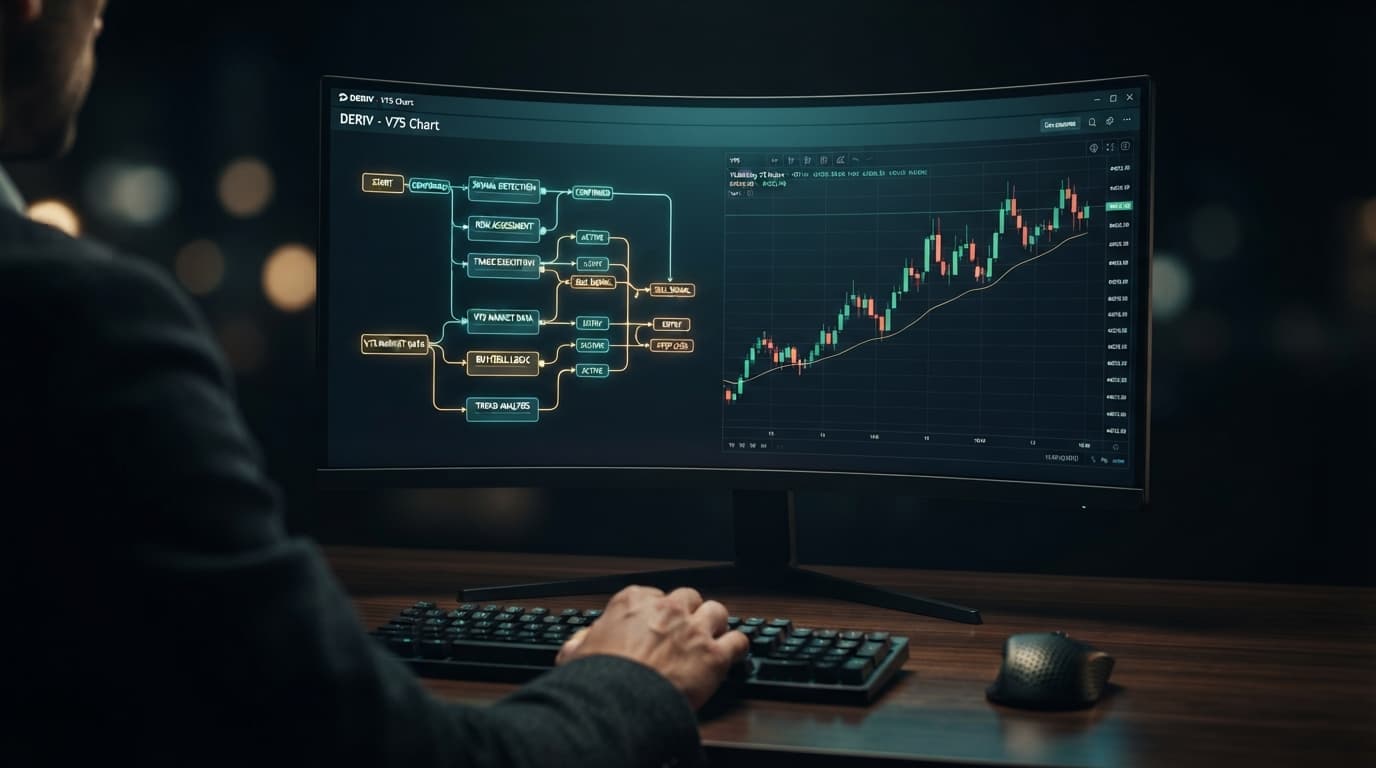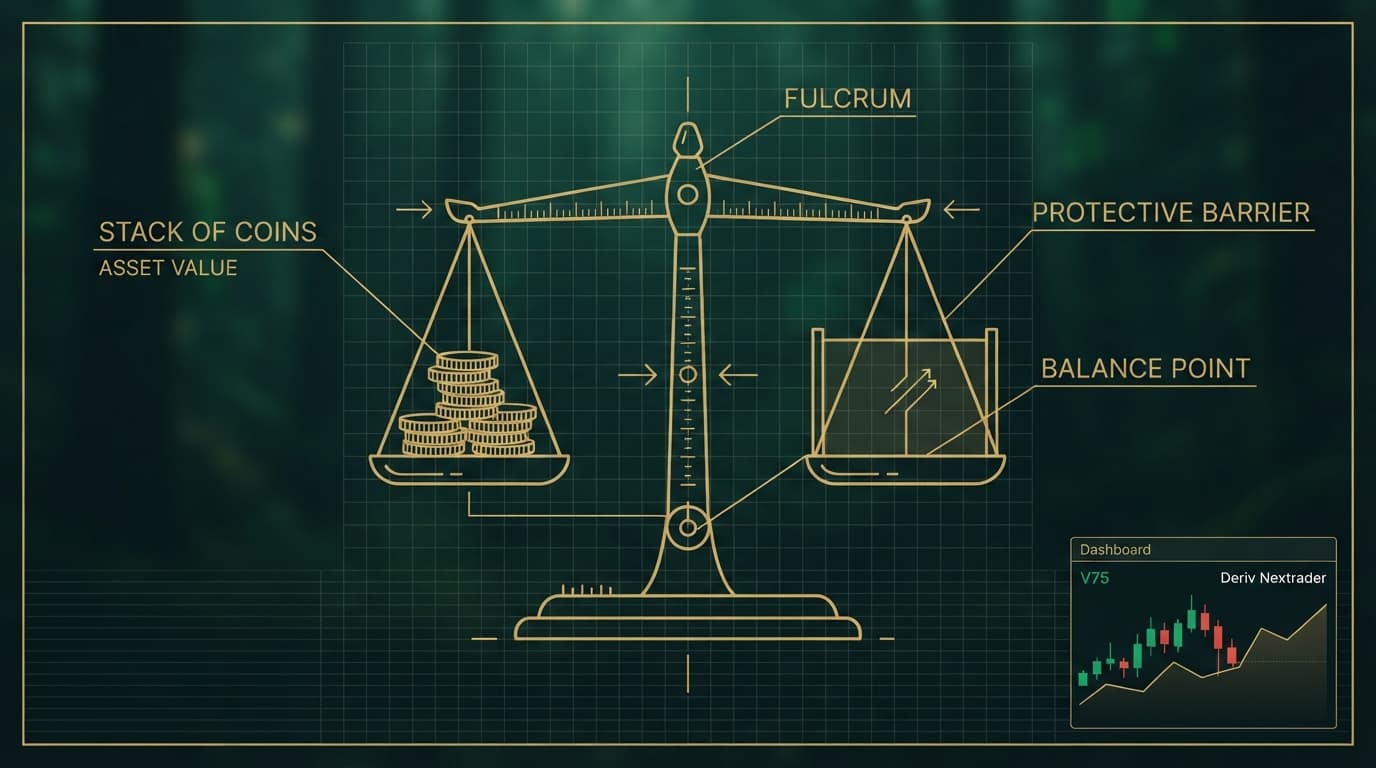
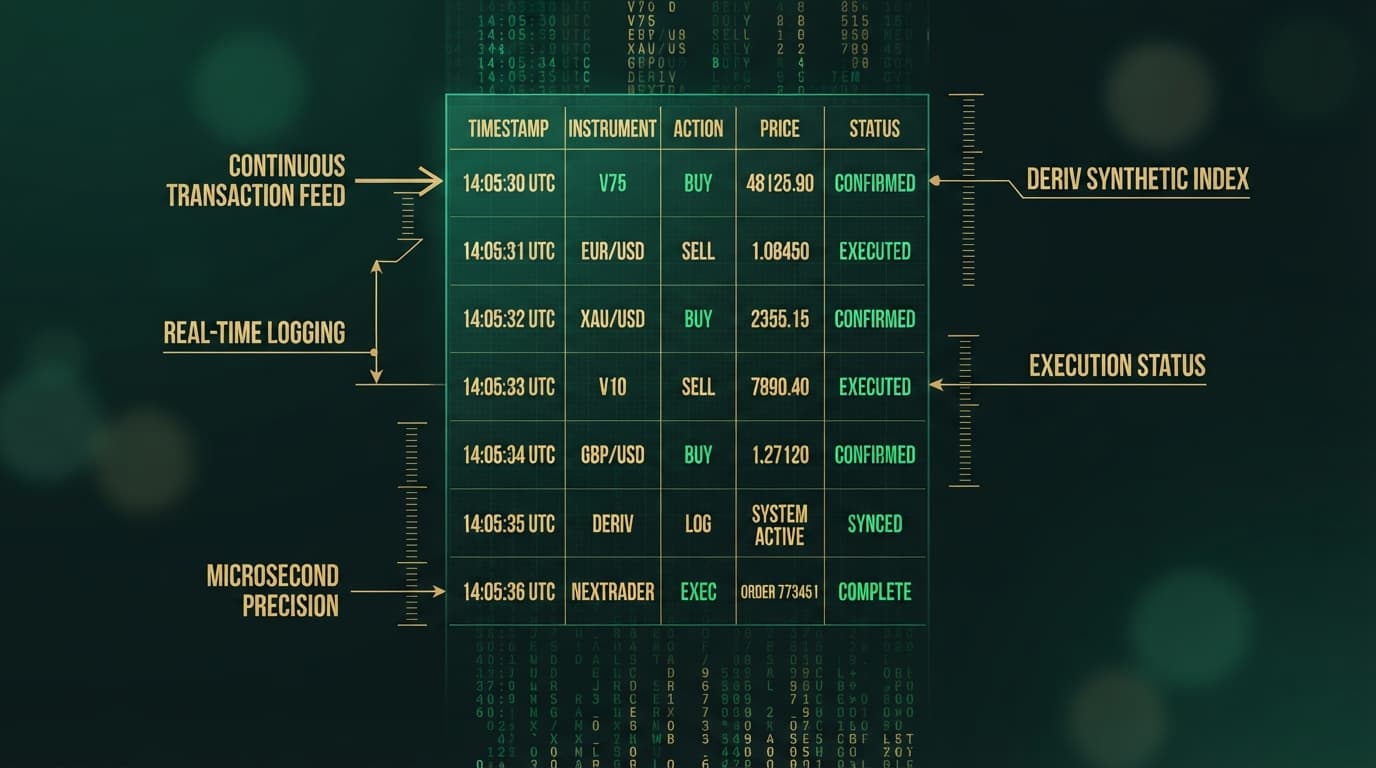
Finding your deriv bot trade history logs during an automated session gives you clear visibility into how your algorithms execute on synthetic indices like the Volatility 75 Index (V75) or Volatility 10 1Hz Index (V10 1Hz). Most traders focus on gross profit totals without inspecting individual trade execution timestamps, payout returns, or consecutive loss runs under the hood.
By reviewing live session logs directly on the NexTrader dashboard (NexTrader Bot), you inspect trade entry timestamps, contract payouts, and consecutive loss triggers in real time. Evaluating pre-built strategy templates such as Rise Rocket or Even Comet lets you track performance data long before committing real capital.
Traditional automation setups require navigating Deriv Bot (DBot)—loading an XML file, configuring strategy parameters across separate menus, and parsing raw execution lines. NexTrader simplifies this workflow by connecting directly through a Deriv API token, rendering live block execution counters and structured log feeds within a single web interface. Using a free deriv bot from the NexTrader Bot Hub provides instant access to your trading logs without manual file handling.
Quick Setup Check
- 1 Connect your Deriv account to NexTrader Bot using an API token
- 2 Select a strategy template like Rise Rocket or Even Comet from the Bot Hub
- 3 Monitor execution counters and dashboard log streams over a 100-trade demo run
Before running diagnostic sessions, ensure your workspace is configured properly:
Load a Free Deriv Bot in One Click
Browse 747+ ready-to-run Deriv bots — Rise/Fall, Over/Under, Even/Odd, Match/Differ. No coding, free forever.
- 747+ Free Bots
- One-Click Load
- Rise/Fall & Digits
- Demo or Real
- Deriv API token generated with read/trade permissions and connected to NexTrader Bot.
- Target bot loaded directly from the Bot Hub (such as Rise Rocket for 1-Tick Rise/Fall or Even Comet for 1-Tick Turbo Even/Odd).
- Live demo balance clearly displayed on the dashboard controls alongside the active execution log stream.
- Target synthetic market selected (e.g., Volatility 75 Index or Volatility 10 1Hz Index).
Fix 1: Accessing and Auditing Execution Timestamps in Trade Logs
Symptom
Your deriv trading bot enters late on 1-Tick Turbo contracts (such as Rise Rocket or Odd Bolt), requiring you to check contract execution logs to verify timestamps.
Why It Happens
High-speed synthetic ticks process fast, and microsecond delays can cause entry shifts. Without accessing the live trade history stream on your dashboard, latency remains invisible.
Exactly What to Change
Locate the execution log panel on the NexTrader dashboard during an active session. The trade history stream displays real-time purchase timestamps alongside tick generation markers.
[LOG SAMPLE]
Signal Triggered : 14:02:01.102 -> Tick Value: 6421.45
Order Confirmed : 14:02:01.345 -> Execution Price: 6422.10 (Slippage: +0.65)- Open the log feed window on NexTrader Bot while running your bot to view real-time execution entries.
- Compare the signal trigger time against the confirmed purchase time in the trade history line items.
- If entry timestamps lag behind tick updates, select 1-Tick Turbo configurations from the Free Bots tier to streamline execution.
Fix 2: Analyzing Consecutive Loss Logs Across Over/Under and Even/Odd Contracts
Symptom
A binary bots strategy running digit contracts like Over 2 Blaze or Even Comet experiences drawdown spikes without warning in the summary totals.
Why It Happens
Summary profits group wins and losses together, hiding consecutive loss runs within your session history. Without filtering trade history by contract outcome, loss clusters can trigger drawdowns unmonitored.
Exactly What to Change
Use the trade history panel on the NexTrader dashboard to filter session records by contract status and consecutive outcomes.
Trade #34: LOSS ($1.00)  - Over 2
Trade #35: LOSS ($2.10)  - Over 2 [Step 1 Martingale]
Trade #36: LOSS ($4.41)  - Over 2 [Step 2 Martingale]
Trade #37: LOSS ($9.26)  - Over 2 [Step 3 Martingale]
Trade #38: LOSS ($19.45) - Over 2 [Step 4 Martingale] -> Drawdown: $36.22- Filter the live trade log stream on the dashboard by contract outcome to highlight consecutive loss sequences.
- Review the step-by-step stake changes across consecutive trades in the log entries.
- Hard-cap martingale multiplier steps in your bot controls to limit consecutive stake escalation.
Fix 3: How to Analyze Your Deriv Bot Trade History Against Payout Ratios
Symptom
Your deriv bot records more winning trades than losing trades on digit contracts like Under 8 Flash or Match/Differ, yet your total session balance trends downward.
Why It Happens
Low-payout digit contracts yield smaller returns relative to the risk per stake. Viewing only total win counts in your trade history masks asymmetric payout drag.
Exactly What to Change
Inspect the stake-to-payout ratio recorded for every trade entry in your dashboard history log.
- Open your trade history records on NexTrader Bot and inspect individual stake amounts against payout returns for each completed contract.
- Compare net profit line items against initial contract stakes across your log data.
- If payout returns fail to cover accumulated trade stakes during loss recovery runs, adjust your strategy selection in the Bot Hub toward higher-payout contract types like Fall Falcon (Rise/Fall) or 1-Tick Rise/Fall templates.
Fix 4: Replicating Log Metrics from Demo API to Live Stake Scaling
Symptom
Strategy performance shifts when switching your deriv bot connection from a demo account to a live capital execution token.
Why It Happens
Scaling stakes based on small trade samples yields incomplete trade history data. Short sessions fail to capture full market variance or log execution behavior under changing tick conditions.
Exactly What to Change
Build a complete diagnostic trade record using your demo API token before executing live trades on NexTrader:
- Run an extended automated testing session of at least 100 continuous trades on a demo balance at NexTrader Bot.
- Inspect the dashboard trade history summary table, checking execution log entries for consistent entry processing and net drawdown levels.
- Verify that your trade history confirms baseline stability across the extended run.
- Switch your dashboard API token connection to your live Deriv account only after reviewing the demo log history. Set initial live trade stakes to minimal contract amounts ($0.35 to $1.00) to confirm live execution logs mirror demo data.
Keeping It Stable
Maintaining long-term strategy performance relies on consistent trade history maintenance and log management:
- Export your NexTrader dashboard trade logs to CSV or text files after every 100-trade session, then clear the log display buffer to maintain crisp dashboard responsiveness and clean session records.
- Review trade execution logs regularly to detect timing variations or risk multiplier drift before increasing contract stakes.
- Check your eligibility for the NexTrader welcome pack (gifts.nextrader.live). If your Deriv account was opened through NexTrader, you can claim free premium XML bots, 3 months of Bot Hub Premium, and 3 months of VIP signal channel access. Eligibility is verified automatically by Deriv single sign-on when you sign in.
Start Auditing Your Bots Today
Stop trading blindly based on unverified profit totals. Open the NexTrader Bot workspace at NexTrader Bot, connect your Deriv API token, and select a strategy template from the Bot Hub. Run your chosen bot on a demo balance, inspect your deriv bot trade history logs for execution timing and streak dynamics, and adjust your risk parameters before placing live stakes.
To set up your account or engage with our community, register at NexTrader Signup and join our active Telegram group at Telegram.
Trading involves risk. Past performance does not guarantee future results.