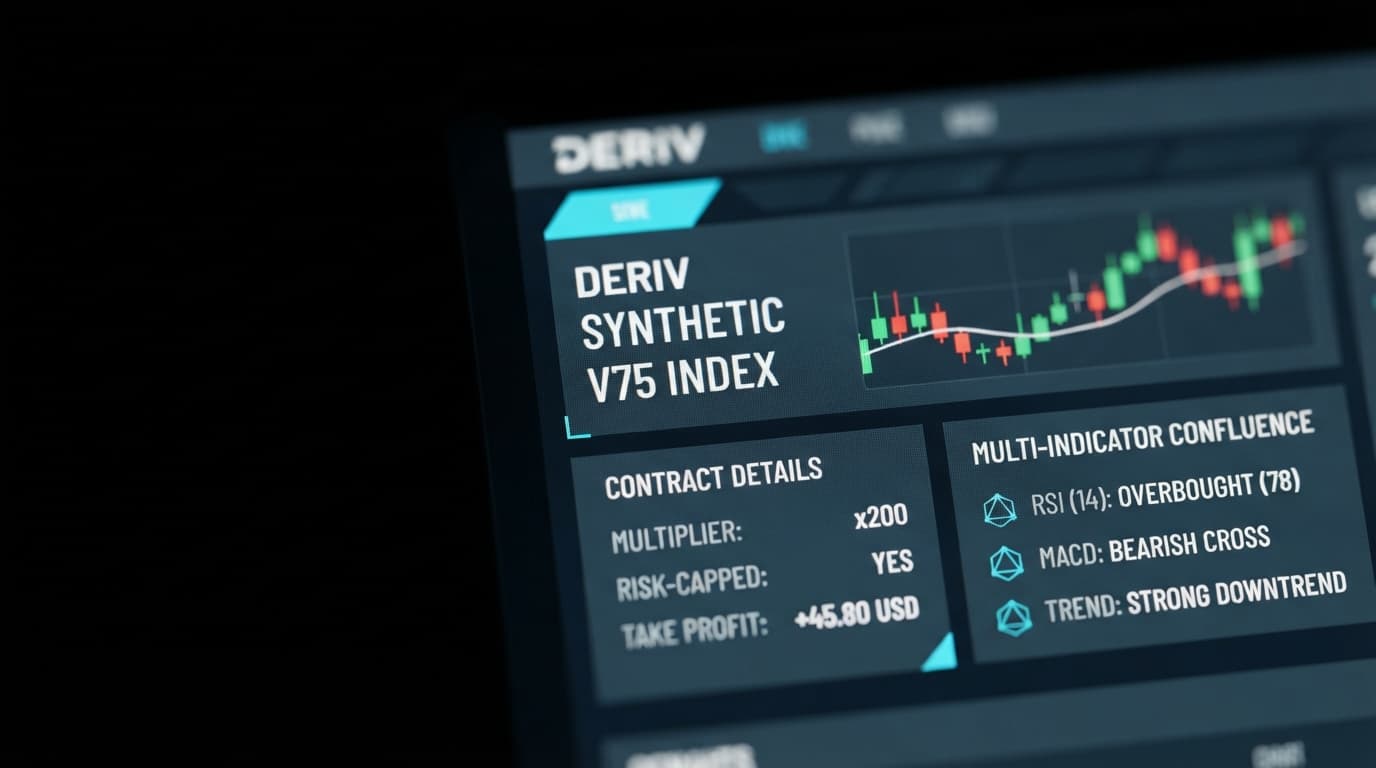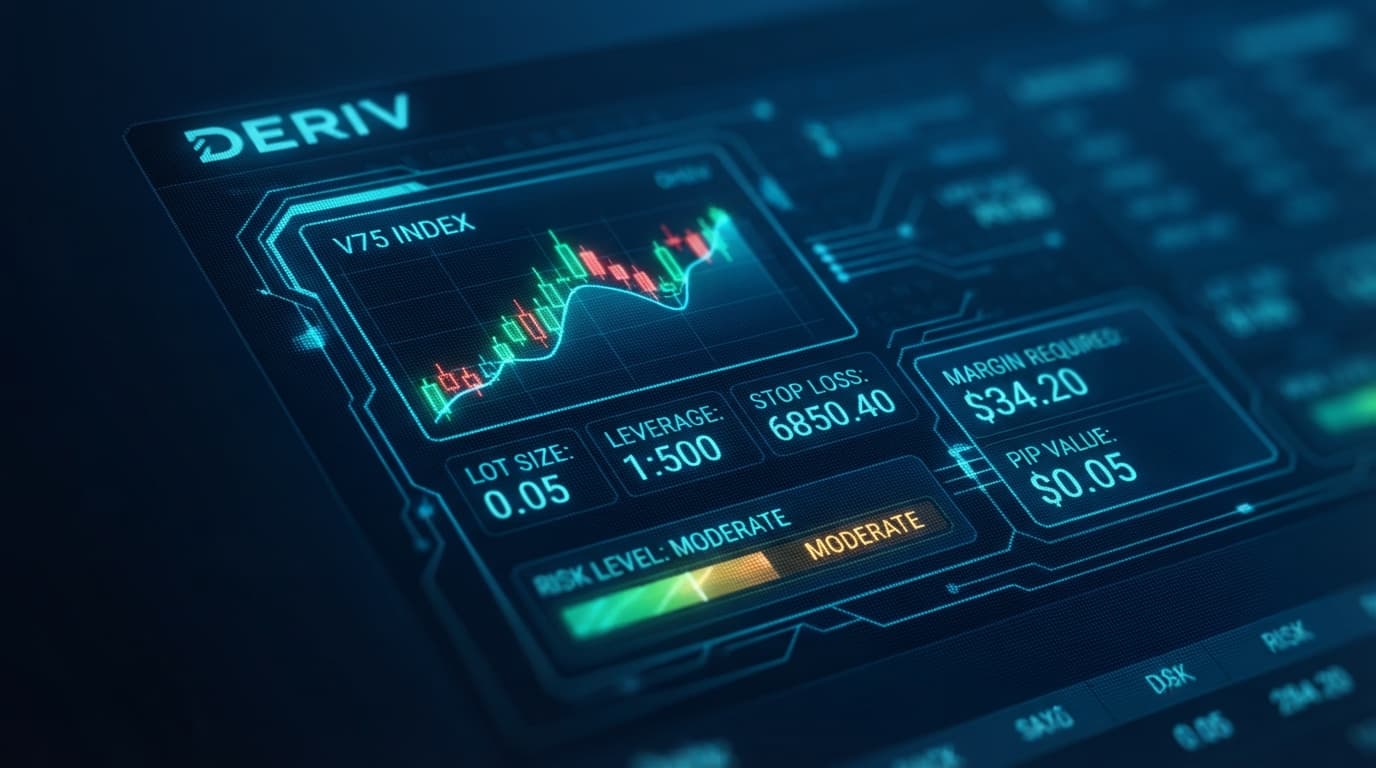
Configuring your deriv multipliers stop loss take profit levels properly is the difference between consistent strategy execution and premature account drawdown. Deriv Multipliers allow traders to amplify market movement while capping potential losses strictly to their initial stake. However, calculating exact dollar-value stops on highly volatile synthetic indices like Volatility 75 (V75) or Volatility 100 (V100) in real time often leads to manual execution errors.
To eliminate this computational delay, modern deriv trading tools streamline the entire execution workflow. On the Nextrader App, precise monetary Stop Loss and Take Profit levels automatically pre-fill into the Quick Trade panel directly from live ai trading signals. Instead of manually converting price pips or index ticks into cash thresholds during rapid volatility spikes, the app converts market structure data into actionable risk parameters instantly.
These automated risk limits are derived from non-repainting algorithms that evaluate closed candles across 1m, 5m, 15m, and 1h timeframes. By combining technical indicators such as Exponential Moving Averages (EMA), Relative Strength Index (RSI), MACD, Bollinger Bands, and recognized candlestick patterns, the platform calculates dynamic targets matched to current volatility.
Understanding Deriv Multipliers Stop Loss Take Profit Mechanics
Deriv Multipliers combine the upside potential of leverage with the strict risk limits of digital options. When you open a Multipliers contract, your potential loss is capped at your initial stake, but your profit grows proportionally with the market based on the chosen multiplier value (such as x100, x200, or x500).
Get Live AI Trading Signals
Real-time non-repaint signals from 11 AI strategies — Volatility Indices, Forex, Gold & Crypto. No subscription, no paywall.
- Auto Trader Bot
- Digit Trader Bot
- 11 AI Strategies
- Live Telegram Signals
- 1 Scan live signals on Nextrader App generated from closed candles
- 2 Select a high-confluence signal card like Smart Fusion or Breakout Beast
- 3 Auto-fill stake, x100 multiplier, Stop Loss, and Take Profit into Quick Trade
- 4 Review direction, strength, and risk/reward overlay in confirmation modal
- 5 Execute contract and monitor live P/L inside the Active Trades table
Leverage-Scaled Payout Mechanics
When trading synthetic indices like V10, V25, V50, V75, V100, or their 1Hz variants, selecting a multiplier (such as x100) scales position payout while capping your maximum downside strictly to the initial stake. If market price moves against your position, the contract terminates when loss hits your stake cap. Controlling exact drawdowns before that auto-liquidation point, however, requires mapping dollar-based Stop Loss and Take Profit thresholds to live volatility.
Monetary Stop Loss vs. Pip Distance
Unlike traditional CFD accounts where risk is defined by pip distances or chart price levels, Multiplier contracts require explicit cash values ($) for Stop Loss and Take Profit entries. Setting a raw price stop on assets with non-standard tick values—such as Volatility 75 Index or Volatility 100 (1Hz) Index—frequently causes confusion.
A monetary Stop Loss instructs the platform to close the position as soon as your unrealized loss reaches a specific dollar amount, such as $2.50 on a $10 stake. This cash-based model prevents accidental over-leveraging and keeps account risk consistent across different assets, whether you trade synthetics, forex, gold, silver, or crypto.
Volatility Impact on Synthetic Indices
Static dollar stops often fail on synthetic volatility indices. High-volatility markets like V75 or V100 experience wider price swings than lower-volatility instruments like V10 or standard forex pairs. If you place an arbitrarily tight $1.00 Stop Loss on a $10 V75 contract with an x100 multiplier, ordinary market noise will trigger the exit before your trade thesis has room to play out.
Dynamic risk management requires adjusting your Stop Loss cash distance based on actual market volatility metrics, such as the Average True Range (ATR).
Calculating Risk/Reward Ratios on Multipliers
To build a positive mathematical expectancy, your target profit must exceed your capped drawdown limit. For example, setting a Take Profit of $6.00 alongside a Stop Loss of $2.00 on a $10 stake yields a 3:1 risk/reward ratio. If your strategy wins 40% of the time, this risk structure maintains profitability over a statistically meaningful sample of trades.
| Feature / Workflow | Manual Multiplier Execution | Nextrader AI Quick Trade Workflow |
|---|---|---|
| SL / TP Calculation | Manual math converting pips to stake percentage | Auto-calculated from closed-candle ATR & technical indicators |
| Data Input Speed | Manual typing of cash limits during live price moves | Single-click auto-population into Quick Trade panel |
| Signal Confluence | Subjective visual chart inspection | Verified multi-indicator agreement (EMA, RSI, MACD, Bollinger) |
| Execution Safety | Risk of repainting signals or execution delay | Non-repainting closed candle signals with risk/reward overlay |
| Active Monitoring | Manual position tracking across screens | Dedicated Active Trades table with live P/L and instant close |
Automating Trades with AI Trading Signals and Deriv Tools
The Nextrader App converts indicator confluence directly into automated trade parameters inside the Quick Trade panel, removing manual calculations during fast market swings.
Selecting High-Confluence AI Signals
Navigating to the Signals page on Nextrader App gives traders access to live market scanning across synthetic indices, forex, metals, and crypto. The engine fires signals strictly on closed candles to prevent repainting. Each signal card displays direction (UP or DOWN), strength rating (STRONG), candle timeframe (1m, 5m, 15m, 1h), overall confluence percentage, and the specific underlying indicators that triggered the alert.
Nextrader features 11 named AI strategies designed for distinct market conditions:
- Trend Hunter (EMA): Captures multi-timeframe trend direction using exponential moving average alignment.
- Reversal Radar (RSI): Identifies oversold and overbought exhaustion zones.
- Momentum Wave (MACD): Tracks structural momentum shifts across active trendlines.
- Volatility Pulse (Bollinger): Exploits expansion bands following low-volatility compression.
- Swift Scalper (Stochastic RSI): Pinpoints micro-entries on lower timeframes like 1m and 5m.
- Breakout Beast (ATR): Measures volatility expansion using Average True Range to set dynamic stop distances.
- Smart Fusion & Smart Signals: Combine four or more indicators (EMA, RSI, MACD, Bollinger, and candlestick patterns) for peak confluence.
Auto-Populating the Quick Trade Panel
When a signal fires—for example, a STRONG UP signal on Volatility 75 Index generated by Breakout Beast (ATR) on the 5m timeframe—clicking the signal card opens the Quick Trade panel directly on the chart interface.
Instead of forcing you to compute proper dollar stops, the system pre-fills the panel with:
- Trade Mode set to Multipliers.
- Suggested Multiplier value (e.g., x100).
- Suggested Stake amount calibrated to account safety.
- Pre-calculated Stop Loss ($) based on underlying volatility support/resistance.
- Pre-calculated Take Profit ($) mapped to logical risk/reward targets.
Evaluating the Signal Confirmation Overlay
Before any contract enters the live market, clicking the signal opens a trade confirmation modal. This overlay acts as a risk check by explicitly showing:
- Direction: UP or DOWN.
- Signal Strength & Confluence: Numeric percentage showing how many technical conditions aligned.
- Suggested Stake & Risk/Reward: Clear visibility of your maximum dollar loss versus prospective gain before committing capital.
Once reviewed, hitting the confirmation button submits the trade instantly via direct WebSocket API connection to Deriv.
Active Position Management
After execution, running trades move into the Active Trades table located below the chart. This panel updates your open position's P/L in real time every few milliseconds. If market momentum accelerates toward your target faster than anticipated or if fundamental market structure deteriorates, you can exit the contract manually before price reaches the hard Stop Loss or Take Profit threshold.
Nextrader Tools vs. Traditional Deriv Bots
Traders exploring automated risk management often look into Deriv Bot (DBot), Deriv's platform where users import XML strategy files or assemble logic blocks on a drag-and-drop workspace to execute automated strategies on a demo or real account. While XML scripts can trigger automated trades, building custom blocks to compute dynamic monetary Stop Loss and Take Profit levels based on closed-candle indicator confluence requires advanced XML programming and complex logic loops.
Nextrader provides a faster, pre-built alternative specifically engineered for Multiplier risk automation. Instead of scripting custom blocks in DBot, the Nextrader App handles indicator calculations natively via Deriv WebSocket API integration. When multi-indicator setups align on assets like V75 or V100, the app evaluates closed-candle volatility, auto-calculates precise cash Stop Loss and Take Profit parameters, and populates them instantly into the Quick Trade panel. This eliminates the technical friction of editing XML code while ensuring every Multipliers trade carries exact monetary risk limits.
To start using automated risk parameters on Deriv Multipliers with free AI signals, set up your workspace at Nextrader App. You can create your free account directly at Nextrader Signup and join our active community of traders on Telegram.
Trading involves risk. Past performance does not guarantee future results.