Do Synthetic Indices Have Volume? How to Read Tick Frequency on Deriv Charts
When analyzing Deriv synthetic markets like the Volatility 75 Index (V75) or Boom 1000, many traders ask: do synthetic indices have volume? Standard technical indicators often show flatlining or missing volume bars when loaded onto simulated assets.
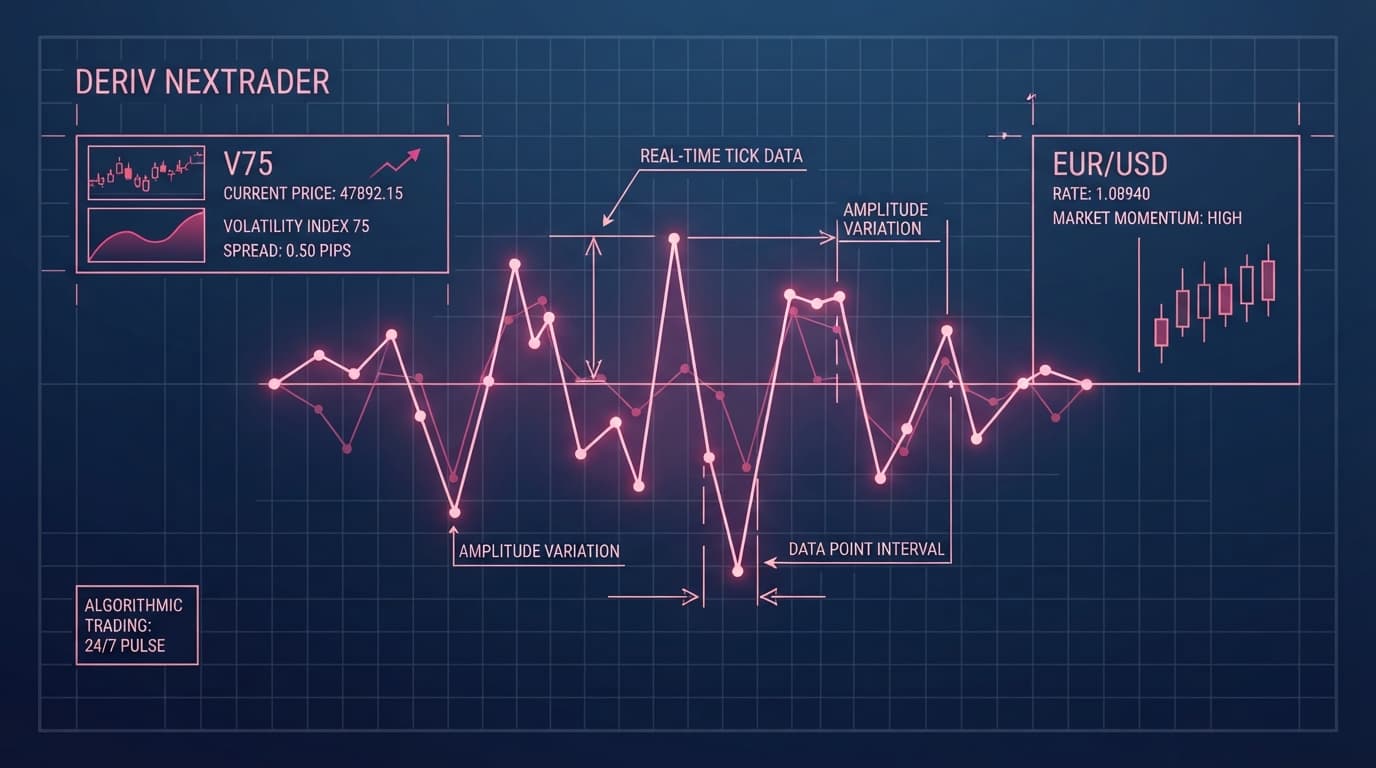
The simple answer is that synthetic markets do not possess institutional liquidity pools, centralized clearing houses, or order books. Because synthetic assets are generated continuously by audited cryptographic algorithms rather than interbank currency exchanges, true transactional volume does not exist. However, these markets produce constant, real-time tick streams that function as algorithmic tick density on NexTrader Charts (NexTrader Charts).
By learning to convert raw price ticks into structured momentum metrics, you can transform empty volume panes into actionable signals across 24/7 synthetic indices. Using NexTrader Charts (NexTrader Charts) built specifically for high-speed price streams gives you a distinct advantage when filtering false breakouts and timing high-probability entries.
What This Fixes
Configuring technical indicators for Deriv synthetic markets requires replacing cash volume calculations with tick density metrics on NexTrader Charts:
Analyze Deriv Markets Free
Pro-grade Deriv charts with 100+ indicators — RSI, MACD, Bollinger, Ichimoku. Synthetic indices, forex & crypto.
- 100+ Indicators
- Price Alerts
- All Timeframes
- Free Forever
- Volume Histogram Mapping: Replaces flat or missing cash volume lines with live cryptographic tick counts updated via WebSocket API.
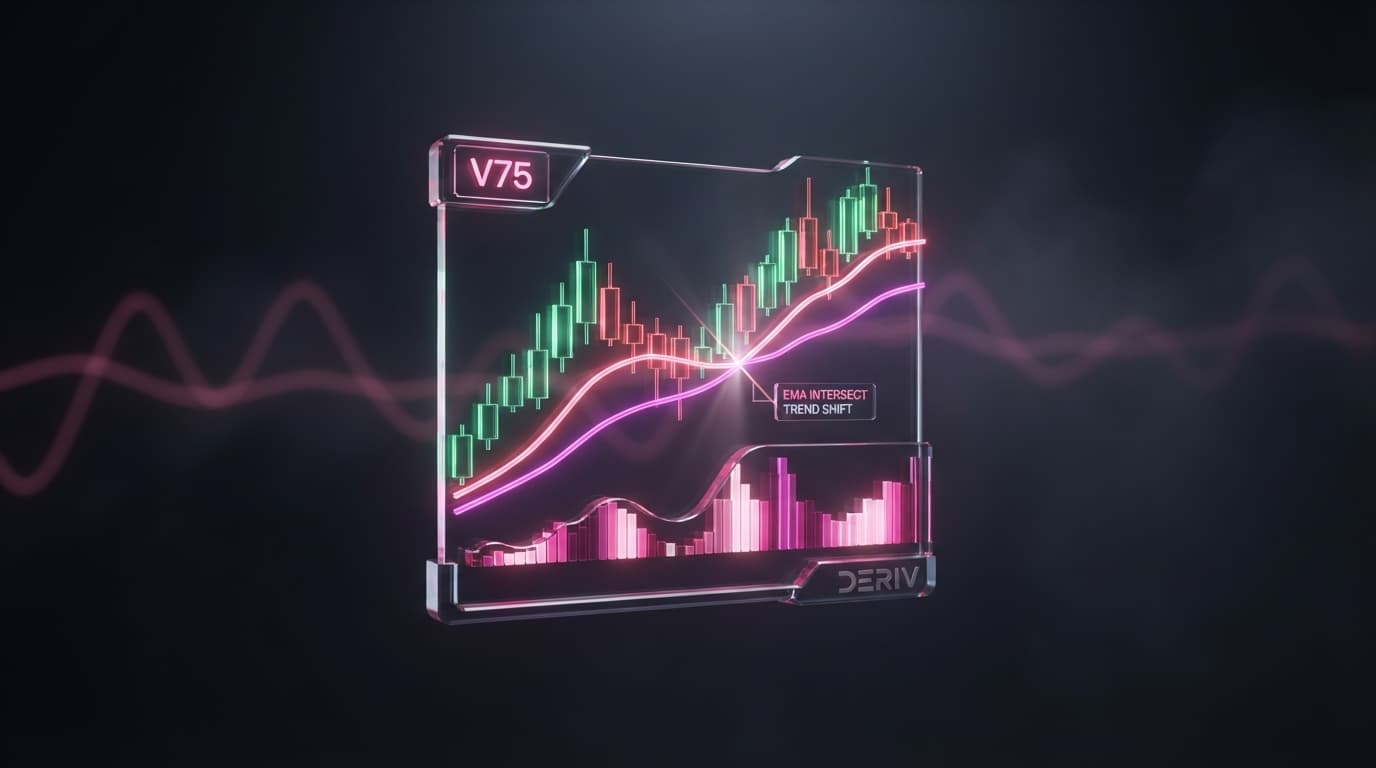
- Noise Reduction: Converts raw price updates into measurable momentum baselines using a 20-period Simple Moving Average (SMA).
- Breakout Filtering: Replaces subjective guessing on Volatility 75 (V75) or Volatility 75 (1s) Index (1Hz) with quantified tick acceleration thresholds.
Quick Setup Check
Before applying tick density strategies, ensure your environment is configured correctly:
- Charting Environment: An active browser tab open to NexTrader Charts (NexTrader Charts).
- Target Instrument: Volatility 75 Index (V75), Volatility 75 (1s) Index (1Hz), Boom 1000 Index, or Crash 500 Index.
- Chart Timeframe: Set to 1-minute (1m) or 5-minute (5m) for precision tick-frequency profiling.
- Workspace: A clean, uncluttered chart layout ready for indicator customization.
Fix 1: Distinguish Centralized Order Books from Cryptographic Tick Streams
Symptom
When you load standard volume tools onto a synthetic index chart, the lower indicator pane appears completely empty, displays uniform vertical lines, or fluctuates without any logical correlation to price movement.
Why It Happens
Centralized financial markets—such as spot forex, equities, or futures—track transactional volume by summing up contract purchases and sales passing through a central matching engine. Synthetic indices provided by Deriv operate on cryptographic random number generators (RNGs) backed by verifiable algorithms. Because no financial assets are physically bought or sold, traditional order-flow depth (DOM) and contract-based volume counters cannot record transactional activity.
Exactly What to Change
Instead of searching for cash volume, refocus your deriv chart analysis on price update density per candle. On synthetic markets, the frequency of price updates per second serves as the equivalent of volume. When an engine experiences increased volatility or moves aggressively through structural price zones, it streams a higher density of price ticks within a given candle.
By analyzing the number of cryptographic ticks arriving every minute, you measure the real-time speed of the underlying algorithm. Higher tick frequency translates directly to increased momentum, giving price-action traders a quantifiable metric to evaluate market expansion.
Fix 2: Enable and Configure the Volume Histogram on NexTrader Charts
Symptom
Your price chart displays bare candlesticks without any lower pane indicator to track tick frequency, leaving you blind to changes in algorithmic pacing on 1m and 5m charts.
Why It Happens
Many default charting platforms disable tick volume calculation for non-standard assets or require complex manual adjustments to map tick updates to a visual histogram.
Exactly What to Change
You can enable real-time tick volume calculation directly on NexTrader Charts without needing paid subscriptions or external plugins:
- Launch NexTrader Charts at NexTrader Charts.
- Select your target synthetic instrument from the asset menu (e.g., Volatility 75 Index or Volatility 75 (1s) Index).
- Set your timeframe to either 1-minute (1m) or 5-minute (5m).
- Click on the indicator menu—which gives you access to over 100+ technical indicators—and search for Volume.
- Select the Volume tool to attach the histogram to the bottom pane of your chart layout.
Because NexTrader Charts connects directly to Deriv's high-speed WebSocket API, every price tick received from the broker updates the volume histogram bar instantaneously. Each bar on the histogram now represents the precise count of cryptographic price updates that occurred during that specific timeframe bar.
Fix 3: Use Technical Analysis to Isolate Volatility Spikes (V75 & 1Hz)
Symptom
Raw tick volume histogram bars move up and down constantly, making it difficult to distinguish normal background noise from actual momentum acceleration on Volatility 75 Index or Volatility 75 (1s) Index.
Why It Happens
Synthetic indices stream ticks continuously 24 hours a day, 7 days a week. Without a moving baseline, comparing the height of one 1-minute volume bar to another requires constant manual estimation, leading to hesitation during fast market conditions.
Exactly What to Change
To establish an objective baseline for momentum, overlay a 20-period Simple Moving Average (SMA) directly onto your tick volume histogram inside NexTrader Charts:
- In the volume indicator settings on NexTrader Charts, open the inputs tab and enable the Volume MA option.
- Set the Volume MA length to 20 periods and select Simple Moving Average (SMA).
- Style the SMA line with a high-visibility color (e.g., bright yellow or white) so it stands out against the histogram bars.
Once configured, establish a concrete analysis threshold for your technical analysis:
- User-Defined Tick Acceleration Threshold: Set a rule where a tick volume bar exceeding 2.0x the 20-period Moving Average on a 1-minute chart indicates active algorithmic tick acceleration.
When price approaches a key level and the 1-minute volume bar expands to more than twice the height of the 20 SMA line, you can interpret this as a key threshold for increased cryptographic tick delivery rate. If price breaks out on low tick volume (below the 20 SMA baseline), the movement is less backed by tick density and carries higher risk of failing as a fakeout.
Fix 4: Map Algorithmic Tick Density to Boom/Crash Pre-Spike Phases
Symptom
You monitor Boom 1000 Index or Crash 500 Index for price spikes, but fail to evaluate tick delivery rates prior to the spike sequence.
Why It Happens
Boom and Crash instruments are programmed to generate periodic single-tick price spikes against a continuous series of small counter-trend ticks. Because traders expect abrupt price jumps, they often overlook how tick frequency and density compress or expand immediately preceding these algorithmic spikes.
Exactly What to Change
To analyze whether synthetic volume insights apply to Boom and Crash markets, inspect tick density behavior during the accumulation phase prior to a spike on NexTrader Charts:
- Select Boom 1000 Index or Crash 500 Index on NexTrader Charts (NexTrader Charts).
- Switch the chart timeframe to 1-minute (1m) and load the Volume indicator with a 20-period SMA overlay.
- Observe tick volume histogram bars during the quiet price drift phase. Pre-spike consolidation typically shows tick density compressing well below the 20-period SMA baseline.
- Watch for tick density expansion. Before or during explosive spike sequences, tick frequency per candle increases, pushing the volume histogram bar toward or above the 20 SMA line. This confirms that increased tick density accompanies algorithmic price surges.
Keeping It Stable
To maintain consistent results when reading tick volume across synthetic assets, stick to this operational checklist:
- Maintain Strict Timeframes: Evaluate your 2.0x tick density threshold on 1m and 5m timeframes. Higher timeframes (like 1-hour or 4-hour) aggregate tens of thousands of ticks, smoothing out short-term algorithmic surges.
- Save Layout Templates: Avoid recreating your indicator settings manually. Save your volume baseline layout as a custom template on NexTrader Charts (NexTrader Charts) so it loads instantly across all synthetic instruments.
- Log Your Charts: Use the screenshot tool built into NexTrader Charts to capture setup instances and track your tick acceleration thresholds over time.
Start Now
Understanding that synthetic indices offer high-speed cryptographic tick frequency rather than traditional cash order books allows you to trade 24/7 synthetic markets with complete clarity.
- Launch NexTrader Charts at NexTrader Charts to set up your 100% free charting workstation.
- Load Volatility 75 Index or Boom 1000 Index on a 1-minute timeframe, add the Volume indicator, and overlay a 20-period SMA.
- Save your layout template, capture clean chart analysis screenshots, and create a free account at Sign Up Free — Nextrader to access the complete ecosystem of free tools.
- Join thousands of synthetic index traders in our active Telegram community at Telegram to share setups, discuss market conditions, and refine your trading strategies.
Trading involves risk. Past performance does not guarantee future results.