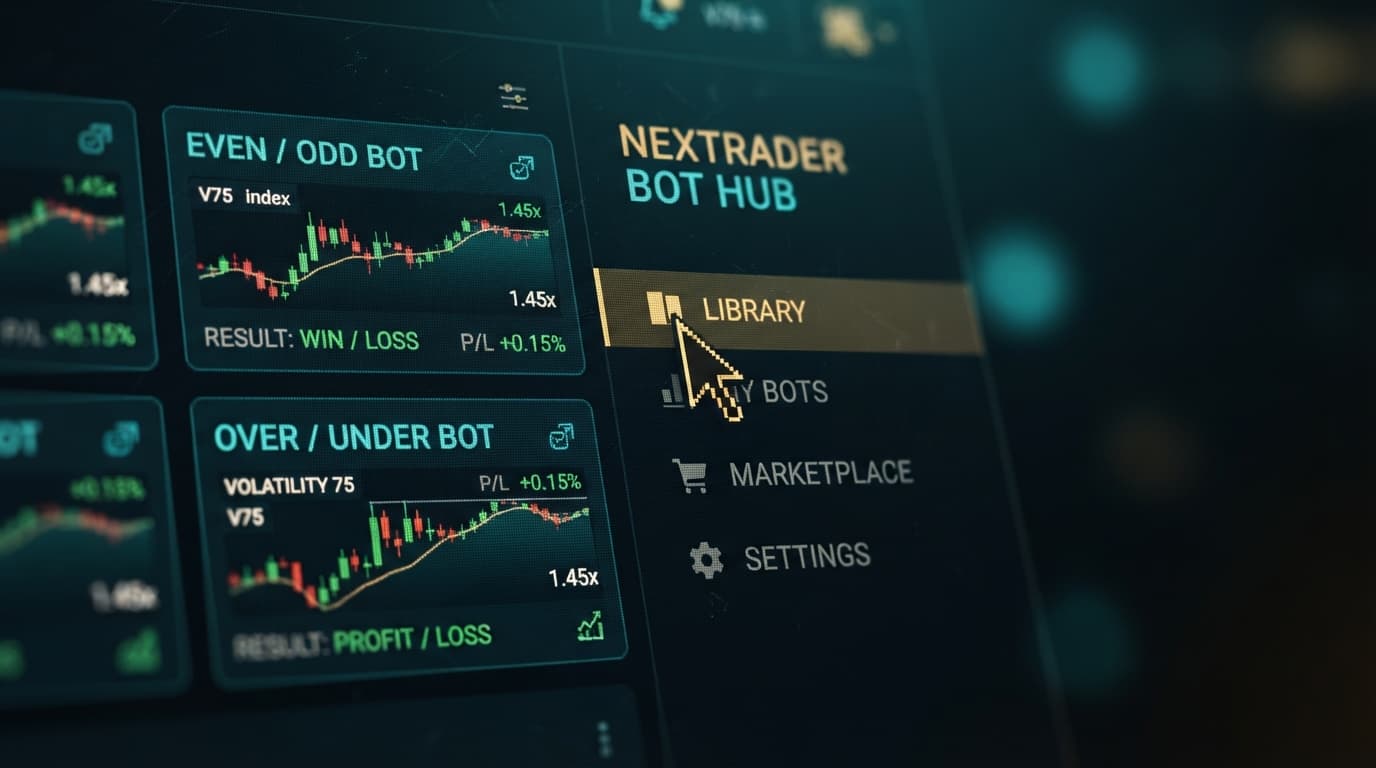
Step-by-Step Guide to Choosing and Loading Free Even/Odd vs Over/Under Digit Bots on NexTrader Bot Hub
Digit contracts on synthetic indices like Volatility 75 (V75) or Volatility 100 (1s) Index trade strictly on the final digit of the underlying asset's tick price. Because ticks update every second or every single tick generation, manual execution often introduces latency that ruins entry pricing. Deploying a dedicated deriv bot eliminates execution lag by listening directly to raw market ticks over WebSocket protocols and submitting order payloads instantaneously.
When building an automated execution plan on NexTrader Bot Hub, digit strategies fall primarily into two popular mathematical formats: Even/Odd and Over/Under. Even/Odd contracts wager on whether the final tick digit ends in an even number (0, 2, 4, 6, 8) or an odd number (1, 3, 5, 7, 9), offering roughly a 50/50 statistical distribution. Over/Under contracts allow you to set a specific threshold digit, such as prediction digit 2 for Over contracts (winning on digits 3 through 9) or prediction digit 8 for Under contracts (winning on digits 0 through 7).
Selecting the optimal strategy inside a free deriv bot environment requires matching your risk tolerance to the contract speed and mathematical payout structure. The NexTrader library houses over 747 ready-to-run binary bots categorized by contract mechanics, execution speed, and trigger logic. Understanding how to compare, select, and run these configurations directly from the browser ensures your trading capital is managed efficiently without writing a single line of code.
Load a Free Deriv Bot in One Click
Browse 747+ ready-to-run Deriv bots — Rise/Fall, Over/Under, Even/Odd, Match/Differ. No coding, free forever.
- 747+ Free Bots
- One-Click Load
- Rise/Fall & Digits
- Demo or Real
The 60-Second Version
- Retrieve a Read/Trade API token from your Deriv account settings and save it inside NexTrader Bot Hub.
- Filter the Bot Hub library using the Even/Odd or Over/Under category tags.
- Compare strategy metrics across named bots like Even Comet, Odd Bolt, Over 2 Blaze, or Under 8 Flash based on speed and win rates.
- Click "Load Bot" to automatically populate the 48-block execution workspace in one click.
- Set your initial stake, Take Profit, and Stop Loss parameters on a demo account, then press the Run button.
Before You Begin
Before running any deriv trading bot, your execution environment must meet three basic setup conditions:
- Deriv Account Access: You need an active Deriv account with access to synthetic indices. If you do not have an account yet, create one via Sign Up Free — Nextrader.
- API Token with Correct Scope: Log into your Deriv account settings, navigate to API Token management, create a new token with both "Read" and "Trade" scopes checked, and copy the string.
- Dedicated Demo Balance: Verify that your virtual demo account balance displays funds. Testing binary bots on demo equity is mandatory before switching the platform toggle to live execution.
- Web Browser Access: Open NexTrader Bot in a modern desktop browser (Chrome, Firefox, or Edge recommended for low latency WebSocket handling).
The Walkthrough
Step 1: Connect Your Deriv API Token to NexTrader
Navigate to NexTrader Bot and locate the token input bar at the top of the interface. Paste your Deriv API token into the prompt and click the connect button to establish a persistent WebSocket connection directly to Deriv's servers.
Once authenticated, the dashboard interface updates to display your real-time account balance, currency type, and account identifier. Verify that the account toggle reflects your demo account balance rather than real funds. If your balance does not appear immediately, refresh your API token scope in your Deriv settings to confirm that "Read" rights were properly assigned during token generation.
Step 2: Navigate the Bot Hub and Filter Digit Categories
Open the Bot Hub panel to view the library of 747+ ready-to-run strategies. The platform organizes these scripts using strategy tags, usage counters, execution speeds, and performance badges like Trending, Hot, or Most-Used.
Locate the contract filter controls and select the digit category you want to evaluate:
- For Even/Odd strategies, look for named configurations such as Even Comet or Odd Bolt. These algorithms evaluate digit frequencies and run 1-Tick or 1-Tick Turbo speeds.
- For Over/Under strategies, search for configurations like Over 2 Blaze or Under 8 Flash. These algorithms target offset probabilities where the win rate per trade is mathematically higher, offset by lower payout multipliers.
Review the usage counter badge on each card. High-usage metrics generally indicate robust underlying logic built into the bot's ~48 pre-configured visual logic blocks.
Step 3: Compare Even/Odd vs Over/Under Digit Dynamics
Before loading a strategy into the active canvas, evaluate the core differences between the two digit models to determine which fits your account capitalization:
| Feature | Even/Odd Bots | Over/Under Bots |
|---|---|---|
| Win Probability | ~50.0% | Variable (~70%+) |
| Average Payout | ~95% - 96% | ~35% - 42% (e.g. O2) |
| Streaks Risk | Moderate | Lower loss frequency |
| Speed Tiers | 1-Tick, 1-Tick Turbo | 1-Tick, 1-Tick Turbo |
Even/Odd bots rely on near-equal distribution outcomes. Because the payout sits close to 95%, recovery sequences like standard Martingale multipliers (e.g., 2.1x) require fewer winning trades to reclaim drawdowns, but consecutive loss streaks can happen suddenly during directional tick runs.
Over/Under bots set asymmetrical entry conditions. An Over 2 strategy wins whenever the final digit is 3, 4, 5, 6, 7, 8, or 9 (7 out of 10 outcomes). The higher win rate results in smoother equity curves, but the payout drops to around 38-42%. As a result, recovery block logic inside the bot must adjust its stake multiplier higher (e.g., 3.2x to 3.5x) to recover losses from rare bad digits (0, 1, 2).
Step 4: Load, Adjust Risk Parameters, and Execute
Click the "Load Bot" button on your selected bot card (for example, Over 2 Blaze). The Bot Hub immediately transfers all ~48 execution blocks into your workspace workspace without requiring manual XML uploads.
Locate the strategy variable blocks in the main editor window and customize these four mandatory fields:
- Initial Stake: Set your starting trade amount (e.g., $1.00). Keep initial stakes under 1% to 2% of your overall account balance.
- Take Profit Target: Define your daily profit limit (e.g., $10.00). The bot will automatically halt execution once total session net gains reach this threshold.
- Stop Loss Limit: Set a hard loss threshold (e.g., $25.00) to protect your account against extended adverse statistical runs.
- Prediction Digit: For Over/Under bots, double-check the barrier digit setting inside the contract parameters block (e.g., set to 2 for Over 2, or 8 for Under 8).
Click the green Run button at the top of the interface. The trade log sidebar will display incoming market ticks, spot price values, extracted last digits, and trade confirmation receipts live from the Deriv API.
What Can Go Wrong
1. API Token Missing Trade Authorization Scope
If you paste a token generated with only "Read" permissions, the bot interface will connect and show your balance, but clicking the Run button returns an authorization error when submitting trades.
The Fix: Return to your Deriv account settings, revoke the old token, and generate a new token with both "Read" and "Trade" checkboxes explicitly marked before reconnecting to NexTrader.
2. Rapid Drawdown on 1-Tick Turbo Speed Scripts
1-Tick Turbo bots execute trades instantly upon tick reception without artificial waiting delays. When running a Martingale multiplier sequence during a persistent losing run, your demo account balance can drop rapidly within seconds.
The Fix: When starting with 1-Tick Turbo speed configurations, reduce your base stake to the minimum contract amount ($0.35 - $0.50) and enforce strict max-consecutive-loss caps inside the logic blocks.
3. Payout Mismatch Expectations on Over/Under Contracts
Traders migrating from Rise/Fall or Even/Odd often get surprised when winning an Over 2 contract only returns ~$0.38 on a $1.00 stake.
The Fix: Understand that lower prediction barriers trade absolute payout size for probability of occurrence. Calculate your maximum drawdown allowance based on the bot's recovery multiplier rather than individual payout percentages.
Start Now
You now have complete access to automated trading tools designed specifically for Deriv synthetic indices without monthly software fees or hidden costs. Explore over 747 ready-to-use scripts, test execution speeds across multiple tick frequencies, and refine your risk management parameters entirely risk-free on virtual balances.
Launch the execution interface today at NexTrader Bot to choose and load your next digit trading setup. Need to create a trading account first? Register directly at Sign Up Free — Nextrader. To connect with thousands of active index traders, ask technical questions, and share custom block ideas, join the official Telegram community at Telegram.
Trading involves risk. Past performance does not guarantee future results.