Step-by-Step Guide to Importing and Executing Legacy BinaryBot XML Files on the NexTrader Free Bot Workspace for Deriv Trading
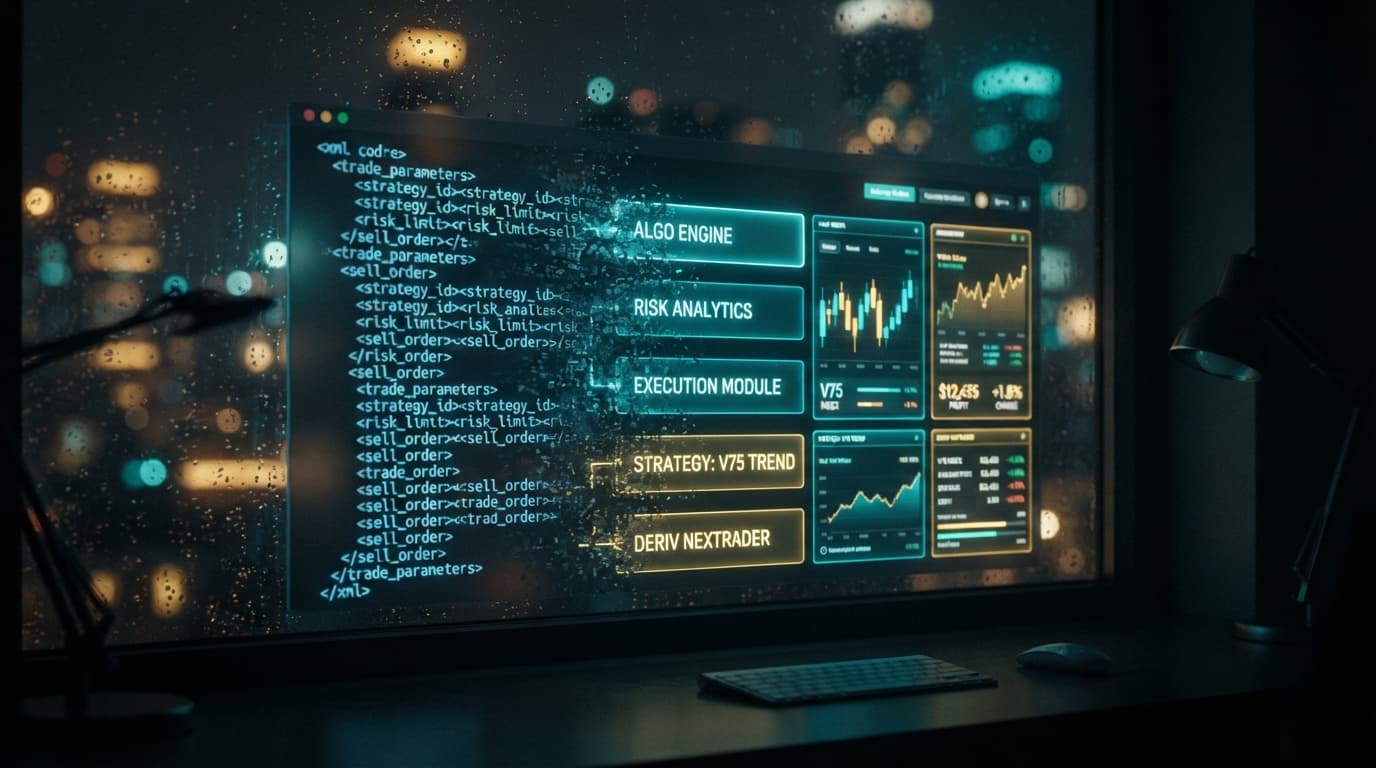
Legacy XML scripts built for classic binary trading platforms remain staple tools for algorithmic Deriv traders. Many traders spent years refining block logic, custom indicators, and money management rules stored inside standard XML files. Importing those exact rules into a high-speed execution platform keeps your proven strategies alive without requiring you to write code from scratch.
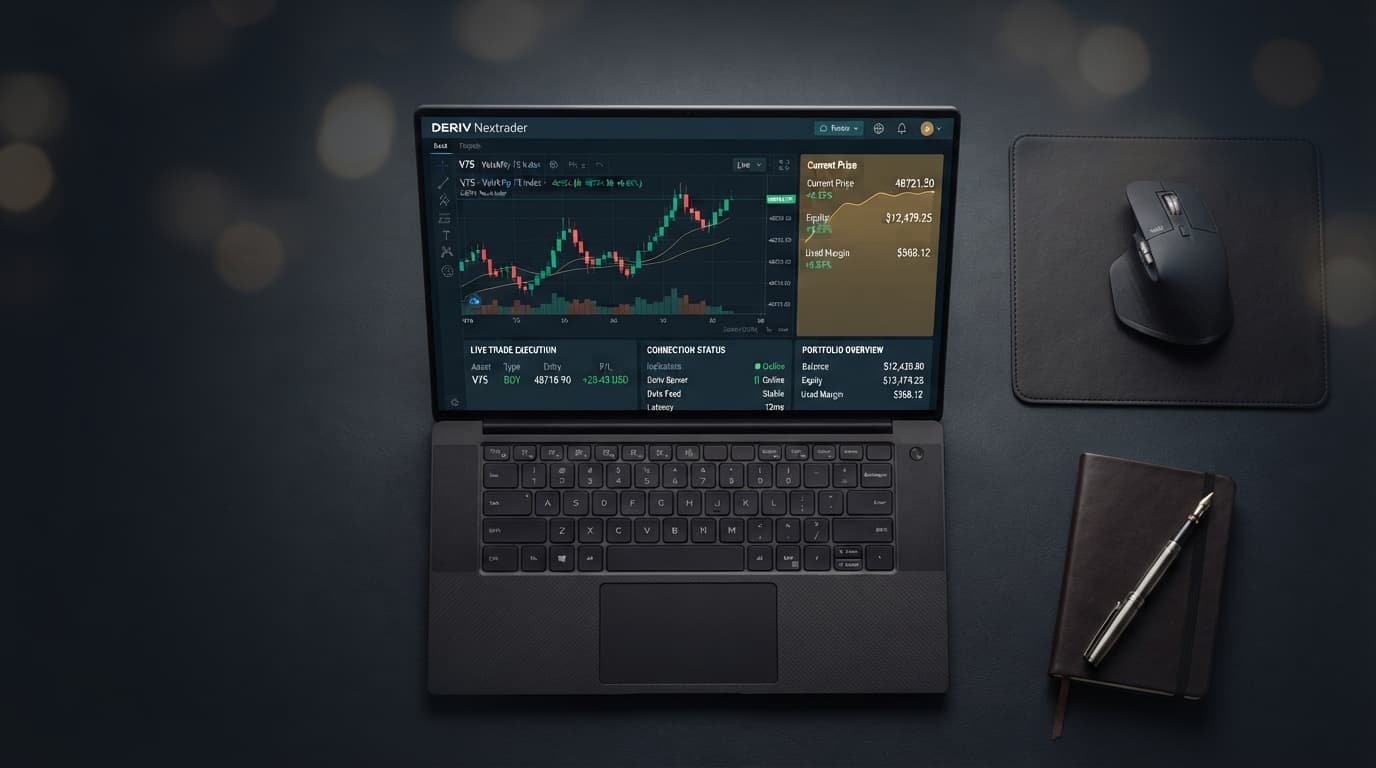
The NexTrader workspace offers a dedicated environment designed to process traditional XML structures while giving you access to real-time WebSocket connectivity. Built specifically for Deriv synthetic indices, forex, and commodities, the platform translates legacy block setups into precise execution triggers. You retain complete visibility over your trade parameters, martingale sequences, and contractual conditions on a modern interface.
Working with a free deriv bot engine lets you test legacy setups on demo funds before exposing real capital to automated market conditions. Transitioning your existing files into the NexTrader system takes less than a minute once your API connection is established. This guide demonstrates how to load, audit, and launch your custom binary bots without execution errors.
The 60-Second Version
- Navigate to NexTrader Bot and input your Deriv API token to link your account.
- Click the Import XML button located on the top workspace toolbar.
- Select your legacy
.xmlbinary bot file from your device storage. - Audit the visual blocks on the canvas to confirm market asset, contract type, stake, and stop-loss settings.
- Press the green Run button to initiate live execution via the low-latency WebSocket connection.
Before You Begin
Running an external script requires a few basic credentials and file assets prepared in advance. Setting these up beforehand guarantees smooth execution without runtime interruptions:
Load a Free Deriv Bot in One Click
Browse 747+ ready-to-run Deriv bots — Rise/Fall, Over/Under, Even/Odd, Match/Differ. No coding, free forever.
- 747+ Free Bots
- One-Click Load
- Rise/Fall & Digits
- Demo or Real
- An Active Deriv Account: You need an account ready for trading synthetic indices like Volatility 75 (V75), Volatility 100, or Volatility 10 (1s). If you do not have an active account yet, create one at Sign Up Free — Nextrader to access both demo and real trading balances.
- A Deriv API Token: Generate an API token inside your Deriv account settings. Ensure you grant both Read and Trade scope permissions when generating the token string. Without Trade permissions, the workspace cannot submit orders on your behalf.
- A Valid BinaryBot XML File: Make sure your
.xmlfile was exported from a standard visual block environment. The file should contain complete logic blocks including trade definition, contract selection, purchase condition, and post-trade restart rules. - A Demo Account Balance: When testing an imported XML script for the first time, always select your Virtual/Demo account balance to verify martingale multipliers and contract behaviors before switching to real money.
The Walkthrough
Step 1: Connect Your Workspace to Deriv via API
Launch your browser and go straight to NexTrader Bot. The platform loads a full block-building canvas alongside real-time account status panels. Locate the API Token field near the header bar.
Paste your generated token into the prompt box and click connect. The NexTrader environment uses direct WebSocket connections to communicate with Deriv servers, avoiding slow intermediary servers. Once connected, your account balance updates instantly, showing either your virtual demo funds or live account funds. Use the account selector toggle on the dashboard to ensure you are operating in Demo mode for your initial testing session.
Step 2: Import Your Legacy BinaryBot XML File
Click the file upload button on the workspace control bar. A system dialog box will prompt you to choose a file from your computer or mobile storage.
Select your targeted .xml file. The NexTrader workspace parses the XML code instantly, laying out around 48 individual visual logic blocks across the canvas editor. These blocks structure your trading bot into distinct operational steps: initial market settings, entry triggers, execution rules, and post-trade logic. The visual workspace reflects your file's structural blueprint, giving you full visual confirmation that all conditional branches loaded properly.
Step 3: Audit Parameters and Risk Logic
Never run an imported deriv trading bot without reviewing its underlying configuration parameters first. Legacy files often retain outdated default stakes or aggressive martingale multipliers configured during past trading sessions.
Inspect Block 1 (Trade Parameters) to verify the target market asset, such as Volatility 75 Index or Volatility 25 (1s) Index. Confirm contract durations, whether set to 1-Tick Turbo, 5 Ticks, or multi-minute candles. Check Block 2 (Purchase Conditions) to confirm whether your script triggers on Rise/Fall, Over/Under, Even/Odd, or Match/Differ outcomes. Finally, inspect the money management sub-routine to confirm your base stake, target profit ceiling, and hard stop-loss threshold. Adjust these variables directly on the canvas to suit your target risk balance.
Step 4: Execute and Monitor Performance Live
With your logic verified and account set to demo, click the bright green Run button on the lower left execution panel. The engine immediately begins listening to live tick streams transmitted via the WebSocket API.
Watch the live dashboard as trades trigger based on your defined conditions. The activity logger displays contract entry price, tick progression, exit pricing, and immediate payout calculations. If your imported strategy relies on tick-by-tick triggers like 1-Tick Turbo execution, you will see trade entries resolve almost instantaneously. Monitor the trade log for several contract cycles to ensure that loss-recovery multipliers and win triggers calculate exactly as designed. Once satisfied with the results on demo, you can pause execution using the red Stop button before switching over to real account trading.
What Can Go Wrong
1. "Invalid API Token" or Trade Rejection Errors
This error occurs when the workspace attempts to place a contract but receives an authorization refusal from Deriv servers. In almost every case, this means the API token was generated without checking the Trade permission box inside your Deriv account settings, or the token string was copied with missing trailing characters.
To resolve this, navigate back to your Deriv security settings, delete the existing token, and generate a new token string. Ensure both Read and Trade checkboxes are explicitly marked before creating the token. Copy the full string directly to your clipboard and re-paste it into NexTrader Bot.
2. Broken Blocks or Unhandled XML Parsing Exceptions
If your imported file shows incomplete visual blocks, missing connectors, or throws an unhandled XML error upon upload, the file structure may be corrupted or created using non-standard custom JavaScript extensions not native to standard binary bots block formats.
To fix this issue, open your .xml file in a text editor to confirm it begins with standard <xml xmlns="http://www.w3.org/1999/xhtml"> tags. If the file is corrupted beyond repair, consider rebuilding the core visual logic using one of the 747+ pre-built automated scripts available directly in the NexTrader Bot Hub. Popular pre-configured templates like Rise Rocket, Fall Falcon, or Even Comet provide clean, error-free foundations that perform the exact same trade functions natively.
3. Execution Lags or Double-Order Execution
Experiencing delayed trade entries or unintentional duplicate contract purchases usually happens when a user keeps the workspace open across multiple browser tabs while using the same API token. Having duplicate active tabs causes concurrent WebSocket listeners to compete for trade execution signals.
Ensure you have only one active workspace window open at NexTrader Bot. If you suspect network congestion, clear your browser cache, refresh the page, and reconnect your token string. This re-establishes a clean, single-channel WebSocket connection to maintain minimum execution latency on tick-based strategies.
Start Now
Importing legacy XML files onto the NexTrader platform combines your custom strategy logic with high-speed, direct WebSocket execution. You maintain absolute control over every parameter, from initial stake sizing to automated stop-loss thresholds.
Test your legacy scripts risk-free today on the official workspace at NexTrader Bot. If you need to create a fresh Deriv trading account or set up your virtual balance, register directly at Sign Up Free — Nextrader or manage your account via Nextrader App. Join hundreds of active algorithmic traders inside our Telegram community at Telegram to share block strategies, request custom logic, and stay updated on platform tools.
Trading involves risk. Past performance does not guarantee future results.