Filtering and Deploying Free Candle-Based Deriv Bots for Volatility 75 Using NexTrader Hot Badges
Volatility 75 (V75) remains one of the most traded synthetic indices on Deriv due to its continuous round-the-clock movement and distinct technical price patterns. Trading V75 manually requires constant chart monitoring, which often leads to emotional execution mistakes, missed entries, and poor risk control. Automating your entry rules using a specialized deriv bot removes emotional bias while ensuring trades execute the exact millisecond a price pattern confirms.
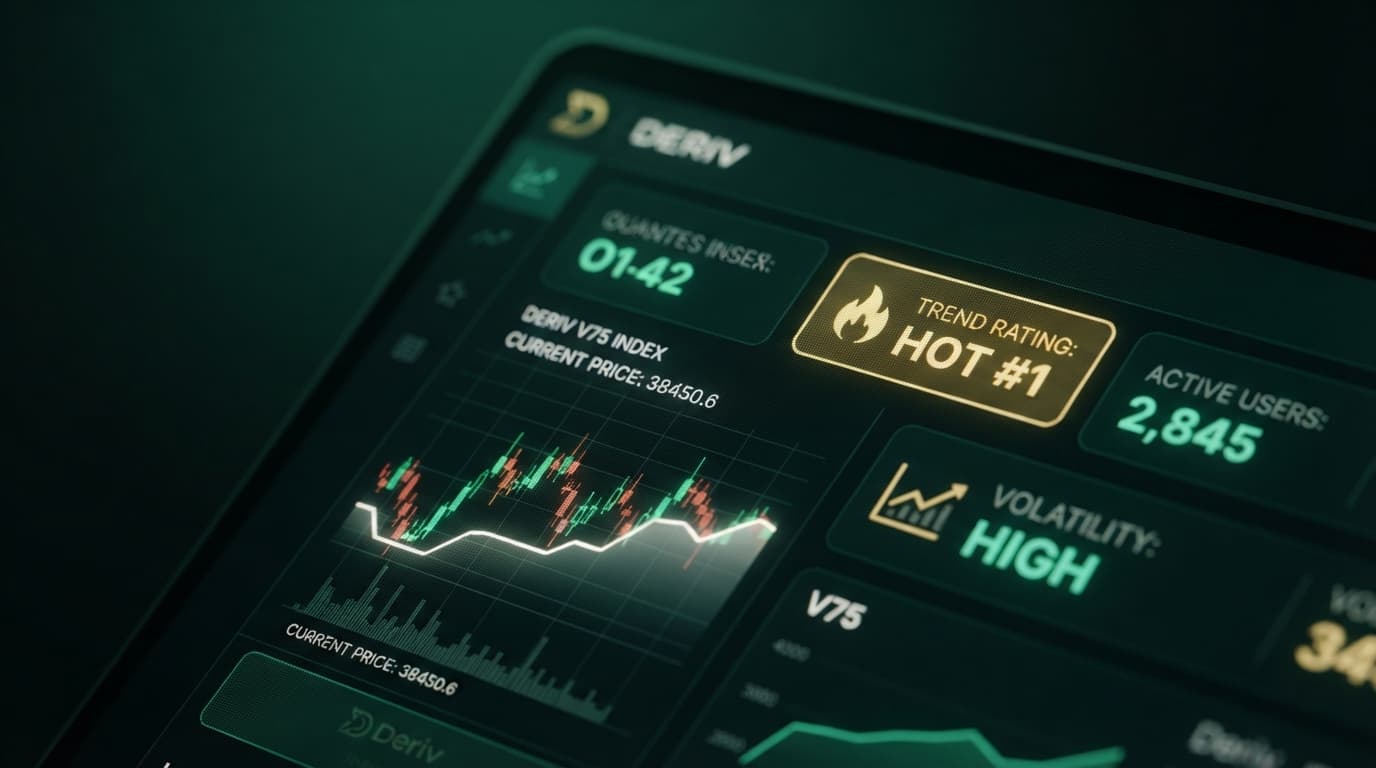
Finding a reliable strategy out of hundreds of automated choices can feel challenging when configuring automated trading systems. The NexTrader platform solves this selection problem by aggregating live community telemetry directly inside the interface. By analyzing real-time usage counters alongside Hot and Trending badges, traders instantly spot which candle-based setups are actively being deployed across the ecosystem.
Candle-based strategies represent a distinct category within binary bots, focusing on open, high, low, and close price values across defined timeframes rather than single-tick noise. Combining candle pattern recognition on V75 with community usage metrics provides a structured framework for filtering, inspecting, and launching automated strategies. This tutorial details how to evaluate high-activity tools, inspect their internal logic, and run a free deriv bot safely on your account.
Load a Free Deriv Bot in One Click
Browse 747+ ready-to-run Deriv bots — Rise/Fall, Over/Under, Even/Odd, Match/Differ. No coding, free forever.
- 747+ Free Bots
- One-Click Load
- Rise/Fall & Digits
- Demo or Real
The 60-Second Version
- Open NexTrader Bot and connect your Deriv API token to initialize your demo or real balance.
- Navigate to the Bot Hub, set the market filter to Volatility 75, and select "Candle" under contract logic.
- Sort the strategy list by usage counters and identify items displaying "Hot" or "Trending" badges.
- Select a free deriv bot to load its ~48 visual logic blocks into your workspace with a single click.
- Set your base stake, target profit, and stop loss on your demo balance, then click Run to begin automated trading.
Before You Begin
Executing automated strategies on synthetic indices requires proper credentials and balance allocation before launching a live session.
Your Deriv trading account must be active and accessible. You need to generate a dedicated API token directly within your Deriv account security settings. Ensure you check both the "Read" and "Trade" scope boxes when creating this token; otherwise, the automation engine will connect to your account feed but fail when sending execution orders to the broker.
A clean workspace environment is accessible by navigating to NexTrader Bot in any modern browser. No local software installation or python coding knowledge is required because the execution engine runs entirely on WebSockets inside your web browser.
Proper capital management demands allocating an adequate balance for Volatility 75. Because V75 experiences swift price shifts, your account balance must easily absorb consecutive drawdowns without triggering early margin stops or balance exhaustion. Always verify your account mode is toggled to Demo before deploying new algorithms.
The Walkthrough
Step 1: Connect your Deriv API token to NexTrader Bot
Navigate your browser to NexTrader Bot to access the platform layout. Locate the account connection panel at the top header of the screen.
Paste your generated Deriv API token into the token input field and click the connect button. The system establishes a WebSocket connection directly with Deriv's servers without passing your credentials through secondary servers. Within two seconds, your current account balance, account ID, and currency display in the upper workspace panel. Use the built-in account switcher to confirm you are operating on your Demo balance before proceeding to strategy selection.
Step 2: Filter the Bot Hub for Volatility 75 candle strategies
Click on the Bot Hub tab to view the searchable repository of over 747 automated tools. The library contains strategies grouped across contract mechanics including Rise/Fall, Over/Under, Even/Odd, and Match/Differ, as well as operational drivers like Tick, Indicator, and Candle logic.
Select "Volatility 75 Index" from the market dropdown menu to isolate strategies tailored to V75 price mechanics. Next, filter the strategy category by selecting "Candle" from the logic filters. Candle-based bots analyze full candlestick bars—such as 1-minute or 5-minute price structures—looking for specific formations like engulfing patterns, consecutive color closes, or breakout retests before taking a position. This eliminates tick-level market noise and aligns automated execution with traditional chart patterns.
Step 3: Evaluate usage counters, Hot badges, and block structures
Examine the filtered list of strategies returned by the Bot Hub. Each card displays key performance and telemetry metrics, including total community execution runs, success metrics, and live status tags.
Look specifically for bots marked with "Hot" or "Trending" badges. A "Hot" badge indicates a high volume of active deployments across the trader network over the preceding 24 hours, while a "Trending" badge points to rapid adoption among active users. Compare the numerical usage counters beneath each title; higher execution numbers demonstrate that a specific free deriv bot strategy has passed extensive community evaluation.
Click on a top-ranked candle strategy, such as a V75 Candle Momentum or Breakout system. Clicking the bot automatically imports its ~48 pre-built logic blocks into your editor workspace. Take a minute to visually review these blocks:
- Trade Definition Block: Confirms the index is locked to Volatility 75 and verifies the candle timeframe (e.g., 60-second candles).
- Strategy Logic Block: Displays the conditional checks, such as evaluating if
Candle(1) Close > Candle(1) Openbefore issuing a Rise order. - Risk Management Block: Sets the base stake, target profit, stop loss, and martingale recovery multipliers.
Step 4: Configure risk parameters and launch execution
Before starting execution, adjust the visual parameter blocks to reflect your risk threshold. Locate the Variable Initialization block near the top of the visual canvas.
Set your Base Stake to a value representing no more than 1% to 2% of your total account balance. For instance, on a $1,000 demo account, enter a base stake of $10. Update the Target Profit block to a realistic figure, such as $50 (5% account gain), and set the Stop Loss block to $100 (10% max account loss). Setting strict boundaries inside the visual blocks ensures the deriv trading bot halts execution automatically the moment either parameter is hit.
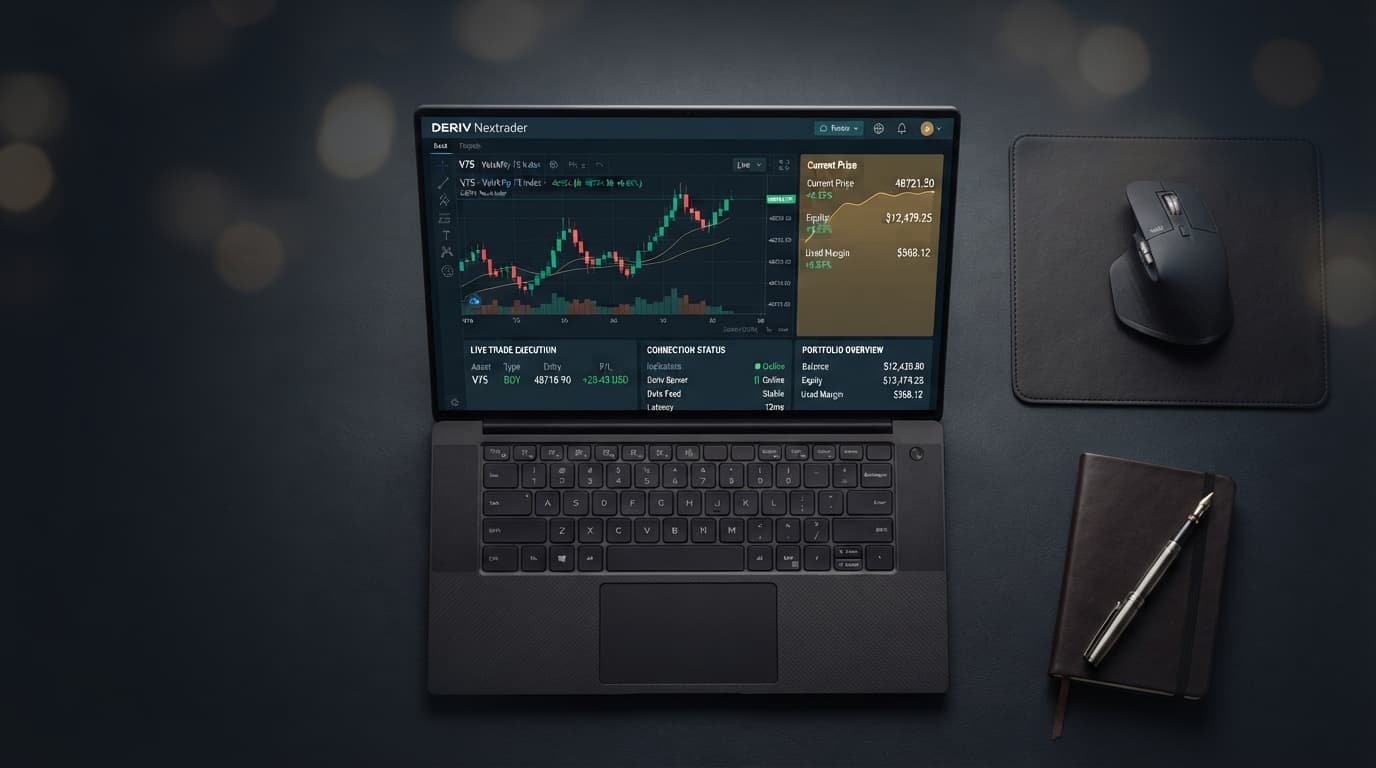
Click the green "Run" button in the upper control bar. The workspace transitions into active execution mode, bringing up a live trading dashboard. The engine reads real-time V75 candlestick data over the WebSocket connection, evaluates the pattern conditions, and executes trades directly on your account. Monitor the live log window to track order IDs, entry spot prices, contract purchase times, and profit/loss outcomes bar by bar.
What Can Go Wrong
Token permission errors prevent trade execution
Traders occasionally link an API token that only contains "Read" permissions. When the bot identifies a candle setup and attempts to open a trade, the system generates an authorization error in the execution log.
Fix: Return to your Deriv account security menu, delete the existing token, and generate a new token ensuring both "Read" and "Trade" permission boxes are checked. Re-paste the new token into NexTrader Bot.
Inappropriate stake sizing for high-volatility indices
Volatility 75 features significant price movement. If your visual block parameters use aggressive martingale multipliers or initial stakes that are too large relative to your balance, a brief string of opposing candle patterns can exhaust your account margin.
Fix: Open the visual parameter blocks before clicking Run. Reduce the stake multiplier (e.g., lower it from 2.0x to 1.1x or disable martingale entirely) and lower the initial base stake to keep maximum drawdown within safe boundaries.
Deploying a trend-following bot in a range-bound market
A "Hot" badged candle bot designed to buy breakouts will experience repeated small losses if V75 enters a tight sideways consolidation phase. Badges reflect user activity, not guaranteed market phase compatibility.
Fix: Open a real-time V75 chart on Nextrader App to inspect current market structure. Only run candle breakout bots when V75 exhibits clear directional momentum on higher timeframes. Switch to mean-reversion binary bots when the index trades sideways.
Start Now
You now have a structured methodology to filter, inspect, and deploy automated strategies using community telemetry.
Access the full suite of free tools directly at NexTrader Bot to connect your token and test candle-based V75 algorithms on demo funds today.
If you need to register a workspace profile or configure your environment, visit Sign Up Free — Nextrader.
Join thousands of active synthetic index traders in our official Telegram group at Telegram to discuss block configurations, share performance reports, and get direct setup support.
Trading involves risk. Past performance does not guarantee future results.