Introduction
Welcome to this comprehensive guide on getting started with automated trading on Deriv using NexTrader Bot! If you're a Deriv trader looking to explore the power of "deriv bots" without writing a single line of code, this tutorial is specifically designed for you. We'll walk you through every step, from connecting your Deriv account to loading and running your very first "free deriv bot" on the NexTrader Bot platform.
By the end of this tutorial, you will confidently know how to navigate the NexTrader Bot Hub, select from a vast library of pre-built "binary bots", and execute your initial automated trades on a Deriv demo or real account with just one click. Our goal is to demystify automated trading and show you how accessible it is through the NexTrader ecosystem, built for Deriv synthetic indices, forex, gold, silver, and crypto.
Prepare to unlock a new dimension of your Deriv trading journey. With NexTrader Bot, the world of sophisticated "deriv trading bot" strategies is at your fingertips, completely free to get started.
What You Need Before Starting
Before we dive in, make sure you have the following ready:
Load a Free Deriv Bot in One Click
Browse 747+ ready-to-run Deriv bots — Rise/Fall, Over/Under, Even/Odd, Match/Differ. No coding, free forever.
- 747+ Free Bots
- One-Click Load
- Rise/Fall & Digits
- Demo or Real
- A Deriv.com Account: This can be a demo account (highly recommended for beginners) or a real account.
- A Deriv API Token: You'll need this to securely connect NexTrader Bot to your Deriv account. You can generate one from your Deriv account settings under "API Tokens." Ensure you grant at least "Read" and "Trade" permissions.
- A NexTrader Bot Account: If you don't have one, you can sign up for free at app.nextrader.live/signup.
- Basic Understanding of Deriv Synthetic Indices: Familiarity with assets like V10, V25, V50, V75, V100, and 1Hz indices will be beneficial.
Step 1: Accessing NexTrader Bot and Connecting Your Deriv Account
Your journey begins by heading over to the NexTrader Bot platform. Open your web browser and navigate to bot.nextrader.live If you're already logged into your Nextrader account from a previous session, you'll be taken directly to the Bot Hub. If not, you'll be prompted to log in using your Nextrader credentials. If you're new, you can quickly sign up for a free account.
Once logged in, the first crucial step is to establish a secure connection between NexTrader Bot and your Deriv account. On the NexTrader Bot dashboard, you'll find a prominent section, usually at the top or sidebar, dedicated to account connection. Look for the input field where you can paste your Deriv API Token. Carefully copy your API token from your Deriv.com account (under Settings > API Tokens) and paste it into the designated field on NexTrader Bot.
After pasting your token, click the "Connect to Deriv" or similar button. NexTrader Bot will then attempt to authenticate your connection. A successful connection will be indicated by your Deriv account details appearing on the dashboard, including your live demo balance or real account balance, depending on the token you provided. This immediate feedback confirms that NexTrader Bot can now interact with your Deriv account, allowing you to run any "deriv bot" you choose. Always ensure you're starting with a demo account balance when testing new "binary bots" to manage risk effectively.
Step 2: Navigating the Bot Hub and Filtering for Free Bots
With your Deriv account securely connected, it's time to explore the heart of NexTrader Bot: the Bot Hub. This is where you'll discover a vast library of over 747 ready-to-run Deriv bots, meticulously categorized for ease of use. You can access the Bot Hub from the main navigation or dashboard. Once inside, you'll immediately notice the extensive selection available, ranging from simple "1-Tick" strategies to more complex "1-Tick Turbo" setups.
To find your first "free deriv bot," you'll want to utilize the powerful filtering options available. Look for a filter or category selector, often labeled "Tiers" or "Bot Types." Here, you can select "Free Bots" to narrow down the selection to only those bots that are available without any subscription or payment – embodying the NexTrader ethos of 100% free tools. Beyond the Free Bots tier, you'll also see classifications by contract type: Rise/Fall, Over/Under, Even/Odd, and Match/Differ, allowing you to choose a bot strategy that aligns with your preferred market view.
As you browse through the filtered list, pay attention to the additional information provided for each "deriv bot." You'll see usage counters, indicating how popular a particular bot is, and badges such as "Trending," "Hot," or "Most-used." These indicators can give you insights into which "binary bots" other traders are actively using, potentially guiding your selection. Each bot also clearly states its speed, like "1-Tick" or "1-Tick Turbo," and its underlying logic, whether it's Tick, Indicator, or Candle based, helping you understand its operational mechanics before you even load it.
Step 3: Selecting and Loading [Your First Free Deriv](/nextrader-free-deriv-bot) Bot
Now that you've navigated the Bot Hub and filtered for "Free Bots," it's time for the exciting part: selecting and loading your very first automated strategy. Scroll through the available "free deriv bots" and pick one that catches your eye. For instance, you might choose a popular "Rise Rocket" for Rise/Fall contracts, a "Fall Falcon," an "Even Comet" for Even/Odd, or perhaps an "Over 2 Blaze" or "Under 8 Flash" for Over/Under contracts. Each bot is clearly named and often gives a hint about its strategy.
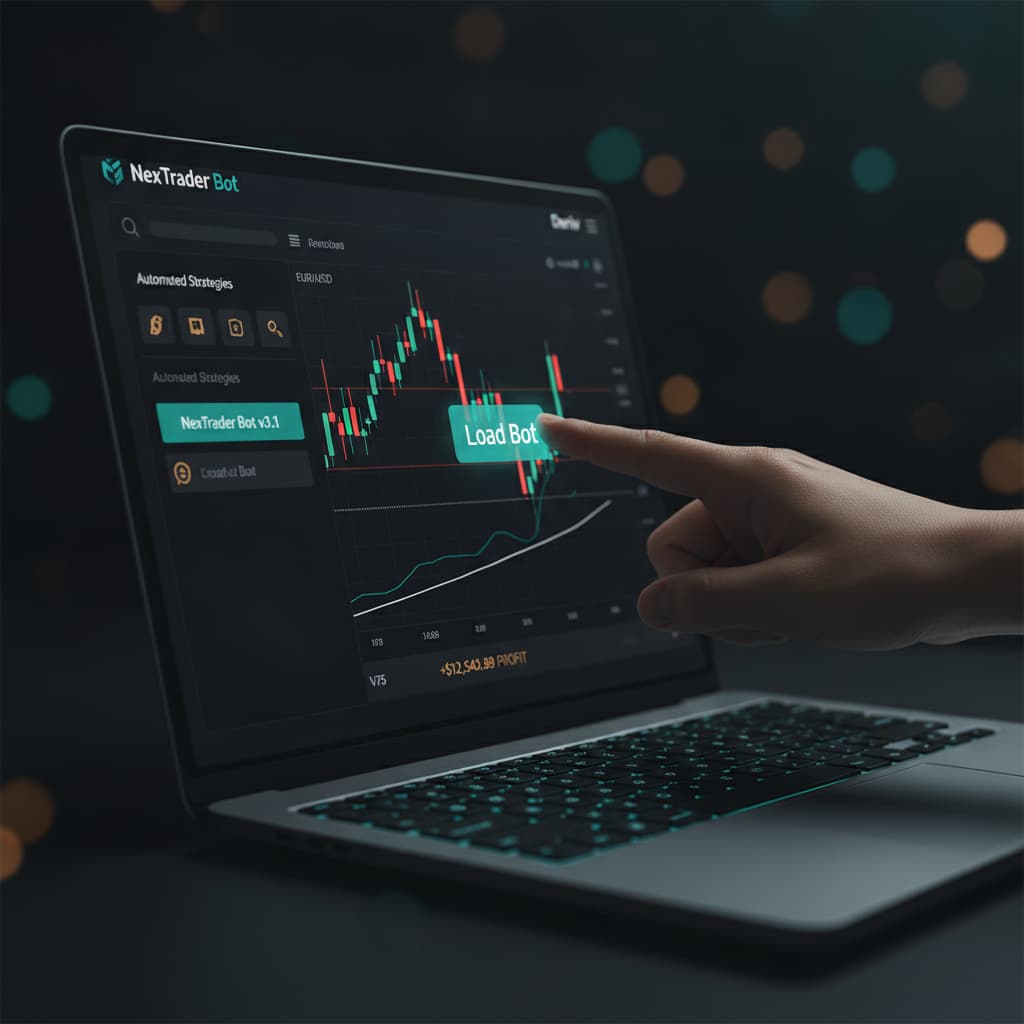
Once you've identified a "deriv trading bot" you'd like to try, the process couldn't be simpler. NexTrader Bot truly lives up to its promise of "one-click" loading. Simply click on the name or the "Load Bot" button associated with your chosen bot. There's no need to download files, import XML, or configure complex settings outside the platform. With that single click, the bot will instantly load into your active trading dashboard, ready for configuration and execution.
After the bot loads, you'll be taken to a dedicated interface where you can see the bot's structure and settings. This immediate transition confirms that the "binary bot" is ready for action. You'll notice the bot's name prominently displayed, along with its specific contract type and operating speed, such as "1-Tick" or "1-Tick Turbo." This streamlined loading process is a core advantage of NexTrader Bot, making it incredibly fast and accessible for traders of all experience levels to get started with automated Deriv trading.
Step 4: Understanding the Bot Dashboard and Initial Settings
Once your chosen "free deriv bot" is loaded onto the NexTrader Bot dashboard, you'll be presented with its operational interface. This dashboard is where you'll manage your bot, monitor its performance, and adjust critical trading parameters. Despite the sophistication of the underlying strategies, the interface is designed for clarity and ease of use, ensuring that even a newcomer can understand what's happening.
At the top of the dashboard, you'll see the name of the bot you loaded (e.g., "Rise Rocket"), its associated contract type (e.g., Rise/Fall), and its speed (e.g., 1-Tick). Below this, you'll observe that these are "block-based bots," meaning their logic is constructed from interconnected visual blocks – typically around 48 blocks each. The beauty of this design is that you don't need to understand the intricate coding behind these blocks to use the bot effectively. It's all pre-configured for you.
Your primary focus before running the bot should be on the key adjustable settings. These typically include:
- Initial Stake: This is the amount your "deriv bot" will risk on each trade. Always start with a very small stake, especially on a demo account.
- Target Profit: The total profit amount you wish the bot to achieve before it automatically stops trading.
- Stop Loss: The maximum loss amount you are willing to incur before the bot automatically stops.
Carefully review and adjust these parameters to suit your risk tolerance and trading goals. For your very first run, we highly recommend setting a very low "Initial Stake" and modest "Target Profit" and "Stop Loss" values, and always using your Deriv demo account. This approach allows you to observe the "deriv trading bot" in action without significant financial exposure.
Step 5: Running Your Bot and Monitoring Performance
With your Deriv account connected and your "free deriv bot" loaded and configured with initial settings, you are now ready for the final step: running the bot and observing its performance. On the NexTrader Bot dashboard, locate the prominent "Run" button. This is your command center to initiate automated trading.
Clicking the "Run" button will immediately activate your "deriv bot." You'll notice the dashboard come alive as the bot starts executing trades according to its pre-programmed logic. The interface will begin displaying live updates, showing each trade taken, the outcome (win or loss), and your cumulative profit or loss. This real-time feedback is crucial for understanding how your "binary bot" is performing in current market conditions.
It's essential to actively monitor your bot, especially during its initial runs. While NexTrader bots are designed for automation, market conditions can change rapidly. Keep an eye on the profit/loss counter and ensure it's operating within your set "Target Profit" and "Stop Loss" parameters. If at any point you wish to pause or stop the bot, simply click the "Stop" button, which will typically be located near the "Run" button. This allows you to take control instantly, review performance, or adjust settings if needed. Remember, responsible trading involves continuous oversight, even with automated tools.
Pro Tips
Here are a few practical tips to enhance your experience with NexTrader Bot:
- Always Start with a Deriv Demo Account: Before committing real funds, thoroughly test any new "free deriv bot" on a Deriv demo account. This allows you to understand its behavior and refine your settings without financial risk.
- Experiment with Different Contract Types: The Bot Hub offers bots for Rise/Fall, Over/Under, Even/Odd, and Match/Differ contracts. Don't limit yourself to just one; explore various "deriv bot" types to find strategies that resonate with different market conditions.
- Adjust Initial Stake, Target Profit, and Stop Loss Carefully: These three parameters are your primary risk management tools. Start small, set realistic profit targets, and always define a clear stop loss to protect your capital.
- Utilize Usage Badges: Pay attention to the "Trending," "Hot," and "Most-used" badges in the Bot Hub. These indicators can point you towards popular and potentially effective "binary bots" that other traders are finding success with.
Start Now
Ready to take your Deriv trading to the next level with powerful, free automation? Head over to bot.nextrader.live to load and run your first "deriv bot" today. If you haven't already, sign up for your free NexTrader account at Sign Up Free — Nextrader Join our thriving community on Telegram at Telegram for tips, support, and discussions.
Trading involves risk. Past performance does not guarantee future results.