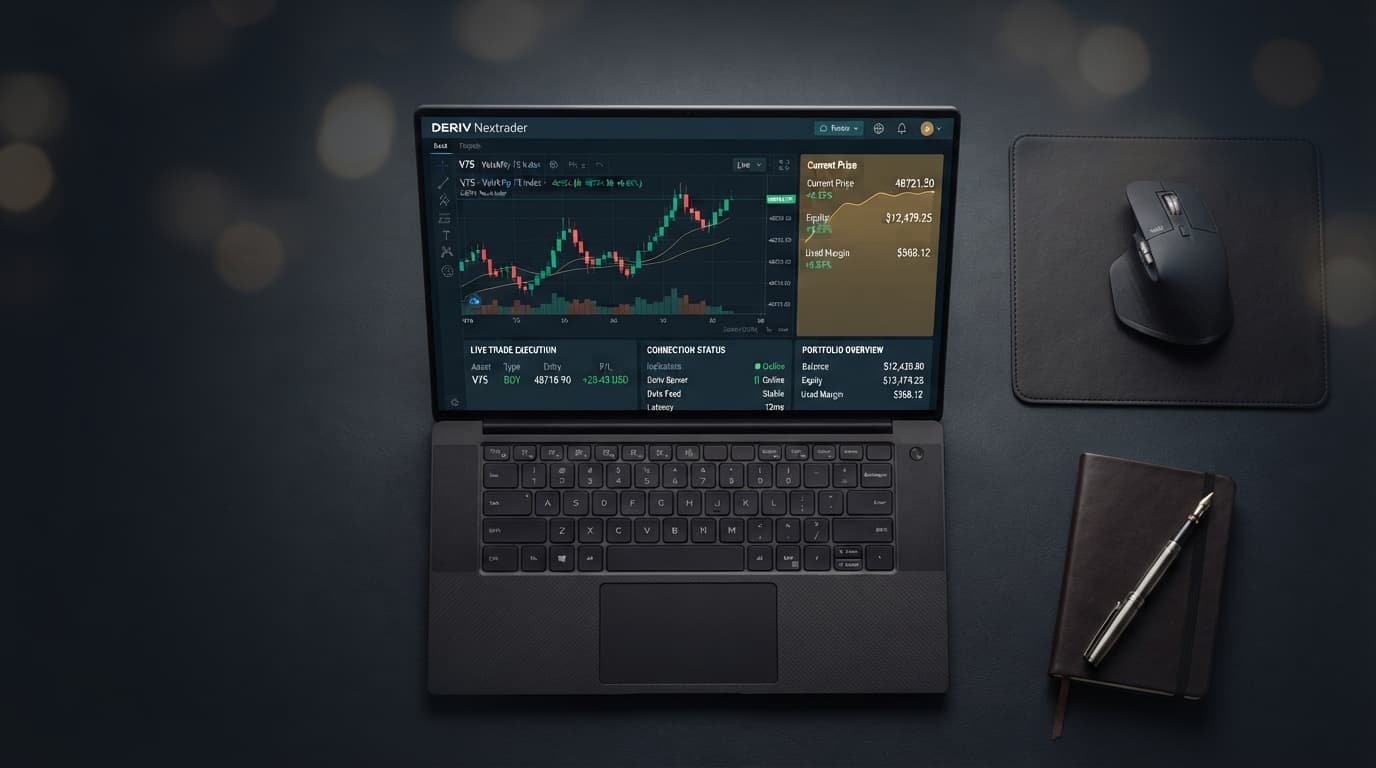
Introduction
Welcome, Nextrader! This comprehensive tutorial is your ultimate guide to mastering the art of automated trading on Deriv's synthetic indices using NexTrader Bot. If you're looking to leverage the power of pre-built, no-coding-required Deriv bots to execute your trading strategies, you've come to the right place. This guide is specifically designed for Deriv traders, from beginners to those with some experience, who want to efficiently load and run free block-based Deriv bots in one click. By the end of this tutorial, you will confidently navigate the NexTrader Bot platform, select a suitable free deriv bot, and launch it on your Deriv account, aiming to enhance your trading experience on synthetic indices like V10, V25, V50, V75, V100, and 1Hz.
The NexTrader ecosystem is committed to providing 100% free tools for Deriv traders, eliminating subscriptions and paywalls. Our robust platform integrates seamlessly with the Deriv WebSocket API and supports BinaryBot XML, making advanced trading accessible to everyone. We cater to a wide range of assets, including synthetic indices, forex, gold, silver, and crypto, ensuring you have diverse options at your fingertips.
What You Need Before Starting
Before you dive into the world of automated deriv trading with NexTrader Bot, ensure you have the following ready:
- A Deriv Account: Both a demo account (highly recommended for practice) and a real account are supported. If you don't have one, you can sign up on Deriv's official website.
- A Nextrader Account: You'll need to sign up for a free account at NexTrader Bot to access the NexTrader Bot library.
- A Deriv API Token: This is crucial for securely connecting your Deriv account to NexTrader Bot. You can generate one from your Deriv account settings. Ensure you grant the necessary permissions for trading and reading account information.
- Basic Understanding of Deriv Trading: Familiarity with synthetic indices and contract types (Rise/Fall, Over/Under, Even/Odd, Match/Differ) will be beneficial.
Step 1: Accessing NexTrader Bot and Connecting Your Deriv Account
Your journey into one-click automated Deriv trading begins by accessing the NexTrader Bot platform and establishing a secure connection to your Deriv account.
Load a Free Deriv Bot in One Click
Browse 747+ ready-to-run Deriv bots — Rise/Fall, Over/Under, Even/Odd, Match/Differ. No coding, free forever.
- 747+ Free Bots
- One-Click Load
- Rise/Fall & Digits
- Demo or Real
First, open your web browser and navigate to NexTrader Bot. If you're an existing Nextrader user, simply log in with your credentials. If you're new to the ecosystem, you'll need to complete a quick and free signup process. This initial step is straightforward and grants you access to the extensive library of binary bots.
Once logged in, the next critical action is to connect your Deriv account. On the NexTrader Bot dashboard, you will find an option to input your Deriv API token. This token acts as a secure key, allowing NexTrader Bot to interact with your Deriv account on your behalf, executing trades and monitoring your balance. Head over to your Deriv account settings, generate a new API token, and carefully copy it. Paste this token into the designated field on NexTrader Bot and click "Connect." A successful connection will display your Deriv account details, including your live demo balance or real account balance, confirming that NexTrader Bot is ready to operate. We highly recommend starting with your Deriv demo account to familiarize yourself with the platform and the bot's functionality without risking real capital. This setup is fundamental for all subsequent steps, ensuring that any deriv trading bot you choose can be loaded and run effectively.
Step 2: Navigating the Bot Hub and Filtering for Free Bots
With your Deriv account successfully connected, it's time to explore the heart of NexTrader Bot: the Bot Hub. This is where you'll discover a vast collection of ready-to-run Deriv bots, meticulously organized for your convenience.
Upon entering the Bot Hub, you'll immediately notice the sheer volume of available bots, currently over 747+. These bots are categorized into "Free Bots" and "Premium Bots" tiers. For this tutorial, our focus is squarely on the "Free Bots" tier, which offers a robust selection of powerful binary bots without any cost. Look for the clear distinction between these tiers and ensure you select the "Free Bots" filter. This will narrow down your search to only the complimentary options, making your selection process more efficient.
Beyond the free/premium distinction, the Bot Hub allows you to refine your search further by "contract type." NexTrader Bot groups bots by their underlying strategy: Rise/Fall, Over/Under, Even/Odd, and Match/Differ. Additionally, you'll find categories for Tick, Indicator, and Candle based bots. Since our target is synthetic indices, you can also look for bots specifically designed for these assets. Consider what kind of market movement you want to capitalize on. For instance, if you anticipate directional movements, "Rise/Fall" bots might be your choice. If you're interested in digit predictions, "Over/Under" or "Even/Odd" bots could be more suitable. Explore these filters to find a free deriv bot that aligns with your desired trading approach for synthetic indices. The platform also features "usage counters" and badges like "Trending," "Hot," or "Most-used," which can provide insights into popular and effective binary bots within the community.
Step 3: Selecting and Loading Your Chosen Free Deriv Bot
Now that you've navigated the Bot Hub and filtered for free bots on synthetic indices, it's time to select the specific deriv bot you wish to deploy. The NexTrader Bot platform offers uniquely named bots that give you a hint of their function and speed, such as "Rise Rocket," "Fall Falcon," "Even Comet," "Over 2 Blaze," "Under 8 Flash," and "Odd Bolt."
As you browse through the "Free Bots" section, pay attention to these names and their associated contract types. Many bots are designed for "1-Tick" or "1-Tick Turbo" speeds, indicating rapid execution suitable for the fast-paced synthetic indices market. For example, a "Rise Rocket" might be a 1-Tick Rise/Fall bot, while an "Over 2 Blaze" could be an Over/Under bot targeting the digit 2. The usage counters and "Trending/Hot/Most-used" badges can also serve as helpful indicators of which free deriv bot is currently popular or performing well among other traders.
Once you've identified a free deriv trading bot that piques your interest, simply locate the "Load" button associated with it. This is the "one-click" magic NexTrader Bot is famous for. Clicking "Load" will instantly transfer the chosen block-based bot, which typically comprises around 48 blocks of pre-configured logic, directly into your workspace. There's no coding required, no complex XML files to upload – just a single click. The bot's interface will appear on your screen, ready for the next steps. This seamless loading process is a core advantage of NexTrader Bot, making it incredibly easy to experiment with different binary bots without any technical hurdles.
Step 4: Reviewing Bot Settings and Preparing for Execution
With your chosen free Deriv bot loaded into the NexTrader Bot workspace, you're just a few steps away from initiating automated trades on synthetic indices. Even though these are block-based bots and require no coding, it's crucial to perform a quick review of the settings and ensure everything is configured to your preferences.
Upon loading, the bot's visual interface will display its pre-configured blocks, representing its underlying strategy. While you won't be modifying the code, you will typically see key parameters that are essential for any deriv trading bot, such as initial stake, target profit, and stop loss limits. These are usually presented in an accessible format, allowing you to quickly verify them. It's important to understand that these bots are designed for "one-click" operation, meaning they come with intelligent default settings. However, always take a moment to confirm these values align with your risk tolerance and trading capital.
Crucially, before hitting the "Run" button, double-check that the correct Deriv account is selected in the platform's dropdown menu. You'll have the option to choose between your Deriv demo account or your real account. For new users and those testing a new binary bot, always select the demo account first. This allows you to observe the bot's performance and understand its behavior without risking actual funds. Additionally, confirm that the trading asset is correctly set to your desired synthetic index, such as V10, V25, V50, V75, V100, or 1Hz. NexTrader Bot is specifically built for these markets, and ensuring the correct asset is selected will guarantee the bot operates as intended. This preparatory step is vital for a smooth and controlled trading experience with your free deriv bot.
Step 5: Running Your Free Deriv Bot and Monitoring Performance
You've connected your account, selected your free deriv bot, loaded it with a single click, and reviewed its settings. Now comes the exciting part: putting your deriv trading bot into action!
Once you are satisfied with all the settings, including the chosen Deriv account (demo recommended) and the synthetic index, locate the prominent "Run" button on the NexTrader Bot interface. Clicking this button will instantly activate your block-based bot. You will immediately see activity on the platform's "dashboard," which serves as your real-time command center.
The dashboard will display live updates on your trades, including your "live demo balance" (or real balance if you chose that account), individual trade outcomes, profit/loss figures, and other relevant metrics. This is where you monitor your free deriv bot's performance. Watch how it executes trades according to its pre-programmed logic, whether it's a Rise Rocket on V100 or an Even Comet on V25. The speed of execution, especially for "1-Tick" and "1-Tick Turbo" bots, will be evident as trades open and close rapidly. It's essential to remain observant during this phase, not just for profits but also to understand the bot's trading rhythm and how it reacts to market conditions. Should you wish to pause or stop the bot at any point, perhaps to adjust your strategy or simply take a break, the "Stop" button is readily available. This gives you full control over your automated trading session, allowing you to intervene whenever necessary. Running and monitoring your free deriv bot effectively is key to a successful automated trading journey with NexTrader.
Pro Tips
- Start with a Demo Account: Always test any new free deriv bot on your Deriv demo account first. This allows you to understand its behavior, risk profile, and potential profitability without risking real money. It’s the safest way to learn and adjust.
- Explore Different Contract Types: Don't limit yourself to just one type of binary bots. The Bot Hub offers bots for Rise/Fall, Over/Under, Even/Odd, and Match/Differ contracts. Experiment with different strategies on synthetic indices to find what works best for various market conditions.
- Join the Nextrader Community: Connect with other traders in the Telegram Telegram community. Share experiences, ask questions, and learn from a vibrant group of Deriv traders utilizing NexTrader's free tools. This can provide invaluable insights and support.
- Understand Bot Logic (Generally): While NexTrader Bot handles the coding, try to grasp the general strategy behind each named bot. For instance, a "Rise Rocket" aims for upward movements, while an "Odd Bolt" targets specific digit outcomes. This understanding helps you choose the right deriv bot for the right market sentiment.
Start Now
Ready to elevate your Deriv trading experience with powerful, free automation? Head over to NexTrader Bot and unleash the potential of one-click binary bots on synthetic indices today!
Visit the NexTrader Bot Hub: NexTrader Bot
Sign up for your free Nextrader account: Sign Up Free — Nextrader
Join our Telegram community: Telegram
Trading involves risk. Past performance does not guarantee future results.