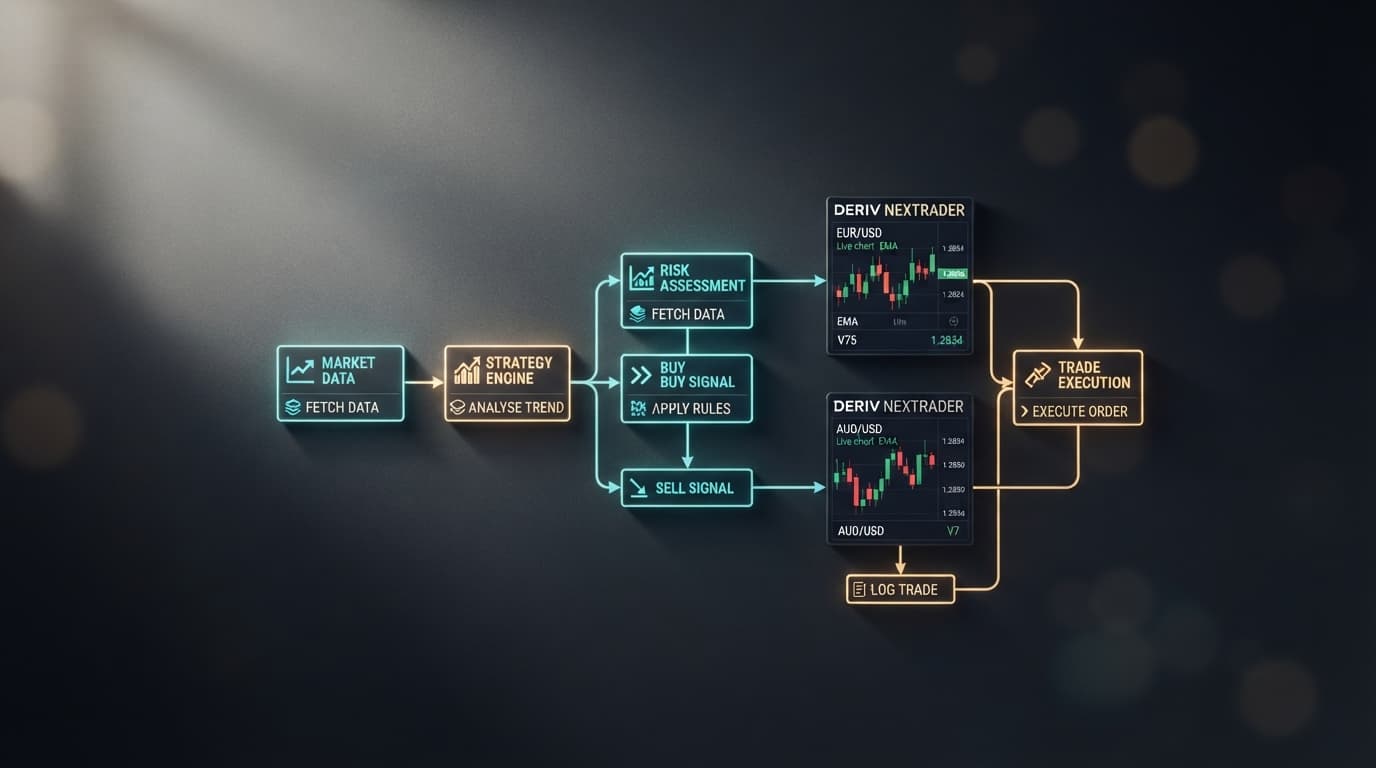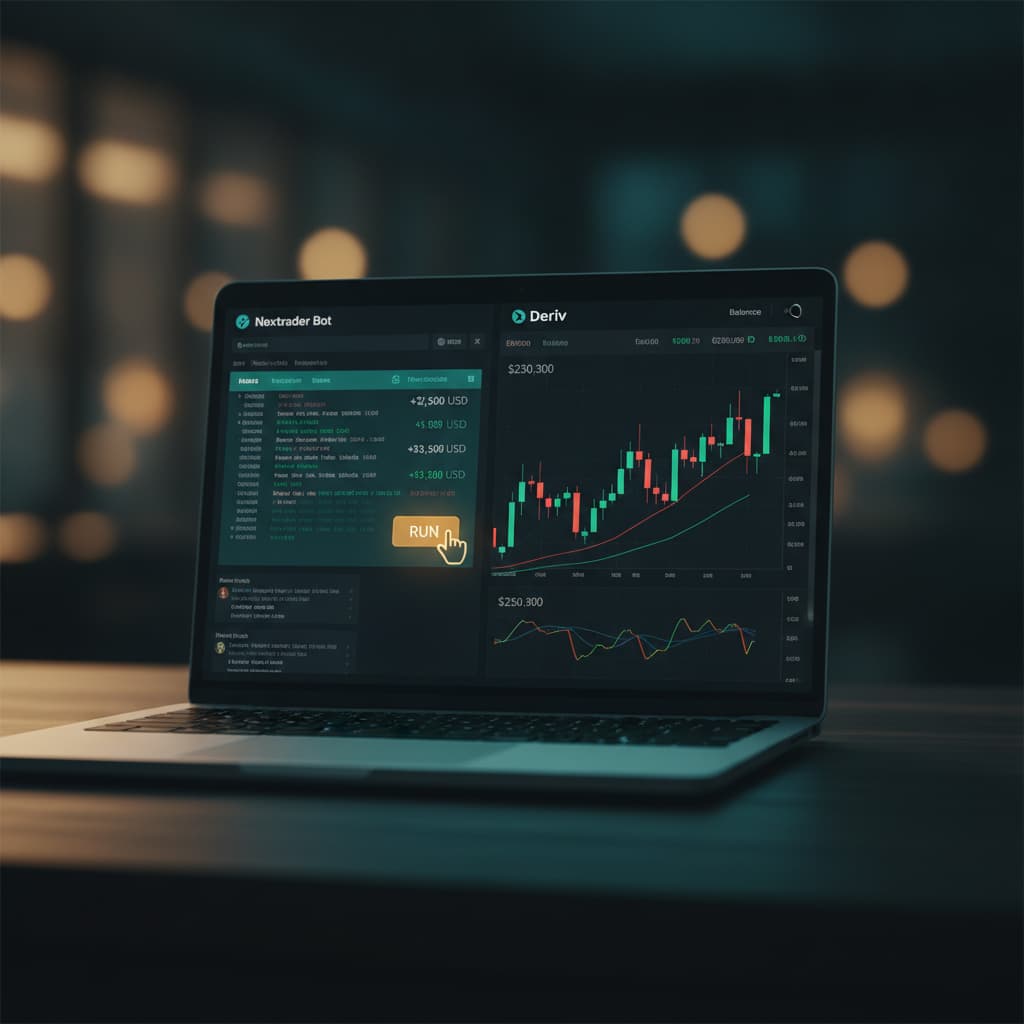
How to Load and Run Free 1-Tick Deriv Digit Bots on Nextrader Bot with a Single Click
Introduction
Welcome to this comprehensive tutorial designed to guide you through the seamless process of leveraging Nextrader Bot to automate your Deriv trading. This guide is specifically tailored for Deriv traders, whether you're a beginner looking to dip your toes into automated trading or an experienced user seeking to quickly deploy powerful strategies. We'll focus on how to load and run free 1-Tick Deriv digit bots with a single click, allowing you to harness the power of automated binary bots without writing a single line of code.
By the end of this tutorial, you will be proficient in navigating the Nextrader Bot Hub, identifying suitable free deriv bot strategies, connecting your Deriv account securely, and initiating live trading sessions on synthetic indices like V10, V25, V50, V75, and V100, as well as 1Hz markets. Our goal is to empower you to efficiently utilize Nextrader's 100% free tools to enhance your Deriv trading experience, making advanced deriv trading bot strategies accessible to everyone.
This tutorial will demystify the process of setting up and running a deriv trading bot, transforming complex automation into a straightforward, one-click operation. You’ll learn how to pick from a vast library of ready-to-run bots and deploy them instantly, focusing on the popular 1-Tick digit contract types.
What You Need Before Starting
- A Deriv Account: This can be a demo or a real account. We highly recommend starting with a demo account for testing purposes.
- A Nextrader Bot Account: Sign up for free at NexTrader Bot. No subscriptions or paywalls ever!
- Deriv API Token: You'll need to generate an API token from your Deriv account to securely connect it to Nextrader Bot. This is a quick and standard process within your Deriv settings.
- Basic Understanding of Deriv Synthetic Indices: Familiarity with how synthetic indices like Volatility 10 (V10) or Crash/Boom work will be beneficial, though not strictly required for running the bots.
Step 1: Accessing the Nextrader Bot Hub and Logging In
Your journey begins at the heart of Nextrader’s automated trading ecosystem: the NexTrader Bot platform. Open your web browser and navigate directly to NexTrader Bot.
Load a Free Deriv Bot in One Click
Browse 747+ ready-to-run Deriv bots — Rise/Fall, Over/Under, Even/Odd, Match/Differ. No coding, free forever.
- 747+ Free Bots
- One-Click Load
- Rise/Fall & Digits
- Demo or Real
If you're an existing user, simply enter your credentials to log in. If you're new to Nextrader, you’ll need to complete a quick, free signup process. Remember, Nextrader offers 100% free tools for Deriv traders, so there are no hidden costs or paywalls. Once logged in, you'll be greeted by the Nextrader Bot dashboard, which serves as your central control panel for all your automated trading activities.
From the dashboard, locate and click on the "Bot Hub" link or button. This is your gateway to the extensive library of over 747+ ready-to-run Deriv bots that Nextrader provides. The Bot Hub is meticulously organized, offering a wide array of strategies designed for various Deriv markets and contract types. This central repository is where you'll find the specific free deriv bot that aligns with your trading goals. Take a moment to browse, observing the sheer volume and diversity of automated strategies available, all built to run seamlessly on your Deriv account.
Step 2: Filtering for Free 1-Tick Digit Bots
With hundreds of powerful binary bots at your fingertips in the Bot Hub, the next crucial step is to efficiently filter and locate the specific "free 1-Tick Deriv digit bots" you wish to deploy. Nextrader Bot's intuitive filtering system makes this incredibly easy.
On the left-hand side or at the top of the Bot Hub interface, you'll find various filtering options. To narrow down your search for our target bots:
- Select "Free Bots" Tier: First, ensure you filter by the "Free Bots" tier. This will display only the bots available without any cost, reinforcing Nextrader's commitment to providing accessible tools.
- Choose "Tick" Speed: Next, under the "Speed" filter, select "1-Tick" and "1-Tick Turbo". These options are crucial for finding the fast-paced, single-tick bots that are often favored for digit strategies due to their quick execution and immediate results.
- Specify "Contract Type": For digit bots, you'll want to select specific contract types. Look for and apply filters such as "Even/Odd", "Over/Under", and "Match/Differ". These are the core contract types that define digit trading on Deriv.
As you apply these filters, the list of available bots will dynamically update, presenting you with a curated selection of free 1-Tick Deriv digit bots. You'll see named bots like "Even Comet", "Over 2 Blaze", "Under 8 Flash", and "Odd Bolt", each designed for specific digit outcomes. Pay attention to the "usage counters" and "Trending/Hot/Most-used badges" next to the bot names; these indicators can provide insights into which bots are currently popular or performing well within the Nextrader community. This intelligent filtering ensures you quickly find the perfect free deriv bot for your strategy.
Step 3: Connecting Your Deriv Account Securely
Once you've identified a promising free 1-Tick Deriv digit bot from the filtered list, the next essential step is to securely connect your Deriv trading account to the Nextrader Bot platform. This connection is vital for the bot to execute trades on your behalf.
Click on your chosen bot (e.g., "Odd Bolt" or "Over 2 Blaze"). You will typically see a prominent "Connect" button or a prompt requesting your Deriv API token. To obtain this token:
- Log in to your Deriv Account: Go to deriv.com and log in to your trading account.
- Navigate to API Token Section: In your Deriv account, go to "Settings" -> "API Tokens".
- Create a New Token: Click on "Create a new token". Ensure you grant it the necessary permissions, primarily "Read" and "Trade" access, for Nextrader Bot to function correctly. You might also want to grant "Cashier" for withdrawal permissions if you plan to manage funds directly from Nextrader, though "Read" and "Trade" are sufficient for bot operation.
- Copy the Token: Once generated, copy the entire API token string.
Return to the Nextrader Bot platform and paste your copied Deriv API token into the designated field. Click "Connect" or "Submit". Nextrader Bot will then establish a secure WebSocket API integration with your Deriv account. Upon successful connection, you will immediately see your live demo balance (or real balance if you connected a real account) displayed within the Nextrader Bot dashboard. This real-time balance confirmation signifies that your Deriv account is now securely linked and ready for automated trading. Remember, it is always recommended to connect a demo account first to thoroughly test any deriv bot before risking real capital.
Step 4: Loading Your Chosen Bot with One Click
With your Deriv account securely connected, you are now just one click away from deploying your chosen free 1-Tick Deriv digit bot. This step highlights the true "one-click" power of the Nextrader ecosystem.
After connecting your Deriv API token in the previous step, you'll be returned to the bot's dedicated page or the main dashboard. The "Connect" button will likely change to indicate a successful connection, or a "Load" or "Run" button will become active.
Simply click the prominent "Load" button associated with the free deriv bot you selected (e.g., "Even Comet" or "Under 8 Flash"). The Nextrader Bot platform will instantly load the entire bot's logic. You'll observe the bot's underlying block-based structure, which typically consists of around 48 blocks, appearing on your screen. This visual representation confirms that the bot's strategy, designed without any coding by you, is now fully loaded and prepared for execution. The beauty of Nextrader is that these complex binary bots are pre-built and optimized, requiring no manual configuration of blocks or intricate coding knowledge on your part. The moment you click "Load," the entire strategy is ready to spring into action, awaiting your command to begin trading.
Step 5: Configuring and Running the Bot
Now that your free 1-Tick Deriv digit bot is loaded, the final step is to configure any basic settings (if available for these simple bots) and initiate the automated trading process. While many 1-Tick bots are designed to be run "as is" with pre-optimized settings, Nextrader provides intuitive controls for precise management.
Before hitting "Run," quickly review the bot's dashboard area. For these straightforward digit bots, explicit configuration options might be minimal, focusing on parameters like initial stake or target profit/stop loss. However, the core logic for the digit prediction (Even/Odd, Over/Under, Match/Differ) is embedded within the bot's blocks.
Once you are satisfied, locate the "Run" button, typically a prominent green control. Click it to start your deriv trading bot. Immediately, you'll see the bot spring to life on your dashboard. The "Run/Stop controls" will indicate that the bot is active, and you'll observe live trading activity: trades being placed, results coming in, and your balance updating in real-time. The dashboard will provide critical metrics, allowing you to monitor the bot's performance, including profit/loss, number of trades, and current market conditions.
Crucially, always begin by running your binary bots on a Deriv demo account. This allows you to thoroughly test the bot's performance on various synthetic indices (V10, V25, etc.) and market conditions without any financial risk. Only once you are confident in its behavior and performance on a demo account should you consider deploying it on a real account. The "Stop" button is always available to pause or halt the bot's operations at any time.
Pro Tips
- Explore Different Digit Bots: Don't limit yourself to just one bot. The Bot Hub offers a wide range of free 1-Tick digit bots across Even/Odd, Over/Under, and Match/Differ contract types. Experiment with different named bots like "Rise Rocket" or "Fall Falcon" (though these are Rise/Fall, ensure to stick to digit bots for this specific tutorial, e.g., "Over 2 Blaze", "Odd Bolt") and observe their performance on various synthetic indices (V10, V25, V50, V75, V100) and 1Hz markets. What works well on V10 might differ on V100.
- Utilize Demo Account Extensively: This cannot be stressed enough. Always, always test new deriv bot strategies on your Deriv demo account first. Understand their behavior, risk profile, and potential profitability before even considering a real account. Nextrader provides the tools; responsible trading is up to you.
- Monitor Performance Metrics and Badges: Keep a close eye on the usage counters and "Trending/Hot/Most-used" badges in the Bot Hub. These indicators can provide valuable insights into which free deriv bot strategies are currently popular or showing promising activity within the Nextrader community. This can guide your selection process.
- Join the Telegram Community: Become an active member of the Nextrader Telegram community at Telegram. This vibrant community is an excellent resource for sharing insights, asking questions, getting tips from experienced traders, and staying updated on new free Deriv bot releases and features.
Start Now
Ready to elevate your Deriv trading? Start exploring the power of automated binary bots with Nextrader Bot today!
Visit the NexTrader Bot Hub: NexTrader Bot
Sign up for your free Nextrader account: Sign Up Free — Nextrader
Join our Telegram community: Telegram
Trading involves risk. Past performance does not guarantee future results.