

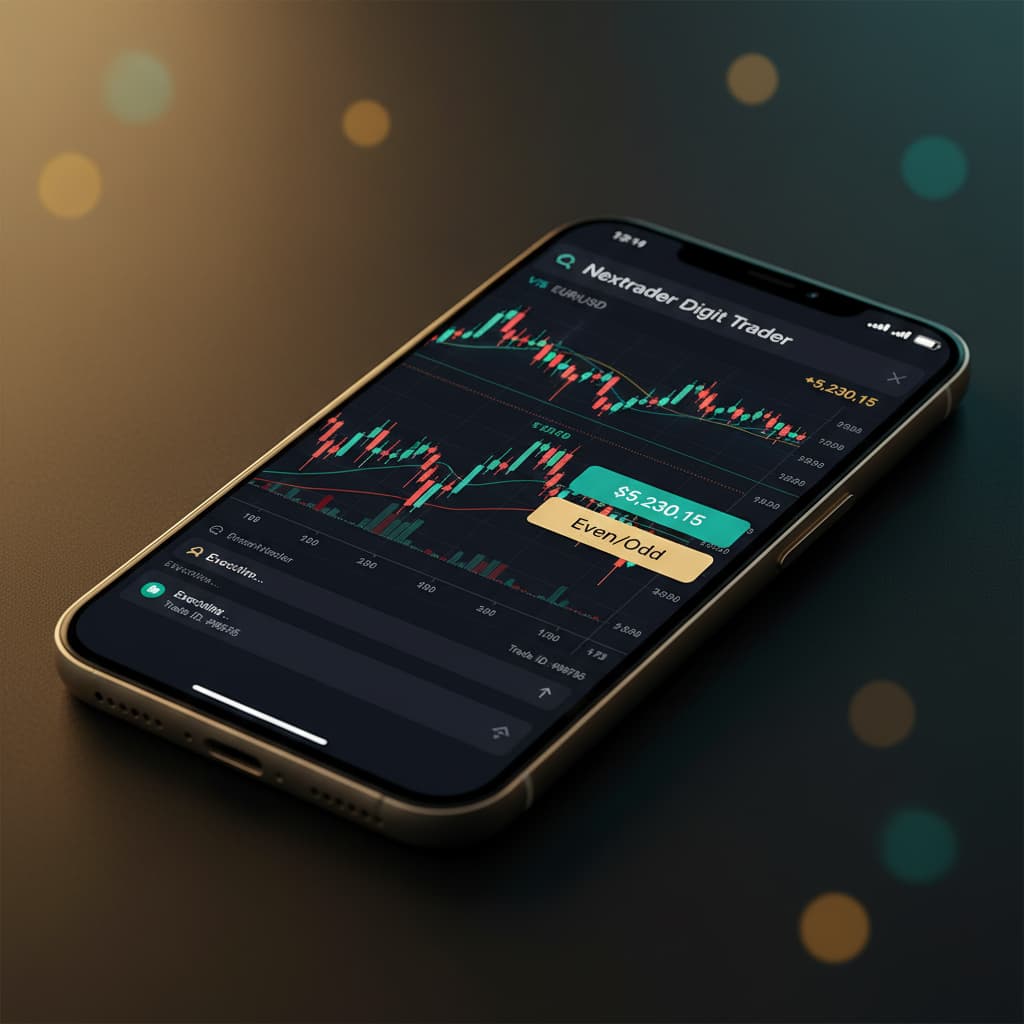
Introduction
Welcome to Nextrader (nextrader.live), your premier destination for free, powerful trading tools and signals. This tutorial is meticulously crafted for traders who are eager to harness the power of artificial intelligence to navigate the unique landscape of Digit trading on Deriv. Specifically, we'll walk you through a detailed, step-by-step process of setting up and utilizing Nextrader's cutting-edge Digit Trader Bot for high-accuracy Digit Even/Odd trading.
By the end of this guide, you will be equipped to confidently configure and deploy one of the most advanced deriv bots available, leveraging Nextrader's sophisticated pattern recognition and streak detection capabilities to enhance your trading strategy on Deriv's popular Digit contracts. Whether you're a seasoned trader looking to automate a niche strategy or new to the world of binary bots and digit prediction, this tutorial will provide you with the actionable knowledge to get started.
What You Need Before Starting
Before diving into the setup, ensure you have the following prerequisites in place:
- Deriv.com Account: A live or demo trading account with Deriv.com, as Nextrader integrates directly via their WebSocket API (App ID 67545).
- Nextrader Account: A free account on nextrader.live. If you haven't signed up yet, it's quick, easy, and unlocks all features without any paywalls.
- Basic Understanding of Deriv Digit Contracts: Familiarity with how Digit Even/Odd contracts work on Deriv will be beneficial, though Nextrader's bot simplifies much of the analytical burden.
Step 1: Accessing the Digit Trader Bot Interface
Your journey to automated Digit Even/Odd trading begins by navigating to the dedicated Digit Trader Bot section within your Nextrader dashboard.
Get Live AI Trading Signals
Real-time non-repaint signals from 11 AI strategies — Volatility Indices, Forex, Gold & Crypto. No subscription, no paywall.
- Auto Trader Bot
- Digit Trader Bot
- 11 AI Strategies
- Live Telegram Signals
- Log In to Nextrader: Open your web browser and go to Nextrader App. Enter your login credentials to access your Nextrader dashboard. Remember, Nextrader is 100% free, so all features, including the Digit Trader Bot, are immediately available upon login.
- Locate the Bots Section: Once logged in, you'll see a navigation menu, typically on the left side of your screen. Look for the "Bots" or "Trading Bots" option and click on it. This section houses all of Nextrader's powerful automation tools, including the Auto Trader Bot for Rise/Fall contracts and the Digit Trader Bot.
- Select Digit Trader Bot: Within the "Bots" section, you will find "Digit Trader Bot". Click on this to open the specialized interface for digit prediction strategies. You'll immediately notice the clean layout, designed to give you a comprehensive overview of digit history, frequency, and bot settings. This is where Nextrader truly shines as a leading platform among deriv trading tools.
Step 2: Connecting Your Deriv Account and Selecting Your Market
The next crucial step is to securely link your Deriv account to Nextrader and choose the specific market you wish to trade. Nextrader's integration with the Deriv WebSocket API ensures real-time data and execution.
- Connect Your Deriv Account:
* On the Digit Trader Bot interface, look for the "Connect Deriv" or "API Token" section.
* If you haven't connected before, you'll be prompted to enter your Deriv API token. You can generate this token from your Deriv.com account under "Settings" > "API Tokens". Ensure you grant "Read" and "Trade" permissions.
* Enter the token into the designated field on Nextrader and click "Connect". Nextrader uses Deriv App ID 67545 for seamless and secure integration, allowing for multi-account support if you manage several Deriv accounts. Once connected, your account balance (demo or real) will be displayed.
- Select Your Trading Market:
* Below the account connection, you'll find a dropdown menu labeled "Market" or "Symbol".
* Click on this menu to reveal a list of available markets. For Digit trading, Volatility Indices are highly popular due to their continuous nature. Options include V10, V25, V50, V75, V100, and even 1Hz indices.
* For beginners, starting with a lower volatility index like V10 or V25 in a demo account is often recommended. Select your preferred market. The bot will then begin tracking the last digits for that specific market, populating the "50-500 digit history" and "digit frequency chart" in real-time.
Step 3: Configuring Your Digit Even/Odd Strategy
This step is where you define the core logic of your bot: predicting whether the next last digit will be Even or Odd. Nextrader's AI takes the heavy lifting out of this prediction.
- Choose Prediction Type:
* On the Digit Trader Bot interface, locate the "Prediction Type" or "Contract Type" setting.
* From the available options (e.g., Digit Match, Digit Diff, Digit Over, Digit Under, Digit Even/Odd), select "Digit Even/Odd". This tells the bot to focus its analysis on whether the last digit of the next tick will be 0, 2, 4, 6, 8 (Even) or 1, 3, 5, 7, 9 (Odd).
- Set Initial Stake:
* Input your desired initial stake amount in the "Initial Stake" field. This is the amount the bot will use for its first trade. It's crucial to start with a small, manageable amount, especially when testing a new strategy or market.
- Define Contract Duration:
* For Digit trading, the duration is typically measured in "Ticks". Set the "Duration" to "1 Tick". This means the contract will resolve on the very next tick's last digit, making it a fast-paced trading style ideal for bots.
- Leverage Nextrader's AI:
* Observe the "Digit History" and "Digit Frequency Chart" on the interface. These visual tools are powered by Nextrader's AI, which "tracks 50-500 digit history" and performs "streak detection" with "95%+ pattern recognition accuracy".
* While you don't directly configure the AI's prediction here, understanding these charts gives you insight into the bot's decision-making process. The bot will use this deep analysis to determine whether to place an "Even" or "Odd" trade based on detected patterns and streaks.
Step 4: Setting Up Money Management and Bot Parameters
Effective money management is paramount to successful trading. Nextrader's Digit Trader Bot offers robust options to manage your capital and mitigate risk.
- Select Money Management Strategy:
* Under the "Money Management" section, you'll find several options:
* Fixed Stake: The bot trades with the same stake amount for every contract. This is highly recommended for beginners and for understanding the bot's performance without compounding risk.
* Martingale: Increases the stake after a loss to recover previous losses and gain a small profit. While potentially powerful, Martingale carries significant risk and can quickly deplete an account if losses string together. Use with extreme caution and a deep understanding of its implications.
* Mesa Milano: Nextrader's smart loss recovery strategy. Mesa Milano is designed to recover losses more intelligently than traditional Martingale, adjusting stakes based on market conditions and previous trade outcomes. It's a more advanced option for experienced users.
* For Digit Even/Odd trading, especially when starting, select "Fixed Stake" to maintain control over your exposure.
- Configure Stop Loss and Take Profit:
* Stop Loss (SL): Enter a monetary value for your Stop Loss. This is the maximum amount of loss you are willing to incur before the bot automatically stops trading. For example, if your account balance is $100 and you set an SL of $10, the bot will stop if your total losses reach $10. This is a critical risk management tool.
* Take Profit (TP): Enter a monetary value for your Take Profit. This is the target profit amount. Once the bot's cumulative profit reaches this value, it will automatically stop trading. This helps to secure gains and prevent overtrading.
- Define Bot Entry Conditions (Implied by AI):
* While you don't explicitly set "entry conditions" for the Digit Even/Odd bot in the same way you might for a Trend Hunter (EMA crossover) or Reversal Radar (RSI) strategy, the bot's "95%+ pattern recognition accuracy" and "streak detection" serve as its internal entry logic. It will automatically detect high-probability Even/Odd sequences based on its historical analysis and trigger trades.
* You might also see "Confidence levels per signal (30–85%)" displayed for other Nextrader signals; for the Digit Bot, this confidence is baked into its pattern detection algorithms.
Step 5: Monitoring, Launching, and Reviewing Performance
With all your settings configured, it's time to unleash your Digit Trader Bot and monitor its performance in real-time.
- Review All Settings: Before hitting start, take a moment to double-check all your chosen parameters: market, prediction type (Digit Even/Odd), initial stake, duration, money management, Stop Loss, and Take Profit. Ensure they align with your trading plan and risk tolerance. It's good practice to start with a demo account to thoroughly test your configuration.
- Start the Bot: Once satisfied, locate the "Start Bot" or "Run" button, typically prominently displayed on the interface. Click it to initiate automated trading. The bot will immediately begin analyzing the market and placing trades according to your specified strategy and its internal AI logic.
- Monitor Live P&L and Console:
* As the bot trades, observe the "Real-time color-coded trading console". This console will display each trade, its outcome (win/loss), and the profit/loss for that specific contract.
* The "Live P&L tracking" dashboard will update dynamically, showing your cumulative profit or loss for the current bot session. This immediate feedback is invaluable for understanding the bot's performance.
* You can also see details like "Entry price, Stop Loss, Take Profit 1 & 2" on other Nextrader signals; for the Digit Bot, the P&L tracking is your primary monitoring tool.
- Stop the Bot: At any point, you can manually stop the bot by clicking the "Stop Bot" button. The bot will also automatically stop once your Stop Loss or Take Profit targets are reached. Regular monitoring allows you to intervene if market conditions change unexpectedly or if you wish to adjust your strategy.
Pro Tips
- Leverage Digit History & Frequency: Even when running the bot, keep an eye on the "digit frequency chart" and "streak detection" displays. Understanding which digits are appearing more or less frequently, or if a long streak of even/odd digits is forming, can provide insights. While the bot automates, this data can inform when you might want to pause the bot or adjust your stake if using a manual approach.
- Start with Demo: Always begin testing your Digit Even/Odd strategy with the bot on a Deriv demo account. This allows you to fine-tune settings, understand the bot's behavior, and gain confidence without risking real capital.
- Experiment with Volatility Indices: Different Volatility Indices (V10, V50, V100) have varying levels of market activity. Experiment with different indices to see which ones yield the most consistent results for your Digit Even/Odd strategy.
- Understand Mesa Milano: If you plan to use the Mesa Milano money management strategy, take time to understand its loss recovery mechanics. While smart, no strategy guarantees profit, and aggressive money management can amplify losses if not managed carefully.
- Combine with Manual Observation: While the bot automates, a quick check on other Nextrader features like the "Smart Signals" for broader market sentiment (even if for Rise/Fall) can sometimes provide context on overall market volatility, which might indirectly affect digit randomness.
Start Trading Now
Ready to revolutionize your Digit trading? Head over to Nextrader App to log in or Sign Up Free — Nextrader to create your free account today. For real-time updates and additional trading opportunities, join our Telegram channel at Telegram. With Nextrader's comprehensive suite of deriv trading tools, including the powerful Digit Trader Bot and other binary bots, you have everything you need to start automating your strategies.
Trading involves risk. Past performance does not guarantee future results.


