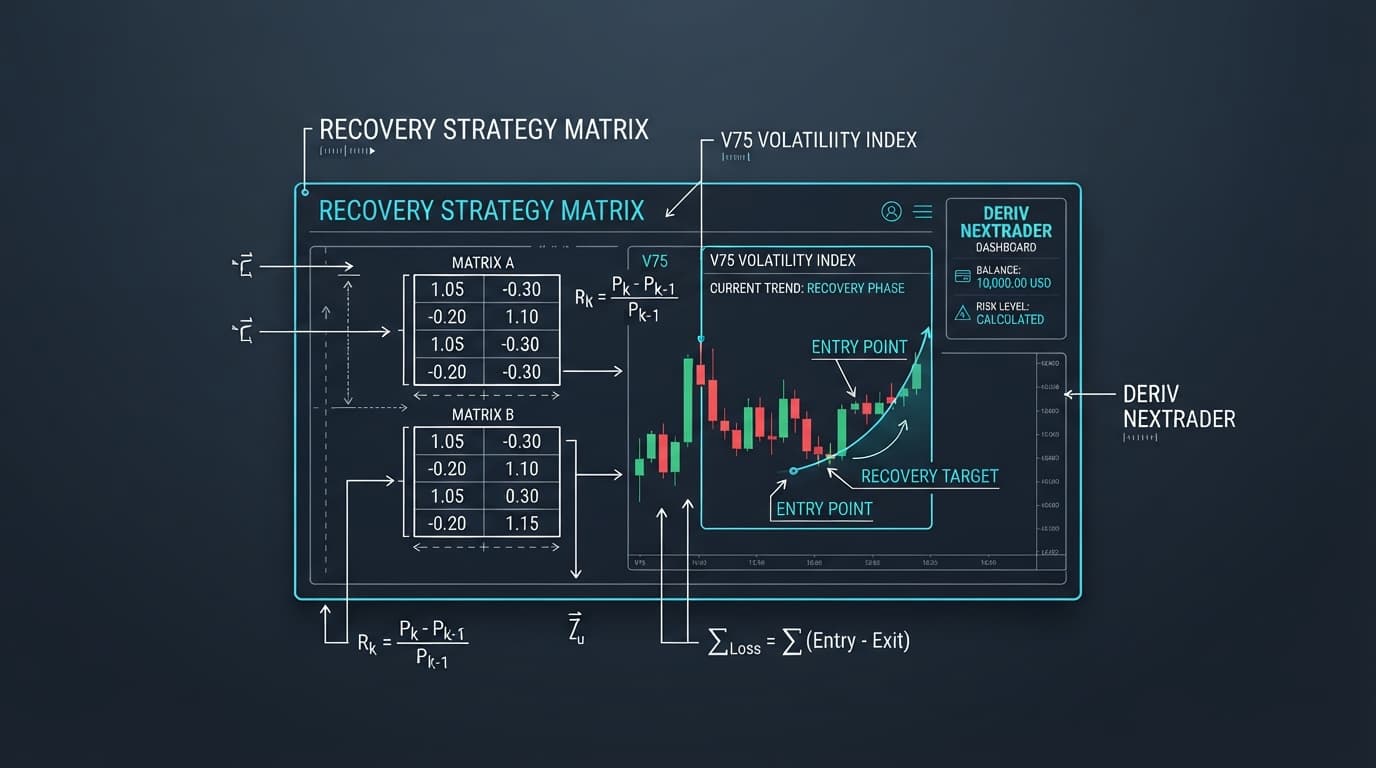
How to Predict Deriv Last Digits Using Nextrader's AI Digit Trader Bot for DIGIT OVER/UNDER Trades
Introduction
Welcome, Deriv traders! This comprehensive tutorial is designed for anyone looking to harness the power of artificial intelligence to enhance their Deriv last digit trading strategies, specifically for DIGIT OVER/UNDER contracts. Whether you're a beginner exploring new deriv trading tools or an experienced trader seeking advanced binary bots for precision, this guide will walk you through every step of utilizing Nextrader's cutting-edge AI Digit Trader Bot. By the end of this tutorial, you will be able to confidently configure, analyze, and automate DIGIT OVER/UNDER trades, leveraging real-time AI last-digit prediction and sophisticated money management within the Nextrader ecosystem. Get ready to elevate your digit trading game with smart, data-driven decisions, all powered by our 100% free tools.
What You Need Before Starting
- An active Deriv.com account: This is where your trades will be executed. Ensure it is funded, or you are using a demo account for practice.
- A Nextrader account: Sign up for free at Sign Up Free — Nextrader. No subscriptions, no paywalls – just powerful deriv bots at your fingertips.
- Basic understanding of Deriv's DIGIT OVER/UNDER contracts: Familiarity with how these contracts work will help you make more informed decisions when configuring the bot.
Step 1: Accessing the Nextrader App and Digit Trader Bot
Your first step is to dive into the Nextrader ecosystem. Open your web browser and navigate to Nextrader App. If you haven't already, you'll need to register for a free account. The signup process is quick and straightforward, requiring just a few details to get you started with our powerful deriv trading tools. Once logged in, you'll be presented with the Nextrader dashboard, which serves as your command center for all automation and ai trading signals.
On the left-hand navigation panel, you will find various tools and bots offered by Nextrader. Locate and click on the "Digit Trader Bot" option. This will open the dedicated interface for predicting and trading Deriv last digits. Alternatively, if you prefer trading on the go, download the Android app from Google Play (com.vm.nextrader) and navigate to the Digit Trader Bot there. The interface is designed to be intuitive and user-friendly, ensuring a seamless experience whether you're on desktop or mobile. Take a moment to familiarize yourself with the layout, noting sections for settings, history, and real-time data.
Step 2: Connecting Your Deriv Account and Selecting Your Asset
Before the Digit Trader Bot can place any trades, it needs permission to connect to your Deriv.com account. On the Digit Trader Bot interface, look for a button or section labeled "Connect Deriv Account." Clicking this will prompt you to enter your Deriv API token. To obtain this token, log in to your Deriv.com account, go to "Settings," then "API Tokens," and generate a new token with "Read" and "Trade" permissions. Copy this token and paste it into the Nextrader app. Nextrader supports multi-account functionality, allowing you to manage several Deriv accounts from a single Nextrader login, which is incredibly useful for diverse trading strategies or managing client accounts.
Get Live AI Trading Signals
Real-time non-repaint signals from 11 AI strategies — Volatility Indices, Forex, Gold & Crypto. No subscription, no paywall.
- Auto Trader Bot
- Digit Trader Bot
- 11 AI Strategies
- Live Telegram Signals
Once connected, you'll need to select the specific asset you wish to trade. Nextrader supports a wide range of Deriv assets, including synthetic indices (V10, V25, V50, V75, V100, 1Hz), forex, gold, silver, and crypto. For last digit trading, synthetic indices like the Volatility 75 Index or Jump 100 Index are popular due to their continuous nature. From the dropdown menu, choose your desired market (e.g., "Synthetic Indices") and then the specific asset (e.g., "Volatility 100 Index"). This selection ensures that the AI's predictions and your trades are focused on the correct price feed.
Step 3: Configuring DIGIT OVER/UNDER Trade Settings
Now that your account is connected and your asset is selected, it's time to configure the specifics of your DIGIT OVER/UNDER trades. This is where you tell the Nextrader AI Digit Trader Bot exactly how you want it to execute.
- Select Contract Type: Under the "Contract Type" section, choose "DIGIT OVER/UNDER". This is crucial as it dictates the nature of the prediction – whether the last digit of the next tick will be over a specified number or under it.
- Set Target Digit: For DIGIT OVER/UNDER, you'll need to specify a "Target Digit." For instance, if you select "OVER 7," you are predicting that the last digit of the next tick will be 8 or 9. If you select "UNDER 3," you are predicting it will be 0, 1, or 2. The AI will then analyze historical data to identify probabilities for your chosen target.
- Define Duration: Set the "Duration" for your trades. For last digit contracts, this is typically very short, often in ticks (e.g., 5 ticks) or seconds (e.g., 10 seconds). A shorter duration means quicker results and more frequent opportunities to capitalize on the AI's predictions.
- Input Initial Stake: Enter your "Initial Stake" – the amount you wish to risk on each trade. Remember to start with small amounts, especially when testing new strategies or using a demo account.
- Observe Payout: The bot will automatically display the potential "Payout" based on your chosen stake and contract type. This gives you an immediate understanding of your potential profit.
Carefully review these settings. The AI will use these parameters when analyzing the market and suggesting potential DIGIT OVER/UNDER entry points. This precise configuration ensures that the binary bots operate exactly according to your strategy.
Step 4: Leveraging AI for Last Digit Prediction and Analysis
This is the core of Nextrader's power for digit traders. The AI Digit Trader Bot isn't just a simple automation tool; it’s an advanced AI trading signals generator. Once your settings from Step 3 are in place, the bot begins its deep dive into market data.
- AI Last-Digit Prediction: The bot's primary function here is its "AI last-digit prediction." It constantly monitors the real-time tick data for your selected asset, analyzing patterns and probabilities for the upcoming last digits. It considers various factors to determine if the next digit is more likely to be OVER or UNDER your specified "Target Digit." This isn't just random guessing; it's a sophisticated algorithmic analysis designed to identify high-probability outcomes.
- 50-500 Digit History: Below the prediction engine, you'll find a visual representation of the "50-500 digit history." This chart or table displays the last 50 to 500 digits that have occurred for your chosen asset. This historical data is crucial for manual verification and understanding the market's recent behavior. You can observe trends, recurring numbers, or periods of high volatility that might influence the AI's predictions.
- Streak & Frequency Analysis: Complementing the history, the bot provides "streak & frequency analysis." This feature highlights how often certain digits appear and how long specific digit streaks (e.g., consecutive 'OVER 7' outcomes) have lasted. For example, if the analysis shows that digits 0-2 (UNDER 3) have been occurring with unusually high frequency or have just broken a long streak, the AI might flag an "OVER 3" prediction as a higher probability trade, anticipating a reversal to the mean. This detailed statistical breakdown empowers you to make more informed decisions, enhancing the reliability of the ai trading signals generated by the bot.
Pay close attention to the AI's suggested "OVER" or "UNDER" predictions. The bot will often display a confidence level (e.g., 60% OVER 7), indicating the strength of its analysis. While the AI provides powerful insights, it's essential to remember that these are predictions, not guarantees.
Step 5: Activating the Auto Trader Bot with Money Management
Once you're comfortable with your settings and understand how the AI generates its predictions, it’s time to activate the "Auto Trader Bot" and let it execute trades based on the AI's signals.
- Enable Auto Trader Bot: Locate the "Auto Trader Bot" toggle switch and turn it ON. This will enable the bot to automatically place trades on your Deriv account according to the AI's predictions and your configured settings.
- Select Money Management: Nextrader offers advanced money management options to protect your capital and optimize profits:
* Fixed Stake: This is the simplest method, where the bot places every trade with your initial stake, regardless of previous trade outcomes. It's excellent for consistent risk management.
* Martingale: This strategy involves increasing your stake after a loss to recover previous losses and make a profit. While potentially rewarding, it carries higher risk and requires careful capital management.
* Mesa Milano: Nextrader's "Mesa Milano" is a smart loss recovery strategy. Unlike a rigid Martingale, Mesa Milano intelligently adjusts stakes based on a more sophisticated algorithm, aiming for "smart loss recovery" without exponentially increasing risk. It's designed to be more adaptive and less prone to rapid capital depletion, making it a favorite among users of our binary bots.
- Set Profit Target and Stop Loss: Crucially, define your desired "Profit Target" and "Stop Loss." These parameters will automatically stop the bot once your profit goal is reached or your predefined loss limit is hit, protecting your capital and locking in gains.
- Monitor Live P&L: As the bot trades, monitor the "live P&L" (Profit & Loss) displayed on the console. The "color-coded console" provides real-time updates on each trade, showing wins and losses in an easy-to-understand format. This transparency allows you to track performance and make adjustments as needed.
To start the bot, click the "Start" button. You can pause or stop it at any time using the corresponding buttons. Always start with a demo account or very small stakes to test your strategy before deploying it with significant capital. This intelligent automation turns Nextrader into one of the most powerful deriv bots available for digit trading.
Pro Tips
- Combine AI Signals for Context: While focusing on digits, don't forget Nextrader's other "ai trading signals." For example, check the "Smart Signals" (which use 4+ indicators) for the overall market direction on your chosen asset. Even for digit trading, understanding the broader market trend (e.g., via "Trend Hunter (EMA)") can provide valuable context, helping you decide when to enable or disable your digit bot.
- Utilize Accumulator Mode Wisely: For those seeking exponential growth, Nextrader's "Accumulator mode (1x-5x growth)" can be powerful. This mode compounds your profits, reinvesting a portion or all of your earnings for potentially rapid capital growth. However, remember that compounding losses can also occur quickly, so use this feature with extreme caution and robust risk management. It's best suited for high-confidence AI predictions or after extensive testing.
- Engage with the Community: Join the Nextrader Telegram community at Telegram. It's a vibrant hub where traders share strategies, insights, and support. Learning from experienced users and discussing market conditions can significantly enhance your understanding and trading success with Nextrader's deriv trading tools.
- Practice with Multi-Account Support: Leverage the "multi-account support" to test different DIGIT OVER/UNDER strategies simultaneously on various demo accounts, or even run distinct strategies across different live accounts with varying risk profiles. This allows for comprehensive strategy optimization without conflicting trades.
Start Now
Ready to revolutionize your Deriv last digit trading? Unlock the full potential of AI-driven predictions and automation.
Visit Nextrader App to get started with Nextrader's free tools.
Sign up for your free account today at Sign Up Free — Nextrader.
Join our vibrant community on Telegram: Telegram.
Trading involves risk. Past performance does not guarantee future results.