

Introduction
Welcome to this in-depth Nextrader tutorial, designed to empower you with one of the most precise "deriv trading tools" available: the Digit Trader Bot. This guide is specifically for traders looking to master Deriv's unique Digit Over/Under contracts, leveraging Nextrader's sophisticated digit frequency chart and real-time streak detection capabilities.
By the end of this tutorial, you will confidently navigate the Digit Trader Bot, interpret crucial statistical data, and execute Digit Over/Under trades with a data-driven edge. Whether you're an experienced Deriv trader seeking to refine your "binary bots" strategies or a newcomer eager to explore specialized contract types, this step-by-step walkthrough will provide the clarity and practical knowledge you need to enhance your trading decisions.
What You Need Before Starting
- Deriv Account: An active Deriv.com account (demo or real) to place trades.
- Nextrader Account: A free Nextrader.live account. If you don't have one, sign up is quick and easy, unlocking all features without any paywalls.
- Basic Understanding of Digit Contracts: Familiarity with how Deriv's Digit contracts work, specifically "Digit Over" and "Digit Under."
- Internet Connection: A stable internet connection for real-time data.
Step 1: Accessing the Digit Trader Bot and Selecting Your Market
The journey begins by navigating to Nextrader's powerful suite of "deriv bots." Once logged into your Nextrader.live account, locate the "Bots" section in the main navigation menu. From there, you'll see a selection of specialized trading bots, including the Auto Trader Bot for Rise/Fall and Higher/Lower contracts, and our focus for today: the Digit Trader Bot.
Click on "Digit Trader Bot" to open its dedicated interface. This is where the magic happens for predicting the last digit of a tick. Upon entering, you'll be presented with various configuration options. First, ensure your Deriv account is connected. Next, select your desired market from the dropdown list. Nextrader supports a wide range of markets, including Volatility Indices (V10, V25, V50, V75, V100, 1Hz), Forex pairs, Gold, Silver, and Crypto. For Digit contracts, Volatility Indices are often a popular choice due to their consistent tick rate. Choose a market that you are familiar with or one that exhibits clear digit patterns. This initial setup is crucial as the bot will pull real-time digit data specifically for your chosen asset.
Get Live AI Trading Signals
Real-time non-repaint signals from 11 AI strategies — Volatility Indices, Forex, Gold & Crypto. No subscription, no paywall.
- Auto Trader Bot
- Digit Trader Bot
- 11 AI Strategies
- Live Telegram Signals
Step 2: Interpreting the Digit Frequency Chart for Over/Under Insights
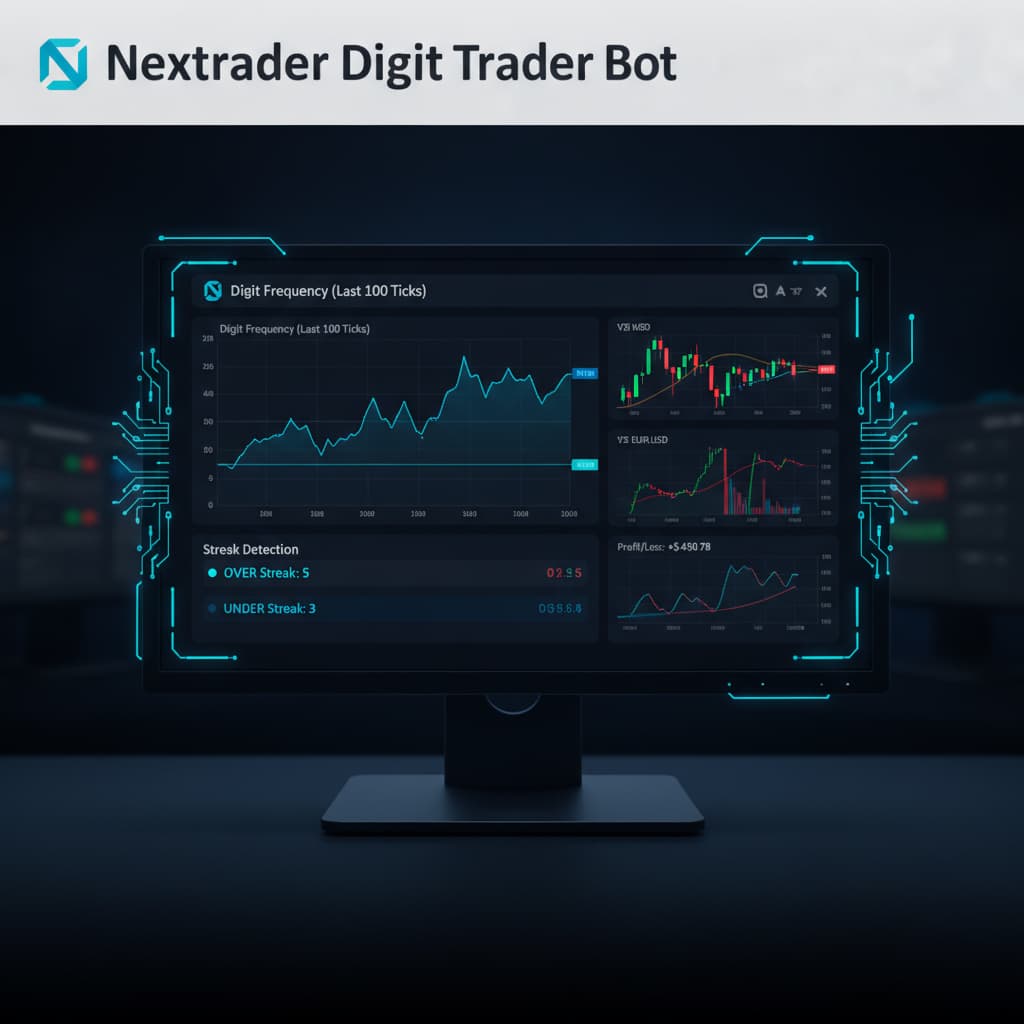
Once your market is selected, the Digit Trader Bot immediately starts tracking live data. Central to our strategy for Digit Over/Under contracts is the digit frequency chart. This invaluable feature tracks the occurrence of each digit (0-9) over a specified history, ranging from 50 to 500 ticks. You'll see a visual representation, often a bar chart, showing how many times each digit has appeared recently.
For "Digit Over/Under" contracts, your goal is to predict if the last digit will be above or below a certain number.
- Digit Over [X]: The last digit must be greater than X (e.g., Over 5 means 6, 7, 8, 9).
- Digit Under [X]: The last digit must be less than X (e.g., Under 5 means 0, 1, 2, 3, 4).
To use the frequency chart effectively:
- Identify Underrepresented Digits: Look for digits that have appeared significantly less frequently than others over the historical period. If digits 0, 1, 2, 3, 4 are historically underrepresented, this might suggest a higher probability for an "Under 5" outcome in the near future, as the market tends to balance itself out.
- Identify Overrepresented Digits: Conversely, if digits 6, 7, 8, 9 have been appearing very frequently, a "Digit Under 5" trade might be considered, anticipating a return to the mean.
- Analyze Recent Skew: Pay attention to the most recent 50-100 ticks. Has there been a strong bias towards higher or lower digits? A sudden surge in lower digits (0-4) might indicate a potential short-term "Under" trend, or a potential reversal if it's an extreme deviation.
The digit frequency chart provides a powerful visual aid for identifying statistical imbalances, forming the bedrock of your "Digit Over/Under" strategy.
Step 3: Leveraging Streak Detection for Timely Entries
Beyond frequency, Nextrader's Digit Trader Bot offers advanced streak detection, a critical component for timing your "Digit Over/Under" entries. The bot meticulously tracks winning and losing streaks for various digit predictions, including DIGITEVEN/ODD/OVER/UNDER/MATCH/DIFF. For our purpose, we'll focus on the streaks related to Over/Under conditions.
Streak detection provides insights into the short-term momentum or exhaustion of a particular digit outcome.
- Identify Prolonged Streaks: Look for situations where "Digit Over [X]" or "Digit Under [X]" has experienced an unusually long winning or losing streak. For instance, if "Digit Over 5" has won 7 times in a row, this could indicate two things:
* Trend Continuation: The market might be strongly biased towards higher digits, suggesting you could ride the existing streak for another "Digit Over 5" trade.
* Reversal Potential: Alternatively, a very long streak often precedes a reversal. If a streak is exceptionally long for a 50/50 probability, the likelihood of it continuing indefinitely decreases, making a counter-trade (e.g., "Digit Under 5") more appealing to catch the reversal.
- Spot Emerging Streaks: Conversely, if a new streak of "Digit Over 5" (e.g., 2-3 wins) is just beginning after a period of mixed results, this could be a signal to enter an "Over 5" trade, anticipating the streak to continue.
- Combine with Frequency: Use streak detection in conjunction with the frequency chart. If the frequency chart shows digits 0-4 are underrepresented, AND "Digit Under 5" has just started a winning streak, this confluence of data points strengthens your trade hypothesis.
Nextrader's 95%+ pattern recognition accuracy in the Digit Trader Bot means it's constantly analyzing these dynamics, providing you with real-time data to make informed decisions for your "binary bots" trading.
Step 4: Configuring Your Digit Over/Under Contract Parameters
With your insights from the digit frequency chart and streak detection, it's time to set up your contract within the Digit Trader Bot. This step involves defining the specifics of your "Digit Over/Under" trade.
- Select Contract Type: In the bot's interface, ensure "Digit Over" or "Digit Under" is selected as your contract type.
- Choose Target Digit: Based on your analysis from Step 2 and 3, select the digit threshold. For example, if you anticipate digits 0, 1, 2, 3, 4 to appear more frequently or to break a streak of higher digits, you might choose "Digit Under 5". If you expect 6, 7, 8, 9, then "Digit Over 5" would be your choice. The bot allows you to select any digit from 0 to 9 as your threshold.
- Set Stake: Determine your stake amount. Nextrader provides robust money management options like Fixed Stake, Martingale, and Mesa Milano (smart loss recovery) even within the Digit Trader Bot. While the bot automates digit prediction, you still control your risk. For initial trades or when testing a new strategy, start with a fixed, small stake.
- Define Duration: Digit contracts are typically very short-term. You'll usually select a duration of 1 tick (the fastest possible outcome). This is where the real-time nature of Nextrader's signals, firing on closed candles, becomes paramount, ensuring you act on confirmed data.
- Review Confidence Level: Nextrader signals often come with a confidence level (30-85%). While the Digit Trader Bot provides its own statistical backing, always be mindful of the overall market context.
Careful configuration here ensures your trade accurately reflects your analytical findings.
Step 5: Executing and Monitoring Your Digit Over/Under Trades
Once your contract parameters are set, it's time to execute your trade. In the Digit Trader Bot, you'll find a clear "Start" or "Trade" button. Clicking this will initiate the bot to place trades based on your chosen settings and the real-time analysis it performs.
- Initiate Trading: Click the "Start" button. The bot will then begin placing your "Digit Over/Under" contracts according to your stake and duration settings, continuously analyzing the last digit of each tick.
- Real-time Monitoring: Nextrader features a real-time color-coded trading console where you can track every trade placed by the Digit Trader Bot. You'll see immediate feedback on whether your "Digit Over/Under" prediction was successful or not. The console also provides live P&L tracking, giving you an instant overview of your performance.
- Adjust and Optimize: Based on the live P&L and the ongoing digit frequency and streak data, be prepared to adjust your strategy. If your chosen "Digit Over/Under" prediction isn't performing as expected, revisit the frequency chart and streak detection. Perhaps the market bias has shifted, or a long streak has finally reversed. You can pause the bot, adjust your target digit, contract type, or stake, and then restart. This iterative process of analysis, execution, and optimization is key to successful "deriv trading tools" utilization.
- Utilize Accumulator Strategy (Optional): For those looking to compound gains, consider integrating the Accumulator strategy mode (1x–5x growth rate) for your stake management, carefully balancing risk and reward with your Digit Over/Under predictions.
Pro Tips
- Combine with Broader Market Signals: While the Digit Trader Bot is highly specialized, consider using Nextrader's general signals (like those from Smart Signals or Trend Hunter) for broader market sentiment. If the overall market is showing strong upward momentum (e.g., from a Momentum Wave signal), it might subtly influence digit distribution, though this is less direct for digit contracts.
- Master Money Management: Leverage the Mesa Milano loss recovery strategy within the Auto Trader Bot (if you switch to Rise/Fall) or apply its principles to your Digit Trader Bot's fixed stake. Mesa Milano intelligently adjusts stakes after losses to recover previous drawdowns without excessive risk, a crucial element for any "deriv bots" user.
- Backtest with History: The Digit Trader Bot tracks 50-500 digit history. Before going live with real funds, spend time in a Deriv demo account using the bot. Observe how different target digits and Over/Under predictions would have performed based on past frequency and streak data. This helps build confidence and refine your approach.
- Set Daily Limits: Even with advanced "deriv trading tools," never underestimate the importance of disciplined trading. Set daily profit targets and loss limits for your Digit Over/Under trades. Nextrader’s multi-account support and live P&L tracking make it easy to monitor your progress across different strategies.
Start Trading Now
Ready to put these strategies into action? Head over to Nextrader App to access your free Nextrader account and unlock all features. If you haven't signed up yet, register at Sign Up Free — Nextrader. For real-time signals across 30 markets, join our Telegram channel at Telegram.
Trading involves risk. Past performance does not guarantee future results.


