Introduction
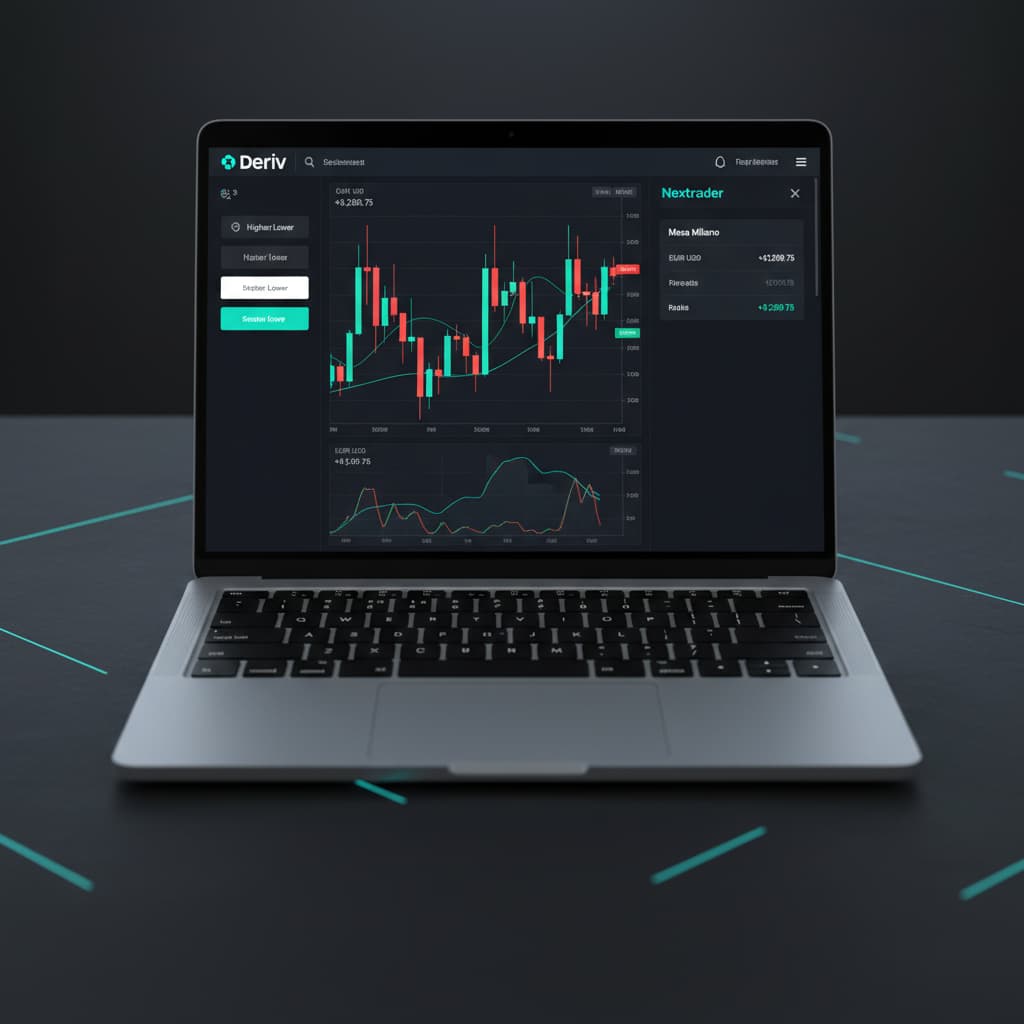
Welcome to this in-depth tutorial, brought to you by Nextrader (nextrader.live)! If you're looking to elevate your Deriv trading experience by leveraging the power of automation and sophisticated risk management, you've come to the right place. This guide is specifically designed for traders who want to set up and run automated Higher/Lower contracts on Deriv using Nextrader's cutting-edge Auto Trader Bot, enhanced with the intelligent Mesa Milano money management strategy.
By the end of this tutorial, you will have a clear, step-by-step understanding of how to configure your Nextrader platform to execute trades autonomously, ensuring you can capitalize on market movements even when you're away from your screen. You’ll learn how to connect your Deriv account, select optimal strategies, and implement a robust money management system designed for smart loss recovery, turning your trading strategy into a powerful, self-operating machine.
Nextrader offers a comprehensive suite of deriv trading tools, including powerful deriv bots and binary bots, all completely free with no subscriptions or paywalls. Our goal is to empower every trader with professional-grade automation capabilities.
What You Need Before Starting
- A Deriv Account: Both a real or demo account will work. For initial testing, a demo account is highly recommended.
- A Nextrader Account: Sign up for free at Sign Up Free — Nextrader. No credit card required, all features are unlocked from day one.
- Basic Understanding of Higher/Lower Contracts: Familiarity with how these contract types work on Deriv is beneficial.
- Basic Understanding of Risk Management: While Mesa Milano handles much of it, understanding the principles will help you configure it effectively.
Step 1: Connecting Your Deriv Account to Nextrader
The first crucial step to automating your trading is to securely link your Deriv account to the Nextrader platform. Nextrader uses the Deriv WebSocket API (App ID 67545) for seamless and secure integration, ensuring your trading actions are executed reliably.
Get Live AI Trading Signals
Real-time non-repaint signals from 11 AI strategies — Volatility Indices, Forex, Gold & Crypto. No subscription, no paywall.
- Auto Trader Bot
- Digit Trader Bot
- 11 AI Strategies
- Live Telegram Signals
- Log in to Nextrader: Go to Nextrader App and log in to your Nextrader account. If you don't have one, sign up – it's 100% free!
- Navigate to Account Settings: On the Nextrader dashboard, locate and click on the "Account" or "Settings" section, typically found in the top right corner or sidebar menu.
- Connect Deriv Account: Within the settings, you'll find an option labeled "Connect Deriv Account." Click on this.
- Enter Your Deriv API Token: You will be prompted to enter your Deriv API token. To obtain this:
* Log in to your Deriv account.
* Go to "Settings" -> "API Tokens."
* Create a new token, ensuring you grant it the necessary permissions, primarily "Read" and "Trade." Copy the generated token.
* Paste this token into the designated field on Nextrader and click "Connect."
Nextrader supports multi-account functionality, meaning you can connect multiple Deriv accounts (e.g., a demo and a real account, or different real accounts) and switch between them effortlessly. Once connected, your Deriv account balance and details will be visible on the Nextrader dashboard, confirming a successful link. This integration is key to making Nextrader one of the most powerful deriv trading tools available.
Step 2: Accessing the Auto Trader Bot and Selecting Higher/Lower Contracts
With your Deriv account linked, it's time to dive into the core of Nextrader's automation capabilities: the Auto Trader Bot. This bot allows you to automate various Deriv contracts, including the popular Higher/Lower options, across a range of markets.
- Locate Auto Trader Bot: From your Nextrader dashboard, find and click on the "Auto Trader Bot" option. This is where you'll configure your automated trading strategies.
- Select Your Market: Within the Auto Trader Bot interface, you'll see a selection of markets. Nextrader supports a wide array, including:
* Volatility Indices: V10, V25, V50, V75, V100, and the ultra-fast V100 1s Index. These are highly popular for their consistent volatility.
* Forex: Major currency pairs.
* Gold & Silver: Precious metals.
* Crypto: Select cryptocurrencies.
Choose the market you wish to trade on (e.g., "V100 1s Index").
- Choose Contract Type: Below the market selection, you'll find various contract types. For this tutorial, select "Higher/Lower."
- Define Duration: Specify the duration of your contracts. This can be in "ticks" (e.g., 5 ticks) or "minutes" (e.g., 1 minute). The duration will depend on your chosen strategy and market timeframe. Nextrader provides signals for 5min, 10min, 30min, and 1-hour timeframes, so align your contract duration accordingly for optimal performance.
By completing this step, you've laid the groundwork for your automated Higher/Lower strategy, telling the deriv bot which asset to trade and how long each trade should last.
Step 3: Configuring Your AI Trading Strategy and Initial Stake
Now comes the exciting part: selecting the intelligence that will drive your trades. Nextrader boasts 11 named AI strategies, each designed to identify specific market conditions and generate real-time, non-repaint trading signals. Remember, signals only fire on CLOSED candles, ensuring reliability.
- Select an AI Strategy: In the Auto Trader Bot settings, under the "Strategy" section, you'll find a dropdown list of Nextrader's powerful AI strategies. For Higher/Lower contracts, you might consider:
* Smart Signals: This is an excellent choice as it combines 4+ indicators, requiring a minimum of 3-4 indicators to agree before firing a signal, providing high-confidence entries.
* Trend Hunter (EMA crossover): Ideal for identifying strong directional moves.
* Reversal Radar (RSI): Perfect for spotting potential market reversals.
* Momentum Wave (MACD): Great for trending markets and momentum shifts.
* Volatility Pulse (Bollinger Bands): Useful for ranging markets or breakout detection.
* Swift Scalper (Stochastic RSI): Designed for fast, short-term trades.
Choose the strategy that best aligns with your trading style and the market conditions you expect.
- Set Initial Stake: Define the initial amount you wish to risk per trade. This is your base stake before any money management adjustments. Start with a small amount, especially when testing.
- Review Signal Parameters (Optional but Recommended): Nextrader provides crucial information with each signal, including:
* Confidence levels (30-85%): Higher confidence percentages indicate a stronger signal.
* Entry price, Stop Loss, Take Profit 1 & 2: While the bot automates entry, understanding these parameters helps in evaluating the signal quality.
Nextrader's advanced algorithms ensure that the signals are robust and actionable, making it one of the most reliable binary bots for Deriv.
Step 4: Implementing Mesa Milano Money Management
Mesa Milano is one of Nextrader's most sophisticated money management systems, offering a smart loss recovery approach that goes beyond simple Martingale. It's designed to help you recover losses strategically without exponentially increasing your risk.
- Navigate to Money Management: Within the Auto Trader Bot configuration, locate the "Money Management" section.
- Select Mesa Milano: From the available options (Fixed Stake, Martingale, Mesa Milano), choose "Mesa Milano."
- Configure Mesa Milano Parameters: This is where you fine-tune the recovery strategy. You'll need to set the following:
* Initial Stake: This should match the initial stake you set in Step 3. It's the base amount for your first trade.
* Loss Multiplier: This determines how much your stake will increase after a losing trade. For example, a multiplier of 2x means your next stake will be double the previous losing stake. Choose a value that balances recovery speed with acceptable risk.
Recovery Target (Consecutive Wins): This crucial setting defines how many consecutive winning trades* are needed to recover the accumulated losses from a streak. For instance, if you set it to '2', the bot will continue with increased stakes until it achieves two consecutive wins, aiming to recover losses and return to profit before resetting the stake to the initial amount.
* Max Loss Streak: Set a maximum number of consecutive losses after which the bot will stop trading or revert to the initial stake, preventing catastrophic losses. This is a vital safety net.
* Max Stake: Define the absolute maximum stake the bot can place on any single trade, regardless of the loss multiplier. This prevents stakes from spiraling out of control.
Mesa Milano is a powerful feature among Nextrader's deriv trading tools, offering a more controlled and intelligent way to manage drawdowns compared to traditional Martingale systems. Always test these settings thoroughly on a demo account before applying them to a real account.
Step 5: Reviewing Settings and Starting the Bot
You're almost ready to unleash your automated trading strategy! The final step involves a thorough review of all your configurations and then initiating the bot.
- Comprehensive Review: Before clicking "Start," take a moment to review every setting you've configured:
* Deriv Account: Ensure you're on the correct account (demo or real).
* Market & Contract Type: Confirm you've selected your desired market (e.g., V100 1s Index) and "Higher/Lower" contract.
* AI Strategy: Verify your chosen strategy (e.g., Smart Signals, Trend Hunter).
* Duration: Check the contract duration (ticks/minutes).
* Initial Stake: Confirm your starting stake.
* Mesa Milano Parameters: Double-check your Loss Multiplier, Recovery Target, Max Loss Streak, and Max Stake. These are critical for risk management.
- Check Trading Console: Nextrader provides a real-time, color-coded trading console. While the bot isn't running yet, familiarize yourself with where you'll see live P&L tracking, trade executions, and signal alerts.
- Start the Bot: Once you are confident in all your settings, click the "Start Bot" button.
The Nextrader Auto Trader Bot will now begin to monitor your chosen market, wait for signals from your selected AI strategy that meet the minimum 3-4 indicator agreement, and execute Higher/Lower contracts on your Deriv account according to your Mesa Milano money management rules. You'll see trades appear in the console, along with their outcomes and live P&L updates.
Pro Tips
- Always Start with Demo: Before deploying any new strategy or money management setting with real funds, always test it extensively on a Deriv demo account. This allows you to understand its behavior in different market conditions without financial risk.
- Monitor Signal Confidence: Nextrader provides a confidence level (30-85%) with each signal. While the bot will execute based on your strategy, keeping an eye on signals with higher confidence can give you insights into market strength and potentially inform manual adjustments or strategy tweaks.
- Combine Automation with Manual Insight: Even with powerful deriv bots, staying informed is key. Utilize Nextrader's free Telegram signals (Telegram), which cover 30 markets every 5 minutes (max 30 signals/day), to get a broader market perspective and validate your bot's performance.
- Explore Other Strategies: Nextrader offers 11 distinct AI strategies like Trend Hunter, Reversal Radar, Momentum Wave, Volatility Pulse, Swift Scalper, Trend Rider, Cloud Walker, Price Magnet, Breakout Beast, Smart Fusion, and Smart Signals. Don't hesitate to experiment with different strategies for varying market conditions or contract types (e.g., Digit Trader Bot for last-digit prediction).
Start Trading Now
Ready to experience the power of automated trading? Sign up for your free Nextrader account today at Sign Up Free — Nextrader and configure your first Auto Trader Bot. You can access the platform directly at Nextrader App. For real-time market insights and signals, join our Telegram channel at Telegram.
Trading involves risk. Past performance does not guarantee future results.